 by
by Password Managers for Teams: How to Compare Security, Sharing and Administration
Shared passwords are a normal part of business, but the way teams manage them often creates unnecessary risk. Credentials end up in spreadsheets, chat messages, browser notes or old onboarding documents. When an employee leaves, nobody knows which passwords they had. When a vendor account is shared by five people, changing the password becomes a coordination problem.
A team password manager is designed to replace that informal system with controlled vaults, unique credentials, role-based sharing and a clearer way to remove access. The right product is not simply the one with the most browser extensions or the longest feature list. It should help a team create stronger credentials, share them without exposing the raw password unnecessarily, protect the vault itself and recover safely when something goes wrong.
This guide explains how to compare password managers for teams with a security-first but practical approach.
Why a Team Password Manager Is Different From a Personal Vault
A personal password manager mainly solves one person’s problem: create and store unique credentials without memorizing them all. A business password manager must solve additional problems around ownership, access, onboarding and offboarding.
Business requirements usually include
- Shared vaults for team-owned accounts.
- Role-based access.
- Central user administration.
- Audit or activity visibility.
- Fast removal of former employees.
- Policies for MFA or passkeys.
- Emergency access and recovery.
- Separation between personal and company credentials.
- Directory or identity-provider integration for larger teams.
The security goal is not to make every password secret from every employee. It is to give each person access only to the credentials they actually need and to make that access easy to remove later.
Start With the Vault Security Model
Every password manager stores highly sensitive information. That makes the vault architecture and account-protection model more important than cosmetic features.
NIST’s Digital Identity Guidelines discuss password-manager use and note that password managers can improve security by generating and storing unique, long passwords. NIST also emphasizes protecting the vault’s master secret and using multi-factor authentication where available. See the current NIST SP 800-63-4 Digital Identity Guidelines and the related NIST digital identity FAQ.
Questions for the vendor
- How is vault data encrypted?
- What information can the service provider access?
- What protects account recovery?
- Does the platform support MFA and passkeys?
- How are encryption keys handled?
- Can administrators force strong organization policies?
- What security documentation and independent assessments are available?
A marketing phrase such as “military-grade encryption” is not enough. Look for a clearly documented security model that explains how the service actually protects vault contents.
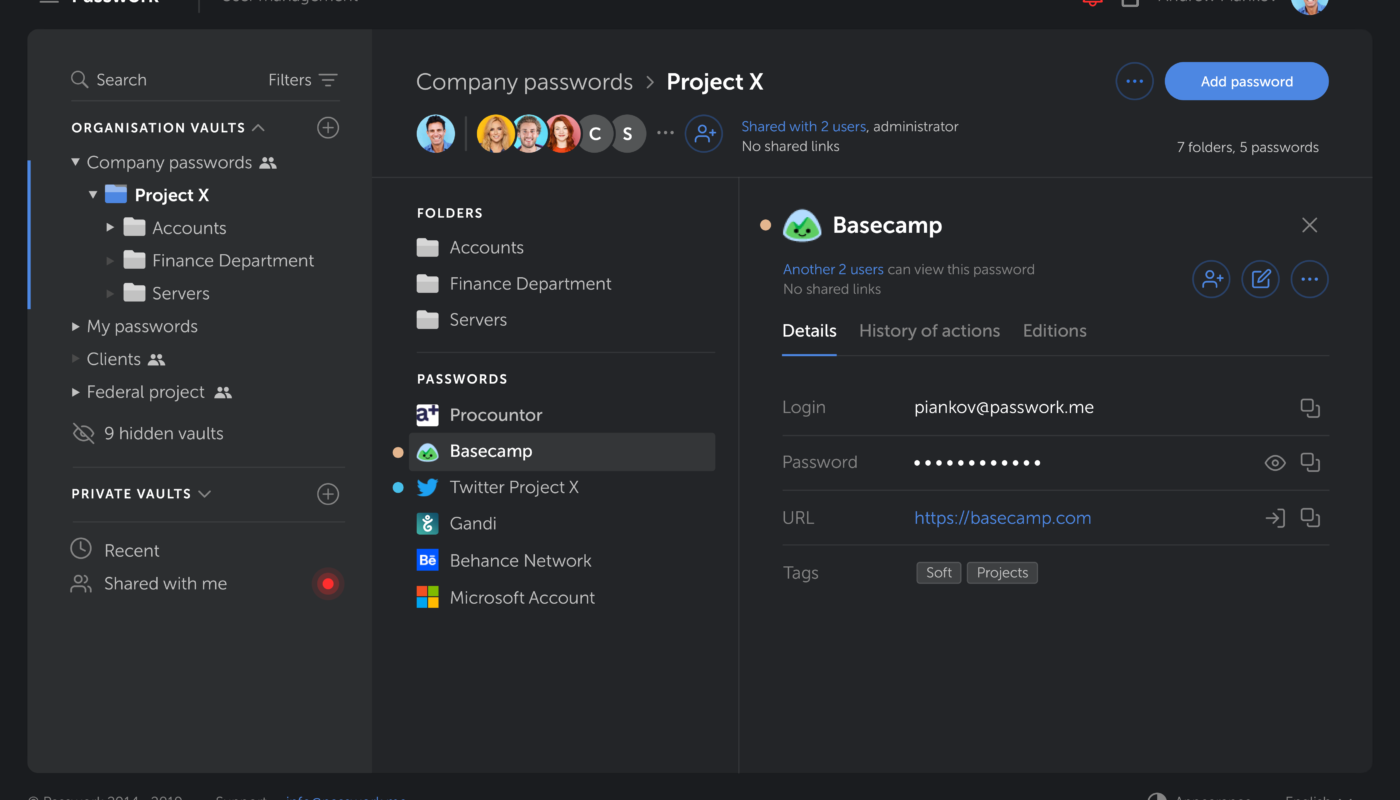
Shared Vaults Should Reflect Real Job Roles
A team password manager becomes much more useful when shared vaults are designed around work rather than convenience.
A practical structure
- Finance: accounting portals, banking-related vendor systems and billing tools.
- Marketing: advertising platforms, analytics and social accounts.
- Engineering: infrastructure dashboards, development services and shared test accounts.
- Operations: vendors, logistics and administrative services.
- Leadership: high-sensitivity organization accounts.
Do not create one giant “Company Passwords” vault for everyone. That design makes onboarding easy but increases exposure. If a marketing employee does not need hosting control-panel access, there is no reason to provide it.
For broader account protection, see our guide on multi-factor authentication.
Onboarding and Offboarding Are the Real Test
A password manager should make employee lifecycle changes faster and safer.
During onboarding
- Create the user through the approved business process.
- Assign only the required vaults or groups.
- Require MFA or approved authentication controls.
- Confirm browser and mobile apps are installed from trusted sources.
- Train the employee not to move business credentials into personal notes or browsers.
During offboarding
- Disable the user account immediately when required.
- Remove active sessions.
- Review high-value credentials the person could access.
- Rotate especially sensitive shared credentials when appropriate.
- Check service accounts or API tokens that may not be inside the vault.
- Document completion.
The ability to remove one user centrally is one of the strongest reasons to use a business password manager instead of sharing credentials manually.
Recovery Design Matters Before Anyone Gets Locked Out
A secure vault should not have an easy recovery mechanism that undermines the main security model. At the same time, a company cannot accept a situation where one forgotten secret permanently blocks critical business credentials.
Evaluate recovery options carefully
- Admin-assisted recovery.
- Emergency access with defined approval.
- Recovery codes stored separately.
- Multiple trusted administrators.
- Documented process for lost devices.
- Secure handling of organization-level recovery material.
Test the recovery process during rollout. A written policy that has never been tested may fail when the organization actually needs it.
Passkeys and MFA Should Complement the Vault
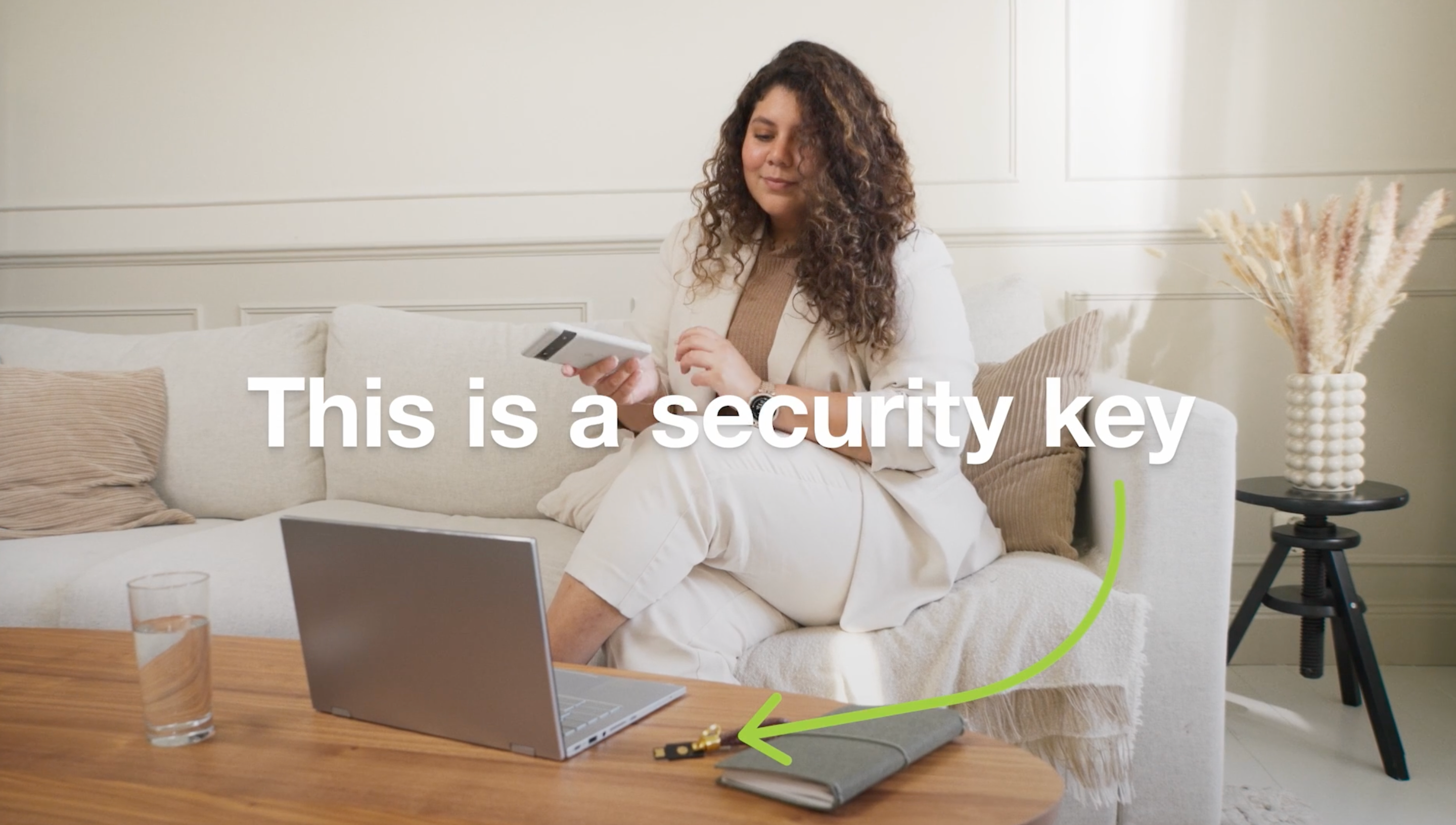
Password managers increasingly support more than passwords. Passkeys can provide phishing-resistant authentication for compatible services, while MFA adds another layer to accounts that still rely on passwords.
The password manager itself should be protected strongly because compromise of the vault account can expose many downstream accounts. Consider a hardware-backed factor or passkey where supported and appropriate for your organization.
Do not assume that storing MFA secrets inside the same vault is always wrong or always right. It is a trade-off between convenience and separation. High-risk accounts may justify a separate hardware authenticator, while lower-risk accounts may benefit from simpler centralized management. Define the policy based on risk rather than ideology.
Browser Autofill Is Convenient but Needs Policy
Autofill reduces typing and helps users avoid reusing easy passwords. It can also reduce some phishing risk because a password manager may refuse to fill credentials on a different domain. However, users still need to inspect suspicious URLs and login prompts.
Good autofill habits
- Verify the domain before entering high-value credentials.
- Do not bypass browser security warnings.
- Use the official password-manager extension.
- Remove old or duplicate browser extensions.
- Keep the browser updated.
- Use separate work and personal browser profiles where useful.
Our endpoint security guide explains why browsers and managed devices remain part of credential security.
Admin Visibility Should Support Security Without Creating Noise
Business plans may provide reports about weak passwords, reused credentials, user activity or policy compliance. These can be valuable, but more alerts do not automatically create better security.
| Signal | Useful action | Potential problem |
|---|---|---|
| Reused passwords | Replace with unique generated credentials | Old duplicates may be inactive |
| Weak passwords | Prioritize high-value active accounts | Scoring can vary by vendor |
| Former user access | Remove immediately | Requires accurate HR/admin workflow |
| Missing MFA | Enable where supported | Some legacy services may not support it |
| Shared high-risk credential | Review whether sharing is necessary | Service may require one shared account |
Create a monthly credential-health routine instead of letting reports accumulate without ownership.
Compare Password Managers With a Weighted Scorecard
| Criterion | Suggested weight | What to evaluate |
|---|---|---|
| Security architecture | 25% | Encryption, key design, security documentation |
| Administration | 20% | Groups, policies, provisioning, offboarding |
| Authentication | 15% | MFA, passkeys, recovery controls |
| Usability | 15% | Browser, mobile, autofill, sharing |
| Audit/reporting | 10% | Useful organization visibility |
| Integrations | 5% | Identity provider and admin workflow fit |
| Cost | 10% | Total seat and premium-feature cost |
Adjust the weights to your organization. A five-person agency may value ease of use more, while a regulated enterprise may put more weight on policy enforcement and audit evidence.
A 30-Day Team Password Manager Rollout
Week 1: Inventory accounts
Identify shared business credentials, owners and risk level. Do not migrate blindly; remove obsolete accounts first.
Week 2: Build vault structure
Create groups based on job roles and move a small set of credentials into the system.
Week 3: Pilot with a small team
Test browser extensions, mobile access, recovery and offboarding. Collect user friction points.
Week 4: Expand and document
Migrate remaining approved credentials, train users and publish a short policy for password generation, sharing and emergency access.
Password Manager Buyer Checklist
- Clear security architecture.
- Strong vault authentication.
- Shared vaults and groups.
- Easy user offboarding.
- Recovery process tested.
- Passkey and MFA support.
- Useful admin reporting.
- Browser and mobile compatibility.
- Export process for business continuity.
- Predictable pricing at expected team size.
Frequently Asked Questions
Is a password manager a single point of failure?
It concentrates valuable credentials, so the vault must be protected strongly. At the same time, unique passwords, centralized offboarding and strong vault encryption can reduce risks created by informal password sharing.
Should a company force everyone to use one password manager?
For business credentials, standardization usually improves administration and support. Personal accounts can remain separate unless company policy says otherwise.
Do password managers replace MFA?
No. They solve credential generation and storage. MFA or passkeys provide additional authentication protection and should be used where appropriate.
Should shared passwords be avoided completely?
Named individual accounts are preferable when a service supports them. Some vendor systems still require shared credentials, in which case a controlled vault is safer than sharing through email or chat.
Conclusion
A team password manager is most valuable when it improves the full credential lifecycle: creation, secure sharing, daily use, recovery and removal. The product should make unique passwords easy, reduce unnecessary exposure and help administrators understand who can access important accounts.
Compare security architecture first, then test onboarding, offboarding and recovery with real users. Build vaults around job roles, protect the password manager itself with strong authentication and keep high-risk account policies simple enough that people will actually follow them. A well-deployed team password manager is not just a convenience tool; it is an operational control for one of the most common weaknesses in business security.