 by
by Marketing automation should make a customer journey easier to manage, not create a maze of disconnected campaigns and hidden rules. As a business grows, the important question is no longer whether a platform can send an email after someone fills out a form. It is whether the system can manage larger audiences, more complex segmentation, multiple channels, reliable data synchronization, reporting, permissions, and safe automation without becoming impossible to maintain.
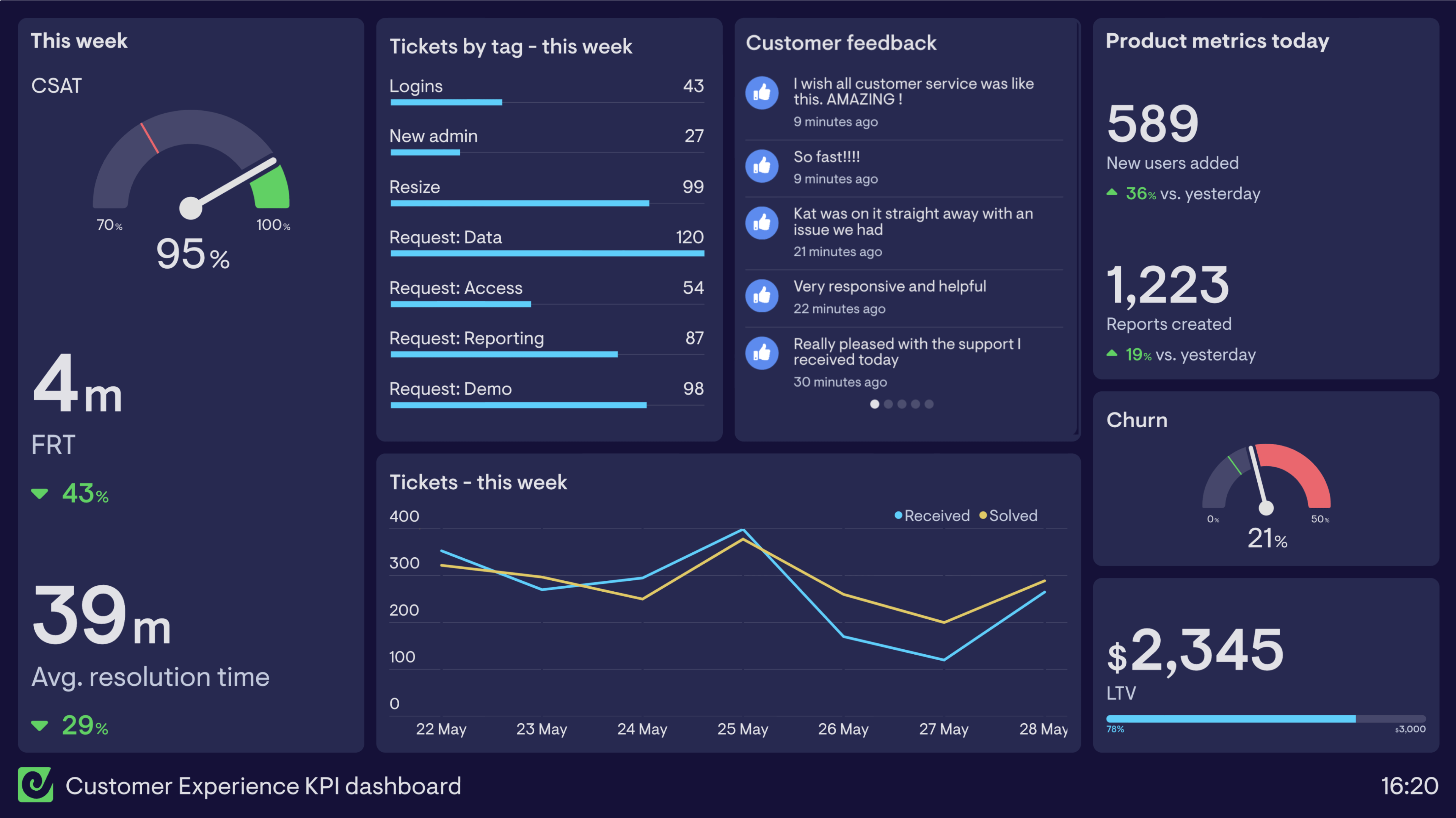
Platforms such as HubSpot, ActiveCampaign, Brevo, and other marketing suites offer different combinations of CRM, email, lead management, journeys, analytics, and automation. Instead of ranking them by the number of features, this guide evaluates the capabilities that determine whether a marketing automation platform can scale with a real business.
1. Start With the Customer Data Model
Automation quality depends on the data used to trigger it. Before comparing visual workflow builders, understand how each platform stores people, companies, deals, subscriptions, activities, products, and custom fields.
Questions to ask
- Can one person have several lifecycle or product relationships?
- Can fields be standardized and validated?
- How are duplicates handled?
- Can data be synchronized with the CRM without creating loops?
- Are historical activities available for segmentation?
- Can sensitive fields be restricted by role?
A flexible automation builder cannot compensate for inconsistent customer data.
2. Evaluate Segmentation Before Workflow Complexity
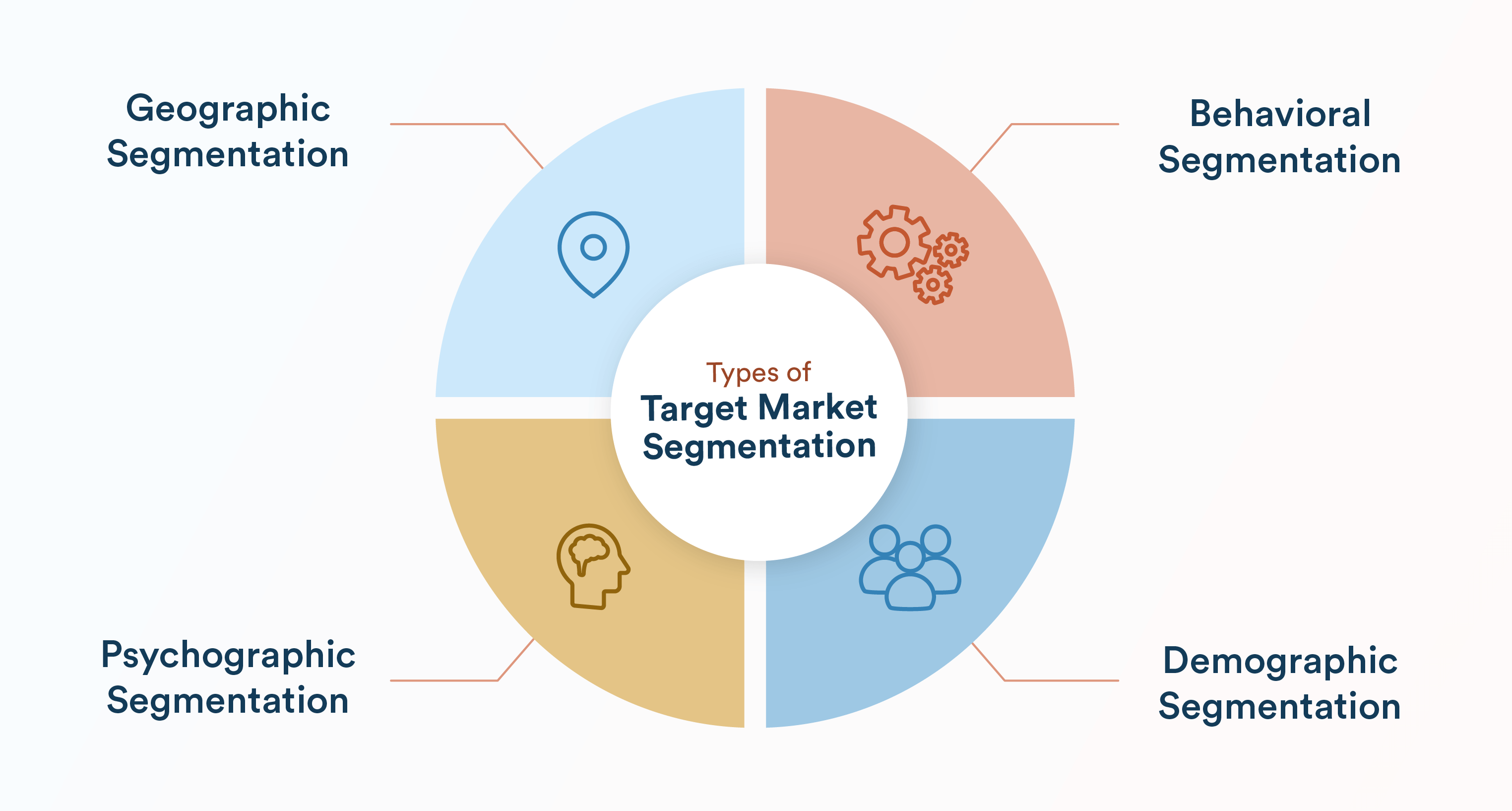
Growing teams need to identify audiences based on useful combinations of attributes and behavior. A good platform should let marketers build segments without requiring constant engineering support, while still keeping logic understandable.
Useful segmentation examples
- New leads who requested a specific resource.
- Customers who bought product A but not product B.
- Accounts in a region with an open sales opportunity.
- Subscribers who have been inactive for a defined period.
- Users who reached a meaningful product-usage threshold.
Test whether segments update dynamically and whether marketers can explain why a contact is included.
3. Workflow Design Should Be Visible and Auditable
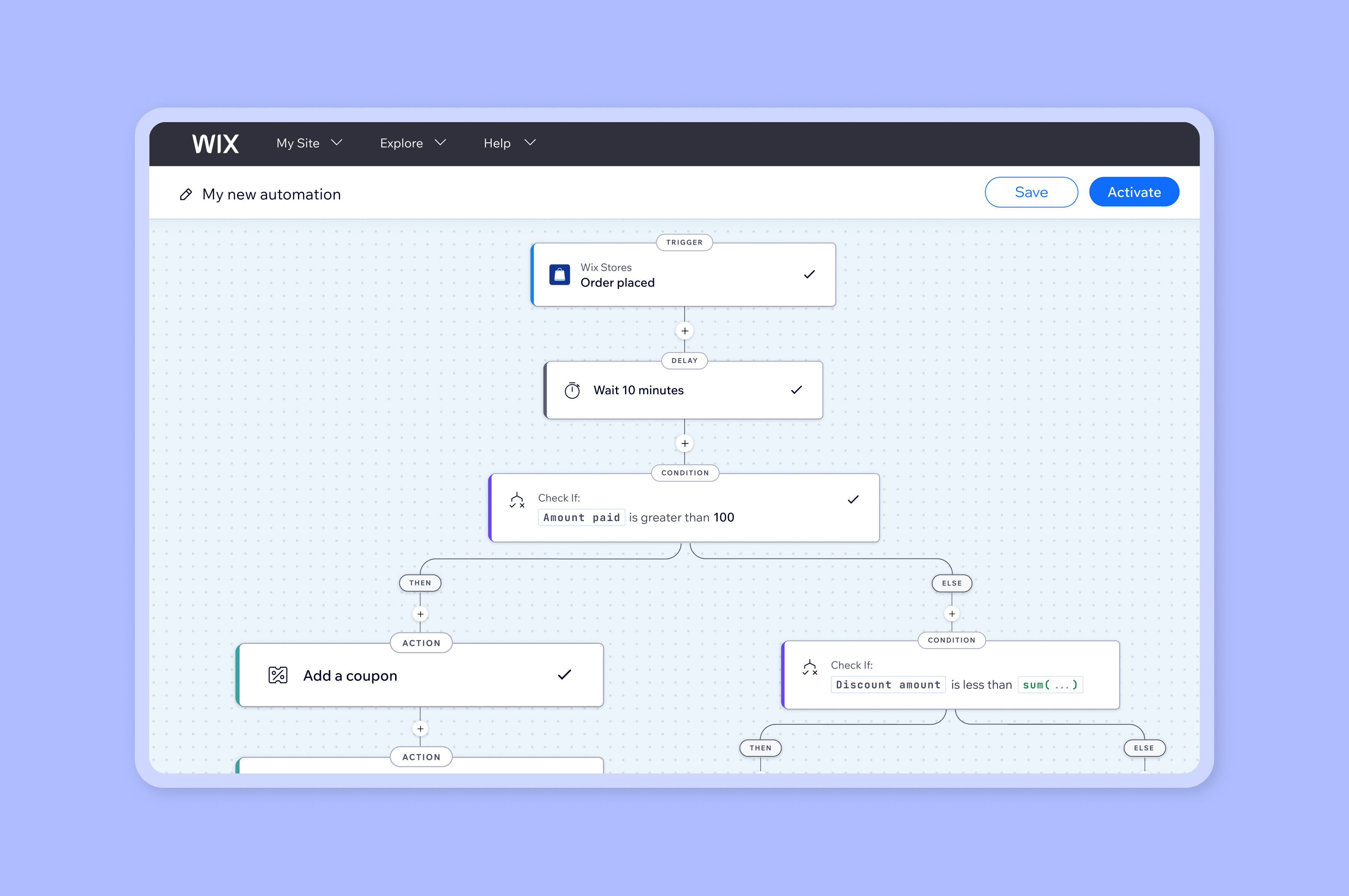
Marketing automations can grow from five steps to fifty. Visual builders are useful because teams can inspect branches, waits, triggers, conditions, and actions. But visibility also needs operational controls.
| Capability | Why it matters |
|---|---|
| Version/change history | Helps diagnose why behavior changed |
| Test mode | Reduces accidental sends or record updates |
| Enrollment history | Explains why a person entered a workflow |
| Error reporting | Surfaces failed integrations or actions |
| Exit/re-entry rules | Prevents repetitive or conflicting journeys |
| Human approval | Protects sensitive or high-impact campaigns |
If a team cannot answer “Why did this customer receive this message?” the automation is too opaque.
4. CRM Integration Must Have Clear Ownership
Marketing automation and CRM usually share contacts, companies, lifecycle stages, lead scores, campaign activity, and sales outcomes. Decide which system owns each field.
Define rules for
- Lead source.
- Contact owner.
- Lifecycle stage.
- Consent and subscription status.
- Company/account relationships.
- Deal or opportunity data.
For CRM selection and architecture, see our CRM software comparison for growing businesses.
5. Deliverability Is an Operational Responsibility
Marketing automation is not only about writing better messages. Sender reputation, authentication, list quality, complaint rates, consent, unsubscribe handling, and sending behavior affect whether email reaches recipients.
Use the platform’s current guidance for domain authentication and deliverability, and follow the legal requirements that apply to your audience and business. For U.S. commercial email, the Federal Trade Commission’s CAN-SPAM compliance guide is an authoritative starting point.
Healthy practices
- Authenticate sending domains.
- Do not buy low-quality email lists.
- Honor unsubscribes promptly.
- Remove invalid addresses and manage bounces.
- Monitor complaint and engagement trends.
- Separate transactional and marketing use appropriately.
6. Reporting Should Connect Marketing to Outcomes
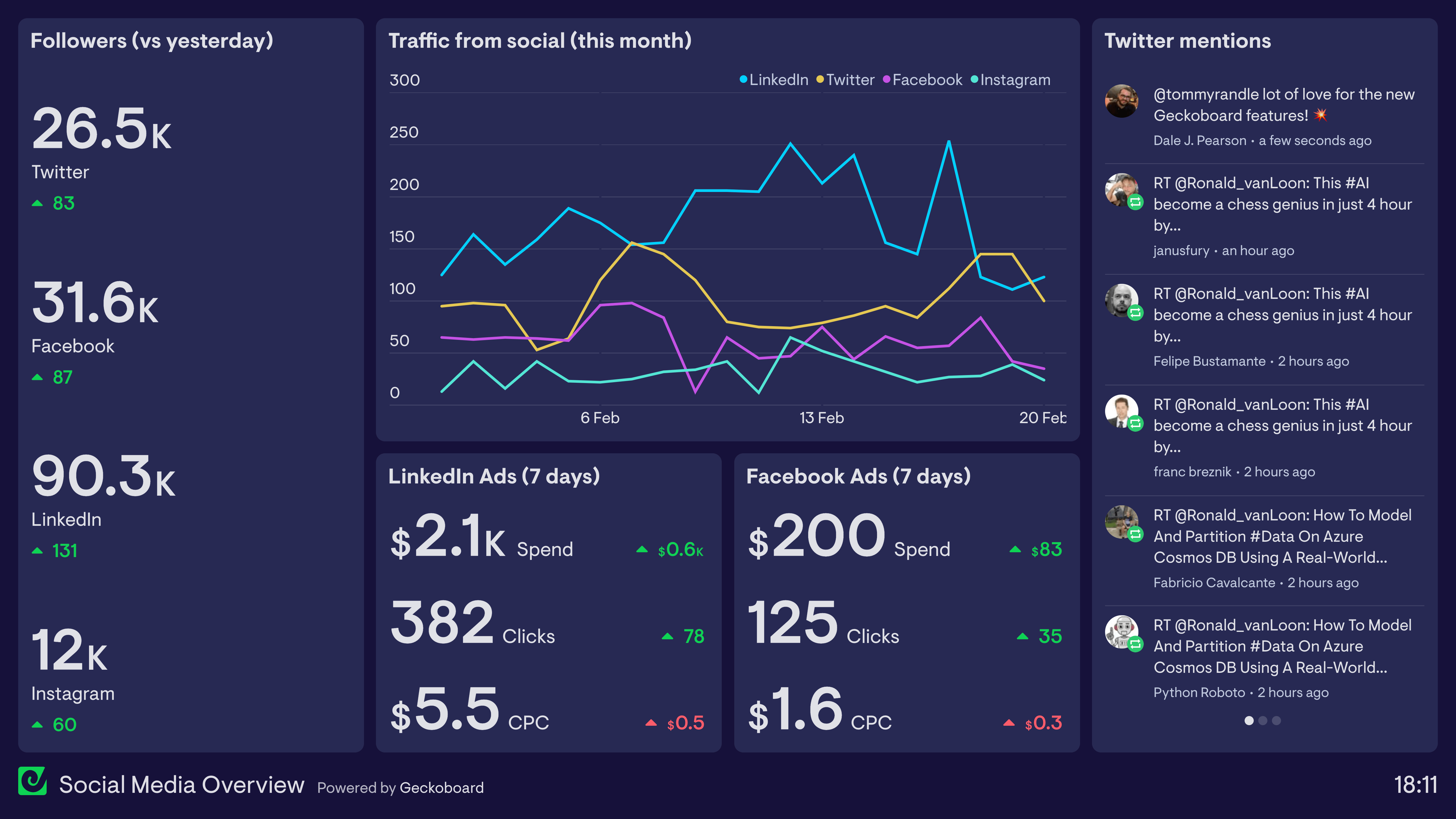
Open and click metrics can be useful operational signals, but management ultimately needs to understand qualified leads, pipeline, revenue, retention, acquisition cost, and customer value.
Evaluate whether the platform can answer
- Which campaigns create qualified opportunities?
- Which channels contribute to conversion?
- Where do prospects leave the journey?
- Which segments convert or retain better?
- How much revenue is associated with a campaign?
- Can attribution definitions be explained?
Do not accept an impressive dashboard if nobody understands how its numbers are calculated.
7. AI Features Need Guardrails
Current marketing platforms increasingly add AI for drafting, segmentation, analytics, lead scoring, recommendations, and workflow assistance. These features can reduce manual work, but generated copy and automated decisions still need brand, factual, privacy, and compliance review.
AI should not be allowed to invent product claims, change consent status, or send high-impact communications without appropriate controls. Use approved source material and define which actions require human review.
8. Scalability Includes People and Governance
A platform is not truly scalable if every campaign requires one expert administrator who understands dozens of undocumented workflows.
Operational features that matter
- Role-based permissions.
- Naming conventions and folders.
- Reusable templates.
- Approval workflows.
- Sandbox/test options where available.
- Audit logs.
- API limits and integration monitoring.
- Clear ownership for automation maintenance.
How to Compare Marketing Automation Platforms
- Map three real customer journeys.
- Import a safe sample of realistic data.
- Build one segment with several conditions.
- Create a multi-step workflow with a branch and exit rule.
- Connect the CRM or a test integration.
- Generate the management report you actually need.
- Test permissions with marketer, manager, and admin roles.
- Estimate cost at your expected contact and user volume.
- Review migration and data-export options.
Marketing Automation Checklist
- Flexible customer data model.
- Dynamic segmentation.
- Readable workflow builder.
- Test and error visibility.
- Reliable CRM integration.
- Email authentication and subscription controls.
- Business-outcome reporting.
- Role-based permissions.
- API/integration ecosystem.
- AI guardrails.
- Transparent scaling costs.
- Data export and migration path.
When campaigns need to coordinate several business applications, read our guide to AI automation tools and integration platforms.
Frequently Asked Questions
Which marketing automation platform is best for a growing business?
There is no universal winner. The right choice depends on CRM architecture, audience size, channels, workflow complexity, reporting needs, team skills, and total cost.
Should marketing and sales use the same platform?
Not necessarily, but shared customer data must have clear ownership and reliable synchronization. An integrated suite can simplify this, while specialized tools may offer more depth.
Does AI make marketing automation autonomous?
AI can assist with language and decisions, but important campaigns still need accurate source data, brand review, consent controls, and human accountability.
Conclusion
A scalable marketing automation platform is defined by reliable data, understandable workflows, clean CRM integration, deliverability controls, useful reporting, and governance. Feature count alone does not predict long-term value.
Test platforms using your real customer journeys and expected data volume. Choose the system that your team can operate, explain, and improve over time without turning automation into hidden complexity.