 by
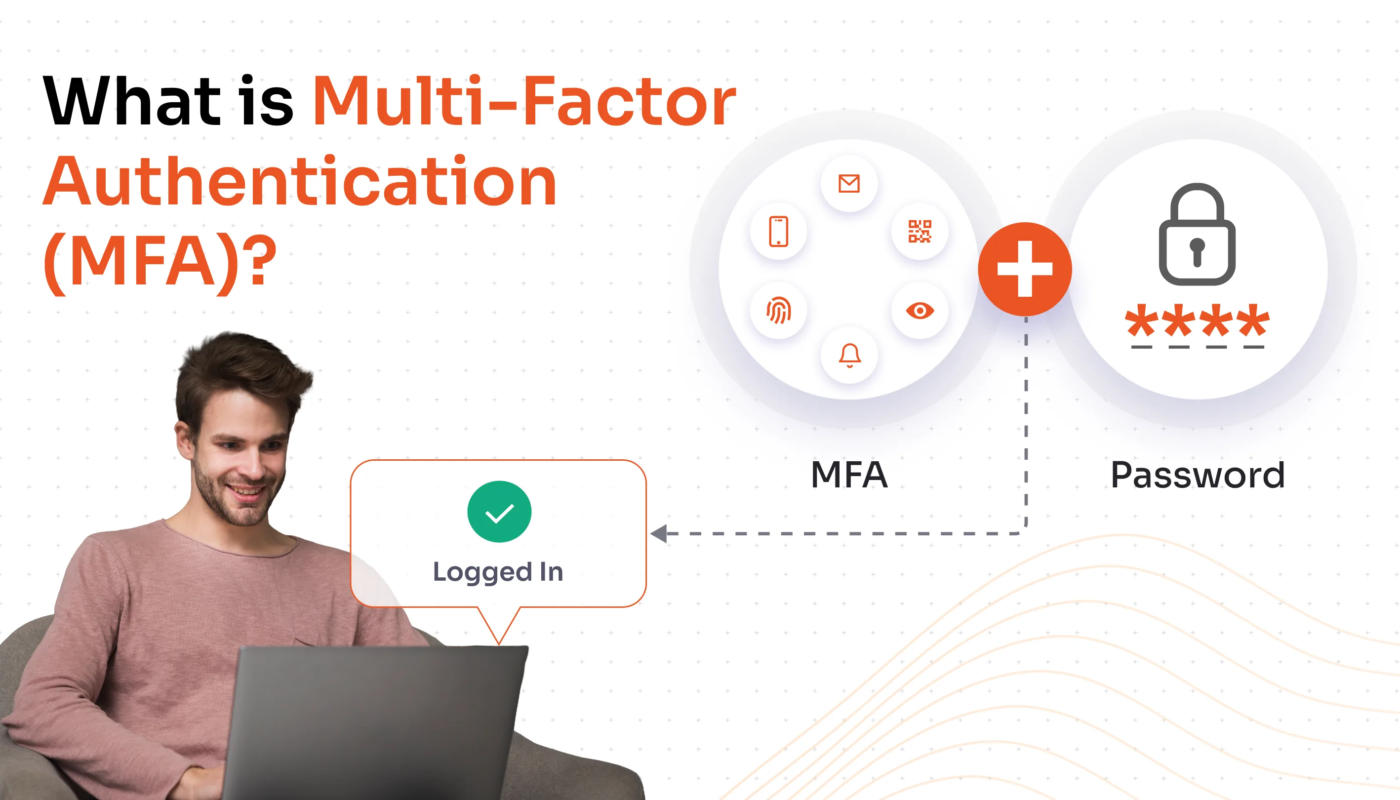
by A password is only one piece of evidence that someone should be allowed into an account. If that password is reused, phished, guessed, leaked, or stolen by malware, an attacker may be able to sign in without any additional barrier. Multi-factor authentication (MFA) reduces that risk by requiring another form of verification.
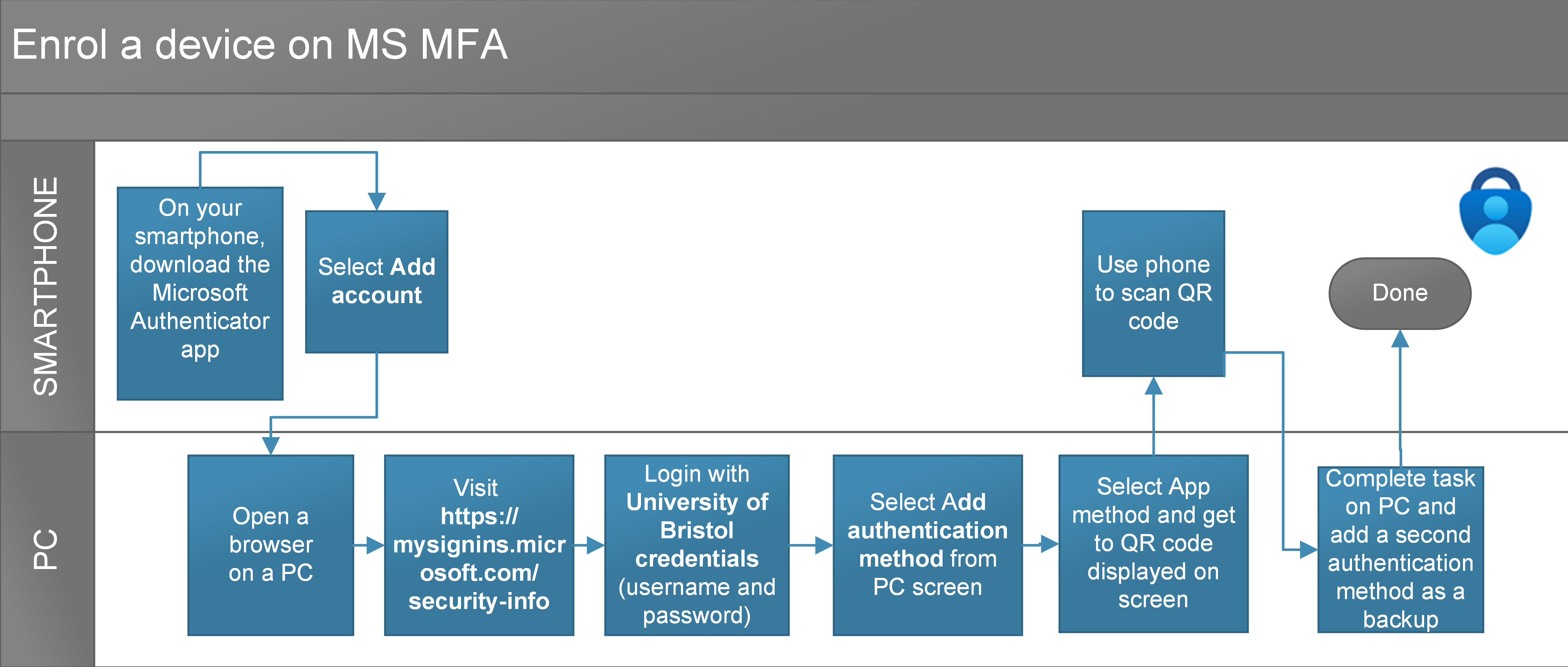
MFA is not perfect, and not every method provides the same level of protection. But for email, financial, cloud, administrator, and other high-value accounts, it is one of the most practical security improvements available. CISA encourages organizations to move beyond passwords and, where possible, adopt phishing-resistant MFA.
What Multi-Factor Authentication Actually Means
Authentication factors are usually grouped into categories such as something you know, something you have, and something you are. A password is something you know. A hardware security key or registered phone can be something you have. A fingerprint or face scan can be something you are.
True MFA combines different factors. Two passwords are not two factors, and answering several knowledge questions does not create the same protection as combining a password with a device-bound credential.
Common MFA Methods Compared
| Method | Typical strength | Main consideration |
|---|---|---|
| SMS code | Better than password alone | Can be exposed to SIM-swap and social-engineering attacks |
| Email code | Depends heavily on email security | If email is compromised, the second factor may be compromised too |
| Authenticator app code | Stronger general option | Users can still be tricked into entering codes on phishing sites |
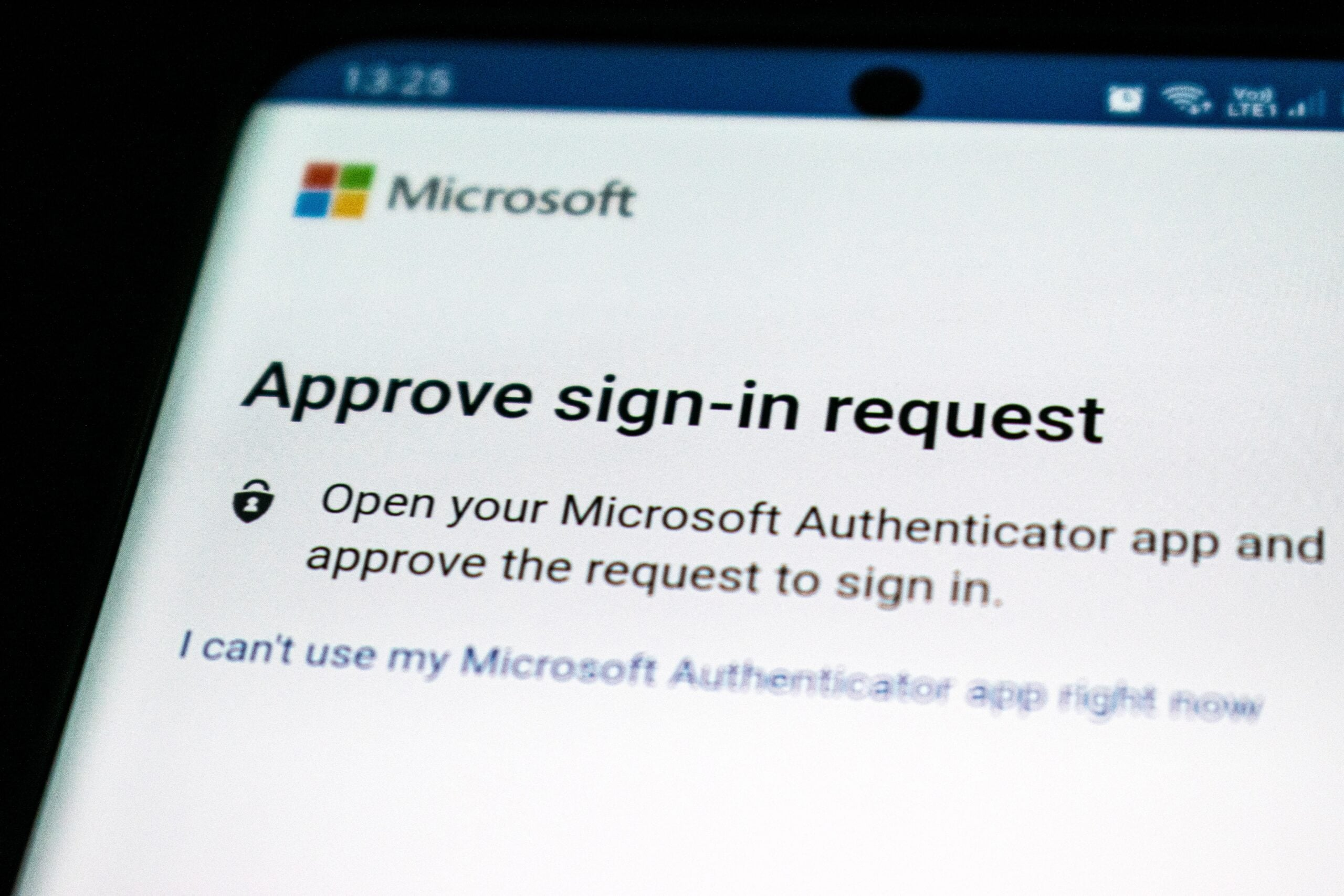
| Push notification | Convenient | Users may approve fraudulent prompts if details are unclear |
| Passkey/security key | Strong phishing resistance when properly implemented | Requires compatible services and recovery planning |
The best available method depends on the service and your environment. If phishing-resistant options such as passkeys or FIDO-based security keys are supported, they can provide stronger protection because authentication is bound to the legitimate service rather than relying on a code the user can accidentally hand to an attacker.
Why MFA Stops Many Common Account-Takeover Attempts
Stolen password
An attacker who buys or discovers a password still needs the additional factor. This breaks a large class of credential-stuffing attacks that depend on reused passwords.
Phishing
Traditional code-based MFA raises the difficulty of phishing, although sophisticated real-time phishing can still capture and relay codes. Phishing-resistant authentication improves this further by preventing credentials from being used on the wrong website.
Password spraying
Attackers sometimes try a small number of common passwords across many accounts. MFA means a correct password alone does not complete the login.
For broader email and social-engineering controls, see our modern phishing defense guide.
MFA Can Still Fail: Common Weaknesses
Organizations should avoid treating MFA as a checkbox that makes every account safe.
MFA fatigue
If attackers repeatedly trigger approval notifications, a user may eventually approve one to make the prompts stop. Number matching, clear login context, rate limits, and user education can reduce this risk.
Weak account recovery
A strong login method can be undermined by a recovery process that allows an attacker to reset access using easily obtained information. Recovery options should receive the same security attention as normal login.
Session theft
Once a legitimate session has been created, malware or certain phishing techniques may attempt to steal the session token. MFA remains valuable, but secure devices, browser updates, endpoint protection, and session monitoring are still necessary.
Unprotected legacy access
If an application supports older authentication paths that bypass MFA, attackers may target those paths instead. Organizations should review and disable unnecessary legacy protocols.
How Individuals Should Set Up MFA
- Start with your primary email. Email is commonly used to reset access to other accounts.
- Protect financial and payment services. Enable the strongest method the provider supports.
- Secure password managers and cloud storage. These services can contain access to many other accounts or sensitive documents.
- Save recovery codes securely. Do not leave the only recovery method on the device you could lose.
- Review registered devices periodically. Remove old phones, keys, sessions, and recovery methods you no longer use.
If you receive an MFA prompt you did not initiate, deny it and review the account through the official service rather than clicking a message link.
How Businesses Should Roll Out MFA
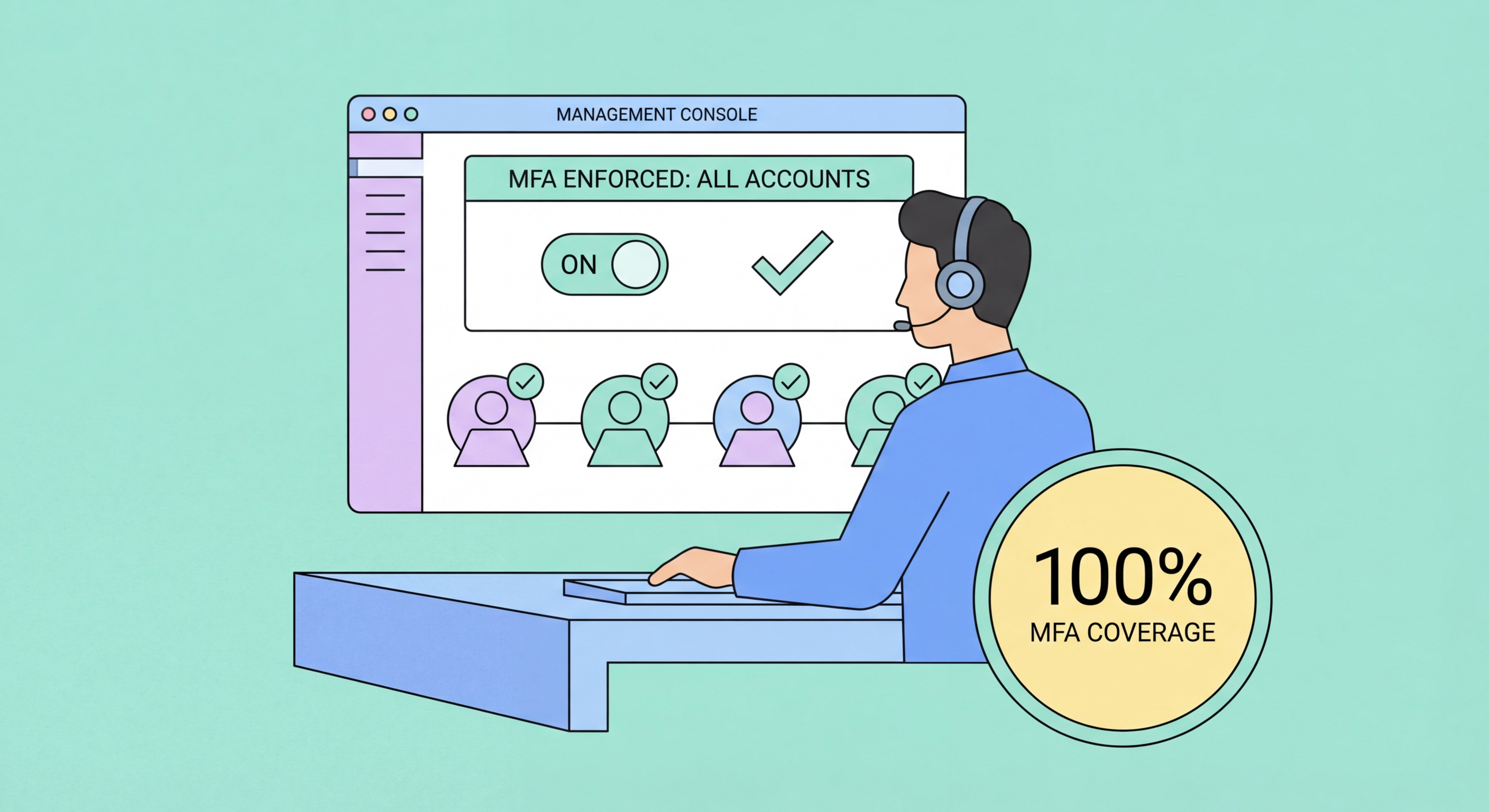
A business rollout needs more than turning on a setting. Teams should identify critical accounts, choose supported methods, prepare recovery procedures, communicate with users, and monitor adoption.
Prioritize high-risk accounts
- Email and identity-provider administrators
- Cloud and hosting administrators
- Financial and payroll accounts
- Domain registrars and DNS platforms
- Remote-access systems
- Source-code and deployment platforms
- Customer-data and CRM systems
Plan for lost devices
Define how identity will be verified before resetting MFA. Help-desk staff should not bypass security simply because a caller sounds urgent. Recovery workflows are a common target for social engineering.
Measure coverage
Track which accounts are enrolled, which methods are being used, and which applications still lack MFA. This turns authentication into a managed control rather than a one-time campaign.
The NIST Cybersecurity Framework can help organizations place authentication inside a broader program of identity, risk, monitoring, and recovery.
MFA Deployment Checklist
- Enable MFA on primary email first.
- Use unique passwords even when MFA is enabled.
- Prefer phishing-resistant authentication where supported.
- Protect recovery methods and backup codes.
- Remove old registered devices and inactive accounts.
- Require MFA for administrator and remote-access accounts.
- Disable unnecessary legacy authentication paths.
- Train users never to share authentication codes.
- Investigate unexpected MFA prompts.
- Document secure recovery and reset procedures.
These controls complement the broader steps in our small-business cybersecurity checklist.
Frequently Asked Questions
Is SMS MFA better than no MFA?
In many situations, yes. It creates another barrier beyond the password, although stronger methods such as authenticator apps, passkeys, or security keys may be preferable when supported.
Can phishing bypass MFA?
Some phishing techniques can capture one-time codes or trick users into approving prompts. Phishing-resistant methods are specifically designed to reduce that risk, which is why method choice matters.
Do passkeys replace passwords?
Many services use passkeys as a passwordless or password-replacing authentication method. Implementation varies by platform, and users still need secure device and account-recovery practices.
Should every employee have administrator privileges if MFA is enabled?
No. MFA and least privilege solve different problems. Users should have only the access needed for their role, even when strong authentication is in place.
Conclusion
Multi-factor authentication is valuable because it makes a stolen password less useful. The strongest implementations go further by choosing phishing-resistant methods, protecting recovery processes, limiting administrative access, monitoring unexpected prompts, and maintaining secure devices.
For individuals, start with email, financial accounts, password managers, and cloud services. For businesses, prioritize administrator and remote-access accounts, then expand coverage systematically. MFA is not a complete security strategy, but it is an important layer that meaningfully raises the cost of account takeover.