AI Coding Software Showdown: Comparing Cursor, GitHub Copilot and Windsurf in 2026

AI coding assistants have changed how software gets built. In 2026, they are no longer limited to auto-completing a few lines of code. They can understand an entire project, refactor multiple files, generate tests, explain unfamiliar code, and even execute complex development tasks with minimal supervision.

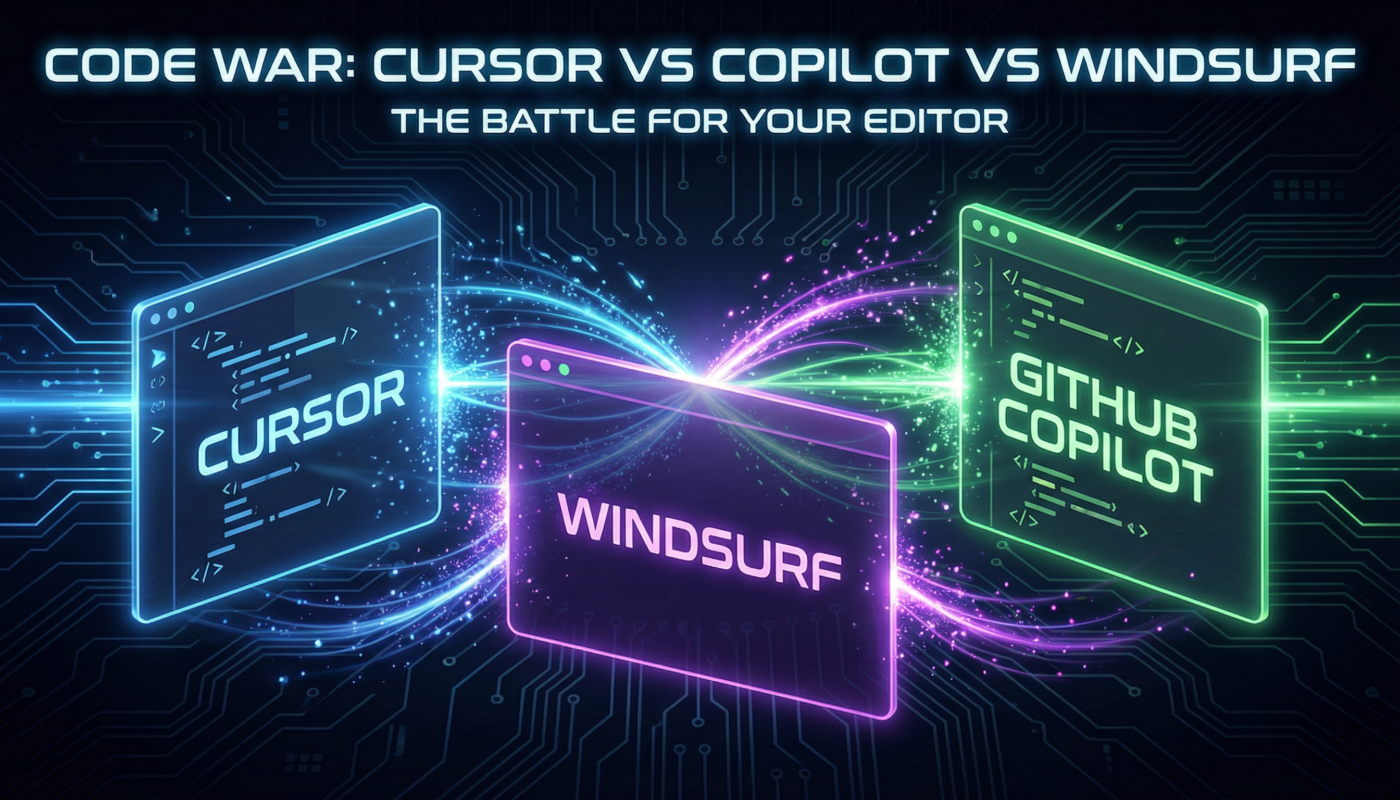
Three products dominate many developer discussions today: Cursor, GitHub Copilot, and Windsurf.

Each one approaches software development differently.

  • Cursor focuses on AI-first coding inside an intelligent editor.
  • GitHub Copilot builds on Microsoft’s developer ecosystem and GitHub integration.
  • Windsurf aims to combine fast editing with autonomous AI workflows.

Competition has become even stronger during 2026 as vendors race to deliver more capable AI agents instead of simple code completion. GitHub recently reported one of its strongest growth periods following major Copilot updates and pricing changes, highlighting how quickly AI-assisted development is becoming mainstream.

This guide compares these three tools using practical workflows rather than marketing claims. We’ll look at real strengths, limitations, pricing, productivity, and which developers benefit most from each platform.

The Rise of AI-First Coding in 2026

Software development has entered a different phase.

Instead of searching documentation, copying snippets from forums, and manually writing repetitive boilerplate, developers increasingly collaborate with AI throughout the coding process.

Large organizations have accelerated this shift. Microsoft continues expanding AI across its developer ecosystem, while newer companies such as Cursor and Windsurf have pushed the industry toward AI-native development experiences.

Industry surveys and market analyses suggest that AI-assisted development has become common among professional developers, with adoption continuing to grow across startups and enterprise teams. Multiple market reports estimate that most professional developers now use AI tools as part of their daily workflow.

What has changed compared with just two years ago?

  • AI now understands project-wide context instead of only the current file.
  • Multi-file editing has become standard.
  • AI agents can fix bugs, generate tests, update documentation, and refactor code automatically.
  • Developers spend more time reviewing architecture than typing repetitive code.

A practical example illustrates the difference.

Imagine you need to rename a service across forty files.

A traditional IDE requires searching every reference manually.

A modern AI editor can identify dependencies, update imports, rewrite tests, and explain every modification before applying changes. That reduces repetitive work while allowing the developer to review each edit before accepting it.

This shift does not eliminate the need for experienced programmers. Instead, it changes where they spend their time. The focus moves from typing code to validating architecture, business logic, security, and maintainability.

One important lesson from real-world use is that AI performs best when developers provide clear context. Asking, “Refactor this authentication module to use dependency injection while preserving existing API behavior,” consistently produces better results than simply saying, “Improve this code.”

Cursor: The AI-Native Editor Built for Deep Coding Work

Among experienced developers, Cursor has built a reputation for thinking beyond autocomplete.

Rather than adding AI to an existing editor, Cursor was designed around AI from the beginning. Its workflow revolves around understanding an entire repository instead of isolated files.

That project awareness becomes obvious during larger development tasks.

For example, suppose you’re building a SaaS dashboard with React, TypeScript, and Node.js. After changing your authentication model, Cursor can locate related components, update imports, modify API calls, suggest database changes, and explain every edit before you accept it.

This ability makes large refactoring projects noticeably faster than traditional editing.

Several independent comparisons published during 2026 consistently highlight Cursor’s strengths in:

  • project-wide context awareness
  • multi-file editing
  • intelligent refactoring
  • long-form code generation
  • customizable AI model selection

Another advantage is flexibility.

Instead of locking users into a single language model, Cursor supports multiple leading AI models, allowing developers to choose based on speed, reasoning quality, or cost.

From practical experience, Cursor performs especially well when working on mature repositories that contain thousands of files. Its suggestions usually respect existing coding conventions, reducing cleanup work after accepting generated code.

That said, Cursor is not automatically the best choice for everyone.

Developers who mainly write small scripts or make quick edits may find some of its advanced capabilities unnecessary. New users also face a slightly steeper learning curve because the editor offers many AI-driven workflows beyond simple autocomplete.

For developers managing complex software projects, however, Cursor remains one of the strongest AI-native coding environments available in 2026.

GitHub Copilot: Microsoft’s Mature Developer Assistant

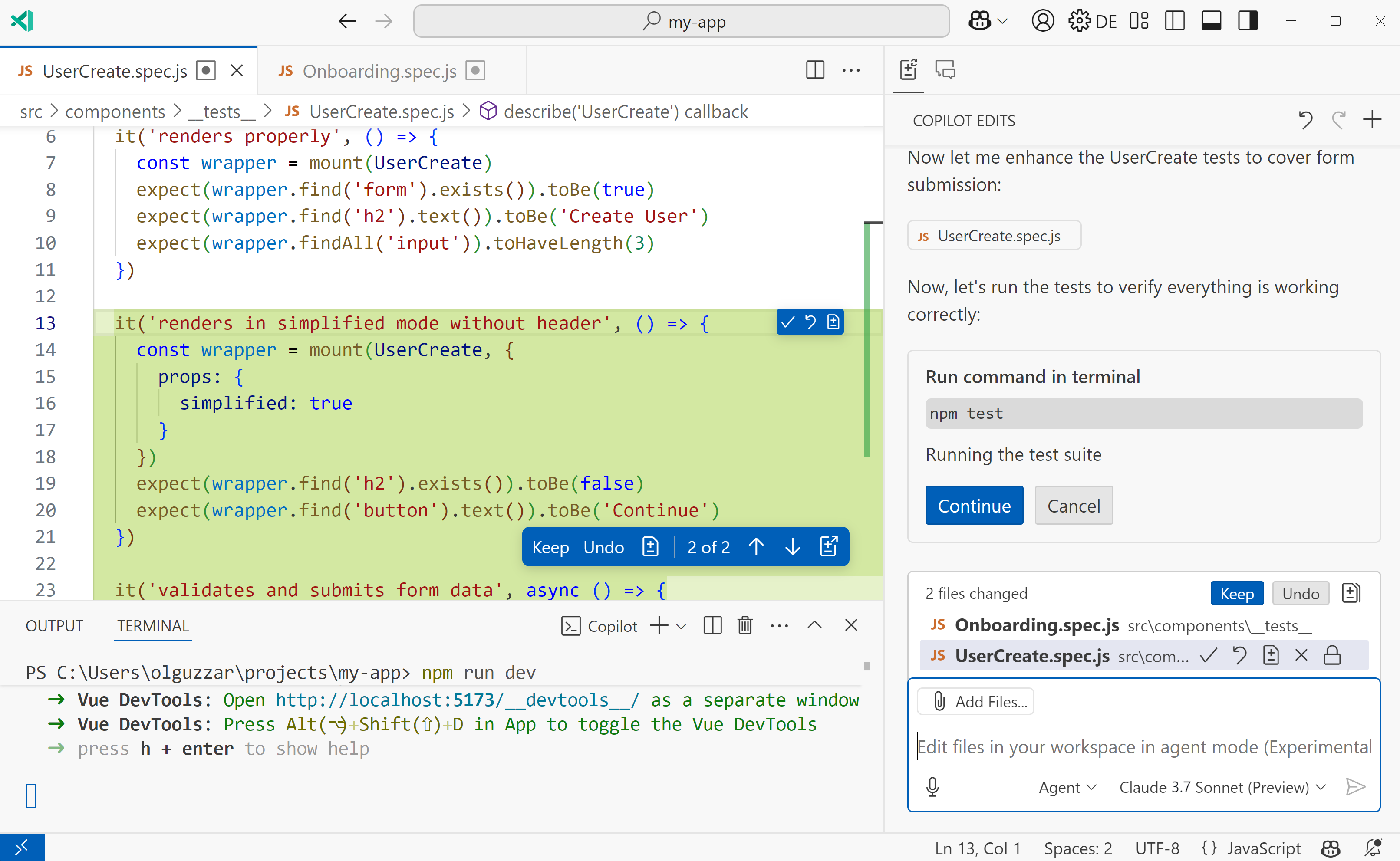
When GitHub Copilot first launched, it was known mainly for intelligent code completion. In 2026, it has evolved into a much broader AI development platform. With support for agent-based workflows, workspace-aware chat, code reviews, and deeper integrations across the GitHub ecosystem, Copilot now serves individual developers as well as large engineering teams.

A major advantage is its familiarity. Millions of developers already work in Visual Studio Code, Visual Studio, JetBrains IDEs, and GitHub. Copilot fits naturally into these environments, which means teams can adopt AI-assisted development without switching editors.

Microsoft has also expanded Copilot’s capabilities with features such as coding agents, smarter pull request assistance, and support for multiple leading AI models. These improvements allow developers to move beyond simple suggestions and delegate more complex coding tasks while staying in their existing workflow.

One area where Copilot stands out is collaboration.

Imagine your team receives a pull request containing hundreds of changed lines. Instead of manually reviewing every file from scratch, Copilot can summarize the changes, highlight potential issues, explain unfamiliar code, and suggest improvements before a human reviewer gives final approval. This can significantly reduce review time while helping developers focus on architecture, logic, and security.

For organizations already using GitHub Enterprise, the integration becomes even more valuable. Repository permissions, issue tracking, pull requests, Actions, and security features work together with Copilot, reducing context switching throughout the development lifecycle.

According to GitHub, Copilot is now used by millions of developers and tens of thousands of organizations worldwide. The company continues to release regular updates that improve reasoning quality, model choice, enterprise controls, and agent capabilities, reflecting the rapid pace of AI adoption in software development.

Some of Copilot’s biggest strengths include:

  • Excellent integration with the GitHub ecosystem
  • Native support in popular IDEs such as Visual Studio Code and JetBrains
  • AI-powered chat, code explanations, and debugging assistance
  • Helpful pull request summaries and code review suggestions
  • Enterprise-grade security, governance, and administrative controls

Despite these strengths, Copilot is not always the strongest option for every workflow.

Developers working on very large repositories sometimes find that AI-native editors like Cursor provide richer project-wide context and more seamless multi-file editing. Likewise, programmers who prefer an editor designed around AI from the ground up may appreciate the deeper automation available in newer competitors.

Still, for many professional teams, Copilot strikes an excellent balance between familiarity, reliability, and productivity. Rather than changing how developers work, it enhances the tools and platforms they already use every day.

Official resources:

Windsurf: The Fast-Moving Challenger for Modern Teams

Windsurf has quickly become one of the most talked-about AI coding tools. Developed by Codeium, it aims to make AI feel like an active programming partner instead of a passive autocomplete engine.

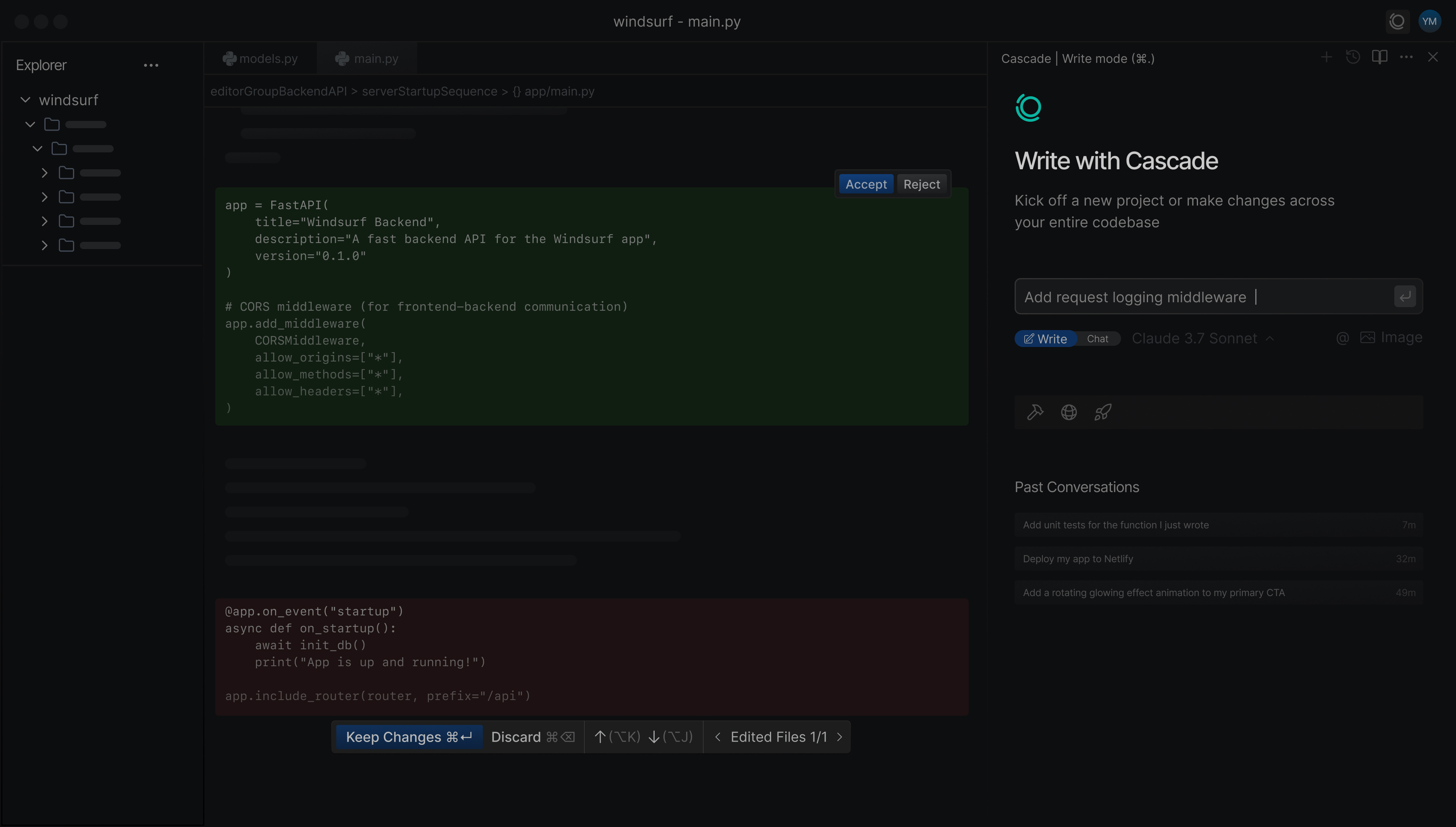
Its standout feature is the Cascade workflow, where the AI can understand a task, plan the required changes, edit multiple files, explain its reasoning, and continue working as you approve each step. This creates a smoother experience for developers tackling medium to large projects.

Consider a practical scenario. You’re adding role-based access control to an existing web application. Instead of updating routes, middleware, API endpoints, frontend components, and tests one file at a time, Windsurf can identify all related files, propose coordinated changes, and explain why each modification is needed. You remain in control, but much of the repetitive work disappears.

Developers often praise Windsurf for its responsive interface and natural conversations with the AI. It is especially appealing to startups and individual developers who want advanced AI features without spending time configuring complex workflows.

However, as a newer platform, some enterprise features and third-party integrations are still catching up with longer-established competitors. Teams working in highly regulated industries may also find GitHub Copilot’s governance features more mature.

Official resource:

Feature-by-Feature Comparison

Choosing an AI coding assistant becomes easier when you compare how each performs during everyday development rather than reading feature lists.

Feature Cursor GitHub Copilot Windsurf
AI-first editor Excellent Limited Excellent
Project-wide understanding Excellent Very Good Very Good
Multi-file editing Excellent Good Excellent
Pull request assistance Good Excellent Good
GitHub integration Good Excellent Good
Beginner-friendly Good Excellent Very Good
Enterprise governance Good Excellent Improving
AI agent workflows Excellent Excellent Excellent

No single product wins every category.

Cursor leads in deep repository understanding and complex refactoring.

GitHub Copilot excels in ecosystem integration, collaboration, and enterprise management.

Windsurf delivers an impressive balance of intelligent automation and ease of use, making it attractive for developers who want AI to handle more of the coding workflow.

A useful way to evaluate these tools is to complete the same real project with each one. For example, create a REST API, write unit tests, fix a bug, and refactor a service. The differences in workflow become much clearer than they do from feature lists alone.

Performance, Pricing and Value

Performance depends on several factors, including the selected AI model, project size, internet connection, and repository complexity. All three platforms have improved noticeably during 2026 by reducing response times and supporting more capable language models.

Pricing also continues to evolve, so it is worth checking the official pricing pages before making a decision.

In practical use, the value of an AI coding assistant is rarely determined by its monthly subscription alone. Saving even one or two hours each week can easily offset the cost for many professional developers or engineering teams.

For example, if an experienced developer bills clients by the hour, finishing repetitive refactoring work 20% faster can produce a return that greatly exceeds the subscription fee.

When evaluating cost, consider factors beyond the monthly price:

  • Time saved on debugging and refactoring
  • Faster onboarding for new team members
  • Reduced context switching
  • Improved documentation generation
  • Better consistency across large codebases

Organizations should also consider licensing, security requirements, audit capabilities, and administrative controls before rolling out AI tools across engineering teams.

Which Tool Fits Different Types of Developers?

There is no universal winner because every developer works differently.

Choose Cursor if:

  • You regularly work with large repositories.
  • You perform complex refactoring.
  • You want an AI-native editor designed around intelligent coding.
  • You enjoy experimenting with multiple AI models.

Choose GitHub Copilot if:

  • Your team already uses GitHub extensively.
  • You prefer Visual Studio Code or JetBrains IDEs.
  • Enterprise security and governance matter.
  • You want the smoothest integration with existing workflows.

Choose Windsurf if:

  • You want an AI assistant that behaves like an active collaborator.
  • You enjoy conversational coding workflows.
  • You’re building startup products or personal projects.
  • You value speed and simplicity.

From practical experience, many developers install more than one AI assistant during evaluation. Spending a week with each tool on the same project often reveals which workflow feels the most natural.

Rather than asking which product is objectively “best,” ask which one reduces friction in your daily work.

Final Verdict

The AI coding landscape has matured rapidly, and all three products have become capable development assistants rather than simple autocomplete tools.

Cursor remains an excellent choice for developers who spend their days navigating large codebases and performing sophisticated refactoring. Its AI-first design gives it an advantage during complex engineering tasks.

GitHub Copilot continues to be the safest recommendation for organizations already invested in GitHub and Microsoft’s development ecosystem. Its mature integrations, collaboration features, and enterprise capabilities make it a dependable solution for professional teams.

Windsurf has established itself as one of the strongest newcomers. Its agent-style workflows and intuitive interface make AI feel more like a teammate than a suggestion engine, particularly for independent developers and fast-moving startups.

Instead of replacing software engineers, these tools amplify developer productivity. The most successful teams still rely on human judgment for architecture, security, performance optimization, and business logic while allowing AI to automate repetitive implementation work.

Conclusion

The competition between Cursor, GitHub Copilot, and Windsurf has accelerated innovation across the software development industry. In 2026, developers can choose from AI assistants that not only write code but also understand projects, explain changes, review pull requests, generate tests, and help solve complex programming problems.

The best choice ultimately depends on your workflow. If you prioritize deep repository awareness and advanced refactoring, Cursor is difficult to beat. If your organization depends on GitHub and Microsoft tools, GitHub Copilot offers exceptional integration and enterprise readiness. If you prefer an AI assistant that actively collaborates throughout the development process, Windsurf is a compelling option.

Whichever platform you choose, treat AI as a capable partner rather than a replacement for engineering expertise. Review generated code carefully, verify security-sensitive changes, write meaningful tests, and continue strengthening your own programming skills. When used thoughtfully, AI coding assistants can reduce repetitive work, speed up development, and allow developers to focus on solving the problems that matter most.