
 by
by A growing business needs more from CRM software than a digital address book. The system has to keep sales activity organized, make pipeline status visible, reduce manual follow-up, connect with the tools employees already use, and remain manageable as the number of users, leads, deals, and customer records increases.
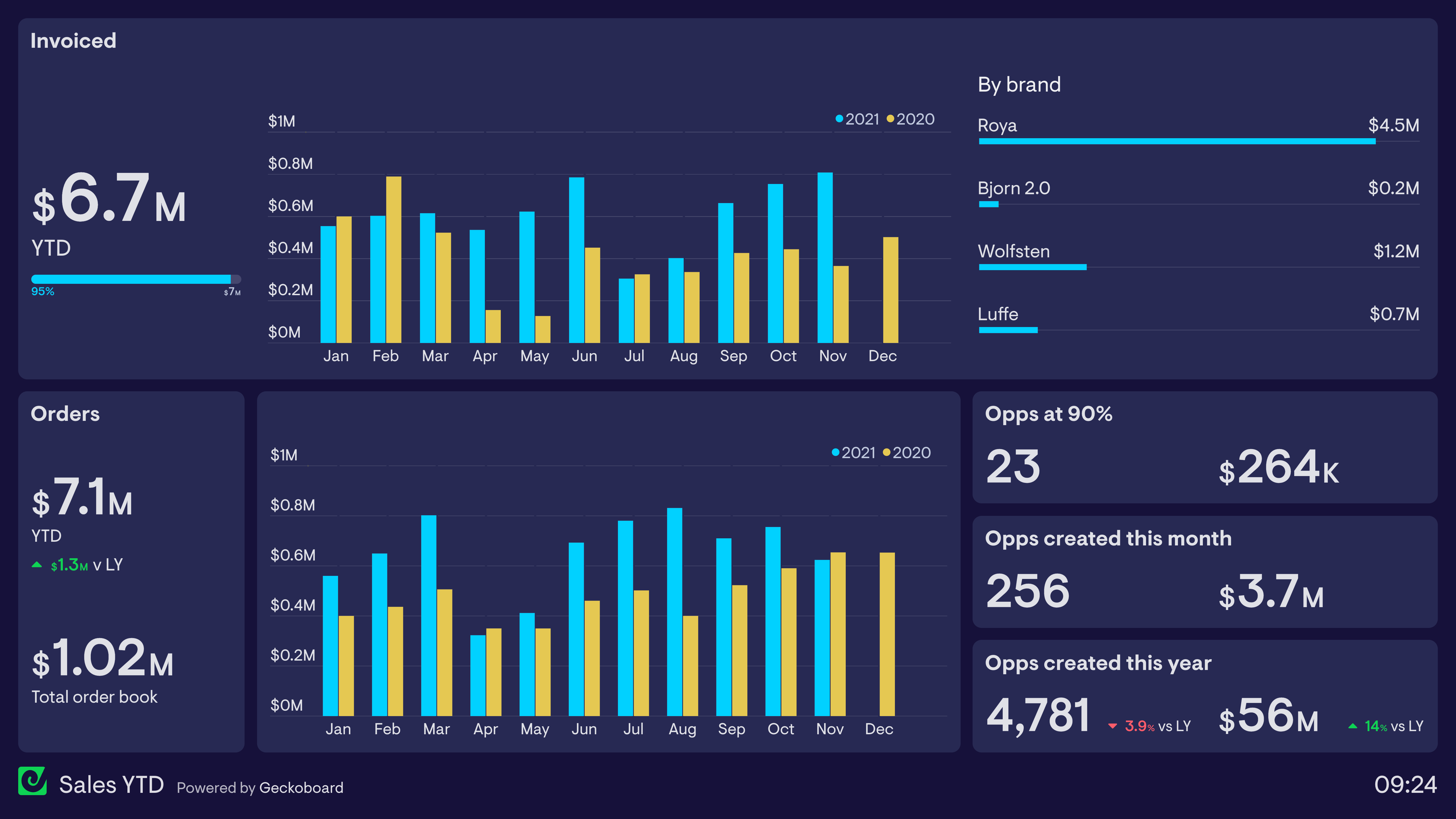
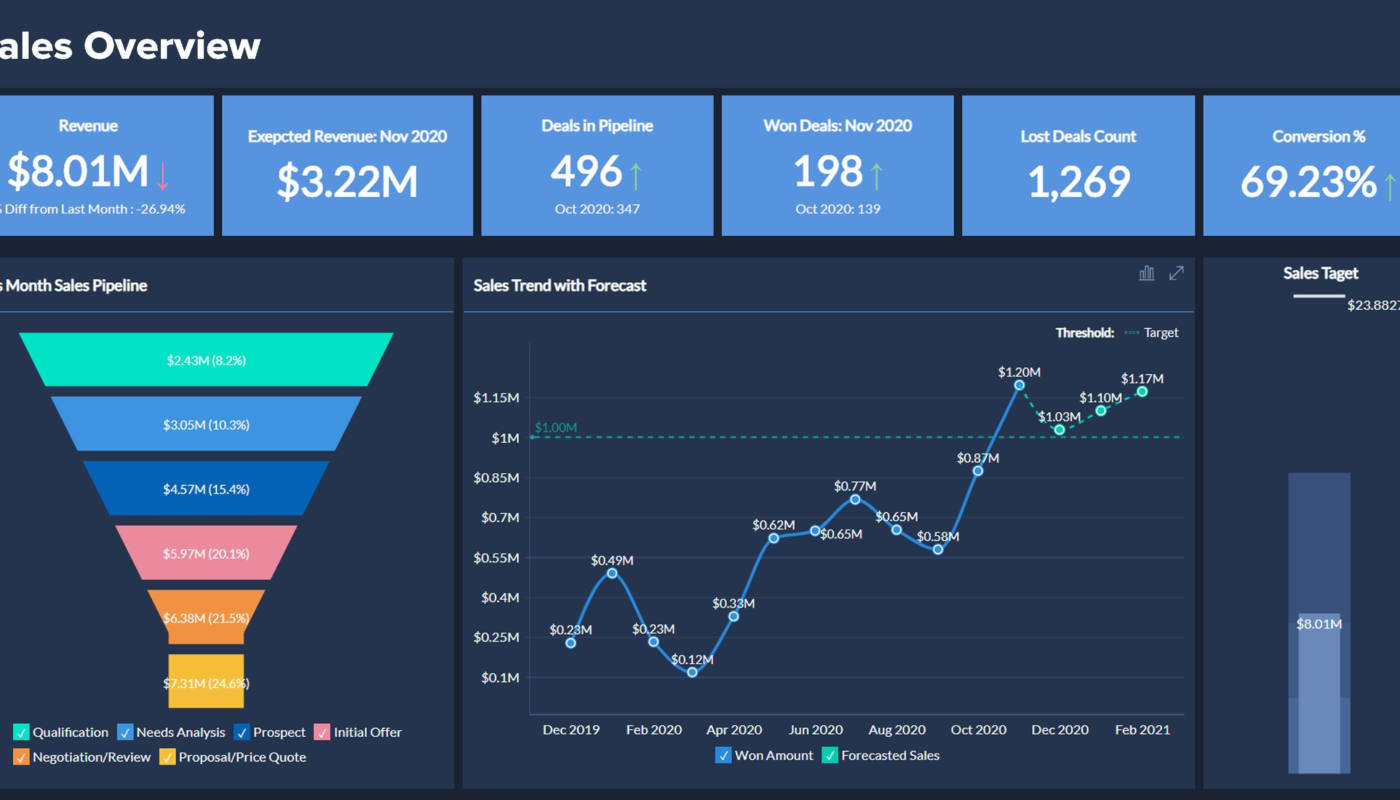
In 2026, HubSpot, Salesforce, and Pipedrive represent three different CRM approaches. HubSpot combines CRM with a wider marketing, sales, service, and content ecosystem. Salesforce’s Sales Cloud is now branded Agentforce Sales, with a broad enterprise platform and increasingly agentic sales workflows. Pipedrive remains focused on visual pipeline management for sales teams while expanding AI-assisted meeting and CRM workflows. The right choice depends more on operating model than brand popularity.
What a Growing Business Should Evaluate First
Before comparing feature lists, define the sales process the CRM must support. A useful shortlist should answer five questions:
- How do leads enter the system?
- What stages does a deal move through?
- Which follow-up steps should be automated?
- Which reports do managers need every week?
- Which marketing, finance, support, and communication tools must connect to the CRM?
These requirements help separate essential features from attractive extras.
HubSpot: Strong for an Integrated Growth Stack
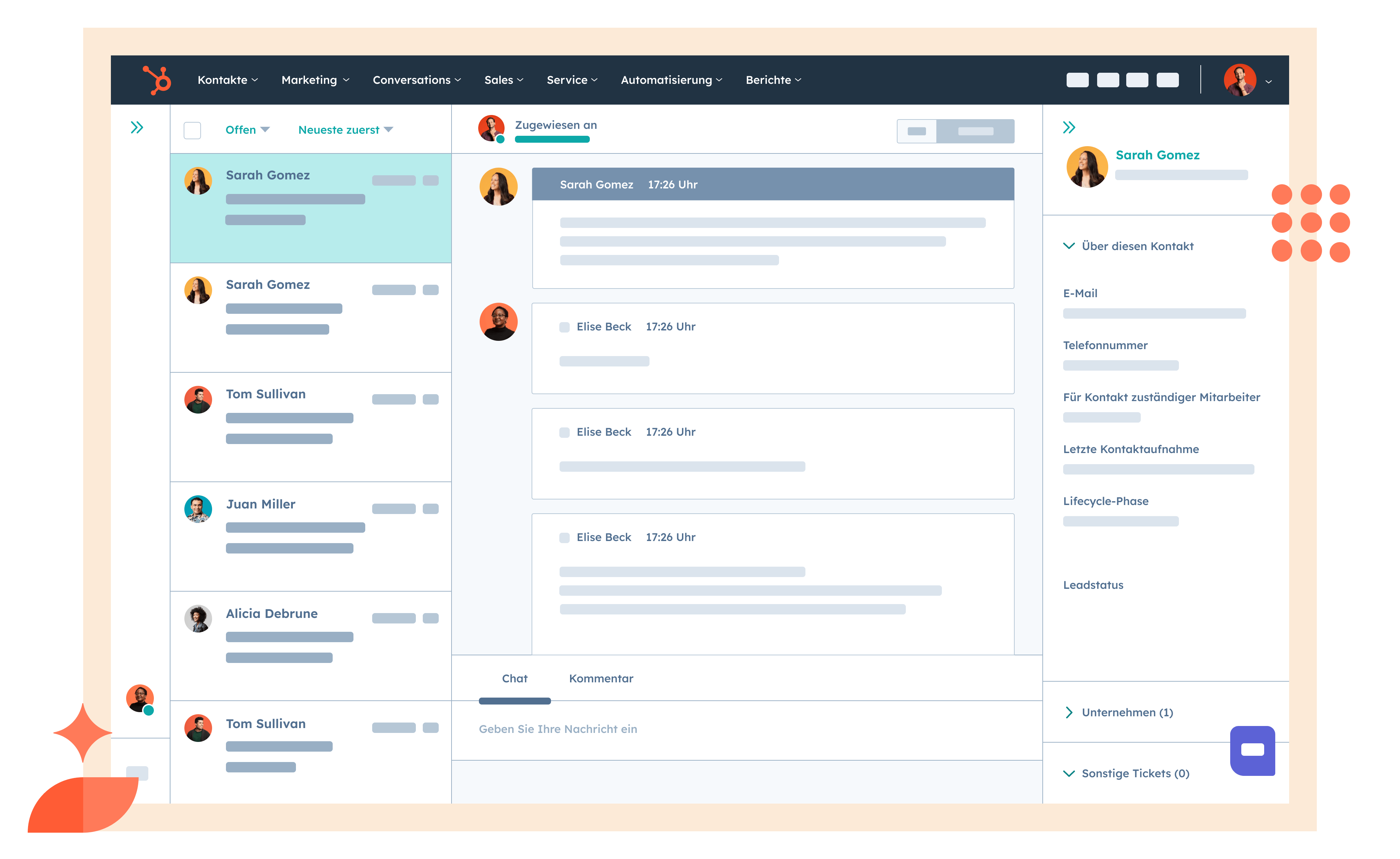
HubSpot is a strong fit when sales, marketing, customer service, and website activity need to share a common customer record. Its CRM can sit at the center of a broader HubSpot environment, which may reduce the amount of data synchronization required between separate systems.
Where HubSpot fits well
- Small and mid-sized businesses that want a relatively approachable CRM.
- Teams combining inbound marketing with sales follow-up.
- Organizations that want sales, marketing, service, and content tools from one vendor.
- Businesses that value a large integration ecosystem.
The trade-off is that total cost can change substantially as teams add more hubs, seats, contacts, or advanced capabilities. Buyers should model the configuration they expect to need in 12–24 months rather than judging only the entry point.
Salesforce Agentforce Sales: Built for Complex Sales Operations
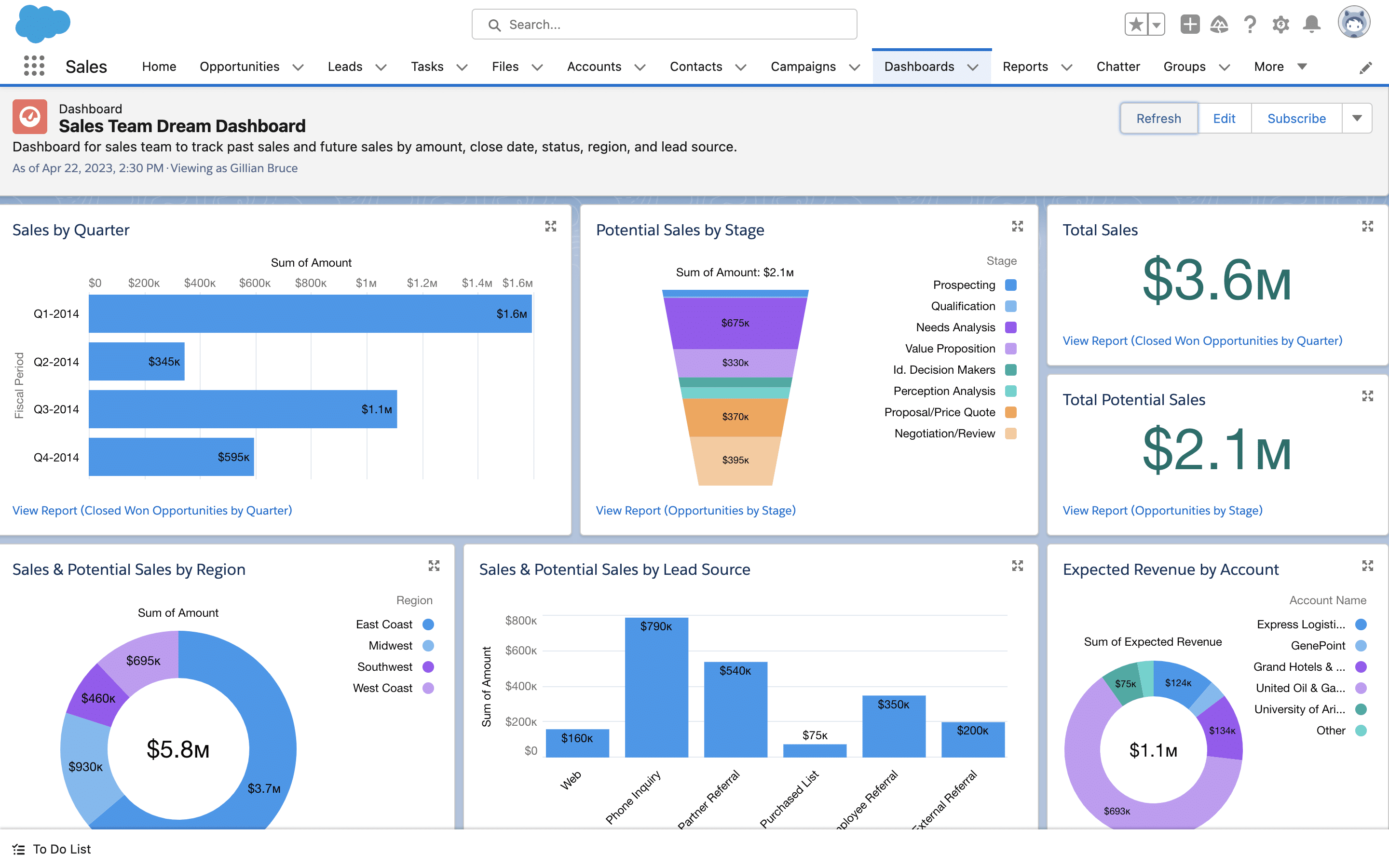
Salesforce’s Summer 2026 documentation notes that Sales Cloud is now Agentforce Sales. The platform remains suited to organizations that need highly configurable sales processes, extensive permissions, advanced reporting, large integration ecosystems, and deeper automation.
Where Salesforce fits well
- Businesses with complex territories, products, approval processes, or sales roles.
- Organizations that expect substantial customization.
- Companies already using other Salesforce products.
- Teams that need mature enterprise governance and integration options.
Salesforce can support sophisticated environments, but implementation effort is usually higher than with a simpler CRM. A growing company should budget for administration, configuration, training, data quality, and ongoing change—not only license cost.
Pipedrive: Sales-Focused and Pipeline-Centered
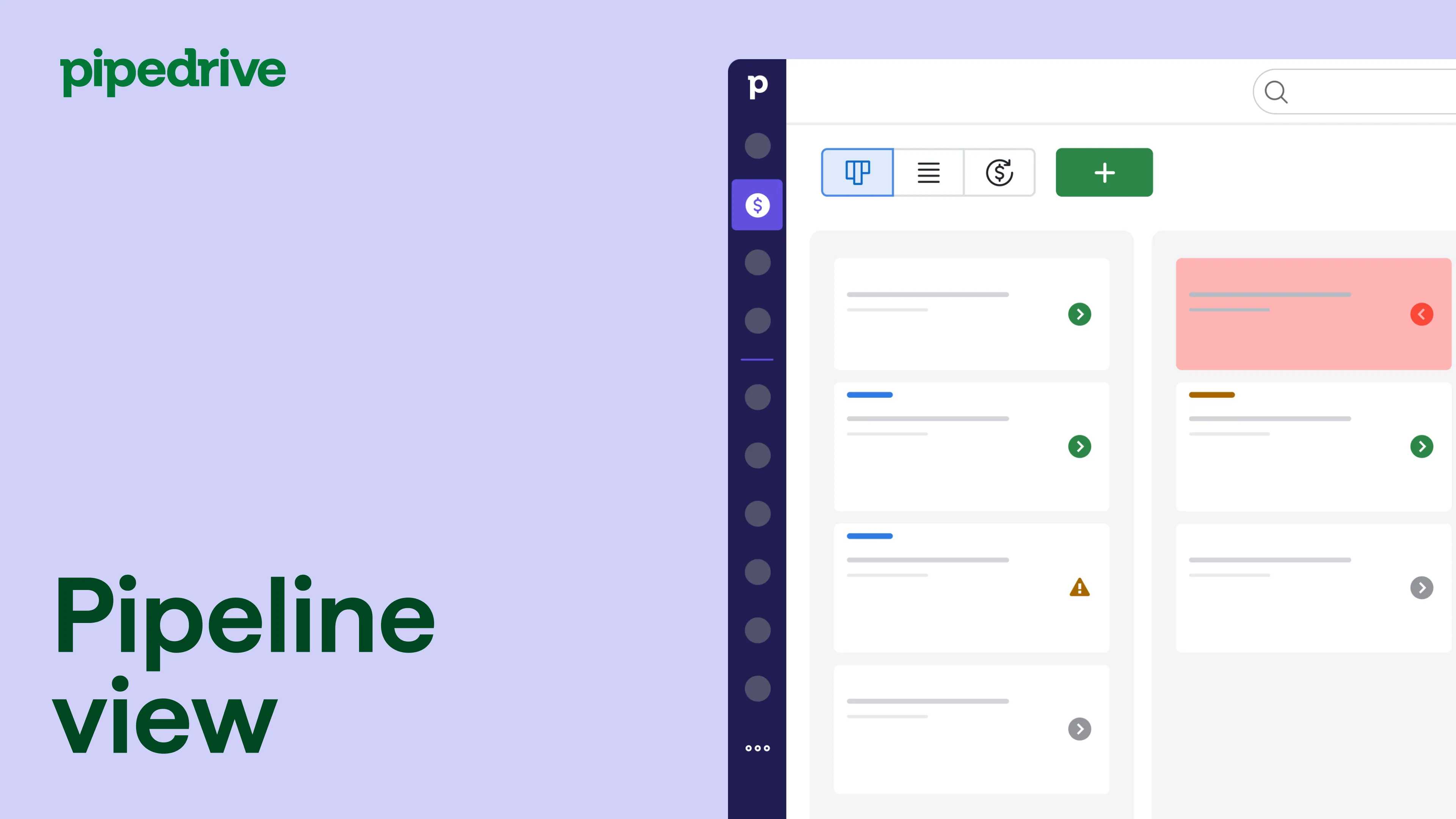
Pipedrive’s current CRM feature set centers on visual pipeline management, activities, automation, reporting, and sales workflow. Its July 2026 documentation also describes Pipedrive Nova, an AI-assisted experience for meeting preparation, transcription, follow-up actions, and suggested CRM updates for supported users.
Where Pipedrive fits well
- Small and mid-sized sales teams that want clear pipeline visibility.
- Organizations with a relatively straightforward sales process.
- Teams that prefer a sales-first interface over a broad enterprise platform.
- Businesses that want faster rollout with less CRM administration.
Pipedrive may be less suitable when a company needs the depth of a large enterprise platform across marketing, service, custom applications, and highly specialized workflows.
CRM Comparison for Growing Businesses
| Area | HubSpot | Salesforce Agentforce Sales | Pipedrive |
|---|---|---|---|
| Primary strength | Integrated growth platform | Enterprise customization and scale | Sales pipeline simplicity |
| Ease of initial adoption | Generally approachable | More implementation-heavy | Generally straightforward |
| Customization depth | Moderate to high by tier | Very high | Focused on sales workflows |
| Marketing ecosystem | Strong native ecosystem | Strong through Salesforce products/integrations | Integrates with external marketing tools |
| Best fit | Growth teams wanting one connected platform | Complex or enterprise sales operations | Sales-led SMBs wanting fast pipeline management |
Do Not Choose a CRM Only for AI Features
AI can summarize records, suggest follow-up actions, draft messages, or help prepare for meetings. Those features are useful only when the CRM data is accurate. Duplicate contacts, missing deal stages, inconsistent field usage, and weak permissions will reduce the value of any AI layer.
Start with data quality and workflow design. Then evaluate whether AI reduces real administrative work without creating extra review burden.
How to Run a CRM Trial

- Import a realistic sample. Use anonymized or approved customer data rather than a perfect demo list.
- Build your actual pipeline. Reproduce stages, owners, and required fields.
- Test one automation. For example, create a follow-up task when a deal reaches a stage.
- Build the weekly management report. Confirm the CRM can answer the questions leadership actually asks.
- Connect one important integration. Test email, calendar, marketing, accounting, or support data flow.
- Invite real users. Sales reps should evaluate how much effort record updates require.
CRM Buyer Checklist
- Clear pipeline and activity management.
- Import and deduplication tools.
- Role-based permissions.
- Useful automation without excessive complexity.
- Reports that answer management questions.
- Email/calendar integration.
- API and integration options.
- Mobile access if the sales team works in the field.
- Data export and migration options.
- Projected 12–24 month total cost.
If the CRM will trigger broader business processes, see our guide on workflow automation. For the implementation side of CRM selection, read our CRM implementation and value guide.
Frequently Asked Questions
Which CRM is best for a small growing business?
It depends on the process. HubSpot is attractive for integrated marketing and sales, Pipedrive for a simple sales-focused pipeline, and Salesforce for businesses that need deeper customization and enterprise controls.
Should a business switch CRM because a competitor has better AI?
Not automatically. Migration cost, data quality, integrations, user adoption, and process fit usually matter more than one new feature.
How long should a CRM trial last?
Long enough to test a real pipeline, reporting, automation, integrations, and daily usage. A short product tour is not sufficient for an important system-of-record decision.
Conclusion
The best CRM for a growing business is the one employees will use consistently and managers can trust. HubSpot is a strong integrated growth option, Salesforce Agentforce Sales fits complex operations, and Pipedrive provides a focused sales experience.
Define your workflow, test with realistic data, measure administrative effort, and project total cost before committing. A CRM creates value when it becomes a reliable operating system for customer relationships—not when it simply has the longest feature list.

One thought on “The Best CRM Software for Growing Businesses: Reviews, Features and Value Compared”
Comments are closed.