
 by
by AI automation is most useful when it removes repetitive steps from a process people already understand. The wrong starting point is “Where can we add an AI agent?” The better starting point is “Which task consumes time, follows a repeatable pattern, uses accessible data, and has a clear definition of success?”
Moving from manual work to automation should happen in stages. First, use AI as an assistant. Then structure the workflow. Only after the system is reliable should you consider automatic tool actions. This approach reduces the chance of turning a small productivity problem into a large operational one.
Start by Separating Tasks From Workflows
A task is one unit of work: summarize a document, classify a lead, draft a reply, or extract invoice fields. A workflow connects several tasks: receive a request, validate data, classify it, update a system, notify someone, and record the outcome.
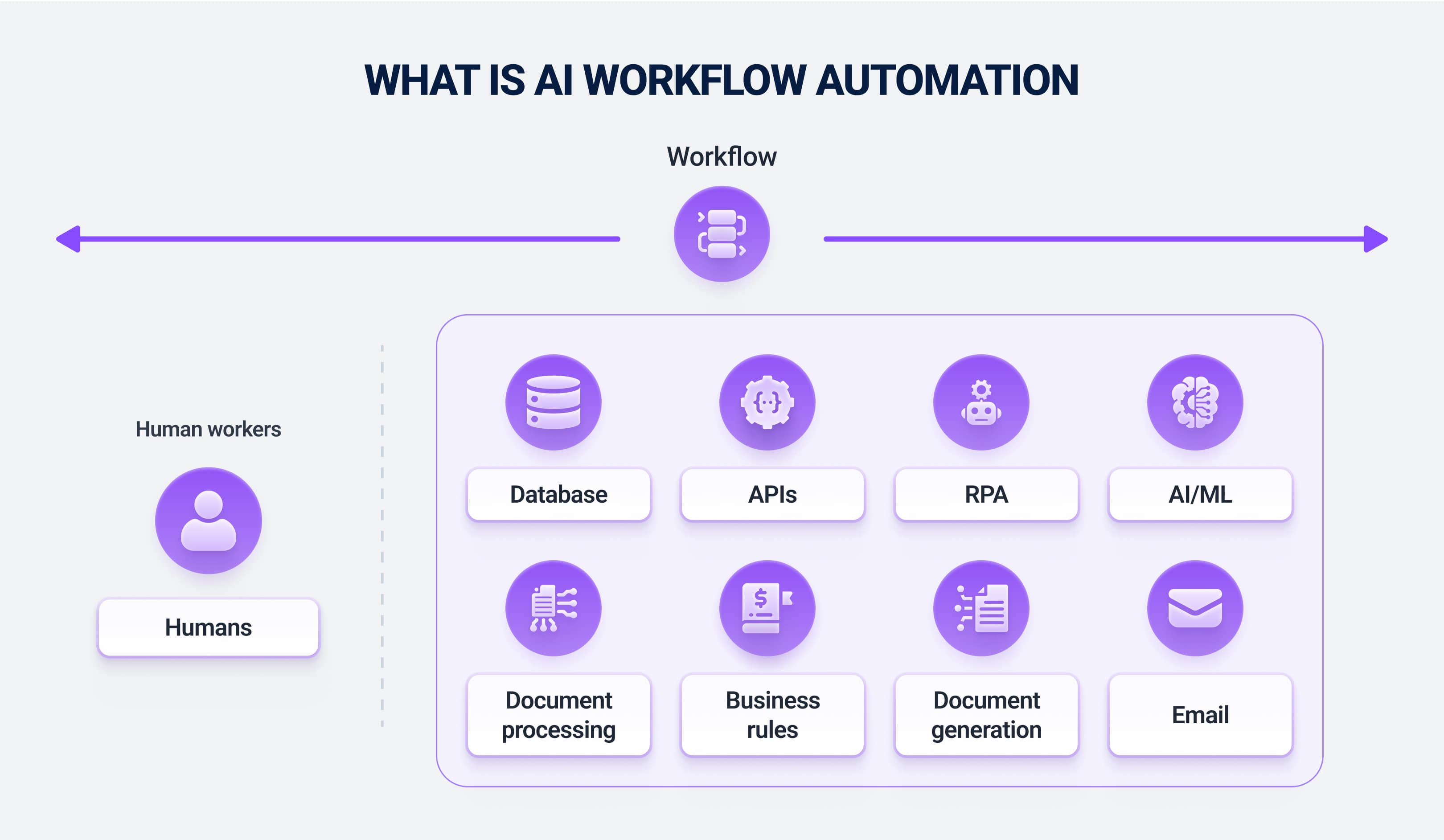
AI is often strong at language-heavy tasks inside a workflow, while conventional automation remains better for deterministic steps such as moving files, calculating known formulas, or updating a field when a clear condition is met.
The Automation Ladder
| Stage | AI role | Human role |
|---|---|---|
| Assist | Draft or summarize | Initiate and approve everything |
| Recommend | Suggest next action | Choose whether to execute |
| Execute with approval | Prepare and run approved tool actions | Approve sensitive step |
| Automate low-risk work | Complete defined routine actions | Review exceptions and metrics |
| Agentic workflow | Select tools/steps within limits | Govern permissions and outcomes |
This ladder gives teams a safer way to earn trust through evidence rather than granting broad autonomy on day one.
Good Tasks for AI Automation
- Summarizing support tickets before an agent responds.
- Extracting structured fields from documents.
- Classifying feedback into known categories.
- Drafting weekly status reports from approved project data.
- Preparing research briefs with sources.
- Turning meeting notes into action-item drafts.
- Creating first-pass product descriptions from verified catalog data.
- Checking content against a defined checklist.
Tasks are especially suitable when mistakes are easy to detect and correct before they affect customers or important records.
Tasks That Need More Caution
AI can assist high-risk work, but automatic execution deserves stronger controls when the action involves money, legal rights, employment, security access, medical decisions, customer deletion, or irreversible changes.
Use approval gates for
- Payments and refunds.
- Changing permissions or administrator roles.
- Deleting business records.
- Publishing regulated or legally sensitive content.
- Sending high-impact customer communications.
- Running infrastructure changes in production.
The NIST AI Risk Management Framework is a useful reference for connecting AI systems to broader governance and risk-management practices.
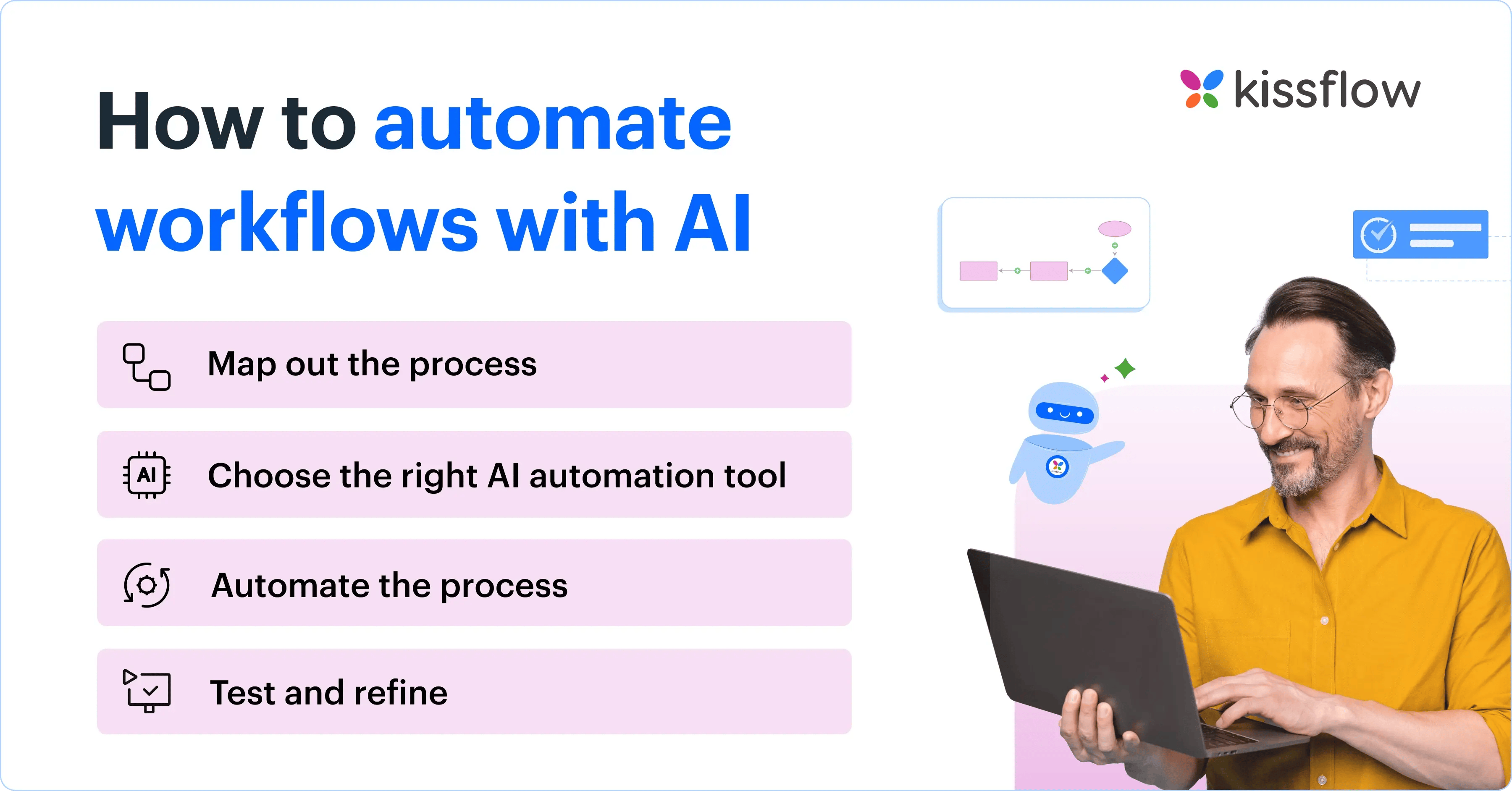
Design the Workflow Before Choosing Tools
- Document the current process. List inputs, decisions, systems, outputs, and owners.
- Remove unnecessary steps. Automation should not preserve waste.
- Mark deterministic steps. Use normal rules and APIs where they are sufficient.
- Mark judgment-heavy language steps. These are potential AI tasks.
- Define exceptions. Decide when the workflow should stop and ask a person.
- Set permissions. Give each automated component only the access it needs.
- Define logging. Record important inputs, tool calls, changes, and failures.
For multi-tool systems, our AI agent platform comparison covers current orchestration options.
Use Structured Outputs Wherever Possible
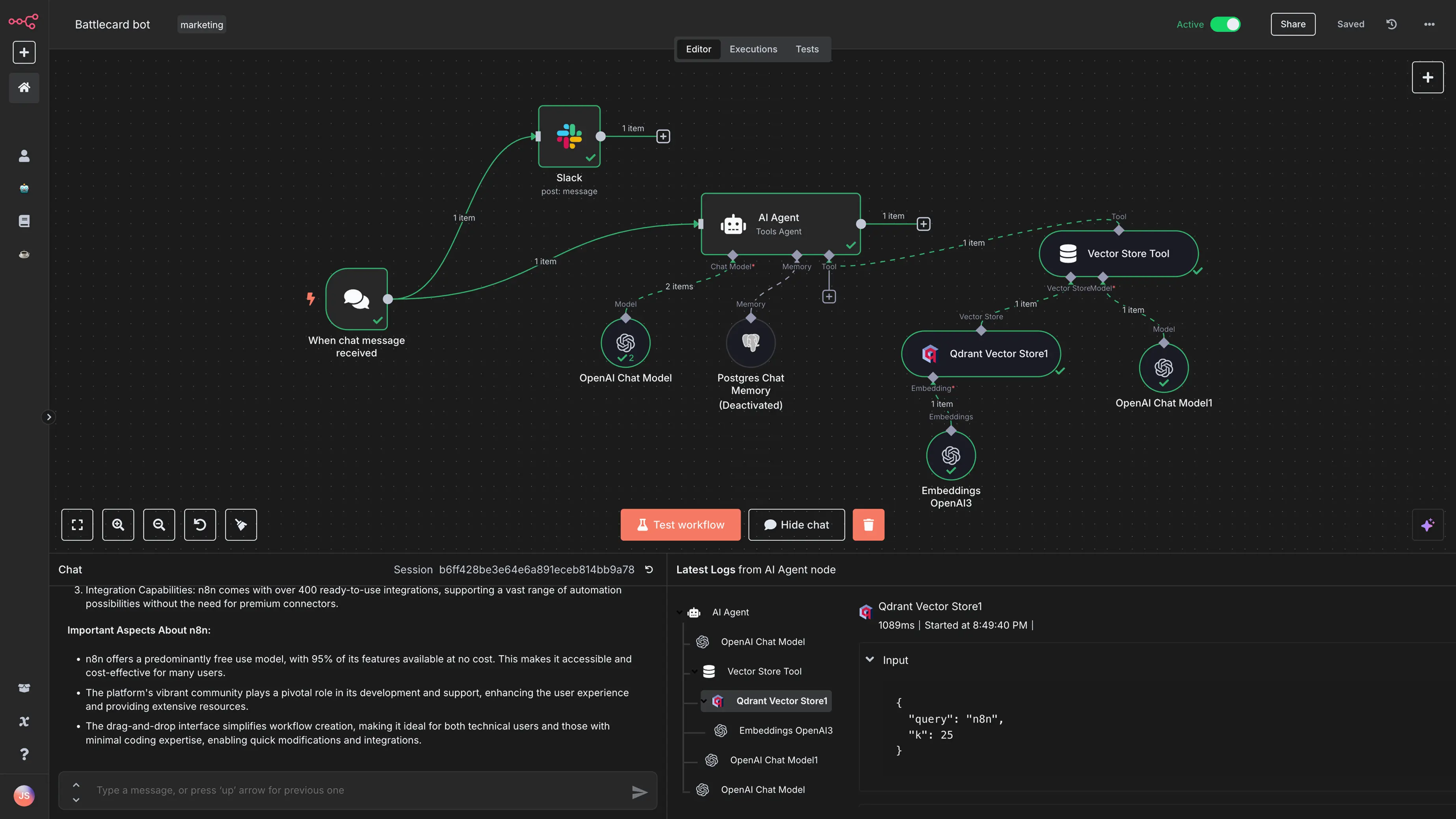
Automation becomes easier when the AI returns a predictable schema instead of free-form prose. For example, a support classifier might return issue type, urgency, customer ID, confidence, and recommended queue.
Structured outputs can then be validated before another system accepts them. If a required field is missing or an identifier has the wrong format, the workflow should stop rather than guess.
Test With Real Exceptions, Not Only Perfect Examples
A prototype often looks impressive because the first examples are clean. Production inputs are messy: missing fields, contradictory messages, duplicate records, unsupported languages, ambiguous requests, and unavailable APIs.
Build a test set that includes
- Normal examples.
- Edge cases.
- Incomplete data.
- Adversarial or misleading text.
- Tool/API errors.
- Permission failures.
- Requests the AI should refuse or escalate.
Measure task completion and correctness, not only whether the output sounds good.
Measure the Full Business Result
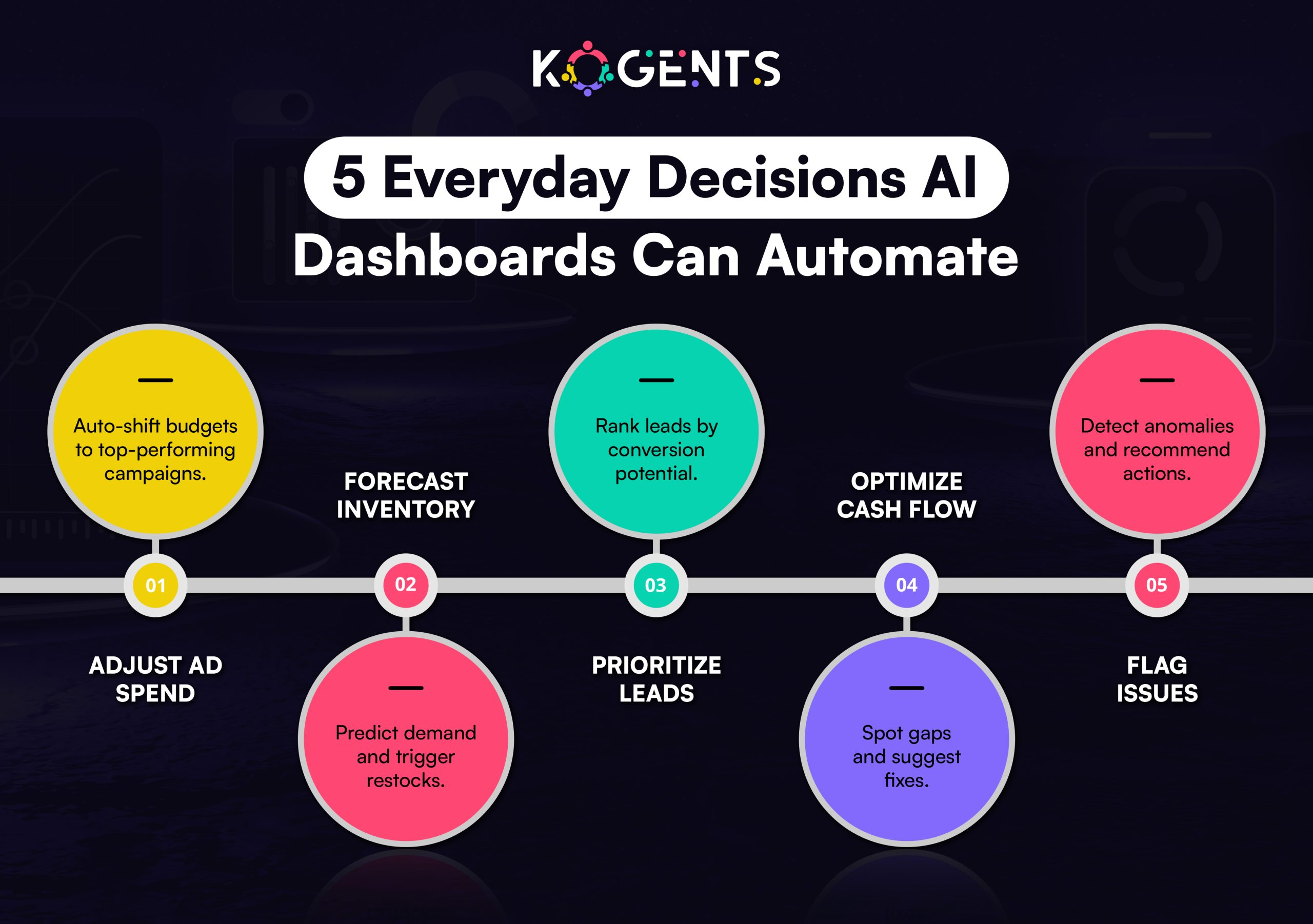
Automation is successful when it reduces cost, cycle time, error, or employee effort without creating hidden risk.
- Time saved after human review.
- Percentage of cases completed without rework.
- Error and escalation rate.
- Customer satisfaction where relevant.
- Cost per completed task.
- Tool failure rate.
- Number of unauthorized or unnecessary actions.
Our guide to AI productivity platforms explains why workflow outcomes matter more than raw AI usage.
AI Automation Checklist
- Choose a repeatable, measurable process.
- Define the source of truth.
- Use conventional automation for deterministic steps.
- Use AI where language or flexible judgment adds value.
- Validate structured outputs.
- Apply least-privilege permissions.
- Add human approval for high-impact actions.
- Test exceptions and failures.
- Log important tool actions.
- Review performance regularly.
Frequently Asked Questions
Should every repetitive task use AI?
No. Rules, scripts, spreadsheets, and traditional workflow tools are often more reliable for deterministic tasks. Use AI when the step requires flexible language understanding, synthesis, classification, or reasoning.
When should an AI workflow become fully automatic?
Only after the task is well measured, permissions are limited, failure cases are understood, and the cost of an incorrect action is acceptable. Some workflows should always retain human approval.
Do AI agents replace workflow automation tools?
They complement them. Agents are useful when the path is dynamic; workflow automation is excellent when steps are predictable. Many production systems combine both.
Conclusion
The path from repetitive work to full automation should be gradual. Start by assisting employees, then turn successful patterns into structured workflows, and automate only the low-risk steps that have earned trust through testing.
The most reliable AI automation systems are not the most autonomous. They are the systems with clear inputs, limited permissions, strong validation, measurable outcomes, and an obvious way for humans to intervene when reality does not match the happy path.

One thought on “From Repetitive Tasks to Full Automation: AI Tools That Change How You Work”
Comments are closed.