 by
by AI video production in 2026 is less about typing one prompt and receiving a finished film. The strongest workflows combine generation with reference images, shot planning, editing, sound, color, compositing, human review, and traditional post-production. Video models are becoming more controllable, but consistency across a long story still requires deliberate creative direction.

Platform status also changes quickly. Runway now points creators to Gen-4.5 for its latest text-to-video and image-to-video workflows, Google DeepMind’s current Veo family includes Veo 3.1 with video-and-audio generation capabilities, and Adobe continues to expand Firefly as a broader creative-production environment. OpenAI’s older Sora product page states that the Sora product itself is no longer available as of April 26, 2026, so current comparisons should not present the old Sora product as an active option.
What to Look for in an AI Video Platform
Visual quality matters, but a production tool is useful only when you can direct and repeat the result.
- Prompt adherence: does the model follow subject, action, setting, and camera instructions?
- Reference control: can you guide characters, objects, locations, or style using images?
- Motion quality: do people, objects, and cameras move naturally?
- Consistency: can a subject remain recognizable across multiple shots?
- Editing workflow: can generated clips be extended, reframed, composited, or revised?
- Audio: is audio generated natively or added later?
- Commercial workflow: are licensing, provenance, team controls, and export options suitable for your work?
Runway Gen-4.5: Strong for Shot-Based Creative Work
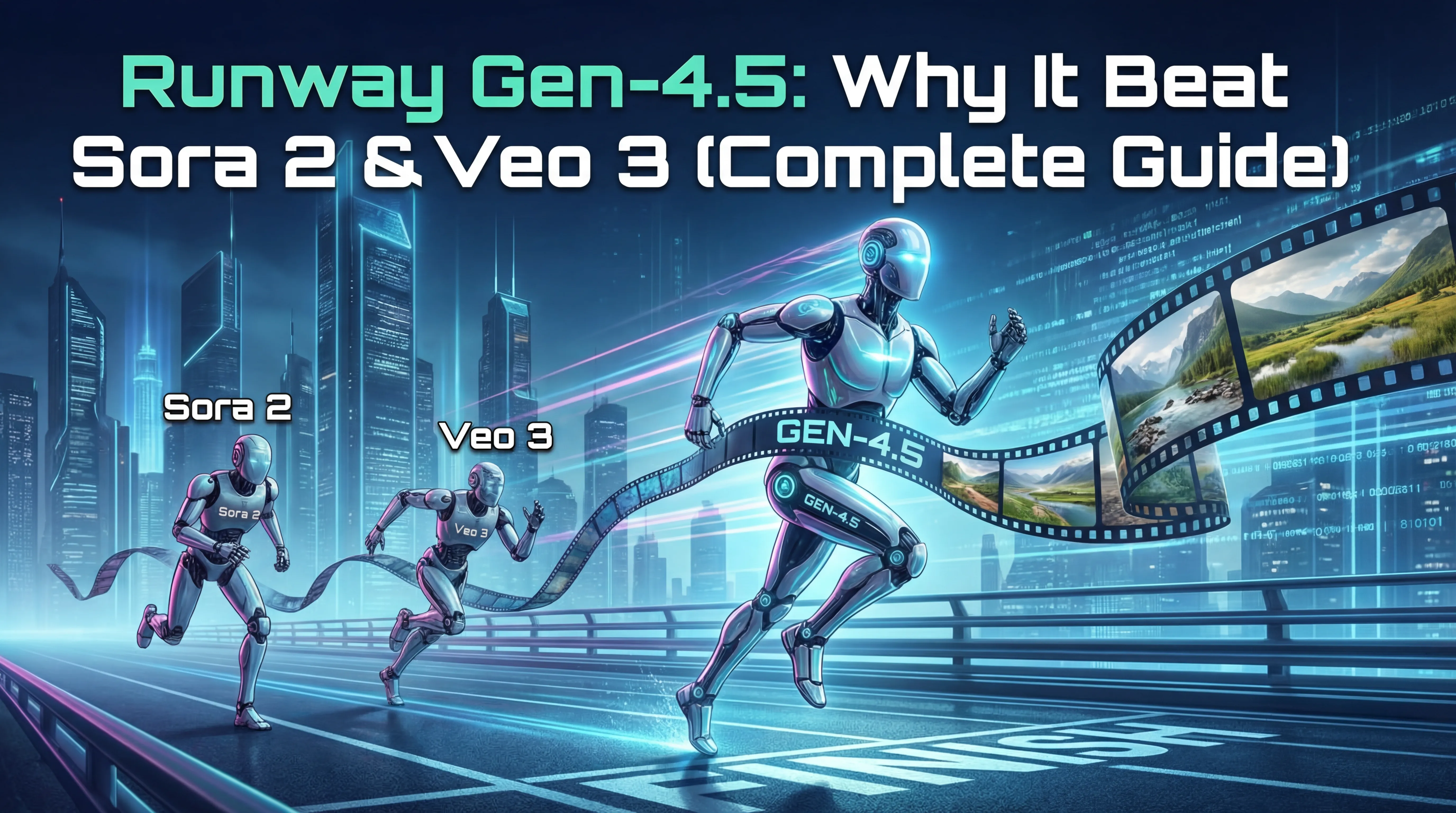
Runway’s current Gen-4.5 documentation supports text-to-video and image-to-video creation. Its workflow is well suited to creators who think in shots: generate a short clip, review motion and composition, then iterate or move the result into a broader editing pipeline.
Best for
- Commercial concept videos.
- Short cinematic shots.
- Image-to-video animation.
- Storyboards and visual development.
- Creators who want an integrated generation/editing environment.
Runway’s own guidance still encourages iteration. A detailed prompt does not guarantee the first generation will be production-ready, so budgets should account for multiple attempts.
Google Veo 3.1: Video Generation With Native Audio
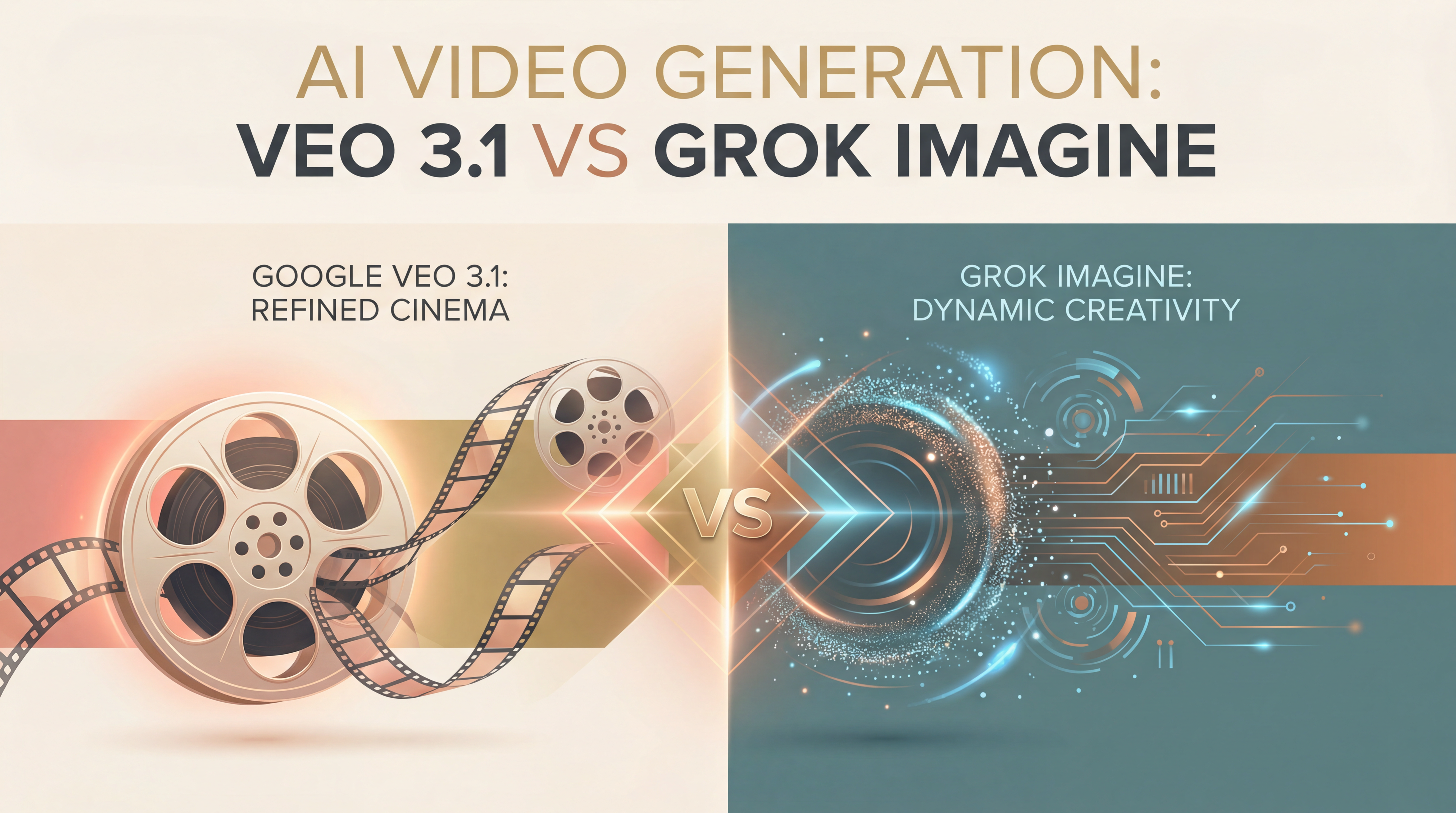
Google DeepMind describes Veo 3.1 as its leading video generation model, with text-to-video, image-to-video, reference controls, and audio capabilities. Google also connects Veo to Flow for more filmmaking-oriented workflows.
Best for
- Creators who want synchronized generative audio and visuals.
- Shots that benefit from reference images.
- Google ecosystem users working in Flow or supported Google products.
- Experiments involving camera direction and cinematic scene building.
Native audio can simplify prototyping, but professional projects should still review dialogue clarity, music rights, sound consistency, and whether generated audio fits the final edit.
Adobe Firefly: Useful Inside a Wider Creative Workflow
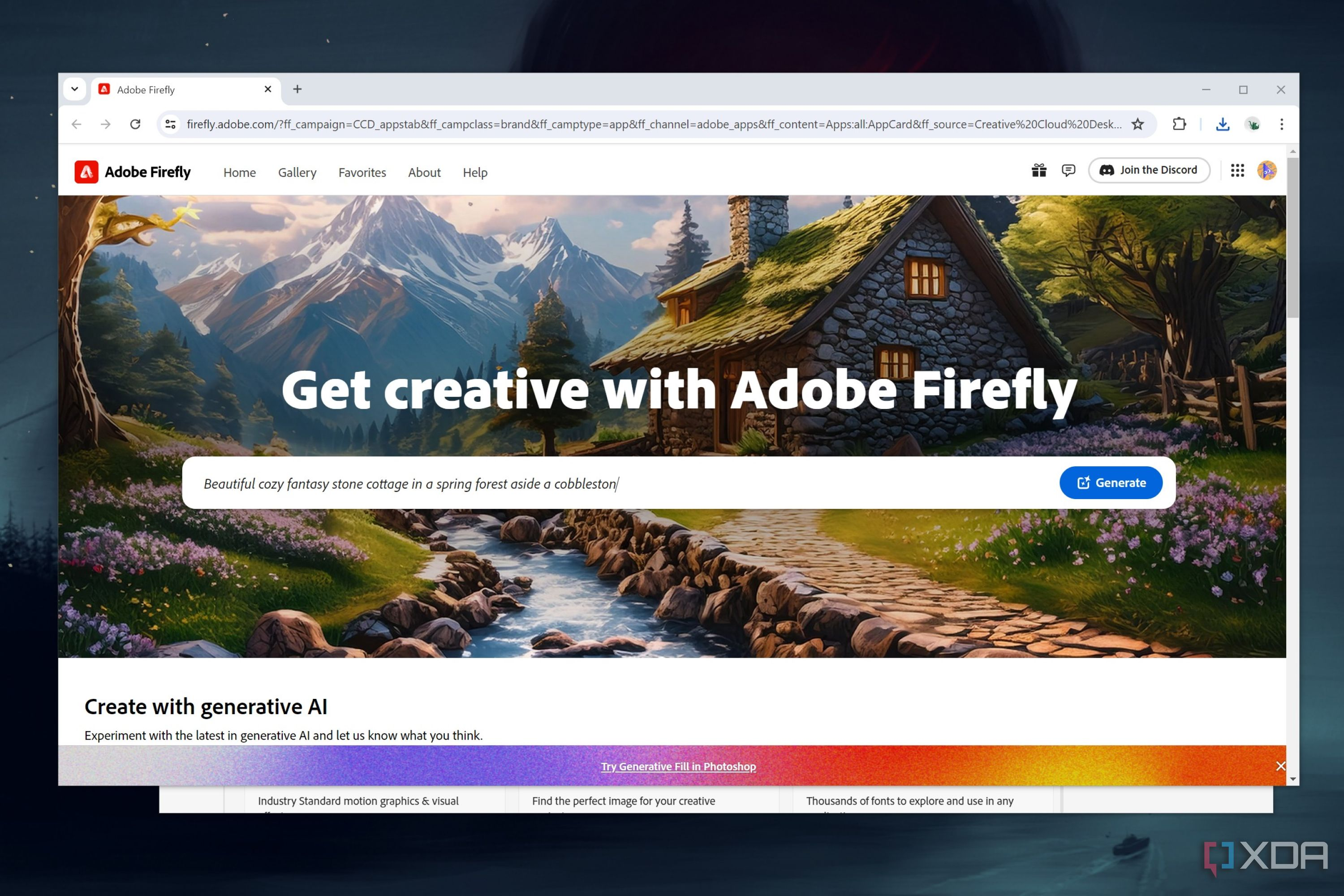
Adobe’s 2026 Firefly updates position it as an integrated creative AI studio rather than only a single generation model. Adobe has continued adding video and image creation/editing capabilities while connecting Firefly to its broader creative ecosystem.
For teams already using Premiere Pro, After Effects, Photoshop, and other Adobe tools, the main advantage can be workflow continuity: AI generation is one stage inside an existing production process rather than a separate destination.
Best for
- Marketing and design teams using Adobe Creative Cloud.
- Creators mixing generated assets with conventional footage.
- Projects requiring post-production, graphics, and editing after generation.
- Teams that value an integrated creative toolchain.
Adobe’s March 2026 Firefly update documents the company’s continuing expansion of video and image workflows.
Platform Comparison for Different Creators
| Use case | Strong starting option | Why |
|---|---|---|
| Short cinematic shots | Runway Gen-4.5 | Shot-focused text/image-to-video workflow and iteration tools |
| Generated video with audio | Google Veo 3.1 | Native video-and-audio capabilities |
| Creative Cloud production pipeline | Adobe Firefly | Integration with broader Adobe creation/editing tools |
| Long-form finished film | Hybrid workflow | Requires editing, continuity, sound, review, and compositing beyond one generation |
The “best” platform changes by shot. Professional teams may use more than one model and choose each tool based on the specific scene.
A Better AI Video Production Workflow
1. Write the concept before the prompt
Define audience, message, format, duration, aspect ratio, visual style, and required shots. A prompt is easier to write when the creative brief is already clear.
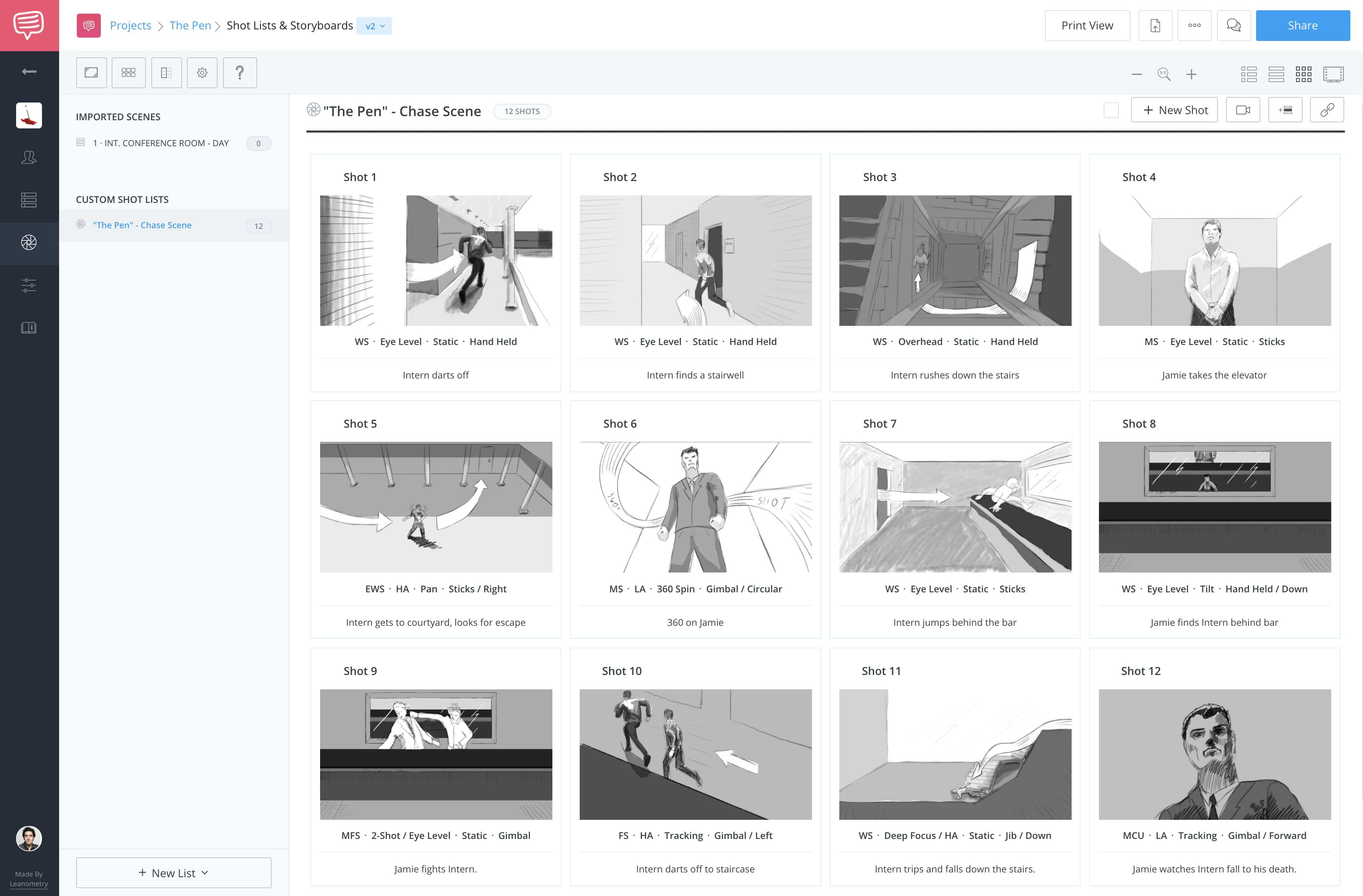
2. Build a shot list
Break the video into individual shots instead of asking the model to create an entire narrative at once. Describe subject, action, location, camera movement, lighting, and duration for each shot.
3. Create visual references
Reference images can improve consistency for characters, products, color palettes, and environments. Keep a simple “look bible” for repeated elements.
4. Generate low-risk tests first
Test the visual language with a few shots before spending the entire generation budget. Confirm that the chosen model handles the kind of motion your project needs.
5. Edit outside the generator when necessary
Use a conventional editor for timing, continuity, captions, sound mixing, brand graphics, and legal text. Generation should feed the production process rather than replace it.
Common AI Video Problems and How to Reduce Them
Character inconsistency
Use reference images, simplify wardrobe/detail changes, and generate shots with similar lighting and composition. Expect some manual editing across longer sequences.
Unnatural physics
Shorter shots with a single clear action are easier to control than crowded prompts containing several simultaneous events.
Camera confusion
Use established camera terms and describe one primary movement. Avoid contradictory instructions.
Text inside video
For critical product labels, prices, captions, or legal information, add text during post-production instead of relying on the video model to render it accurately.
Brand and likeness risk
Use assets you have permission to use and follow platform rules for people, trademarks, copyrighted material, and synthetic media disclosure.
AI Video and Content Authenticity
As synthetic video becomes more realistic, provenance matters. Creators should preserve project files, generation records, source assets, and any available content credentials. Clear disclosure is especially important when a realistic synthetic scene could be mistaken for documentary footage.
For broader responsible-AI planning, the NIST AI Risk Management Framework provides a useful governance reference.
AI Video Production Checklist
- Define audience and final platform.
- Choose aspect ratio before generation.
- Create a shot list.
- Prepare reference images.
- Test the model on the hardest shot early.
- Keep prompts focused on visible action and camera movement.
- Budget for multiple generations.
- Review hands, faces, physics, logos, and background details.
- Add critical text during post-production.
- Keep source/provenance records.
If your workflow begins with still images, our guide to AI image generators can help with reference creation. For broader productivity workflows, see AI productivity platforms.
Frequently Asked Questions
Can AI video tools replace professional editors?
They can generate and modify footage, but professional projects still benefit from human editing, pacing, sound, brand control, continuity, and quality review.
Which AI video model is the most realistic?
Results depend heavily on the shot and prompt. Test the same production brief across platforms rather than relying on one vendor’s showcase examples.
Is the old Sora product still a current platform in 2026?
OpenAI’s Sora product page states that the Sora product is no longer available as of April 26, 2026. Comparisons should verify current availability before recommending any fast-changing AI product.
Conclusion
The future of AI video production is a hybrid creative workflow. Runway Gen-4.5, Google Veo 3.1, and Adobe Firefly each offer useful capabilities, but professional results still depend on shot design, reference control, iteration, editing, sound, and human judgment.
Choose the platform that fits the specific production stage, and keep your process flexible. In a category changing this quickly, workflow quality and current verification matter more than loyalty to one model name.