 by
by Local AI vs Cloud AI: Choosing the Right Setup for Privacy, Cost and Performance
AI tools are increasingly available in two very different forms. Some run on remote cloud infrastructure, where a provider manages the models, hardware and updates. Others can run locally on a workstation, laptop or private server, keeping more of the processing inside an environment you control. The choice is not simply “privacy versus convenience.” It affects cost, speed, reliability, maintenance, model quality, security, data governance and the skills your team needs.
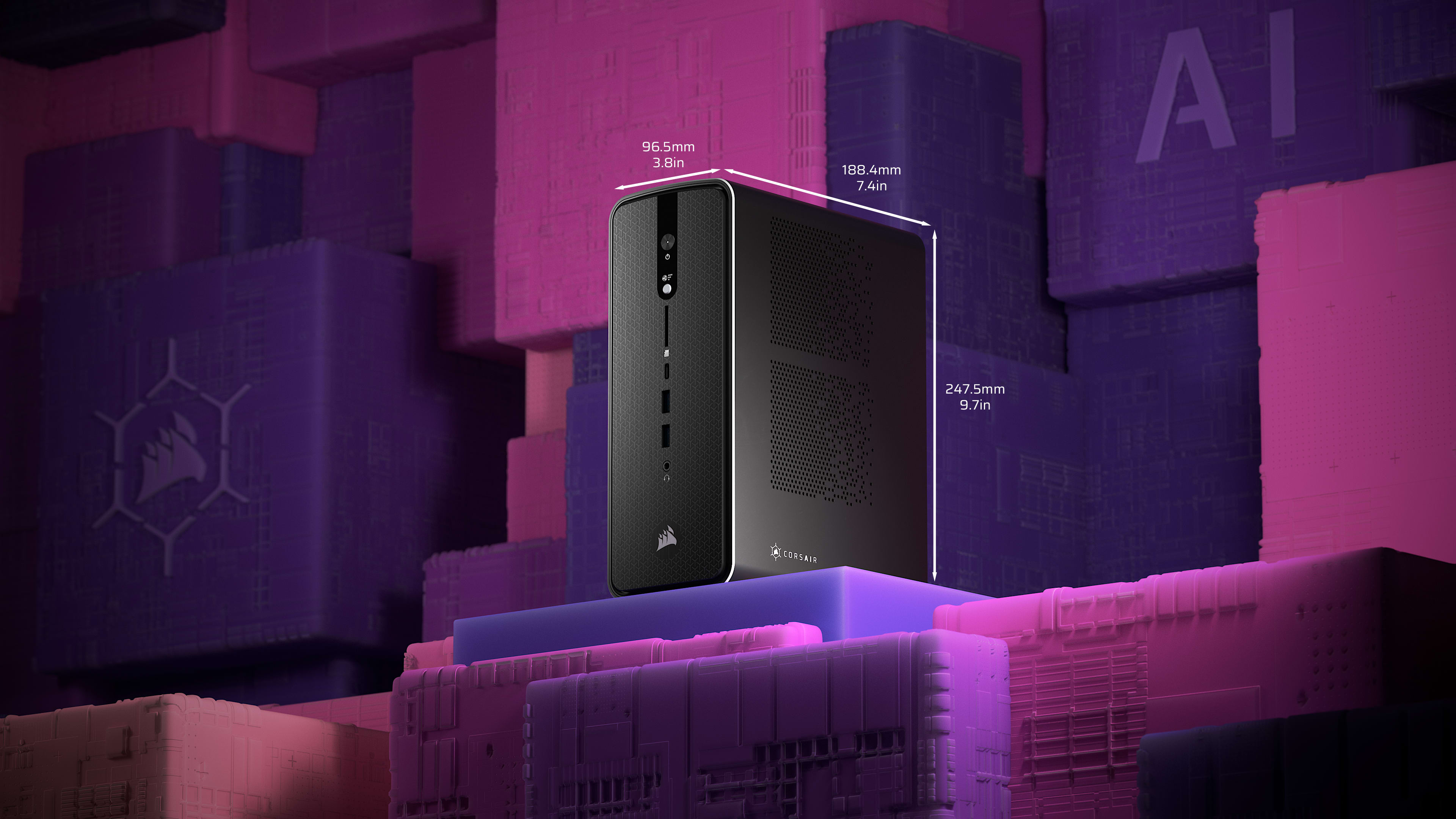
For many organizations, the best answer is not completely local or completely cloud. A hybrid design can keep sensitive or repetitive tasks close to the data while using cloud models for workloads that need greater scale, larger context or managed capabilities. The useful question is therefore: which workloads should run where, and why?
This guide provides a practical framework for comparing local AI vs cloud AI without assuming that one architecture is universally better.
What “Local AI” and “Cloud AI” Actually Mean
Local AI usually means that the model runs on hardware controlled by the user or organization. That could be a desktop with a capable GPU, an internal server, an edge device or a privately managed environment. The model files, prompts and inference process may remain inside that environment.
Cloud AI usually means that prompts or application data are sent to a service operated on remote infrastructure. The provider manages model hosting, hardware, scaling, updates and much of the operational platform.
Neither definition automatically tells you whether a system is secure, private or reliable. A badly configured local server can expose sensitive information. A well-governed cloud service can provide strong identity, logging and administrative controls. Architecture is only one part of risk management.
The NIST AI Risk Management Framework is useful here because it encourages organizations to consider trustworthiness, reliability, privacy, security, transparency and accountability throughout the AI lifecycle rather than judging a system by one technical characteristic.
Privacy: Data Location Is Only the First Question

Local AI is attractive when teams want to minimize the amount of information that leaves an internal environment. A local model can be useful for processing confidential notes, source code, customer documents or internal knowledge when policy permits the required hardware and software.
However, “runs locally” does not automatically mean “private.” A desktop application may still send telemetry, update checks, crash reports or optional cloud requests. Local files may be copied into insecure folders. Shared workstations may expose prompts to other users. Backup systems may replicate model data to another location.
Privacy questions for local AI
- Does the application make any outbound network requests?
- Where are prompts, chat history and embeddings stored?
- Who can log in to the device or server?
- Are local files encrypted at rest?
- Are backups protected?
- Can administrators delete stored conversations?
Privacy questions for cloud AI
- What data is sent to the provider?
- How is business data handled under the chosen plan?
- What retention settings are available?
- Can administrators control user access?
- Are regional processing or storage options available where required?
- What audit and deletion capabilities exist?
The NIST Privacy Framework provides a broader way to identify and manage privacy risk instead of assuming that a single deployment model solves it.
Performance Depends on the Workload, Not the Label
A local model can feel extremely fast for short tasks because there is no internet round trip and the system can stream results directly from the user’s hardware. But performance depends heavily on model size, quantization, memory bandwidth, GPU capability and available RAM.
Cloud systems can provide much more compute capacity than a normal workstation and can scale across many users. They can also offer larger or more capable models that would not fit comfortably on local hardware. The trade-off is network latency, service availability and usage-based limits.
| Workload | Local AI may fit when | Cloud AI may fit when |
|---|---|---|
| Short document summaries | Documents are sensitive and model fits locally | Users need higher-quality managed models |
| Large research synthesis | Data must remain internal and infrastructure is available | Large context and scale matter more than local control |
| Code assistance | Repository privacy and offline work are priorities | Cloud integrations and stronger models improve productivity |
| High-volume API workload | Load is predictable and infrastructure is already owned | Demand varies and elastic scaling is valuable |
| Offline field use | Connectivity is limited | Not suitable if the service requires constant access |
Measure the real task. Tokens per second, time to first response and maximum context size matter more than marketing labels.
Cost: Compare Total Cost, Not Just API Price
Cloud AI often looks inexpensive when usage is low. A small team can start without buying GPUs, configuring servers or maintaining model software. Costs generally rise with volume, model choice and advanced features.
Local AI has a different cost profile. Hardware is paid for upfront or through existing infrastructure. After that, the marginal cost of another local request can be low, but electricity, hardware replacement, administration and engineering time still matter.
Local AI cost components
- GPU or accelerator hardware.
- System memory and storage.
- Electricity and cooling.
- Model deployment and update time.
- Monitoring and support.
- Security and backup administration.
Cloud AI cost components
- Per-token or per-request usage.
- Storage or retrieval services.
- Premium model access.
- Data transfer or supporting cloud resources.
- Enterprise administration or seat licenses.
- Unexpected usage spikes.
Build a simple monthly model using actual expected volume. If a local GPU would sit idle most of the day, cloud usage may remain cheaper. If a stable, high-volume workload runs continuously, owned infrastructure may become more economical.
Maintenance Is the Hidden Difference
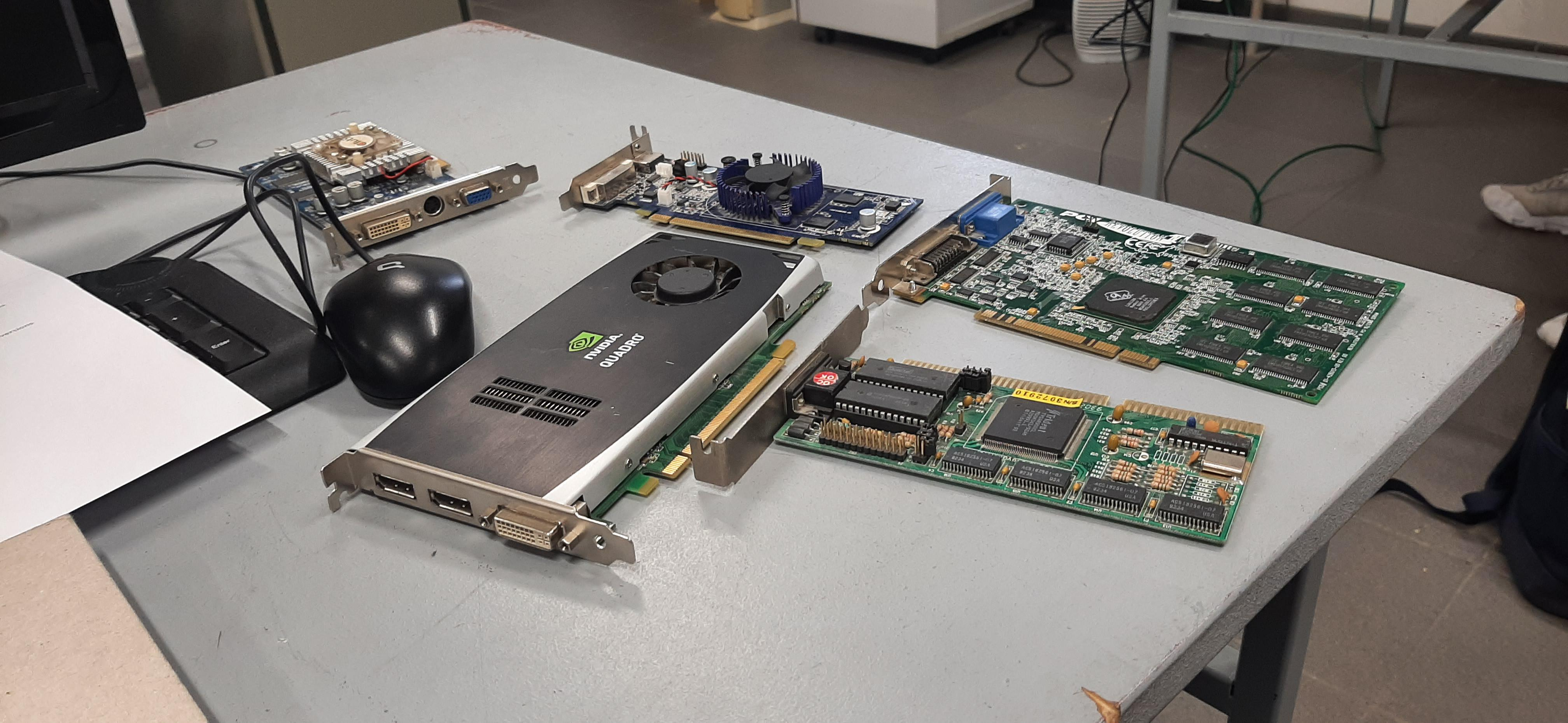
Cloud AI reduces infrastructure work because the provider maintains the model-serving environment. A team usually focuses on prompts, application logic, data connections and usage controls.
Local AI gives more control but also more responsibility. Someone must choose model versions, test upgrades, manage drivers, monitor memory, secure endpoints and handle failures.
A realistic local maintenance checklist
- Track model versions and licenses.
- Patch the operating system and runtime.
- Update GPU drivers carefully.
- Monitor disk and memory usage.
- Control who can access model endpoints.
- Test quality before replacing a model.
- Keep rollback copies for critical workflows.
For a small team without infrastructure skills, these tasks can erase the apparent simplicity of “running AI locally.”
Security: Local Control Creates Local Responsibility
A local system can reduce exposure to external services, but it also becomes another asset that needs protection. If a private model server is reachable from the internet with weak authentication, the risk may be greater than using a mature managed platform with strong identity controls.
Apply normal security engineering:
- Use strong authentication for model interfaces.
- Restrict network access.
- Store API keys and secrets outside prompts.
- Separate development from production.
- Log access without recording unnecessary sensitive text.
- Patch dependencies and runtimes.
- Back up configuration and required model assets.
Our cloud security framework guide provides useful controls for managed environments, while the same core ideas—identity, least privilege, logging and recovery—also apply to private AI infrastructure.
Model Quality and Update Speed Can Change the Decision
Local models improve quickly, but the most capable managed models may still offer advantages for difficult reasoning, complex multimodal tasks or very large context windows. A local model that is “good enough” for classification or summarization may not be good enough for high-stakes research.
Cloud providers also update systems more frequently. That can be an advantage because capabilities improve without a local deployment project. It can also be a challenge if model behavior changes and a workflow is not regression-tested.
Local deployment gives teams more control over when a model changes. You can freeze a validated version and update on your own schedule. The cost is that you must manage the update process yourself.
When a Hybrid AI Architecture Makes Sense
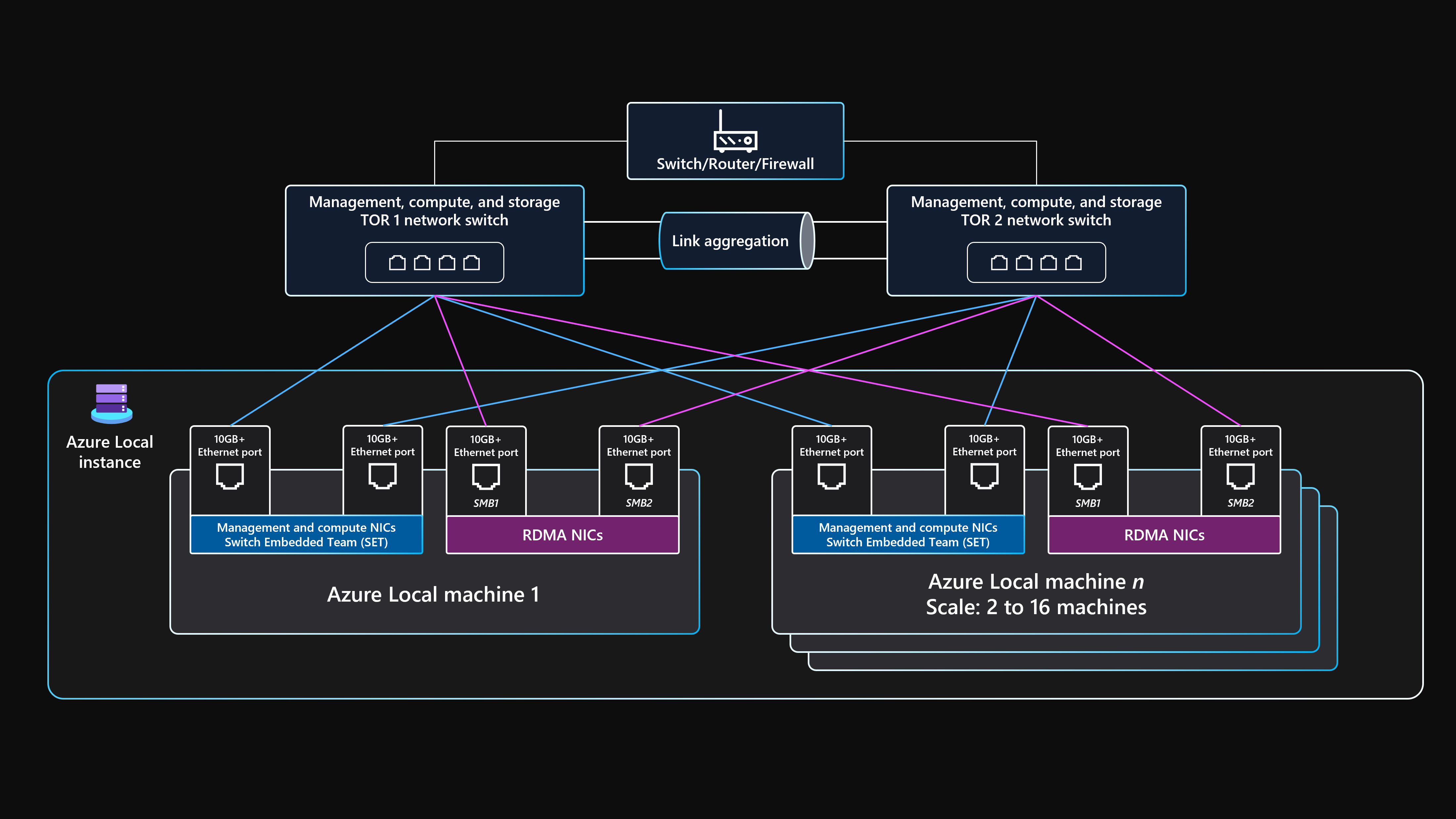
A hybrid architecture uses different models for different classes of work. This is often more practical than forcing every task into one environment.
Example hybrid design
- Use a local model to classify documents and remove sensitive identifiers.
- Send only the sanitized text to a cloud model for deeper analysis.
- Return the result to an internal system.
- Require a human review before the result updates a business record.
Another pattern is to route low-cost repetitive work to a small local model and reserve cloud models for difficult requests. This can reduce spend while preserving access to stronger capabilities.
If you are comparing broader platforms, our guide to leading AI agent platforms explains how managed runtimes, tools and observability differ across ecosystems.
A Decision Framework for Local AI vs Cloud AI
| Question | If the answer is “high/important” | Likely direction |
|---|---|---|
| Data sensitivity | Data should remain under internal control | Local or private deployment deserves evaluation |
| Need for strongest model quality | Complex reasoning is central | Cloud or hybrid may be better |
| Usage volume | Predictable and high | Local economics may improve |
| Infrastructure skills | Team can maintain AI servers | Local becomes more practical |
| Offline requirement | Connectivity is unreliable | Local is strongly favored |
| Elastic scaling | Demand changes dramatically | Cloud is usually simpler |
How to Run a Proof of Concept
- Choose three real tasks. Use representative documents or workflows.
- Define quality criteria. Accuracy, latency, privacy, cost and usability.
- Test one local option and one managed option.
- Measure hardware and API cost.
- Review security and data handling.
- Test failure scenarios. Network loss, memory pressure and service limits.
- Document the operational burden.
- Select by workload. Do not force one architecture on every task.
Local AI vs Cloud AI Checklist
- Data sensitivity classified.
- Model quality tested on real tasks.
- Latency measured.
- Total monthly cost estimated.
- Hardware requirements documented.
- Security responsibilities assigned.
- Retention and logging reviewed.
- Update strategy defined.
- Fallback plan available.
- Human review added for important outcomes.
Frequently Asked Questions
Is local AI always more private?
No. Local processing can reduce external data transfer, but privacy still depends on software behavior, user access, storage, telemetry, backups and device security.
Is cloud AI always more powerful?
Not for every task. Cloud services often provide access to large managed models, while a well-chosen local model can be very effective for focused tasks such as summarization, classification or code assistance.
Can a small business run AI locally?
Yes, but the practical value depends on hardware and technical skill. A local pilot can be simple, while reliable multi-user production service requires more administration.
What is the safest first step?
Choose one low-risk workflow and compare local and cloud approaches using the same test data. Measure quality, cost, privacy requirements and maintenance effort before expanding.
Conclusion
Local AI and cloud AI solve different operational problems. Local deployment offers greater control over where processing happens and can work well for predictable or sensitive workloads. Cloud AI reduces infrastructure work and often gives teams faster access to managed, high-capability models and elastic scale.
The strongest architecture is the one that matches the workload. Classify the data, measure real performance, include maintenance in the cost calculation and apply security controls to both local and cloud systems. In many organizations, a hybrid approach will be the most balanced solution because it lets each task run in the environment that best fits its risk, cost and performance requirements.