 by
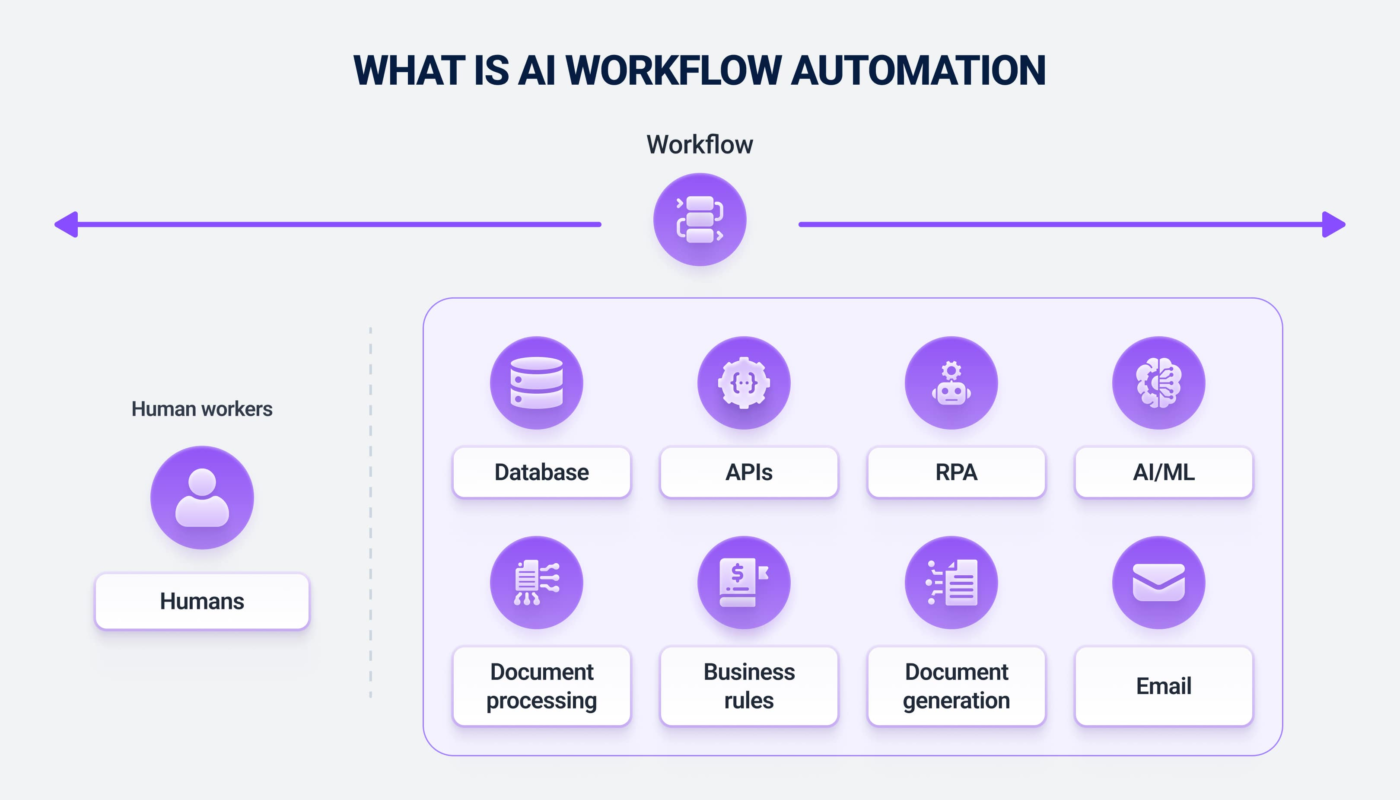
by Modern AI automation tools sit between traditional workflow software and autonomous agents. The most reliable systems do not ask AI to control every step. They use deterministic automation for predictable actions—such as moving data or sending a known notification—and introduce AI only where interpretation, classification, summarization, or flexible decision-making is genuinely useful.
This matters because a business process must remain understandable when something fails. Platforms such as Make and Zapier increasingly combine standard automation with AI and agentic steps. The useful design question in 2026 is not “How autonomous can this workflow become?” It is “Which steps need judgment, which steps should stay deterministic, and how will people inspect and recover the process?”
Traditional Automation Still Does Most Routine Work Well
A rule such as “when a paid order arrives, create a fulfillment record” does not need a language model. Traditional automation is faster, more predictable, and easier to test when inputs and outputs are structured.
Good deterministic steps
- Copying fields between applications.
- Creating a task after a known trigger.
- Sending a predefined notification.
- Running a formula or date calculation.
- Filtering records using explicit rules.
- Calling an API with validated parameters.
Use AI when a step contains ambiguity that fixed rules cannot handle efficiently.
Where AI Adds Value Inside an Automation
- Classifying an inbound request from free-form text.
- Summarizing a long support conversation.
- Extracting structured fields from an inconsistent document.
- Choosing among approved tools based on context.
- Drafting a personalized response for review.
- Comparing information from several systems.
- Identifying likely exceptions that need a person.
The AI output should usually be validated before it becomes an irreversible action.
Make: Visual Automation With Agentic Steps
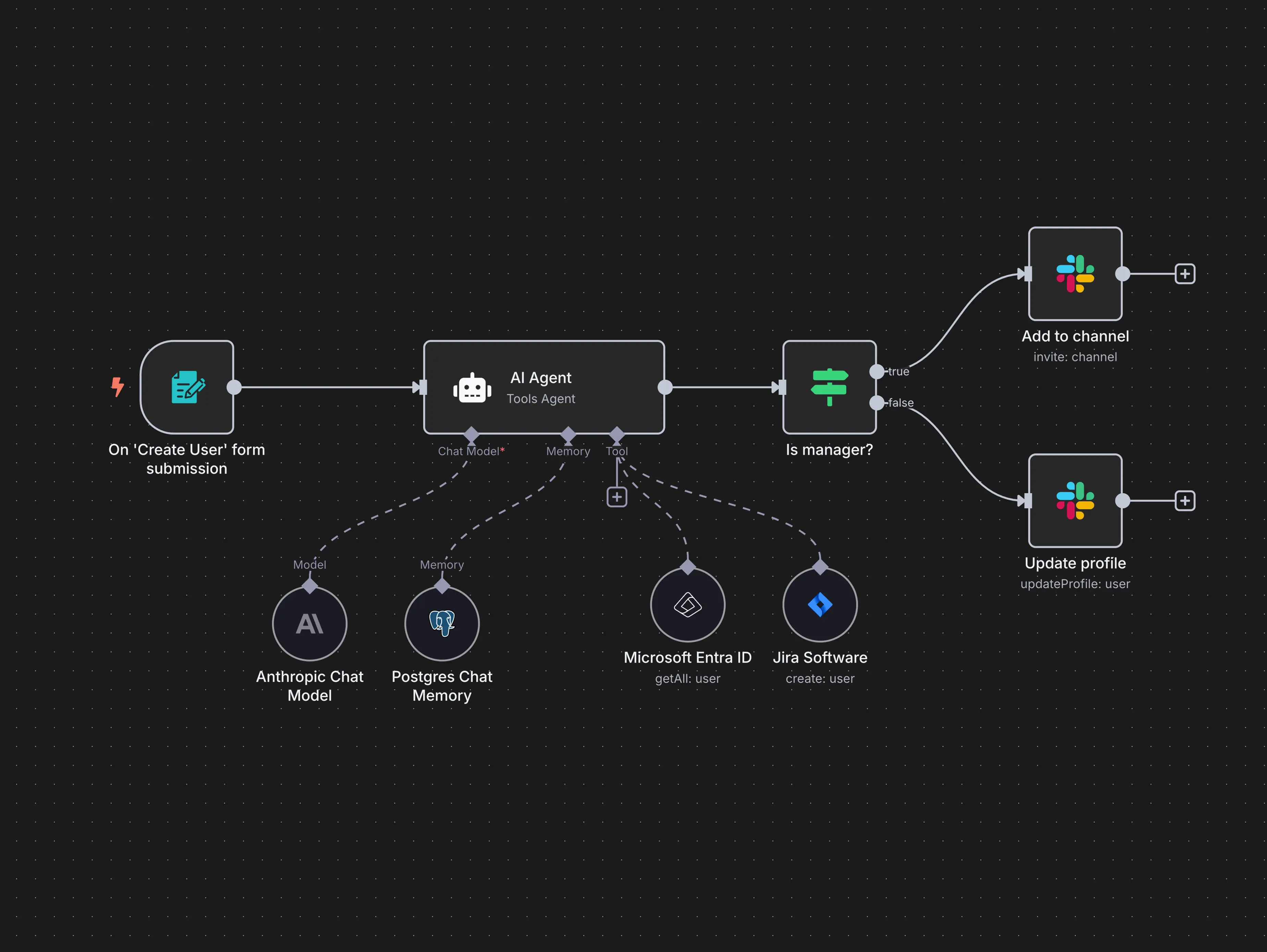
Make’s current AI Agents platform combines agentic decision-making with its visual automation environment. Its 2026 product updates emphasize visibility into which tools agents use and how they operate inside workflows.
That visual approach is useful when teams want to see conventional workflow steps and AI decisions in the same operational canvas.
Good fit
- Teams that prefer visual workflow design.
- Processes connecting several SaaS applications.
- Automations that mix rules with AI classification or reasoning.
- Operators who want to inspect execution paths and errors.
Zapier: AI and Deterministic Steps in One Automation Layer

Zapier’s July 2026 documentation describes a transition from its separate Agents experience toward AI by Zapier inside the Zap editor, allowing agentic tool-calling steps to coexist with normal triggers, actions, filters, and branching. That direction reflects a broader industry trend: AI is becoming one component inside established automation rather than a separate island.
See the current Zapier migration guidance for the latest platform status.
Design an Automation as Layers
| Layer | Responsibility | Example |
|---|---|---|
| Trigger | Starts the process | New support form submission |
| Validation | Checks required structured data | Email and account ID present |
| AI interpretation | Handles ambiguous language | Classify issue and urgency |
| Deterministic action | Executes known business rule | Create ticket in selected queue |
| Human approval | Protects high-impact decisions | Approve refund above threshold |
| Logging | Records outcome | Store classification and final action |
Separating these layers makes failures easier to diagnose.
Error Handling Is a Core Feature, Not an Extra
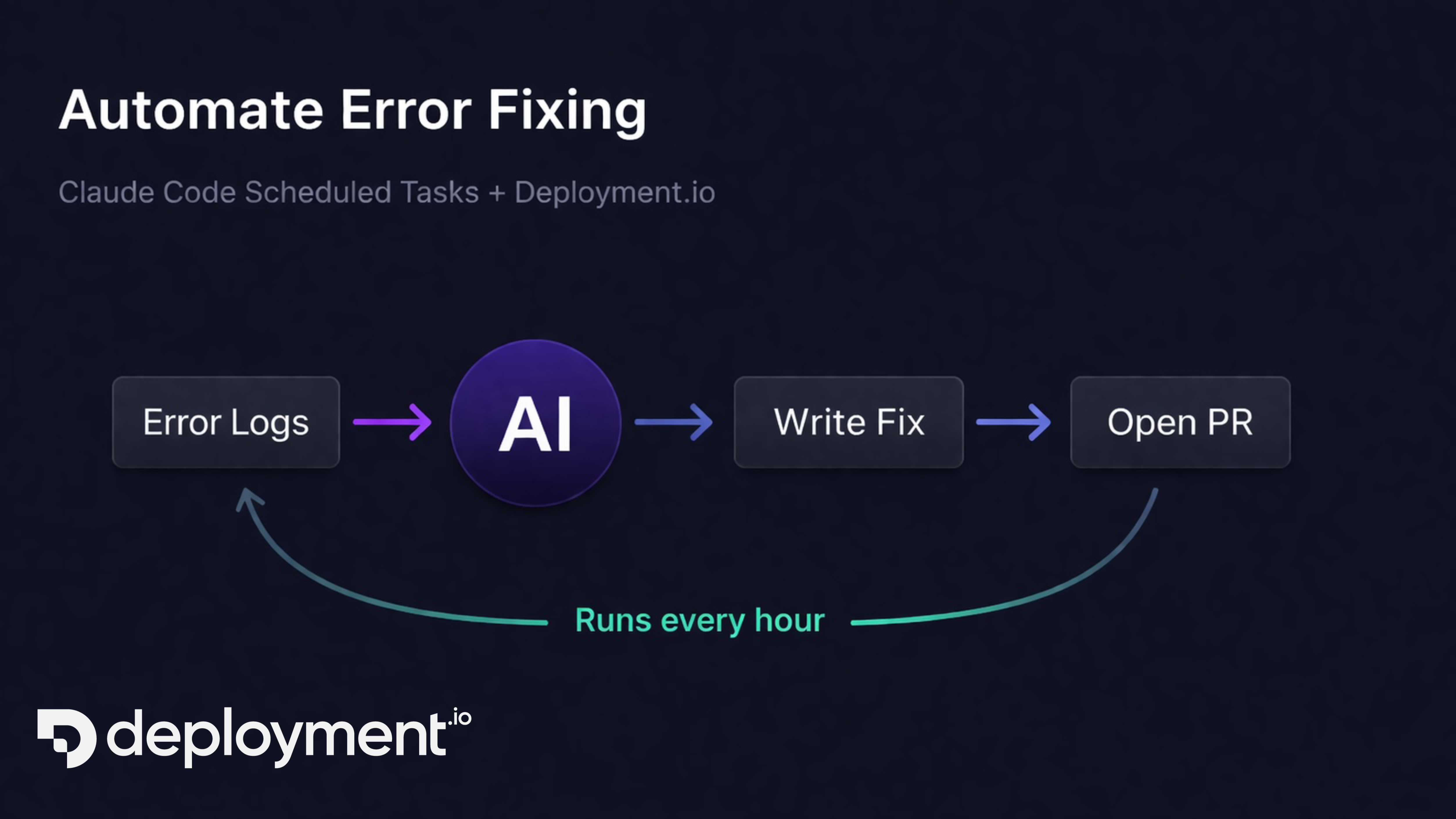
Production automation must assume that APIs time out, credentials expire, required fields disappear, rate limits are reached, and AI can return unexpected output.
A robust workflow should define
- Retries for temporary failures.
- Timeout limits.
- A dead-letter or exception queue.
- Notifications for repeated errors.
- Validation before write actions.
- Idempotency or duplicate protection where relevant.
- A manual recovery procedure.
An automation that works only on the happy path is still a prototype.
Keep AI Permissions Narrow
Do not give an agent access to every action in every connected application simply because it may need flexibility later. Expose only the tools required by the workflow.
- Separate read and write actions.
- Use restricted service accounts.
- Keep financial and destructive actions behind approval.
- Do not expose secrets in prompts.
- Log tool calls and important parameters.
- Review third-party connector scopes.
For a broader risk framework, the NIST AI Risk Management Framework provides useful governance principles.
How to Choose an AI Automation Platform
- List the applications and APIs the process needs.
- Check whether required connectors expose the necessary actions.
- Build the deterministic version first.
- Add AI only to steps that truly need interpretation.
- Test structured output validation.
- Inspect execution history and debugging tools.
- Test approval and exception paths.
- Estimate cost at real workflow volume.
- Review security and data-retention controls.
AI Automation Platform Checklist
- Reliable triggers and actions.
- Visual or otherwise inspectable workflow state.
- AI model/tool configuration.
- Structured output validation.
- Human approval steps.
- Retries and error routes.
- Execution logs.
- Role-based permissions.
- Secret management.
- Cost/usage visibility.
- Versioning or change controls.
- Export or migration strategy.
For the process-design side rather than the platform layer, see our practical AI workflow automation guide and why workflow automation matters for businesses.
Frequently Asked Questions
Should every workflow use an AI agent?
No. Fixed rules are better when the process is deterministic. Agents add value when the path depends on unstructured information or contextual decisions.
Is visual automation better than code?
It depends on the team and complexity. Visual tools can improve accessibility and operational visibility, while code may provide more flexibility for specialized systems.
Can AI automation run without human review?
Low-risk, well-tested actions can often run automatically. High-impact decisions should retain validation, scoped permissions, and human approval where appropriate.
Conclusion
The most reliable AI automation systems combine the strengths of two approaches: deterministic workflows for predictable work and AI for flexible interpretation. Make, Zapier, and similar platforms are increasingly designed around this hybrid model.
Build for visibility, errors, permissions, and recovery from the start. Automation creates sustainable value when the team can understand why an action happened and safely intervene when the system encounters something unexpected.