 by
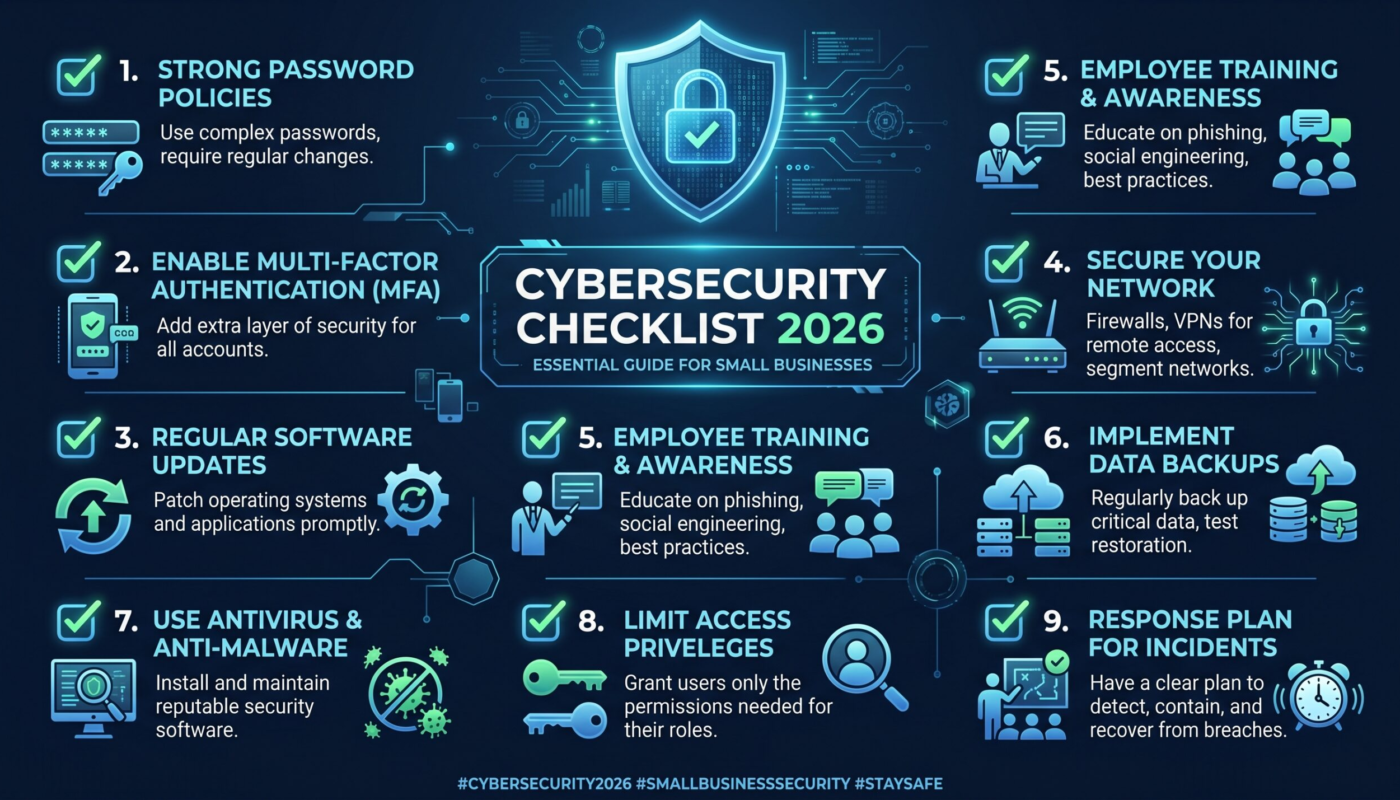
by Small businesses face the same basic cyber risks as larger organizations, but they often have fewer people dedicated to security. That makes prioritization important. A useful cybersecurity checklist should focus first on controls that reduce several common risks at once: account takeover, phishing, ransomware, lost devices, exposed data, and accidental configuration mistakes.

This 2026 checklist is designed as a practical starting point rather than a guarantee against attacks. It follows widely used principles from the Cybersecurity and Infrastructure Security Agency and the NIST Cybersecurity Framework 2.0. The best approach is to assign owners, document what is already in place, fix the highest-risk gaps, and review the list regularly.
1. Protect Every Important Account
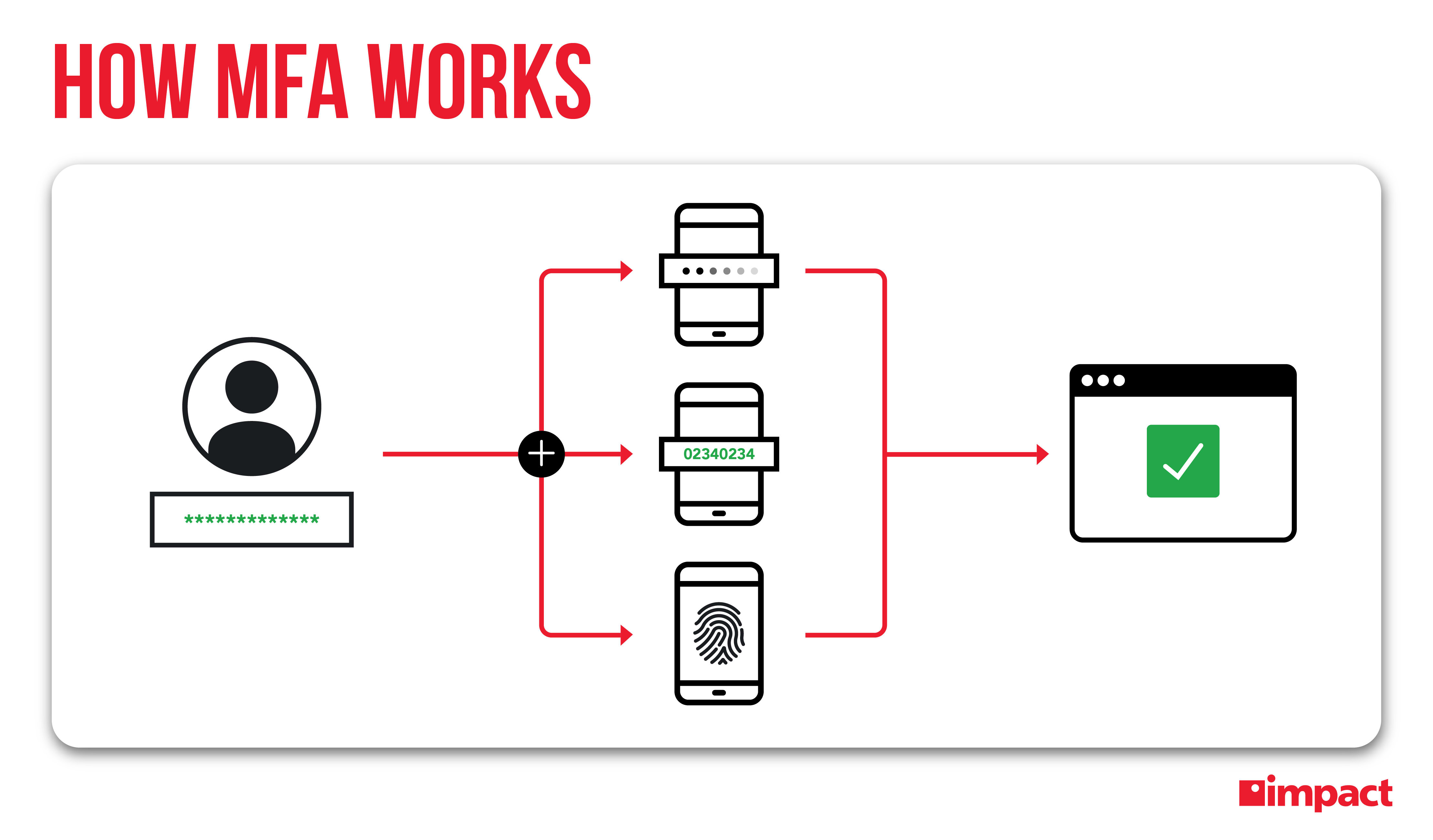
Business email, banking, accounting, domain registration, cloud hosting, social media, and administrator accounts deserve strong protection. A compromised email account can often be used to reset passwords elsewhere, so start there.
Account-security checklist
- Use unique passwords for important business accounts.
- Store passwords in a reputable password manager.
- Enable multi-factor authentication for email, financial, cloud, and admin accounts.
- Remove old accounts when staff or contractors leave.
- Do not share administrator credentials between employees.
- Review recovery email addresses and phone numbers.
- Limit administrator rights to people who genuinely need them.
For more detail, see our guide on why multi-factor authentication matters.
2. Keep Devices and Software Updated
Unsupported or unpatched software gives attackers opportunities to exploit known vulnerabilities. Enable automatic updates where practical and create a routine for systems that require manual testing.
- Update operating systems, browsers, office software, and security tools.
- Patch website platforms, themes, plugins, and server software.
- Remove software that is no longer needed.
- Replace products that no longer receive security updates.
- Maintain an inventory of important laptops, desktops, servers, and mobile devices.
Businesses with many endpoints should use centralized device management where practical so security settings and updates are not dependent on individual users.
3. Build a Backup Strategy You Have Actually Tested
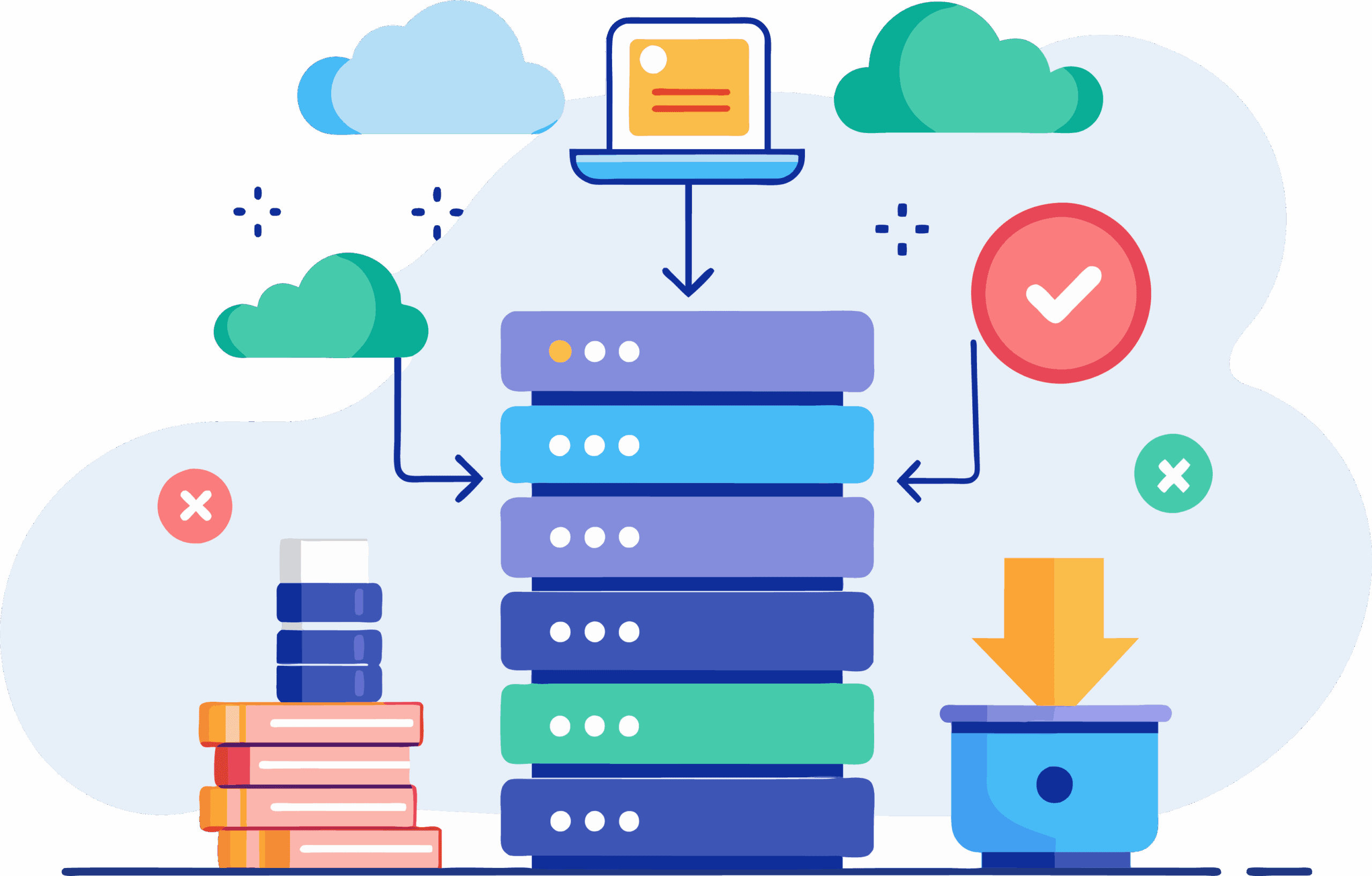
A backup only becomes valuable when it can be restored. Keep multiple copies of critical data, separate at least one copy from normal production access, and test restoration on a schedule.
Questions your backup plan should answer
- Which systems and files are business-critical?
- How often are they backed up?
- Where are backups stored?
- Who can delete or modify them?
- How long would recovery take?
- When was the last successful restore test?
For ransomware resilience, avoid making every backup reachable using the same credentials as normal business systems.
4. Reduce Phishing and Email Risk

Phishing frequently targets passwords, payments, and confidential information. Teach employees a simple verification habit: if a message asks for credentials, money, banking changes, gift cards, sensitive files, or an urgent unusual action, confirm it through a trusted second channel.
Use spam and malware filtering, domain authentication where appropriate, strong MFA, and a simple method for reporting suspicious messages. Our phishing defense guide provides a complete workflow.
5. Secure Your Network and Remote Access
| Area | Practical control |
|---|---|
| Wi-Fi | Use modern encryption, a strong admin password, and separate guest access |
| Router/firewall | Keep firmware updated and remove unnecessary remote management |
| Remote access | Require strong authentication and restrict access to business need |
| Cloud dashboards | Limit administrator access and monitor unusual sign-ins |
| Public services | Expose only services that genuinely need internet access |
A VPN can protect traffic in some remote-access situations, but it is not a replacement for secure accounts, patched endpoints, or safe web use. See our guide on what VPNs protect and where they fall short.
6. Protect Business Data
Know what sensitive information the business holds and why. Collecting less unnecessary data reduces the amount that can be exposed. Apply access controls based on job need and use encryption features provided by modern devices, cloud platforms, and business applications.
- Classify sensitive customer, employee, and financial data.
- Restrict access to people who need it.
- Use secure file-sharing tools instead of personal accounts.
- Define retention and deletion practices.
- Protect portable devices with screen locks and device encryption.
- Avoid sending highly sensitive information through unprotected channels.
7. Review Vendors and Cloud Services
Small businesses often depend on payroll, CRM, ecommerce, email, hosting, accounting, and support vendors. Those services become part of the security environment.
Vendor review questions
- Does the service support MFA and role-based permissions?
- Can you export or back up important data?
- How are security incidents communicated?
- What happens to data after cancellation?
- Who inside your company has administrator access?
- Are old integrations or API keys still active?
For cloud-specific controls, our guide to cloud security frameworks covers shared responsibility and identity management.
8. Prepare a Simple Incident Response Plan
Do not wait for an incident to decide who should act. A small business plan can be concise as long as it is clear.
- List internal and external security contacts.
- Define who can disable accounts or isolate devices.
- Document how to contact key vendors, banks, insurers, and hosting providers.
- Know where logs and backups are stored.
- Create a method for documenting actions and decisions.
- Review legal, regulatory, contractual, and notification obligations relevant to your business.
The goal is faster, coordinated action—not a complicated document nobody can find during an emergency.
9. Train Employees Without Creating Fear
Security awareness should be practical. Teach people how to recognize unusual requests, protect authentication codes, report suspicious activity, use approved tools, and handle sensitive information. Encourage early reporting even when someone thinks they may have made a mistake.
Short, recurring training tied to real workplace scenarios is often easier to remember than a single annual presentation.
10. Review Security Every Quarter
Security changes when employees join or leave, vendors change, websites are rebuilt, or new cloud tools are adopted. A quarterly review keeps the checklist useful.
- Remove inactive users and stale permissions.
- Review administrator accounts.
- Check backup and restore results.
- Review important security alerts and incidents.
- Confirm critical software is supported and updated.
- Review new vendors, integrations, and public-facing services.
Frequently Asked Questions
What should a very small business do first?
Start with strong unique passwords, MFA, reliable backups, software updates, and phishing awareness. These controls address several common attack paths and are achievable for many small teams.
Do small businesses need expensive cybersecurity software?
Not always. Many important protections are already built into modern email, operating systems, cloud platforms, and business software. The priority is to configure and maintain them correctly. More advanced tools should solve a specific risk or visibility gap.
How often should the checklist be reviewed?
A quarterly review is a practical baseline for many small businesses, with additional reviews after major staffing, technology, vendor, or incident changes.
Conclusion
A small-business cybersecurity program does not need to start with dozens of products. It needs consistent basics, clear ownership, and a plan for recovery. Protect important accounts, update devices, test backups, reduce phishing risk, control access to sensitive data, review vendors, and prepare for incidents.
Treat this checklist as a working document. Mark what is complete, assign each open item to an owner, prioritize high-impact gaps, and revisit the list as the business changes. Security improves most when practical controls become part of normal operations rather than a one-time project.