 by
by A virtual private network, or VPN, creates an encrypted connection between your device and a VPN server. That can be useful on untrusted networks, for secure remote access to business systems, or when you want your internet traffic to leave through a different network location. But a VPN is not an all-purpose privacy or cybersecurity shield.
Understanding the boundary is important. A VPN can protect data in transit between your device and the VPN server, but it cannot make a malicious website safe, repair an infected laptop, stop you from giving a password to a phishing page, or guarantee anonymity. This guide explains what VPNs protect, where they fall short, and when they are a sensible part of a broader security setup.
How a VPN Works
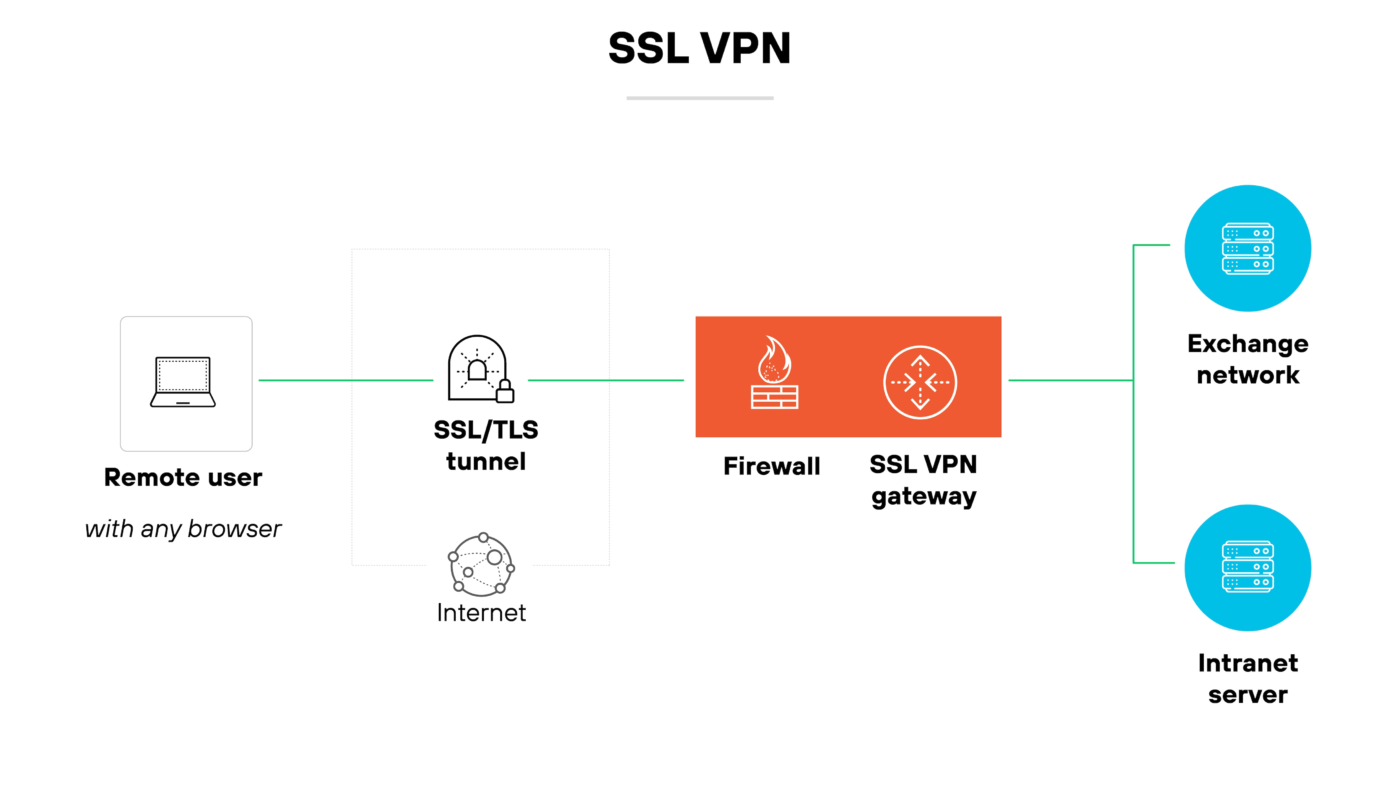
Without a VPN, your device normally connects to websites and online services through your internet provider or the network you are using. HTTPS already encrypts the content of most modern web traffic between your browser and the destination website. A VPN adds another encrypted tunnel from your device to the VPN provider or your organization’s VPN gateway.
What changes when the VPN is active
- The local network sees an encrypted connection to the VPN endpoint rather than the individual destinations in the same way.
- Websites generally see the public IP address of the VPN server instead of your normal public IP address.
- The VPN provider or organization operating the endpoint becomes part of the trust path.
- Traffic still leaves the VPN server and travels to its final destination, usually protected by HTTPS for web services.
This trust shift is why choosing a VPN provider matters. You are not eliminating trust; you are changing who can observe or handle parts of your network activity.
What a VPN Can Protect
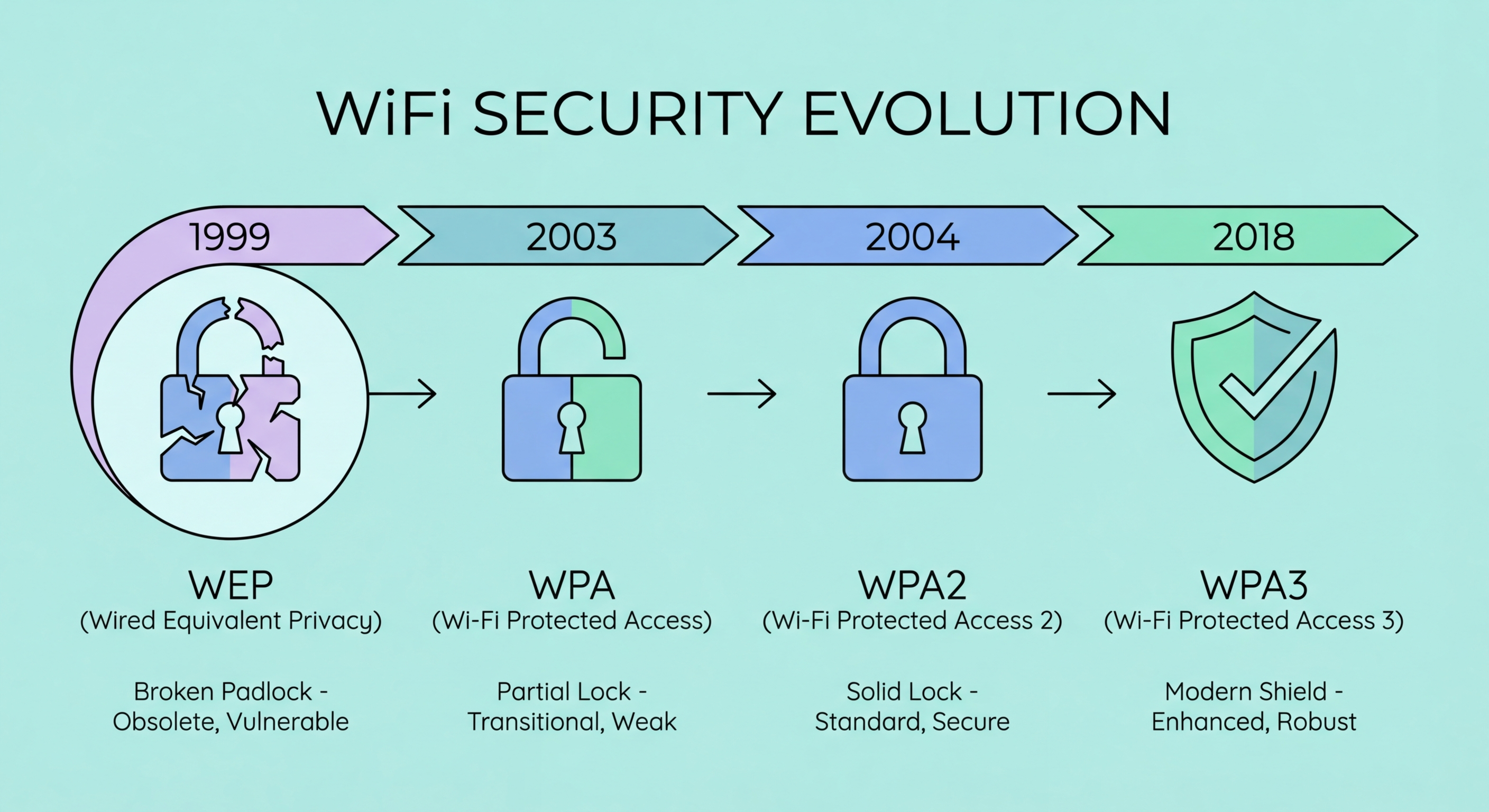
Traffic on untrusted local networks
A VPN can reduce exposure on public or otherwise untrusted networks by encrypting traffic between the device and VPN server. This is especially useful for business remote access when employees need to connect to internal resources.
Your public IP address from destination sites
Websites normally see the VPN server’s IP address. This can reduce direct exposure of your home or office public IP, although websites can still identify or track users through accounts, cookies, browser characteristics, and other signals.
Remote access to private business resources
Organizations commonly use VPNs to provide authenticated access to internal applications or network segments. This should be combined with strong authentication, limited permissions, device security, and monitoring rather than treating the VPN connection itself as proof that a user or device is trustworthy.
What a VPN Does Not Protect
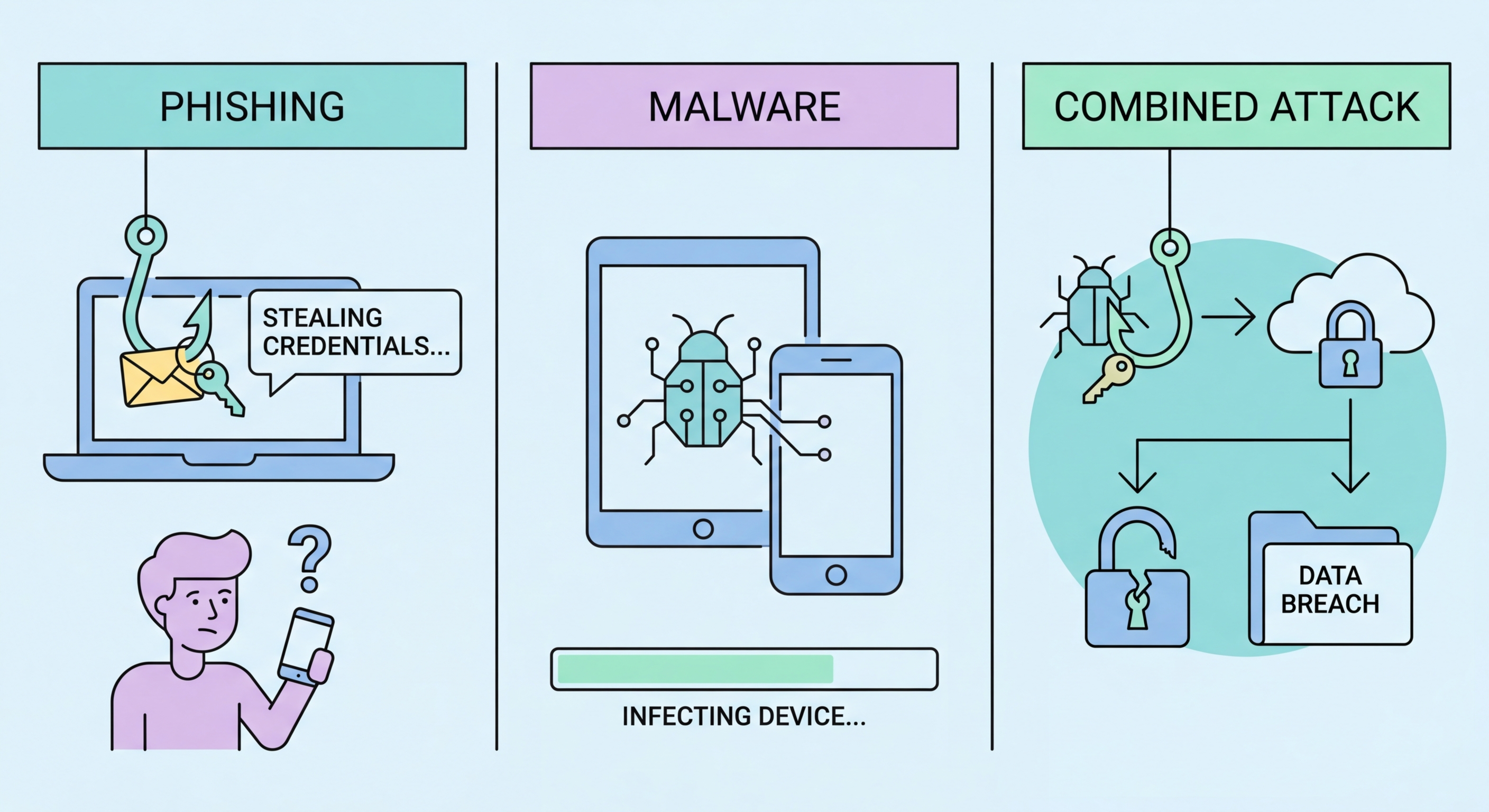
| Risk | Does a VPN solve it? | What helps instead |
|---|---|---|
| Phishing | No | Verification habits, filtering, MFA, user training |
| Malware | No | Updates, endpoint protection, safe downloads, least privilege |
| Weak/reused passwords | No | Password manager and unique credentials |
| Account takeover | Not by itself | MFA, login monitoring, recovery security |
| Website tracking | Only partially | Browser/privacy controls and account choices |
| Unsafe data sharing | No | Access controls and user judgment |
For example, if a user enters credentials into a convincing phishing page while connected to a VPN, the VPN securely transports those credentials to the malicious site. Our phishing defense guide covers the controls that address that risk directly.
VPNs and Privacy: What to Expect
A VPN can hide your normal IP address from websites and reduce what the local network can see, but it does not make you anonymous. If you sign in to Google, a bank, a social network, or another account, that service still knows which account is being used. Cookies and browser identifiers can also persist across connections.
Questions to ask about a commercial VPN
- Who operates the service and in which legal jurisdiction?
- What activity or connection metadata is logged?
- How long is data retained?
- Has the provider published independent security audits?
- Which VPN protocols are supported?
- Does the app provide a kill switch or leak protection?
- How are payment and account data handled?
Marketing phrases such as “100% anonymous” deserve skepticism. Privacy depends on the service design, your behavior, the websites you use, the device itself, and the legal environment.
When a VPN Is Useful
Remote business access
A well-managed business VPN can be useful for connecting approved users to private systems. Organizations should require MFA, maintain endpoint security, limit access by role, and monitor sign-ins. CISA’s authentication guidance reinforces the importance of stronger account protection beyond passwords.
Untrusted networks
Using a reputable VPN can add protection between your device and the VPN endpoint when you are on hotel, airport, café, or other networks you do not control. HTTPS already protects most web content, but a VPN gives an additional network-level layer.
Consistent network egress
Businesses may use VPN gateways so traffic comes from controlled network locations, making it easier to restrict administrative panels or internal services by network policy.
When You May Not Need a VPN
If you are using a trusted home network, modern HTTPS websites, updated devices, strong authentication, and do not need private-network access or a different IP location, a consumer VPN may offer limited additional security for everyday browsing. Whether the privacy trade-off is worthwhile depends on your threat model and the provider you trust.
On mobile devices, switching from an untrusted public Wi-Fi network to your cellular connection can also be a practical option when available.
Business VPN Security Checklist
- Require MFA for VPN access.
- Remove accounts immediately when access is no longer needed.
- Use current, supported VPN software and appliances.
- Patch gateways promptly, especially internet-facing vulnerabilities.
- Restrict users to the systems required for their role.
- Log successful and failed remote-access events.
- Review unusual geography, devices, and login times.
- Protect administrator accounts separately.
- Have an alternative access/recovery plan if the VPN service fails.
- Consider modern zero-trust or application-specific access approaches where they better fit the environment.
VPN controls should sit inside a broader program such as the one in our small-business cybersecurity checklist.
Frequently Asked Questions
Does a VPN stop my internet provider from seeing everything I do?
A VPN changes what the provider can directly observe because traffic is encrypted to the VPN endpoint, but the provider can still see that you are connecting to a VPN and related connection metadata. The VPN operator becomes another party in the trust chain.
Does a VPN make public Wi-Fi completely safe?
No. It can protect network traffic between your device and the VPN server, but it does not stop phishing, malicious downloads, unsafe browser extensions, or compromised devices.
Should businesses expose a VPN gateway directly to the internet?
Remote-access gateways are commonly internet-facing, which makes patching, MFA, logging, and secure configuration especially important. Organizations should follow vendor security guidance and respond quickly to known vulnerabilities.
Is a free VPN safe?
Price alone does not determine safety, but free services still need a business model. Review who operates the service, what data it collects, how it is funded, and whether its software and privacy practices are transparent.
Conclusion
A VPN is a useful network-security and remote-access tool, but it should be understood precisely. It can encrypt the path to a VPN server, hide your normal public IP from destination sites, and provide controlled access to private resources. It cannot replace secure passwords, MFA, software updates, endpoint protection, phishing awareness, or careful data handling.
Choose a VPN when it solves a real network or privacy need, evaluate the provider you are trusting, and keep the rest of your security controls in place. Clear expectations are more useful than treating a VPN as a universal safety switch.