 by
by Building a Personal AI Knowledge Base: Sources, Retrieval, Privacy and Maintenance
A personal AI knowledge base can turn scattered documents, notes, reports and reference material into a searchable working library. Instead of remembering which folder contains a policy, which PDF explains a project decision or which note includes a customer requirement, you can ask a question in natural language and let an AI system retrieve relevant material from your source collection.

The useful part is not simply “chat with your files.” A dependable knowledge base needs good source selection, clear organization, trustworthy retrieval, citation checking, privacy controls and a maintenance process. Without those elements, the system can become an attractive interface over outdated, duplicated or contradictory information.
This guide explains how to build a personal or small-team AI knowledge base that remains useful after the first week of experimentation.
What an AI Knowledge Base Is—and What It Is Not
An AI knowledge base usually combines a collection of sources with a retrieval system and a language model. When a user asks a question, the system looks for relevant information in the approved sources, sends that context to the model and generates an answer.
This approach is different from asking a general chatbot to answer from broad model knowledge. A source-grounded knowledge base is designed to answer from material you intentionally provided or connected.
Google’s current NotebookLM documentation, for example, describes a source-grounded workflow where the system retrieves relevant information from sources added to a notebook. Google also notes that an answer may fail when the requested information is not present in the sources. That is an important design principle: a good knowledge base should be willing to say “this is not in the source material” rather than confidently inventing an answer.
Common source types
- Project documentation.
- Policies and operating procedures.
- Research papers and reports.
- Product manuals.
- Meeting notes.
- Training material.
- Personal reference notes.
- Frequently used spreadsheets or exports.
- Public web sources that are important to your work.
Start With a Clear Purpose Before Collecting Files
The fastest way to make an AI knowledge base messy is to upload every document you can find. A better approach is to define the questions the system should help answer.
Example goals
- “Help me answer questions about our standard operating procedures.”
- “Help me compare research evidence for articles.”
- “Help our support team find approved product information.”
- “Help me retrieve decisions from project documentation.”
- “Help me study a technical subject using my own course material.”
Once the goal is clear, source selection becomes easier. A research library may need PDFs and papers. A support library needs current product documentation. A project knowledge base needs decisions, requirements and status records. The purpose determines what “relevant” means.
If your primary need is public-web research rather than private source retrieval, our guide to AI research assistants explains how source discovery and verification differ from a closed knowledge base.
Source Quality Determines Answer Quality

An AI system cannot resolve every weakness in the documents you give it. If two files contain different policies and neither is marked as current, retrieval may surface both. If a document is a rough draft, the AI may quote it as confidently as a final procedure.
Create a source-quality hierarchy
| Source level | Example | How to treat it |
|---|---|---|
| Authoritative | Approved policy, official manual, signed specification | Primary reference |
| Current working source | Maintained project plan or reviewed notes | Useful with date context |
| Historical | Old procedure or archived plan | Keep only when history matters |
| Unverified | Personal notes, rough draft, copied text | Use cautiously or exclude |
Add dates and status labels to important files. “Security-Policy-Approved-2026-05.pdf” is easier to interpret than “policy-final-v7-new.pdf.” The naming convention is not glamorous, but it helps both users and AI retrieval.
Organize Information Around Retrieval, Not Folder Aesthetics
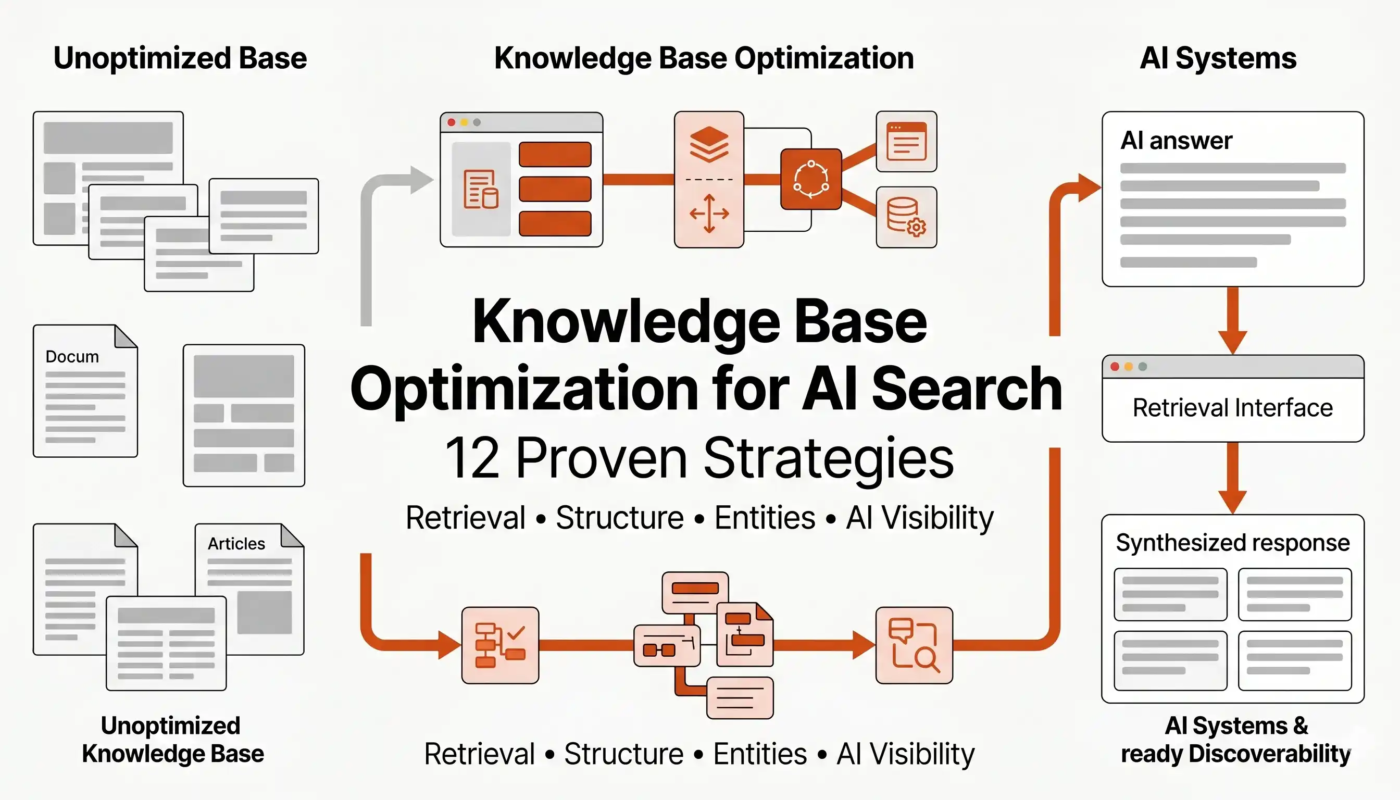
A traditional folder hierarchy is designed for browsing. An AI retrieval system is designed for finding relevant passages. That means a document should contain enough context for a retrieved section to make sense on its own.
Write source documents for retrieval
- Use descriptive headings.
- Keep one topic per section where possible.
- Define acronyms.
- Include dates for time-sensitive policies.
- State who owns the document.
- Avoid unexplained references such as “the old system.”
- Separate obsolete content from current instructions.
A well-structured source improves retrieval without any change to the AI model. This is one reason information architecture often matters more than prompt tricks.
Citations and Source Links Should Be Part of the User Experience
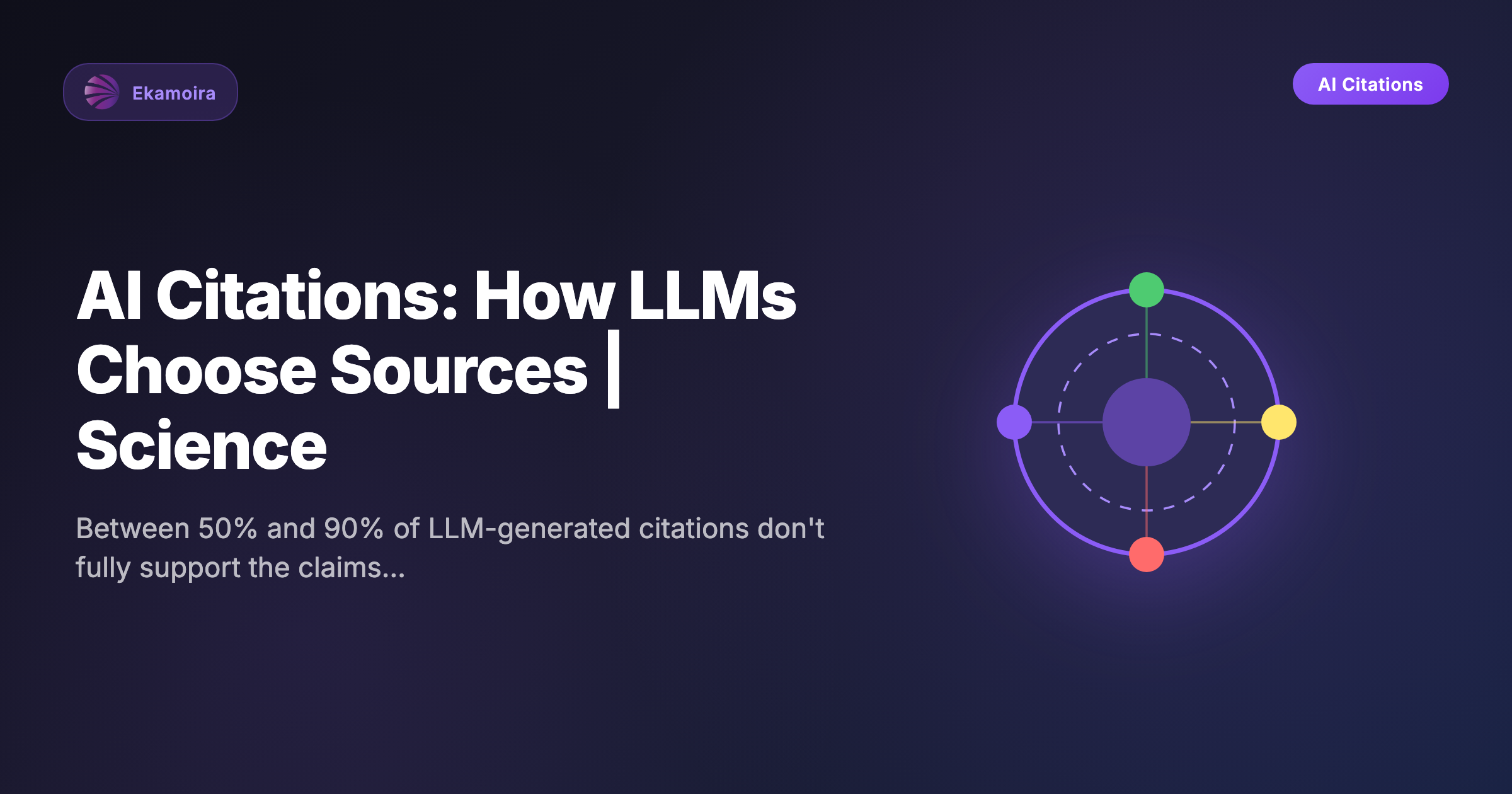
A knowledge-base answer is more useful when the user can see where it came from. Citations make it possible to check wording, context, exceptions and dates.
Google’s NotebookLM help documentation describes source-based responses and notes that citations may vary depending on the source structure. Whether you use NotebookLM or another system, the underlying principle is the same: important answers should be traceable to the source material.
Use a verification habit
- Ask the question.
- Open the cited source.
- Check that the passage supports the answer.
- Confirm the source is current.
- Look for nearby exceptions or conditions.
- Only then use the result for an important decision.
This is especially important for policy, financial, technical or customer-facing information.
Duplicates and Contradictions Need a Policy
Most real knowledge libraries contain duplicate information. A process may be described in a handbook, a slide deck and several meeting notes. If the details differ, retrieval quality becomes unpredictable.
Choose one of three approaches
- Canonical source: keep one approved document as the primary truth.
- Versioned history: keep older copies but clearly mark effective dates.
- Conflict register: document known disagreements and assign an owner to resolve them.
Do not expect the AI to decide which source is officially correct. That is a governance decision for the people who own the information.
Privacy: Upload Only What the Tool Is Approved to Handle
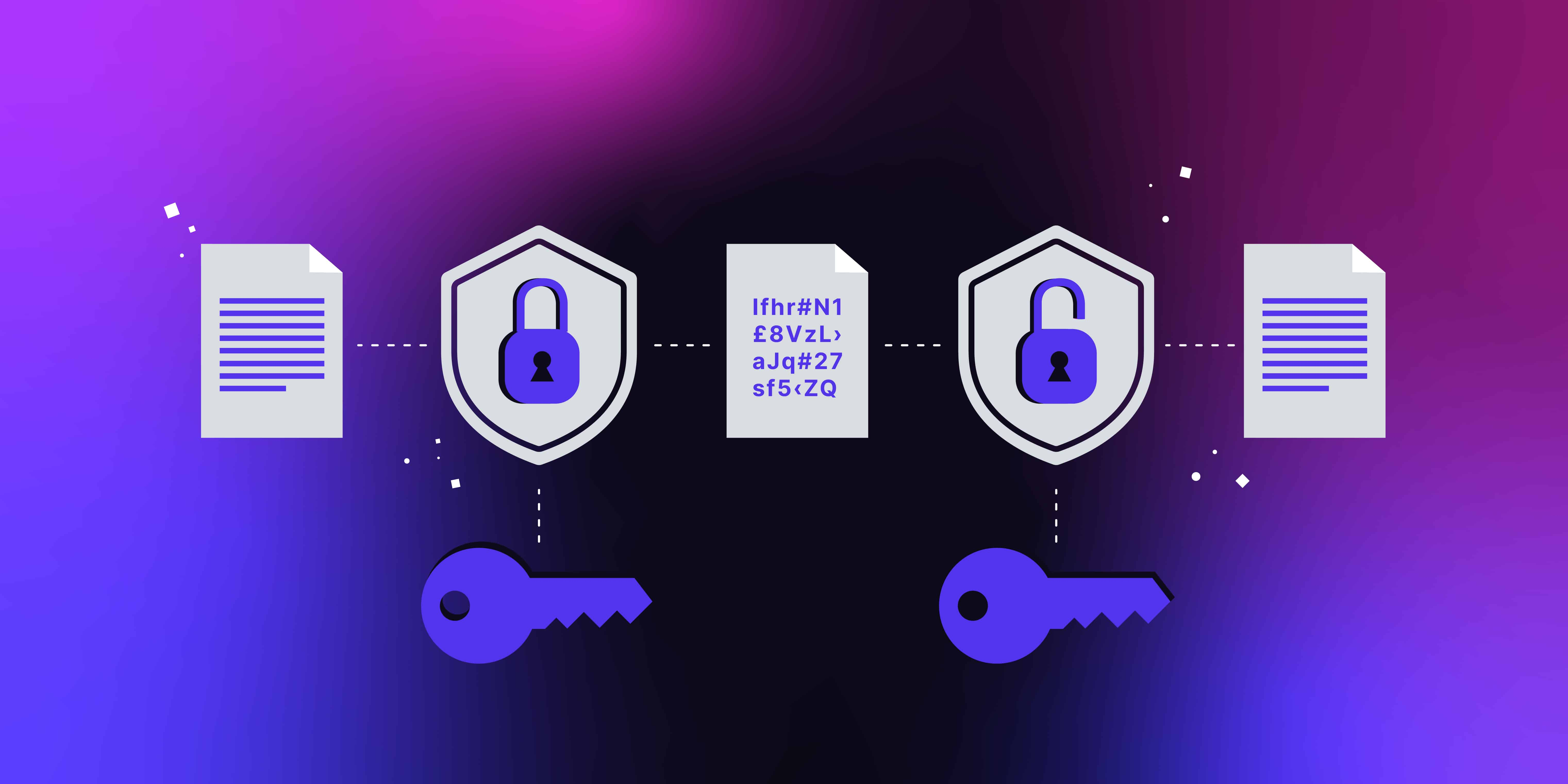
A knowledge base can contain sensitive material such as customer contracts, internal strategy, financial records or personal information. Before uploading or connecting sources, understand the provider’s data-handling rules and your organization’s policy.
Google’s NotebookLM privacy documentation explains how uploaded sources, generated outputs and feedback are handled for that product. Other tools have different terms, so review the specific service rather than assuming all AI knowledge platforms work the same way.
The NIST Privacy Framework provides a broader structure for identifying and managing privacy risk.
Practical privacy controls
- Separate public and confidential knowledge bases.
- Remove unnecessary personal data.
- Use organization-approved accounts for business sources.
- Limit access by role or project.
- Review sharing links regularly.
- Delete notebooks or collections that are no longer needed.
- Know how feedback may change data handling.
Freshness Is a Core Knowledge-Base Metric
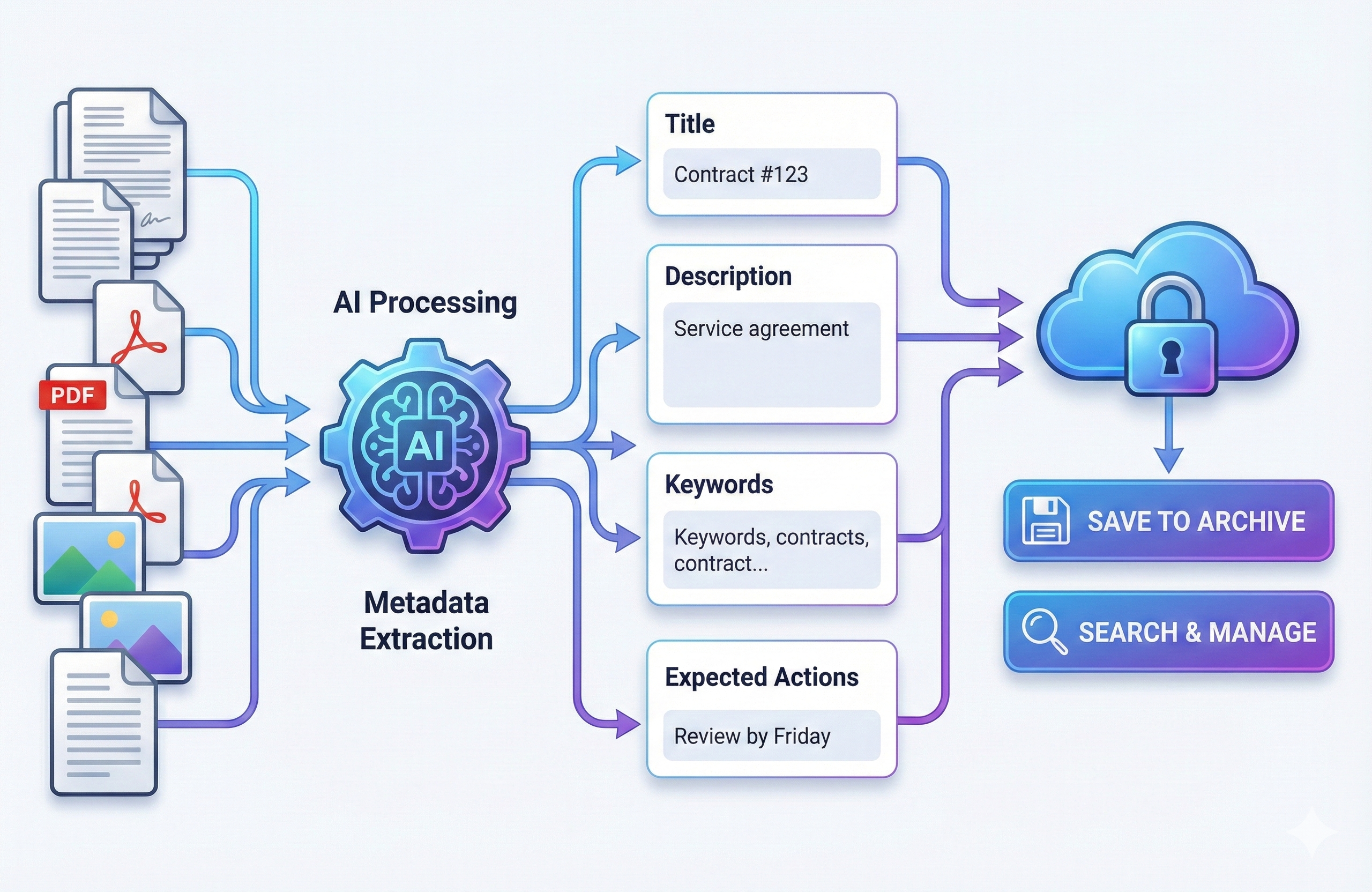
A technically accurate answer from last year may be wrong today. Product documentation, pricing, policies, laws, team structures and security procedures change.
Add a freshness routine
| Content type | Suggested review trigger | Reason |
|---|---|---|
| Security procedures | Scheduled review plus incident/change | Threats and systems change |
| Product documentation | Major release | Features and interfaces change |
| Internal policy | Effective-date cycle | Old rules should not remain active |
| Research sources | Before major publication | New evidence may exist |
| Project notes | Project milestone | Decisions evolve |
Add an owner to high-value source collections. A knowledge base without an owner slowly becomes an archive rather than a dependable working system.
Evaluate Retrieval With Real Questions
Do not test a knowledge base only with questions that you already know are easy. Build a small evaluation set that includes straightforward, ambiguous and deliberately unanswerable questions.
Useful test categories
- Direct fact: “What is the current refund window?”
- Multi-source synthesis: “What changed between the old and new onboarding process?”
- Exception: “When does the normal approval rule not apply?”
- Time-sensitive: “Which policy is currently effective?”
- Unanswerable: “What is the price of a product not documented in the library?”
The last category is important. A trustworthy knowledge base should not invent information just because the user expects an answer.
The NIST AI Risk Management Framework emphasizes measurement and ongoing risk management, which fits well with a repeatable evaluation set.
Personal Knowledge Base Maintenance Workflow
- Define purpose and audience.
- Select authoritative sources.
- Clean names, dates and document status.
- Import or connect the material.
- Test retrieval with 20–30 real questions.
- Check citations for important answers.
- Remove duplicates and stale files.
- Set a review cadence.
- Track frequently failed questions.
- Improve the source library before blaming the model.
For broader daily AI workflows, see our article on AI productivity apps. A knowledge base becomes much more useful when it is integrated into a clear work process rather than treated as a standalone novelty.
AI Knowledge Base Checklist
- Clear purpose.
- Authoritative source hierarchy.
- Descriptive document headings.
- Current dates and owners.
- Duplicate policy.
- Source citations available.
- Privacy settings reviewed.
- Sensitive data minimized.
- Real-world retrieval test set.
- Regular freshness review.
Frequently Asked Questions
Is an AI knowledge base the same as cloud storage?
No. Cloud storage keeps files. An AI knowledge base adds retrieval and language-model interaction so users can ask questions across the content.
Should I upload every document I have?
No. Start with sources that support a clear goal. Too much stale or conflicting material can make answers less dependable.
Can an AI knowledge base replace document organization?
No. Good headings, ownership, dates and source quality still matter. Retrieval performs better when the underlying information is maintained well.
How often should sources be reviewed?
It depends on how quickly the information changes. High-impact procedures and product documentation need more frequent review than stable historical references.
Conclusion
A useful personal AI knowledge base is an information-management system first and an AI interface second. The model can make retrieval easier, but the reliability of the answers depends on what sources you provide, how clearly they are organized and whether outdated information is removed or labeled.
Start with a narrow purpose, prioritize authoritative sources, require traceable citations for important answers and build a regular maintenance routine. Treat privacy and permissions as part of the design. If the knowledge library is clean, current and testable, AI can make it dramatically easier to find and use the information you already trust.