 by
by Every business has repetitive coordination work: copying information between systems, assigning requests, reminding people about deadlines, preparing standard reports, checking approvals, and notifying the next person in a process. Individually, each task may take only a few minutes. Across hundreds or thousands of repetitions, the cost becomes significant.
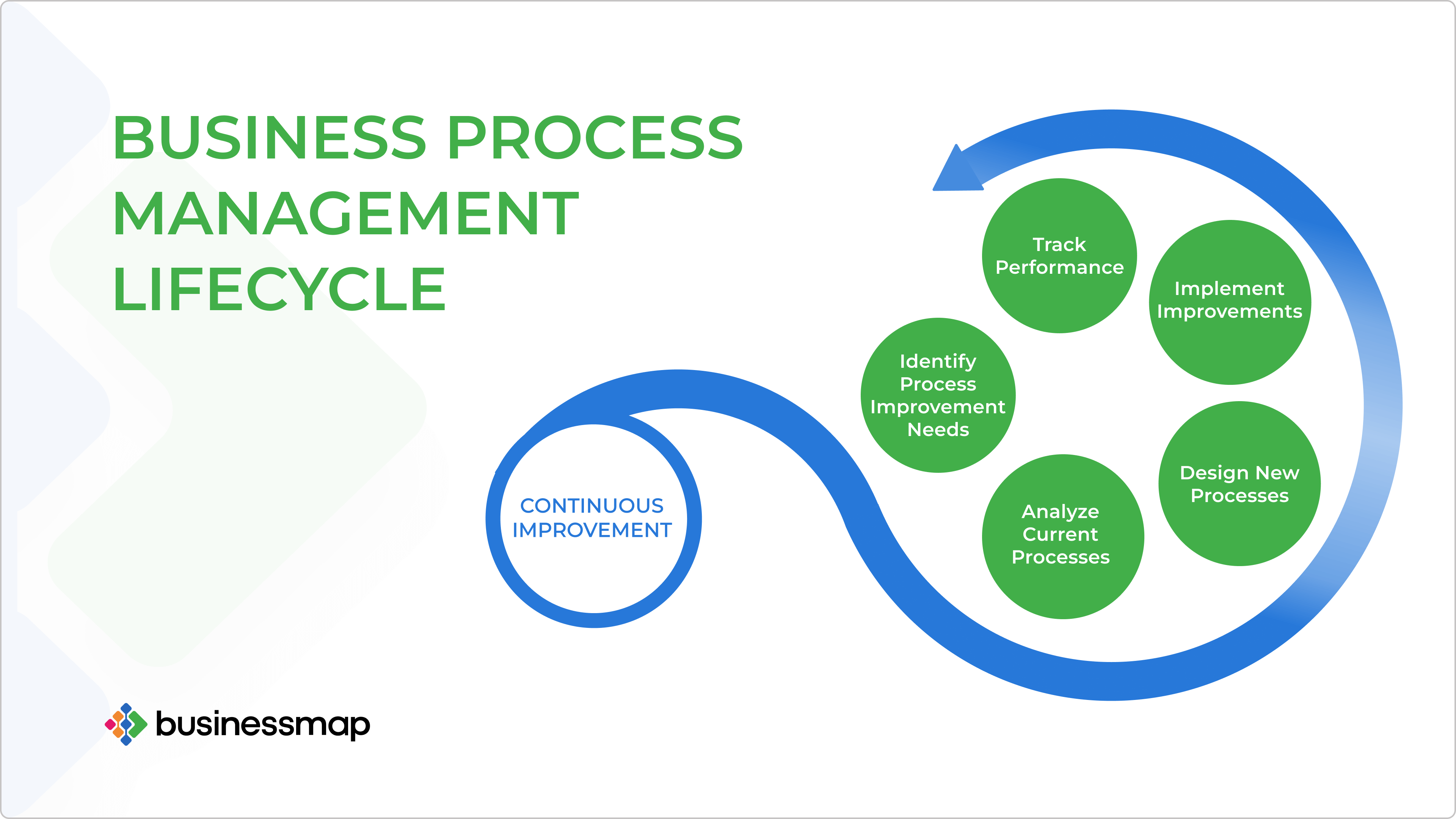
Workflow automation is becoming essential because it turns these repeatable handoffs into an operating system. The goal is not to remove people from every process. It is to reduce avoidable manual work, make ownership visible, improve consistency, and let employees spend more time on exceptions, customers, and decisions.
What Workflow Automation Means
A workflow is a sequence of events, decisions, and actions that produces a business outcome. Automation executes some of those steps according to predefined rules or, increasingly, AI-assisted decisions.
Simple example
- A customer submits a request.
- The system validates required fields.
- The request is routed to the right team.
- A task is created with a due date.
- The customer receives confirmation.
- A manager is alerted if the request remains unresolved.
Without automation, employees may manually copy the same information through email, spreadsheets, chat, and task systems.
Why Automation Becomes More Valuable as a Business Grows
Volume increases faster than coordination capacity
A process that is manageable with 20 requests a month may fail at 2,000. Automation helps the same operating rules scale without adding manual handoffs at the same rate.
Consistency becomes harder
When each employee remembers a process differently, customers receive different outcomes. Automated rules can standardize required steps while still allowing exceptions.
More tools create more data movement
Businesses often use separate CRM, support, accounting, project, email, and analytics systems. Automation can connect these applications so employees do not repeatedly re-enter the same information.
Remote teams need visible state
Automated assignments, status changes, and notifications reduce dependence on one person being online to tell the next person what happened.
Do Not Automate a Broken Process
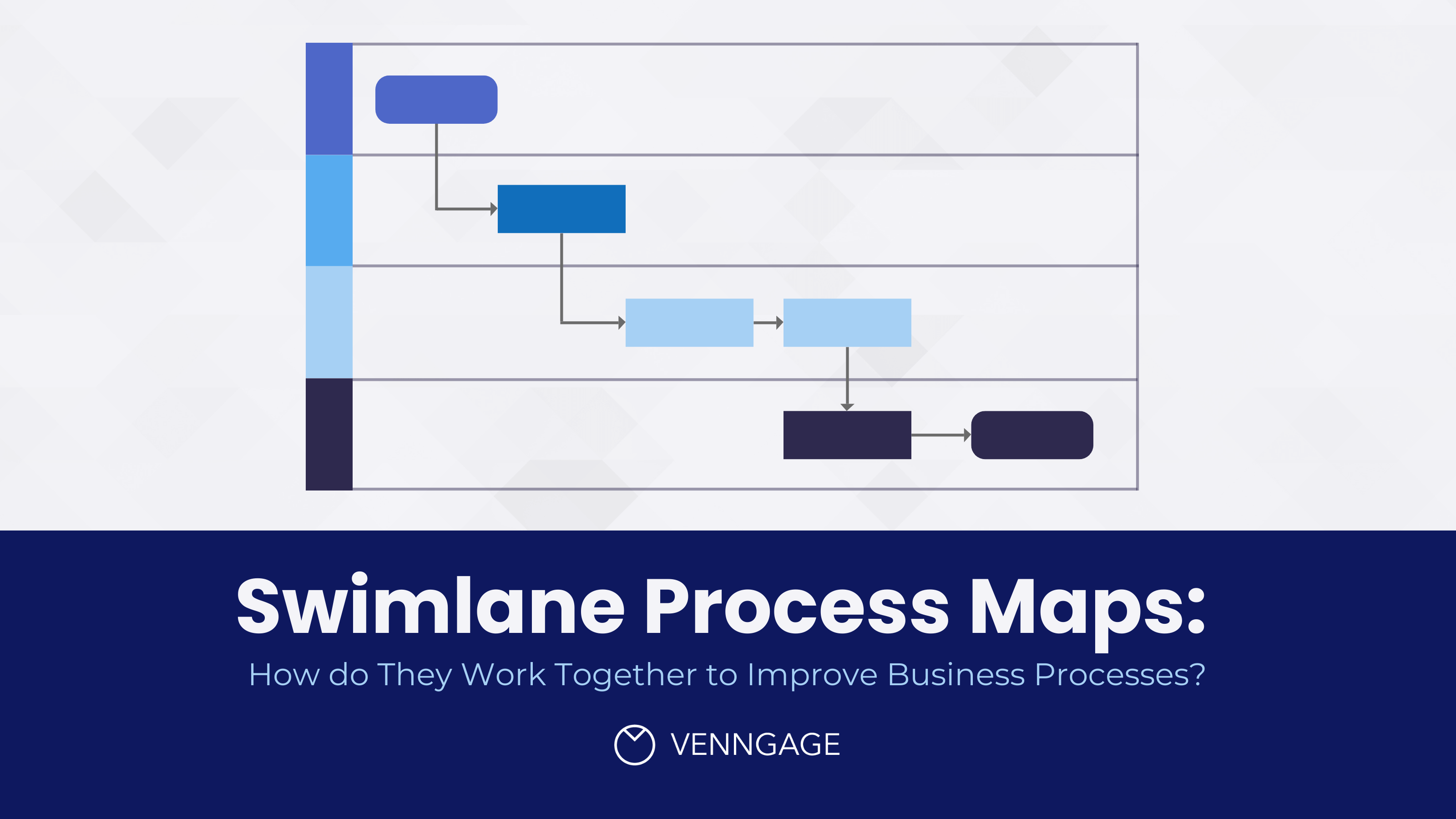
Automation makes a process execute faster—including a bad one. Before building a workflow, map the current process and ask which steps can be removed.
| Current step | Question | Possible improvement |
|---|---|---|
| Manual data entry | Does this data already exist elsewhere? | Integrate the source system |
| Manager approval | Does every case need approval? | Approve only exceptions or high-value cases |
| Status email | Can users see status directly? | Use dashboard or automated notification |
| Spreadsheet tracker | Is another system already the source of truth? | Remove duplicate tracking |
Simplify first, automate second.
How to Identify High-Value Automation Opportunities
Good first candidates are frequent, rule-based, time-consuming, and easy to measure.
Score a process on
- How often it happens.
- Minutes of manual work per occurrence.
- Error frequency.
- Number of handoffs.
- Customer impact.
- Availability of structured data.
- Difficulty of handling exceptions.
A process that happens 1,000 times a month and requires five unnecessary minutes per case may be more valuable to automate than a complicated task that occurs twice a year.
Calculate the Business Value
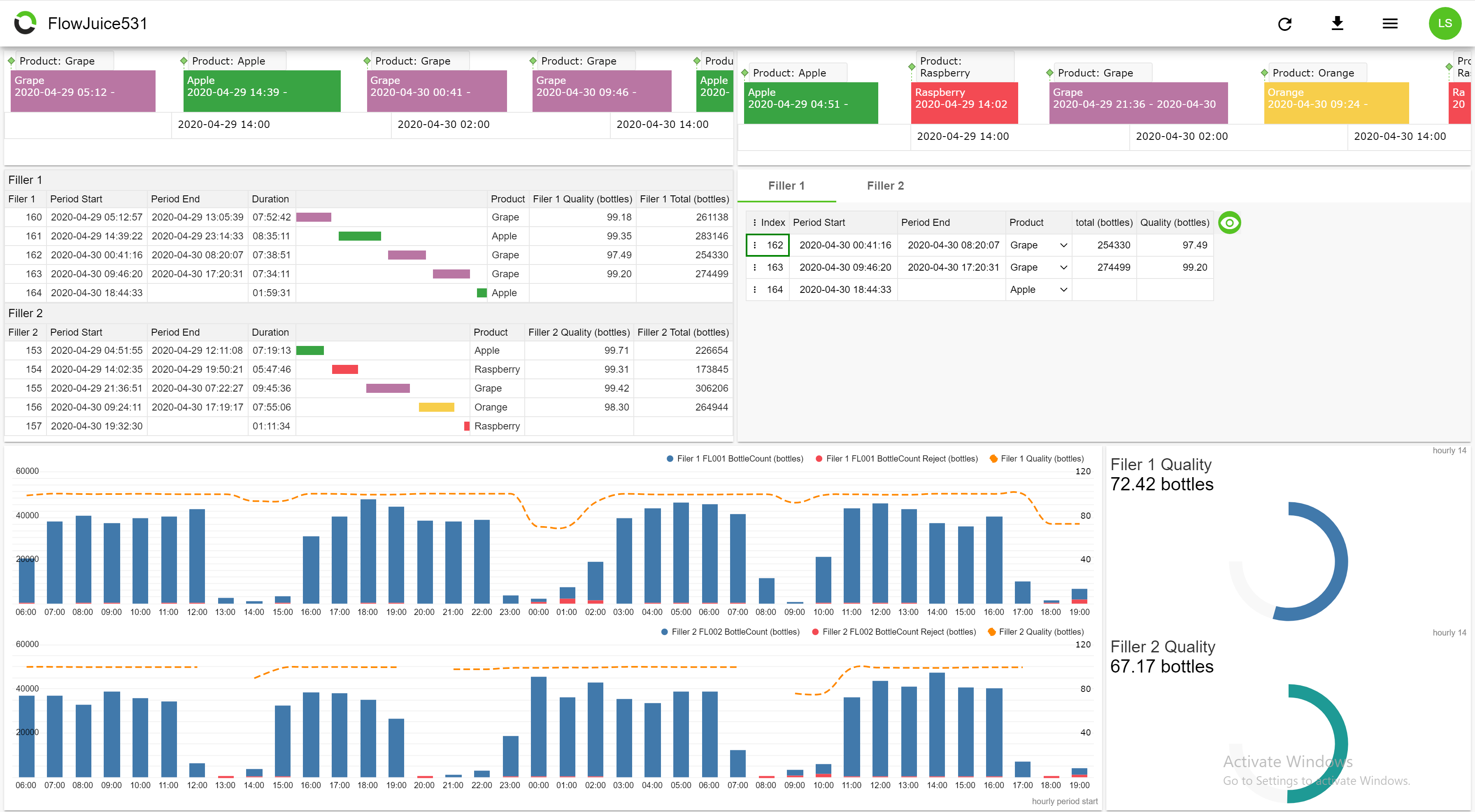
A simple estimate can begin with manual time:
Monthly hours = number of cases × minutes per case ÷ 60
Then include other benefits such as fewer mistakes, faster response, reduced backlog, better reporting, and improved customer experience. Also include automation costs: software, implementation, maintenance, monitoring, and employee review.
Measure the new workflow after launch. A theoretical ROI calculation is not enough if employees create manual workarounds.
Where AI Fits Into Workflow Automation
Traditional rules are best for predictable steps. AI is useful when the workflow contains unstructured language or flexible judgment.
Useful AI-assisted steps
- Classify a support message.
- Extract fields from a document.
- Summarize a case for a human reviewer.
- Draft a response.
- Choose among a small set of approved actions.
For platform-level implementation, see our AI automation tools guide. For a step-by-step agentic progression, see our AI workflow automation framework.
Governance Prevents Automation From Becoming Hidden Risk
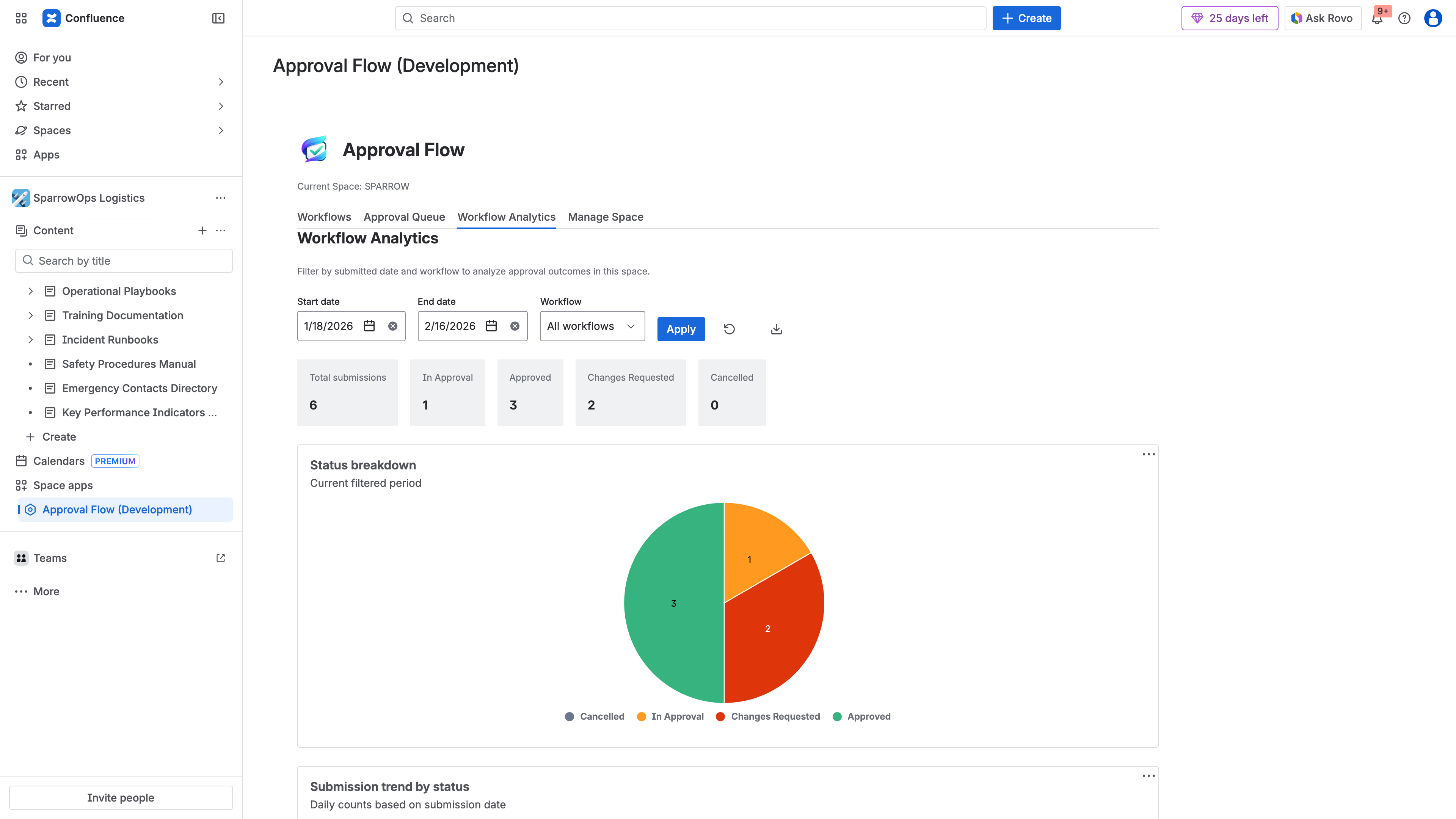
As automations become business-critical, they need ownership just like software systems.
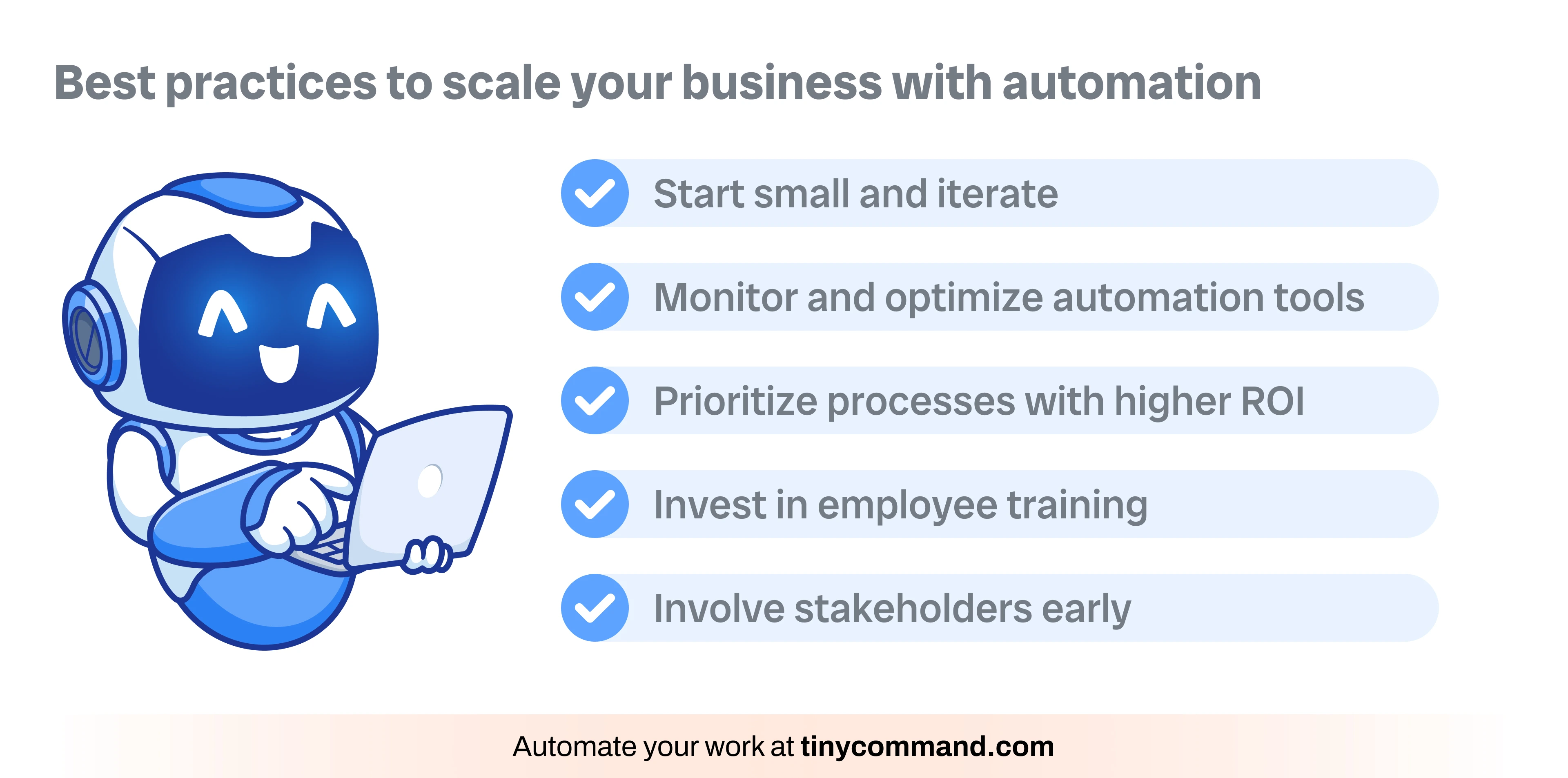
- Assign an owner for each important workflow.
- Document triggers, inputs, actions, and data destinations.
- Restrict credentials to required permissions.
- Log important changes and executions.
- Test changes before production.
- Create alerts for repeated failures.
- Review old automations and disable unused ones.
- Keep human approval for sensitive actions.
The NIST AI Risk Management Framework is useful when AI-driven decisions are added to important workflows.
Workflow Automation by Department
Sales
Lead routing, follow-up tasks, CRM enrichment, quote approval, and closed-won handoffs.
Marketing
Campaign intake, segmentation, lead lifecycle updates, content approvals, and reporting.
Customer support
Ticket classification, routing, SLA alerts, escalation, and post-resolution surveys.
Finance
Invoice intake, expense routing, approval reminders, and reconciliation preparation.
HR and operations
Employee onboarding, access requests, policy acknowledgments, and equipment workflows.
Workflow Automation Checklist
- Map the existing process.
- Remove unnecessary steps.
- Choose a measurable outcome.
- Identify the source of truth.
- Use rules for deterministic work.
- Add AI only where it creates value.
- Define exception handling.
- Limit permissions.
- Log executions and failures.
- Assign an owner.
- Measure results after launch.
- Review workflows regularly.
Frequently Asked Questions
Does workflow automation require coding?
No. Many modern platforms provide visual builders and connectors. Code can still be useful for specialized logic, custom APIs, or advanced validation.
Which process should a small business automate first?
Choose a frequent process with clear rules and measurable manual effort—such as lead routing, support intake, reporting, or customer onboarding.
Can too much automation hurt a business?
Yes. Poorly designed automation can create confusing customer experiences, silent data errors, and fragile dependencies. Keep exceptions and human accountability visible.
Conclusion
Workflow automation becomes essential as businesses grow because coordination work scales quickly. The most valuable automations remove repeated data entry, standardize predictable steps, surface exceptions, and create a visible process that does not depend on one employee’s memory.
Start with a simple high-volume workflow, measure the result, and expand carefully. Automation should make the business easier to operate and understand—not hide complexity behind a trigger.