Choosing the Right Project Management Software for Distributed Teams
Distributed teams are no longer the exception. They’re now a normal part of how businesses operate. Companies hire talented people from different cities, countries, and time zones, giving them access to skills they may never find locally.
But working remotely comes with its own challenges. Communication can become messy, deadlines can slip, and it’s often harder to see who is working on what.
That’s where project management software becomes important. It gives everyone a shared place to manage tasks, track progress, share files, and stay aligned. The problem is that not every platform fits every team.
Some businesses end up paying for advanced features that nobody actually uses. Others choose simple tools that work at first but become limiting as projects grow.
The best project management platform isn’t necessarily the most popular one. It’s the one that matches your team’s workflow, communication style, technical experience, and future growth plans.
In 2026, platforms like Asana, Monday.com, ClickUp, Jira, Trello, and Notion continue to lead the market. At the same time, AI-powered automation has become a standard feature rather than something reserved for enterprise customers.
This guide will help you understand what to look for, what to avoid, and how to choose software that genuinely helps your distributed team work better.
2. Understanding the Needs of a Distributed Team
Image:
Why Remote Teams Have Different Requirements
A distributed team operates very differently from a traditional office-based team.
People may be working several hours apart, communicating mostly through written messages, and collaborating without ever meeting face-to-face. Because of this, they depend heavily on digital systems to stay connected.
In a traditional office, someone can walk over to a coworker’s desk and quickly solve a problem. Remote teams don’t have that luxury. They need clear processes, visible workflows, and documentation that everyone can access when needed.
Common Challenges Distributed Teams Face
Many remote teams deal with problems such as:
- Unclear task ownership
- Missed deadlines
- Duplicate work
- Poor documentation
- Time-zone coordination issues
- Communication spread across too many apps
A good project management platform should reduce these problems instead of creating new ones.
Identifying Your Team’s Pain Points
Before comparing software, spend some time understanding what’s actually causing friction inside your team.
Ask questions like:
- Are deadlines regularly being missed?
- Is communication scattered between email, chat apps, and documents?
- Do managers struggle to see project progress?
- Are employees unsure about priorities?
For example, a marketing agency working with writers, designers, and clients across multiple countries may need approval workflows and strong file-sharing features.
A software development company, on the other hand, may care more about sprint planning, issue tracking, and agile workflows.
Understanding your biggest challenges first makes software selection much easier because you’re focusing on solving real business problems instead of chasing marketing promises.
3. Essential Features That Matter Most in 2026
Looking Beyond Basic Task Management
Most project management vendors advertise hundreds of features. In reality, distributed teams usually depend on a much smaller set of capabilities every day.
The most effective platforms focus on visibility, collaboration, automation, and reporting without overwhelming users.
Features That Deliver Real Value
The features that consistently make the biggest difference include:
- Task assignment and ownership tracking
- Kanban boards
- Timeline and Gantt views
- Workflow automation
- Team collaboration spaces
- Document management
- Resource planning
- AI-generated summaries and updates
- Progress reporting dashboards
Platforms such as ClickUp, Monday.com, and Asana have invested heavily in AI tools that automate status updates, summarize meetings, and identify potential project risks before they become serious issues.
Features That Often Matter Less
Many businesses end up choosing software because of features they rarely use.
Examples include:
- Complex portfolio management for small teams
- Advanced forecasting tools for simple projects
- Enterprise-level reporting systems for startups
Instead of focusing on how many features a platform offers, focus on whether those features solve your team’s actual problems.
A team of ten people usually gains more value from clear task visibility and simple collaboration than from advanced enterprise functionality.
4. Matching Software to Your Team’s Work Style
Every Team Works Differently
No two teams work exactly the same way.
Some organizations run highly structured projects with strict deadlines and formal approval processes. Others move quickly and adapt priorities every week.
Your software should support how your team naturally works rather than forcing everyone into an entirely new system.
Choosing Based on Workflow Type
Different workflows usually benefit from different project management styles.
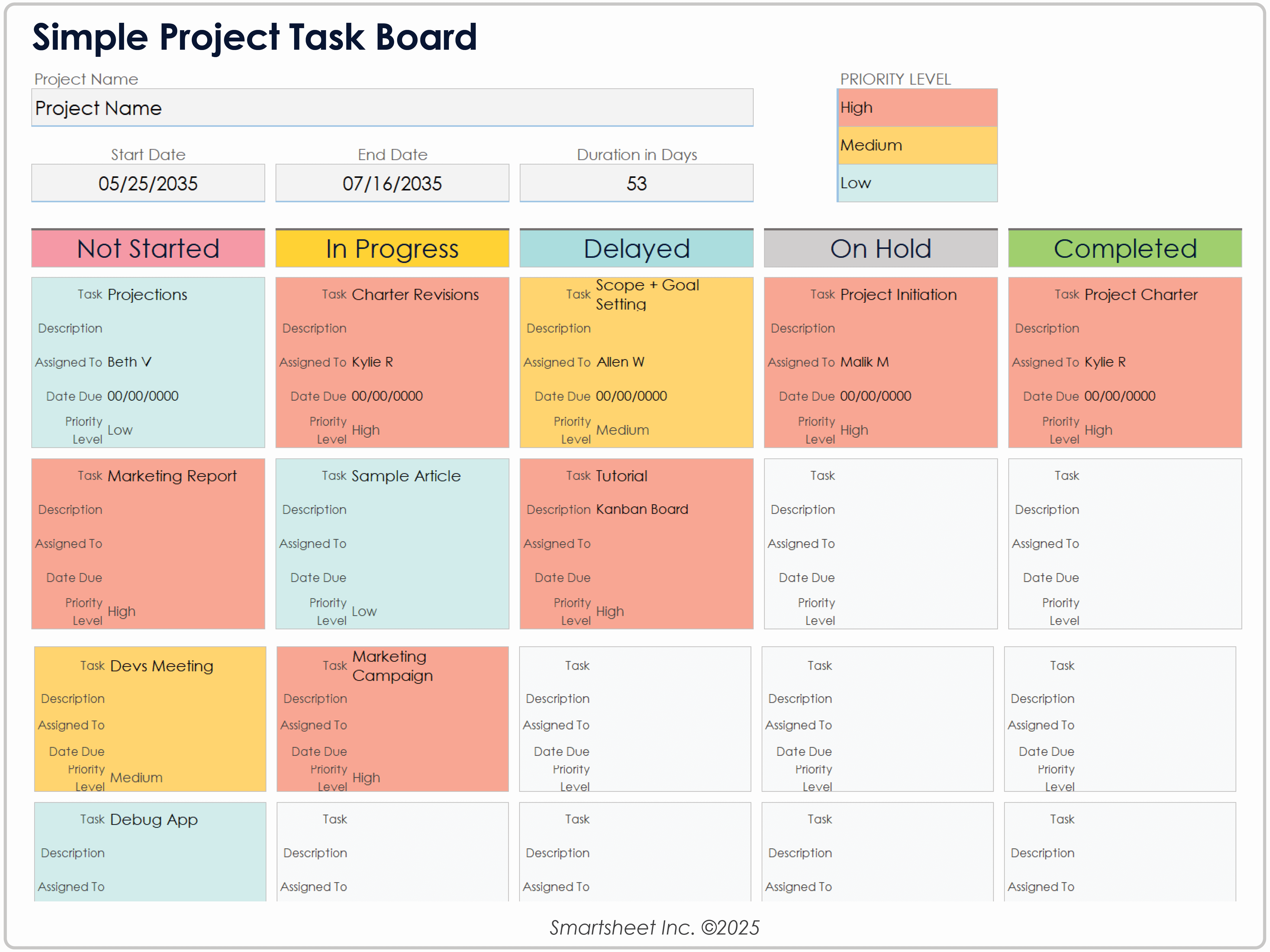
Teams that prefer visual workflows often like Kanban boards because they’re easy to understand and update.
Creative agencies frequently use boards to manage content production, design requests, and client approvals.
Businesses handling large projects with multiple dependencies often rely on timelines and Gantt charts.
Software development teams usually need:
- Sprint planning
- Backlog management
- Issue tracking
- Agile reporting
Practical Examples
A fast-growing startup launching new products may find ClickUp attractive because of its flexibility and all-in-one approach.
A development team often prefers Jira because it was built specifically for agile software projects.
A small consulting firm may choose Trello because it’s simple, easy to learn, and quick to set up.
The goal isn’t to find the most popular platform. It’s to find the one that fits the way your team already works while giving you room to improve over time.
5. Comparing Leading Project Management Platforms
Understanding the Strengths of Major Tools
The project management software market is crowded, but a handful of platforms consistently stand out for distributed and remote teams.
Each tool has its own strengths, and the right choice depends on your team’s workflow, size, and goals.
How Major Platforms Differ
Asana
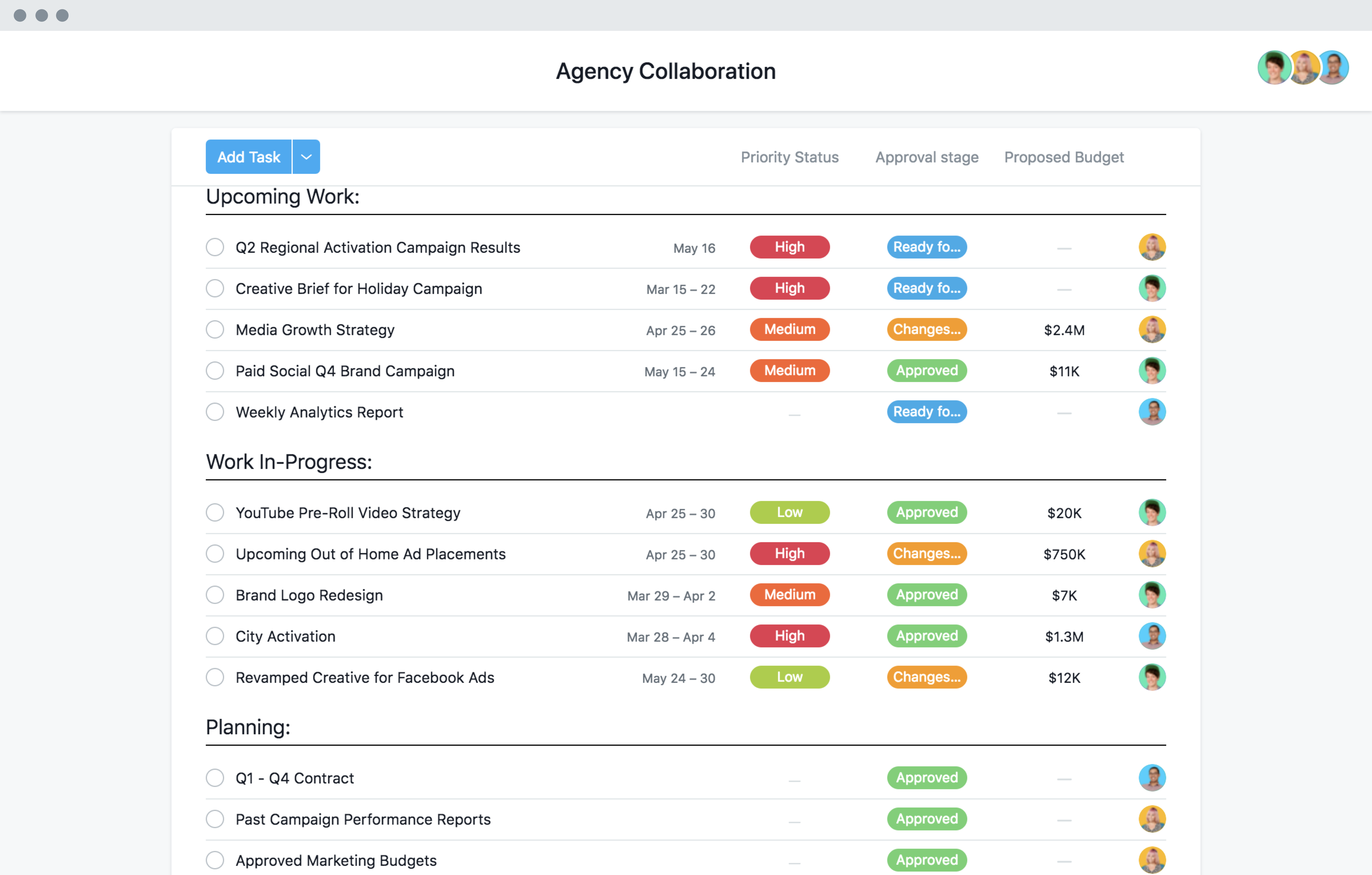
Asana is known for structured project planning and strong organizational visibility. It’s particularly useful for companies that need clear alignment between daily tasks and larger business goals.
Key strengths include:
- Goal tracking
- Project timelines
- Workflow automation
- Team coordination across departments
- Executive-level reporting
Many medium and large organizations choose Asana because it balances usability with powerful planning capabilities.
Monday.com
Monday.com focuses heavily on visibility and customization.
Its colorful, visual interface makes it easy for teams to understand project status without digging through complicated reports.
Popular features include:
- Custom dashboards
- Workflow automation
- Resource management
- Project tracking
- Team workload visibility
Non-technical teams often appreciate how quickly they can build workflows without needing technical support.
ClickUp
ClickUp has positioned itself as an all-in-one workspace.
Instead of using separate tools for tasks, documents, goals, and collaboration, many teams manage everything inside a single platform.
Some of its strongest features are:
- Flexible project views
- Built-in documentation
- AI-powered productivity tools
- Custom workflows
- Extensive automation options
For growing companies that want to reduce software sprawl, ClickUp can be an attractive option.
Jira
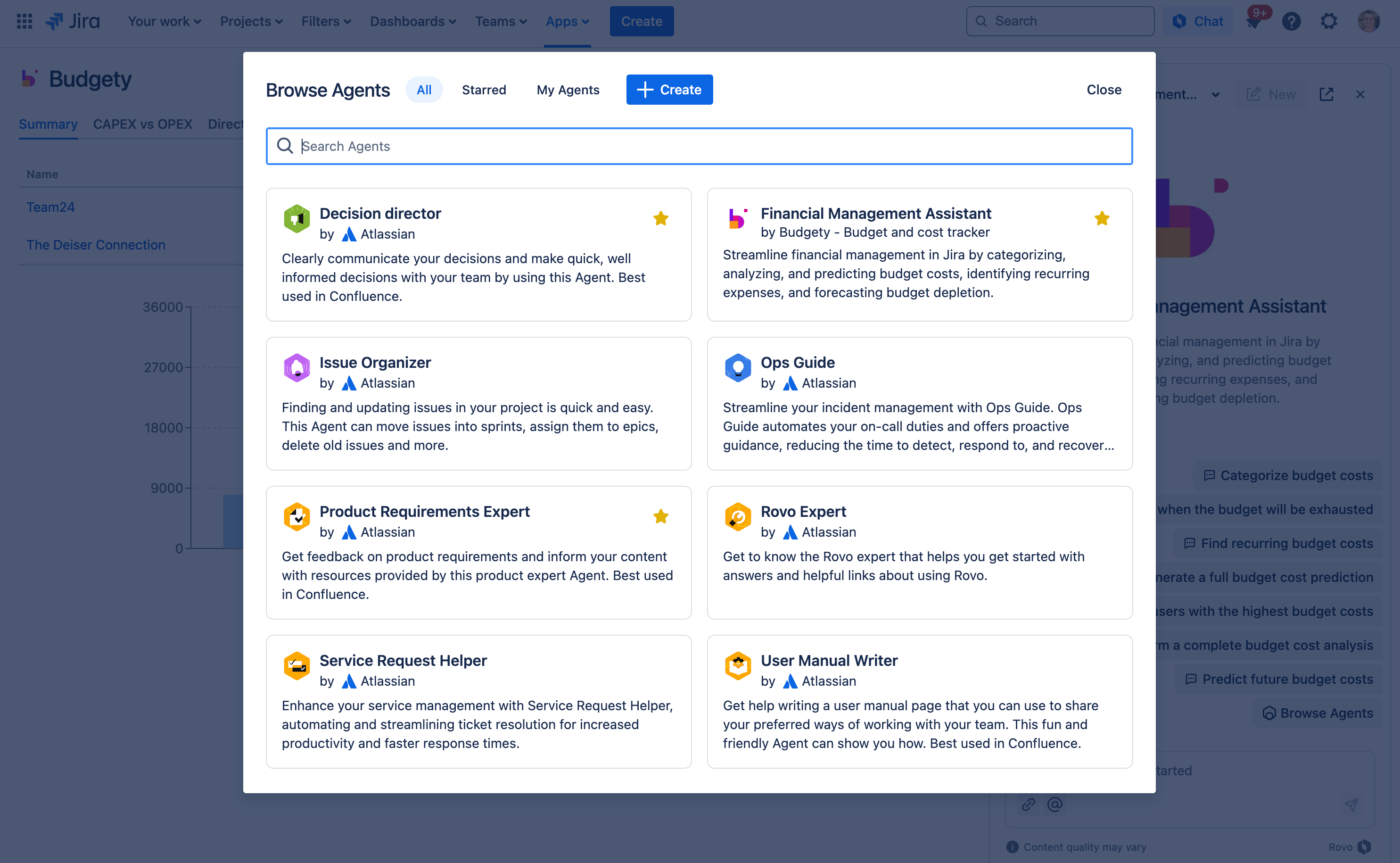
Jira remains one of the most widely used tools for software development teams.
Because it was built with agile methodologies in mind, it excels at managing technical projects.
Teams commonly use Jira for:
- Sprint planning
- Backlog management
- Bug tracking
- Release planning
- Agile reporting
Development teams that follow Scrum or Kanban frameworks often find Jira difficult to replace.
Trello
Trello is built around simplicity.
Its card-and-board system is easy to understand, making it a popular choice for small businesses and teams that don’t need advanced functionality.
Benefits include:
- Fast onboarding
- Visual task management
- Minimal learning curve
- Lightweight collaboration
For straightforward projects, Trello often provides everything a team needs without unnecessary complexity.
Notion
Notion combines documentation, knowledge management, and project tracking in one workspace.
Many startups and remote-first companies use it as a central hub for company information.
Popular uses include:
- Team wikis
- SOP documentation
- Project planning
- Knowledge sharing
- Internal collaboration
Teams that value documentation often find Notion especially useful.
Making the Final Choice
Instead of asking which platform is the best overall, ask which platform best supports your specific team.
Consider factors such as:
- Team size
- Technical skill level
- Budget
- Workflow complexity
- Future growth plans
- Reporting requirements
A small team may value simplicity and speed. A larger organization may prioritize scalability, governance, and reporting.
The best platform is the one people actually enjoy using every day.
6. Integration and Communication: Avoiding Tool Chaos
Why Integrations Matter
Most distributed teams don’t rely on a single tool.
Messages might happen in Slack or Microsoft Teams.
Documents may be stored in Google Workspace or Microsoft 365.
Customer information could live inside a CRM platform, while project data sits somewhere else entirely.
When these tools aren’t connected, employees waste time switching between applications, copying information, and manually updating records.
Building a Connected Workspace
Modern project management platforms offer integrations that connect work across multiple systems.
Good integrations help teams:
- Reduce repetitive manual work
- Improve visibility
- Keep project information synchronized
- Connect discussions directly to tasks
- Minimize duplicate updates
For example, when a deal closes in a CRM system, a project can automatically be created for the implementation team.
Marketing departments can connect content calendars, approval workflows, and task management systems into a single process.
The less manual work required, the more time teams can spend on meaningful work.
Reducing Communication Overload
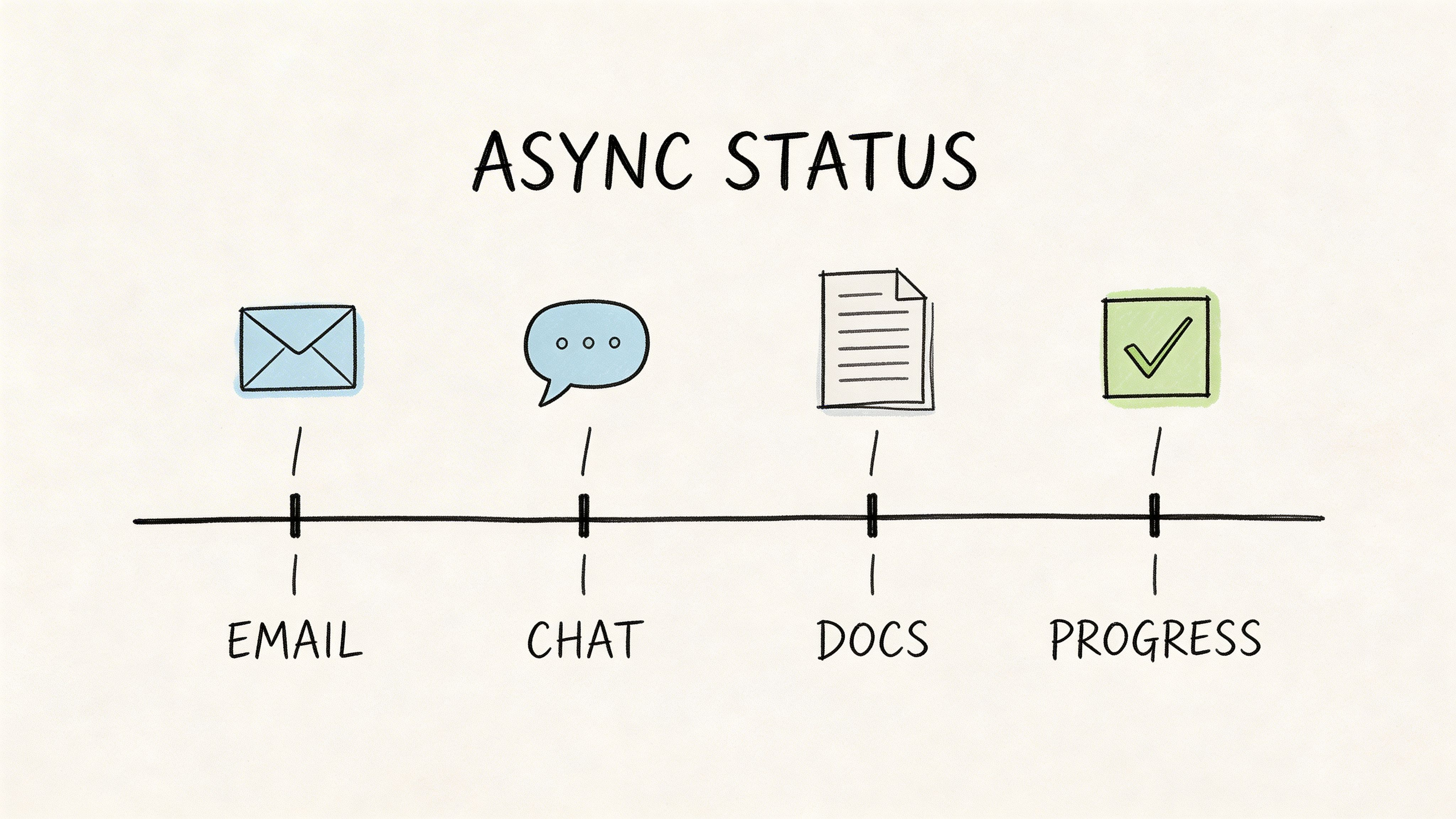
One of the biggest mistakes distributed teams make is allowing important project decisions to live only inside chat applications.
A discussion happens in Slack today, someone forgets about it tomorrow, and suddenly nobody remembers why a decision was made.
A much better approach is to establish clear communication rules.
For example:
- Use chat for quick conversations
- Use project software for task updates
- Store documents in centralized locations
- Record important decisions inside project workspaces
- Keep project history accessible to everyone
This creates a reliable source of truth that every team member can access regardless of location or time zone.
When information is easy to find, teams spend less time searching and more time executing.
7. Security, Access Control, and Compliance Considerations
Protecting Business Information
When your team is spread across different cities, countries, and networks, security becomes even more important.
Employees may access company systems from home offices, coworking spaces, airports, or mobile devices. While this flexibility is great for productivity, it also creates additional security risks.
Project management platforms often contain sensitive business information such as:
- Client records
- Financial information
- Internal strategies
- Product roadmaps
- Employee data
- Confidential project documents
A security breach can expose far more than task lists, which is why security should be a major part of the evaluation process.
Security Features Worth Evaluating
Before choosing a platform, review the security features it offers.
Look for:
- Multi-factor authentication (MFA)
- Role-based access controls
- Audit logs
- Data encryption
- Secure backups
- Single sign-on (SSO)
- Device management controls
Platforms designed for larger organizations often provide more advanced security options because they must meet stricter corporate requirements.
Even if your team is small today, it’s worth considering future security needs before making a decision.
Compliance and Industry Requirements
Some industries must comply with strict regulations regarding data privacy and information security.
For example:
- Healthcare organizations may need additional privacy controls.
- Financial institutions often require detailed access tracking.
- Government contractors may face strict compliance requirements.
- Enterprise clients frequently expect vendors to meet recognized security standards.
Before making a final decision, involve:
- IT teams
- Security teams
- Legal departments
- Compliance stakeholders
Many organizations focus heavily on features during software selection and only think about security later. Unfortunately, that’s when problems become expensive.
The strongest project management solution isn’t just easy to use. It also protects your company’s data and supports long-term growth without creating unnecessary risk.
8. Adoption Challenges and How to Get Team Buy-In
Technology Alone Does Not Solve Problems
One of the biggest reasons software implementations fail has nothing to do with the software itself.
The real challenge is often adoption.
You can invest in the best project management platform available, but if employees continue using spreadsheets, email chains, sticky notes, or personal task lists, the software won’t deliver the value you expected.
Successful implementation depends on people, not just technology.
Building Early Support
The adoption process should begin long before deployment.
Instead of making decisions behind closed doors, involve employees during the evaluation process.
When people feel their opinions matter, they’re much more likely to support the final decision.
Some effective ways to build support include:
- Running pilot programs
- Testing multiple platforms
- Gathering feedback from users
- Creating simple onboarding resources
- Providing practical training sessions
This approach helps identify potential issues early and increases enthusiasm for the new system.
Keeping Adoption Simple
A common mistake is enabling every feature on day one.
While it may seem helpful, it often overwhelms users.
Employees log in, see dozens of menus, dashboards, and settings, and immediately feel lost.
A better strategy is to introduce functionality gradually.
Start with the essentials:
- Task management
- Project tracking
- Team collaboration
- Basic reporting
Once employees become comfortable, you can introduce:
- Workflow automation
- Advanced reporting
- Resource management
- Portfolio planning
- AI-powered features
Many successful organization