 by
by There is no single AI image generator that produces the most realistic result for every prompt. A model that excels at natural portraits may be less reliable at product labels. A model that follows complex layout instructions may not preserve a person or object as consistently across edits. In 2026, the better question is: which image system is most reliable for the type of realism you need?
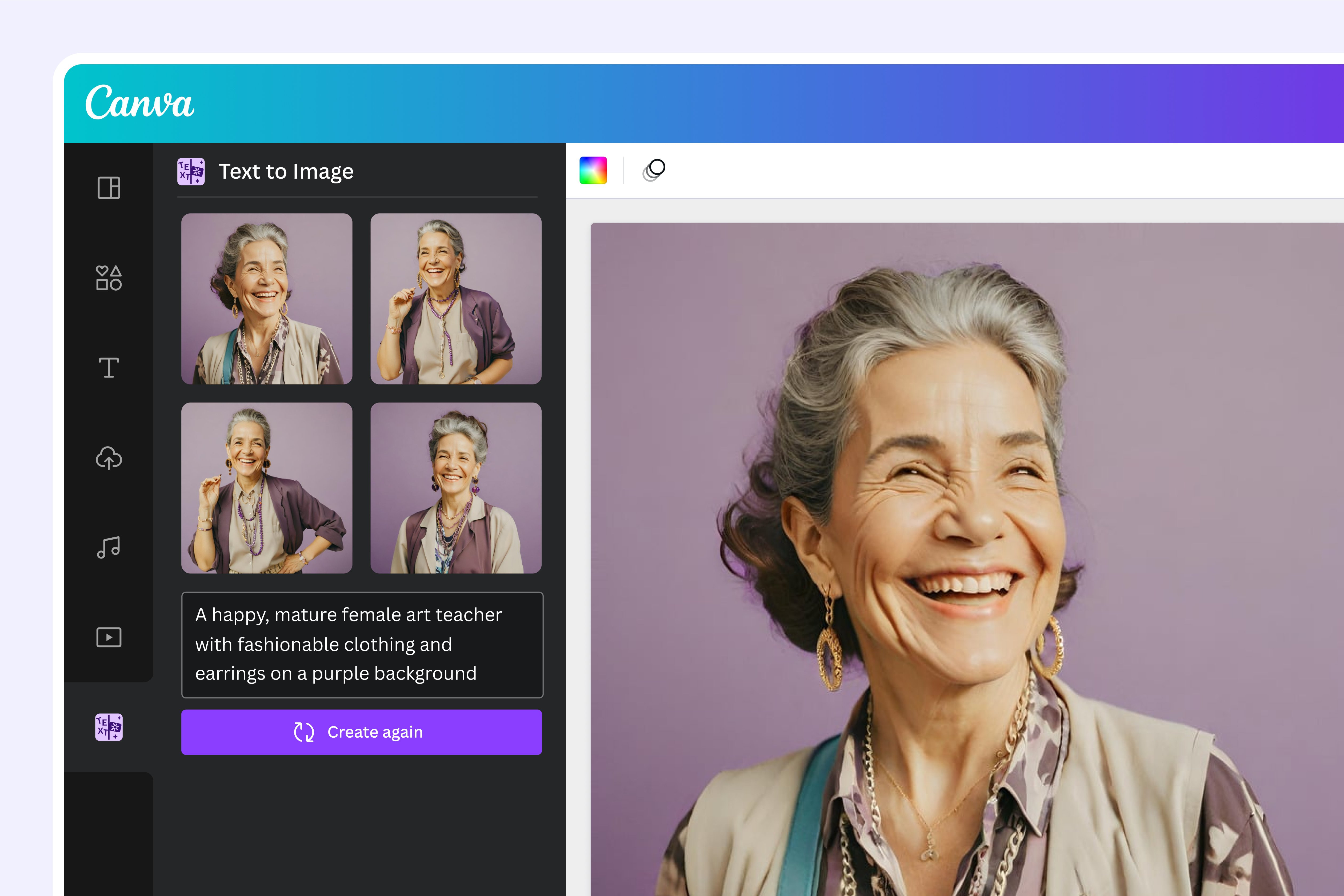
This guide compares current, actively documented options—ChatGPT Images 2.0, Google’s Nano Banana 2 and Nano Banana Pro image models, and Adobe Firefly’s broader creative environment. Rather than judging vendor showcase images, it uses repeatable criteria: anatomy, lighting, materials, text, edit precision, subject consistency, composition, and production workflow.
What “Realistic” Actually Means
Photorealism is more than skin texture or cinematic lighting. A believable image must remain coherent at several levels.
Realism test criteria
- Anatomy: hands, teeth, eyes, ears, joints, and body proportions.
- Physics: reflections, shadows, object contact, gravity, and perspective.
- Materials: glass should look like glass; metal, fabric, skin, and food should behave differently.
- Lighting: highlights and shadows should agree with the apparent light source.
- Text: labels, signs, interfaces, and typography should remain legible.
- Consistency: the same person, product, or object should survive multiple edits.
- Instruction following: the image should contain the requested elements in the requested positions.
- Editing: changing one object should not unintentionally change the rest of the scene.
A realistic-looking first impression is not enough for professional use if the image breaks when inspected closely.
ChatGPT Images 2.0: Strong General-Purpose Generation and Editing
OpenAI released ChatGPT Images 2.0 in April 2026. The current image experience emphasizes instruction following, control, image editing, and detailed composition. OpenAI’s current help documentation also supports creating and editing images conversationally, including adding text or transparent backgrounds.
Where it is especially useful
- Natural-language creative direction.
- Iterative editing where you describe changes conversationally.
- Complex compositions with several requested details.
- Poster, interface, or marketing work that includes text.
- Users who want generation and editing inside a general AI assistant.
What to test
For realistic work, test facial detail at normal and close crop, preservation across two or three edits, and whether small background elements remain coherent after revisions.
Google Nano Banana 2: Fast High-Quality Generation and Editing
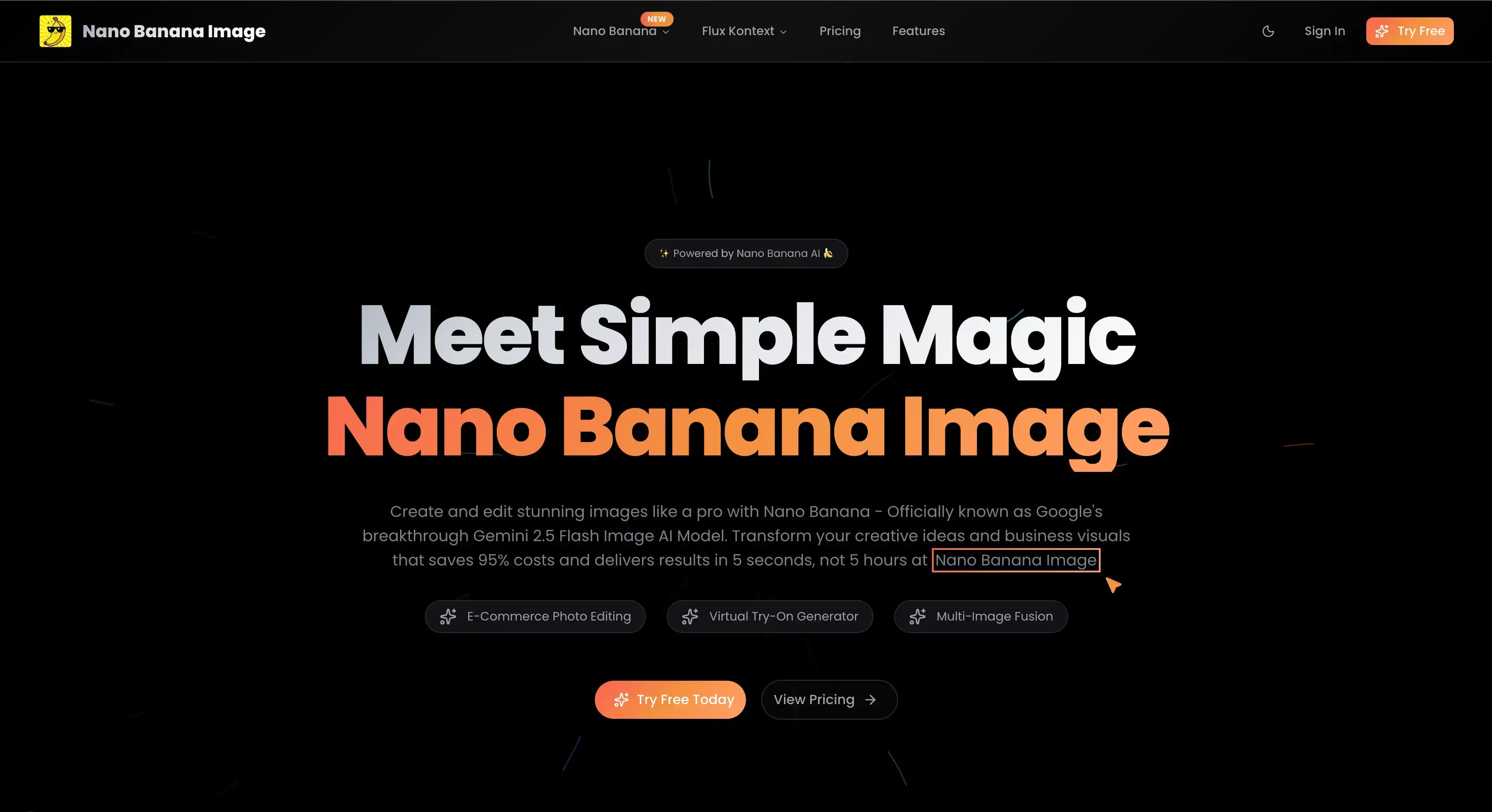
Google introduced Nano Banana 2 in February 2026 as its latest fast image generation model, combining higher-end image capabilities with faster iteration. Google highlights world knowledge, subject consistency, production-oriented output, and improved image generation/editing.
Where it is especially useful
- Rapid iterative editing.
- Images that benefit from real-world context.
- Subject or character consistency.
- Productivity workflows inside Google products.
- Creators who need many iterations before selecting a final result.
Google also continues to use Nano Banana Pro for more complex compositions in supported surfaces, so the exact model available can depend on the product and plan.
Nano Banana Pro: Complex Compositions and Text-Heavy Visuals
Nano Banana Pro, built on Gemini 3 Pro Image, is positioned for higher-complexity image generation and editing. Google highlights reasoning, world knowledge, visual text, diagrams, and the ability to combine multiple image inputs in supported surfaces.
Where it is especially useful
- Infographics and explanatory visuals.
- Complex layouts that combine several references.
- Visuals containing labels or readable text.
- Brand or subject consistency using reference inputs.
- Scenes where factual context influences the composition.
For pure photographic realism, compare it directly with Nano Banana 2 on the same prompt. Faster models can sometimes be preferable when dozens of iterations are part of the creative process.
Adobe Firefly: A Creative Studio With Multiple Model Choices
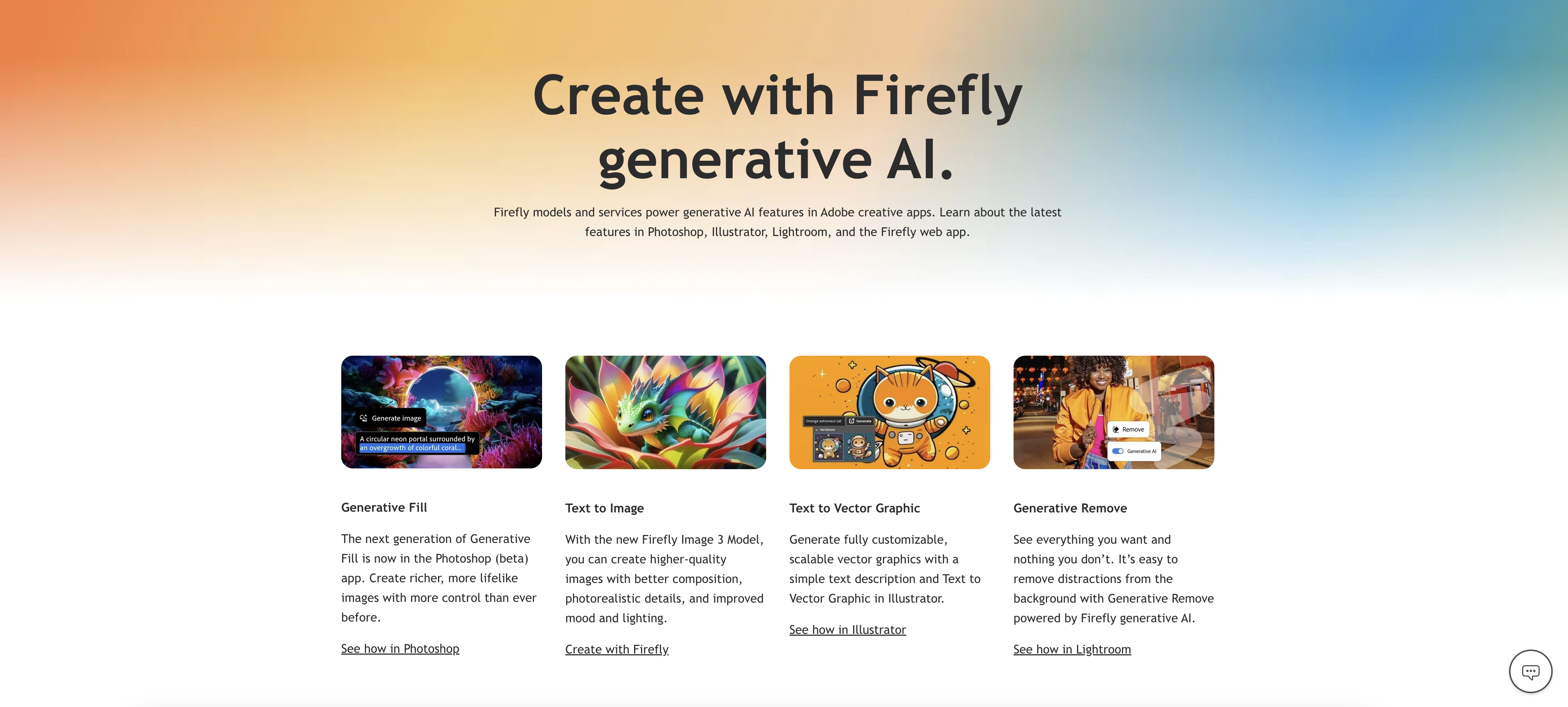
Adobe Firefly in 2026 is not only one image model. Adobe’s March 2026 Firefly update describes an all-in-one creative environment with Adobe Firefly Image Model 5 and numerous partner models. Current Firefly documentation also supports selecting models from Google, OpenAI, FLUX, Imagen, and others.
Where it is especially useful
- Professional creative workflows where generation is followed by editing.
- Teams already using Photoshop, Illustrator, Express, or other Adobe tools.
- Comparing multiple image models inside one environment.
- Brand consistency and reusable creative styles.
- Precise refinement using Adobe’s editing controls.
Adobe’s strength is therefore workflow breadth as much as the raw output of one model. A creator can choose the model that fits the job and continue refining the asset in a familiar production environment.
2026 Realism Comparison by Use Case
| Use case | Strong option to test first | Why |
|---|---|---|
| General photorealistic scene | ChatGPT Images 2.0 or Nano Banana 2 | Strong modern general-purpose generation and iterative editing |
| Fast repeated edits | Nano Banana 2 | Designed for high-quality output with fast iteration |
| Complex text/diagram visual | Nano Banana Pro | Strong emphasis on text, knowledge, and complex composition |
| Creative production pipeline | Adobe Firefly | Multiple models plus professional editing environment |
| Conversational image revision | ChatGPT Images 2.0 | Image work integrated into conversational instructions |
These are starting points, not universal rankings. Model behavior changes with the subject, prompt, references, aspect ratio, and version.
How to Run a Fair Realism Test
Test 1: Human portrait
Use the same prompt describing age, expression, lens, lighting, environment, skin texture, and framing. Inspect hands, teeth, hairline, jewelry, reflections, and background people.
Test 2: Product photography
Ask for a specific product shape, material, package layout, label text, shadows, and surface reflection. Check whether the object remains geometrically consistent.
Test 3: Interior scene
Use several furniture objects and a defined camera angle. Inspect perspective, repeated patterns, window reflections, lighting direction, and object intersections.
Test 4: Text-heavy poster
Provide exact headline and short body copy. Check spelling, hierarchy, alignment, and whether the model preserves the requested words after revisions.
Test 5: Edit consistency
Generate one image, then request three small edits separately. A strong editing system should change the requested element while preserving identity, composition, and unaffected details.
Prompting for More Realistic Results
Google’s current Nano Banana Pro prompting guidance recommends being explicit about subject, composition, action, location, style, and editing instructions. That structure works well across most modern image systems.
Include
- Subject and physical details.
- Camera framing and lens feel.
- Lighting direction and time of day.
- Material and surface details.
- Environment.
- What must remain unchanged during an edit.
- Exact text when text is required.
A prompt such as “realistic businesswoman” leaves many decisions to the model. “Natural editorial photograph of a 38-year-old architect reviewing blueprints beside a north-facing studio window, 50mm lens, soft overcast daylight, neutral skin texture, subtle depth of field” gives the system more concrete visual constraints.
Do Not Use AI Images Where Factual Photography Is Required
A photorealistic synthetic image can be visually convincing and still depict something that never happened. Do not present generated images as evidence of a real event, location, product condition, medical finding, or person’s action.
For news, documentation, compliance, product verification, or other factual contexts, use real photography or clearly label illustrative synthetic media. Preserve provenance and content credentials when available.
AI Image Generator Checklist
- Define whether realism, text, speed, editing, or consistency matters most.
- Test the same prompt across tools.
- Inspect images at full resolution.
- Check hands, eyes, text, logos, reflections, and geometry.
- Run at least two edit rounds.
- Use reference images when identity or brand consistency matters.
- Keep important text editable outside the generated image when possible.
- Review usage rights and platform terms for commercial work.
- Do not use synthetic images as documentary evidence.
- Record the model/version for repeatable production workflows.
If you are using generated visuals inside decks, see our AI presentation design guide. For moving images, see our current AI video production guide.
Frequently Asked Questions
Which AI image generator is the most photorealistic in 2026?
There is no reliable universal winner. ChatGPT Images 2.0 and Google’s current Nano Banana models are strong general-purpose candidates, while Adobe Firefly gives creators access to several leading models in one production workflow. Test your own subject and editing requirements.
Why do realistic AI images still look wrong sometimes?
Models generate plausible visual patterns rather than physically simulating the world. Complex hands, reflections, text, repeated objects, and geometry can still expose inconsistencies.
Is the highest-resolution output always the most realistic?
No. Resolution can reveal detail, but it does not fix incorrect anatomy, perspective, labels, or lighting. Coherence matters more than pixel count alone.
Conclusion
The best realistic AI image generator in 2026 depends on the production task. ChatGPT Images 2.0 is a strong conversational general-purpose system, Nano Banana 2 emphasizes fast high-quality generation and editing, Nano Banana Pro is useful for complex visual reasoning and text-heavy compositions, and Adobe Firefly provides a flexible multi-model creative pipeline.
Do not choose from showcase images alone. Run repeatable tests using the subjects, edits, text, and brand constraints your real work requires. The most useful generator is the one that stays believable and controllable across the entire workflow, not just the first image.