 by
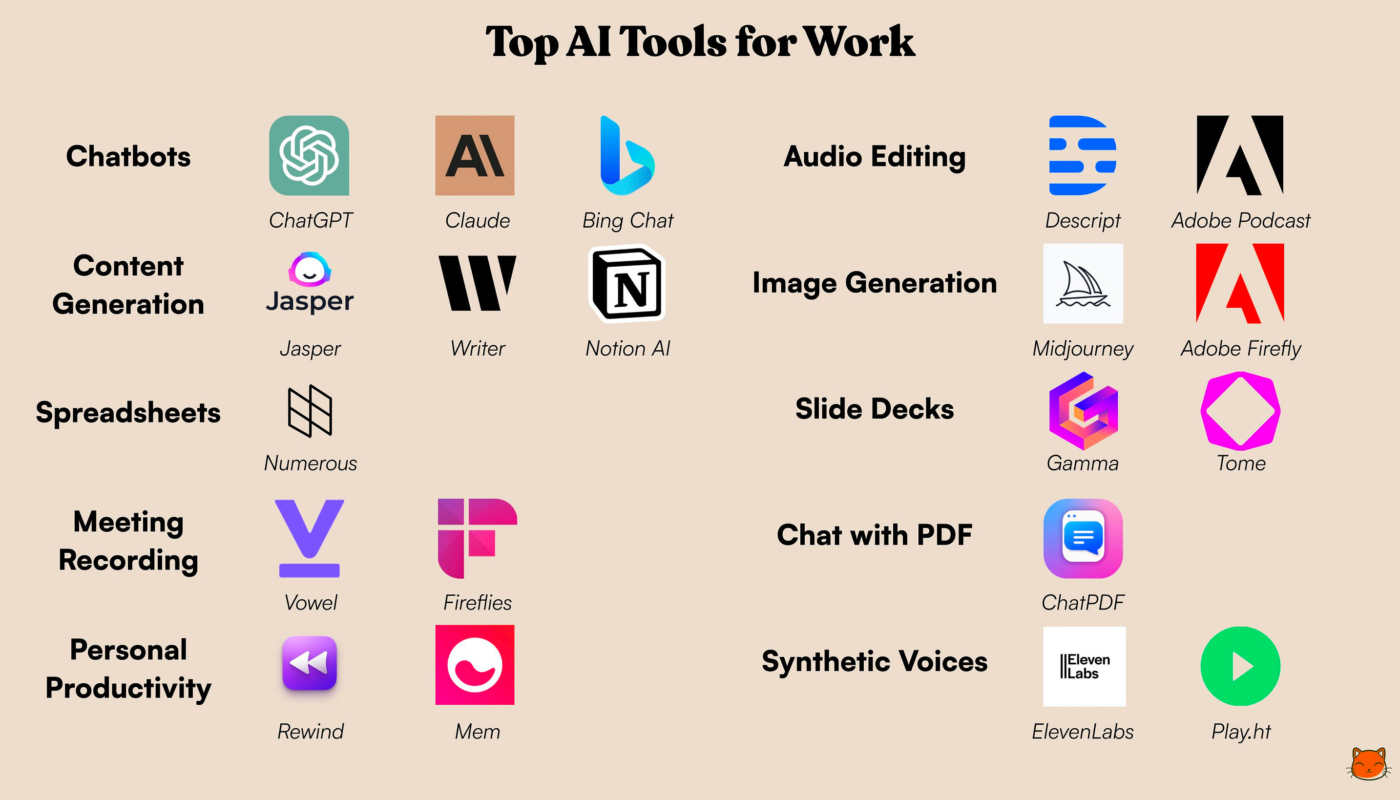
by AI productivity apps are now built into many of the tools people already use for writing, meetings, documents, search, project work, and research. The challenge is no longer finding an AI assistant. It is choosing a small set of tools that fit your existing workflow and actually reduce time after review.
This 2026 guide focuses on current platforms with broad everyday use cases: ChatGPT, Microsoft 365 Copilot, Google Workspace with Gemini, and Notion AI. Each one is strongest when it works with the information and applications you already depend on.
ChatGPT: Flexible Work Across Research, Writing and Projects
ChatGPT is useful when work begins with an open-ended question rather than a fixed application. Current Projects in ChatGPT can keep chats, files, and instructions together for ongoing work, while search and deep research can support source-backed research tasks.
Useful daily workflows
- Draft and revise reports, emails, outlines, and briefs.
- Analyze uploaded documents and compare versions.
- Organize a recurring project with persistent context.
- Research current topics with citations.
- Brainstorm options, then turn the best one into a structured plan.
The best results come from supplying relevant source material and asking for a defined output rather than expecting the assistant to know internal company facts automatically.
Microsoft 365 Copilot: Best Fit for Microsoft-Centered Work
Microsoft 365 Copilot connects AI assistance with Microsoft’s work ecosystem. Its value is strongest for organizations where email, meetings, documents, spreadsheets, chats, and organizational knowledge already live in Microsoft 365.
Useful daily workflows
- Summarize long email threads or meetings.
- Find organizational information through enterprise search.
- Create first drafts from existing work context.
- Use agents for repeatable internal workflows.
- Organize project material in Copilot Notebooks.
Enterprises should pay close attention to existing file and application permissions because AI can make information easier to discover without changing who should be allowed to see it.
Google Workspace With Gemini: AI Inside Gmail, Drive and More
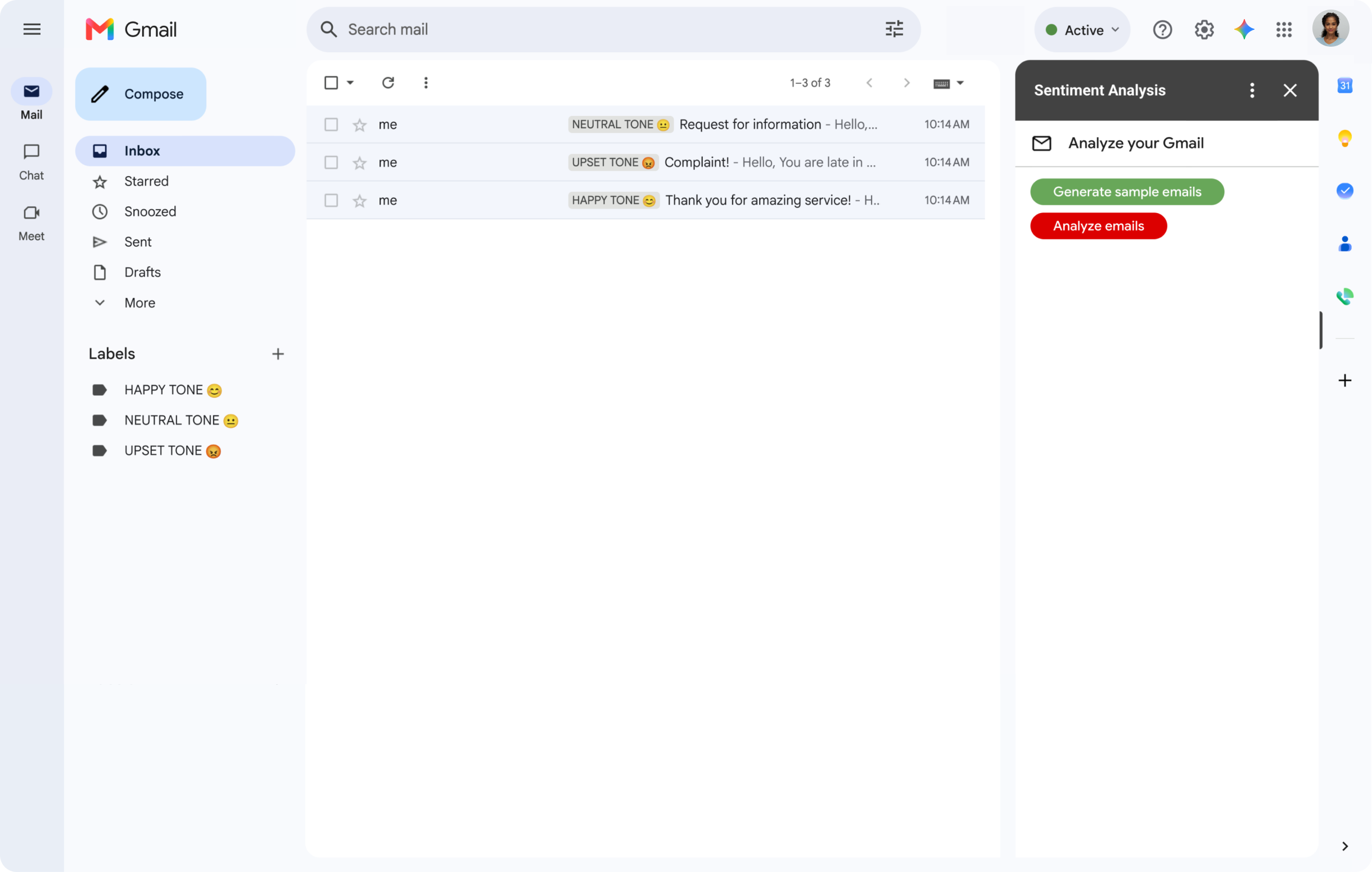
Google’s current Workspace AI offering integrates Gemini across work applications and includes tools for everyday assistance, meeting notes, organizational information, and content creation.
Useful daily workflows
- Draft or summarize email in Gmail.
- Analyze and create content from Drive files.
- Capture meeting notes and follow-up actions.
- Use Gemini for brainstorming, analysis, and structured output.
- Work with business files through Gemini Notebook-style experiences.
For teams already standardized on Google Workspace, integrated AI can reduce the need to copy information between separate tools.
Notion AI: Strong When Work Lives in a Workspace
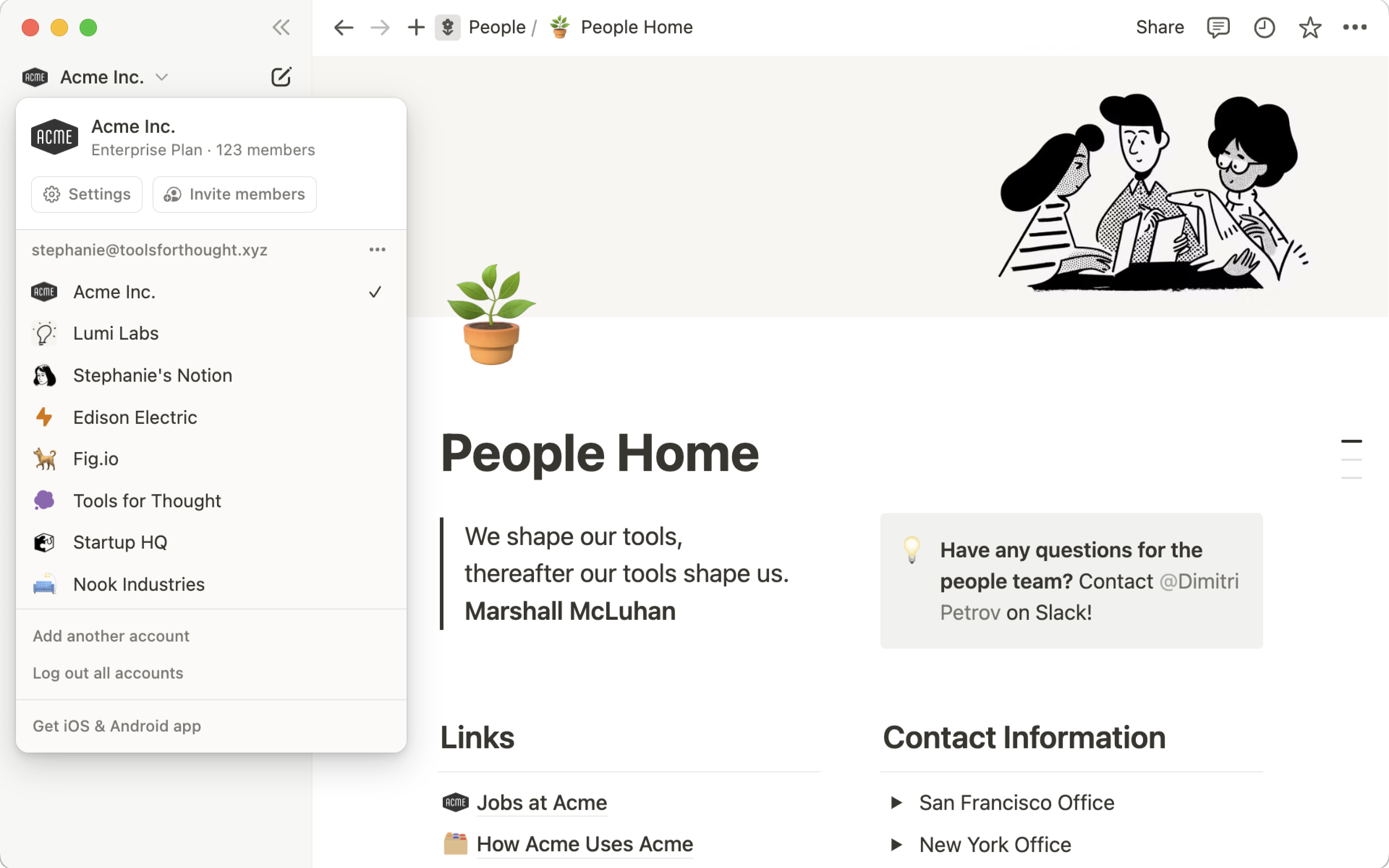
Notion AI is embedded in the Notion workspace and can work with pages, project information, connected knowledge, meeting notes, and task-oriented agents. Its 2026 releases have continued to expand agent and workspace capabilities.
Useful daily workflows
- Search internal notes and project documentation.
- Turn meeting notes into actions or databases.
- Draft and edit reports without leaving the workspace.
- Build structured task databases from natural-language instructions.
- Coordinate AI work with project context stored in Notion.
Notion AI makes the most sense when Notion is already the place where the team stores its working knowledge.
Which AI Productivity App Fits Which Workflow?
| Need | Good starting option | Why |
|---|---|---|
| Flexible research and writing | ChatGPT | General-purpose work, files, projects and web research |
| Microsoft organization | Microsoft 365 Copilot | Deep Microsoft work-context integration |
| Google Workspace organization | Gemini in Workspace | Integrated Gmail, Drive and meeting workflows |
| Knowledge/project workspace | Notion AI | AI embedded in project and knowledge pages |
Many users do not need all four. Choose the platform that is closest to your source material and daily applications.
Five Daily AI Workflows That Actually Save Time
1. Morning information triage
Summarize only the messages, project updates, or documents that require a decision. Ask for actions, owners, deadlines, and unresolved questions.
2. First-draft writing
Provide source notes and request a draft in a specific format. Review facts before sending or publishing.
3. Meeting preparation
Generate a one-page brief containing goals, relevant context, open decisions, and questions.
4. Post-meeting follow-up
Turn verified notes into decisions, action items, owners, and due dates. Store the final version in the normal project system.
5. Research synthesis
Use AI to find and compare sources, then ask it to separate verified facts, assumptions, and unanswered questions. Our guide to AI research assistants covers this process in more detail.
Avoid the “AI Tool Pile”
Productivity can decrease when several subscriptions perform the same job. Before adding a new app, ask:
- Does an existing platform already offer this capability?
- Where will source files live?
- Will employees copy sensitive data between tools?
- Who owns the final output?
- Can the result be measured?
- What happens to data when the subscription ends?
Our broader guide to AI productivity platforms explains how to measure workflow results instead of feature usage.
AI Productivity App Checklist
- Choose tools that match your existing work ecosystem.
- Keep important source material in one trusted location.
- Use reusable prompts or project instructions for repeated tasks.
- Require source verification for factual work.
- Review permission settings for internal knowledge.
- Avoid uploading restricted data to unapproved tools.
- Measure time saved after human review.
- Remove overlapping subscriptions.
- Use automation for repeated workflows, not only chat.
- Recheck product features and pricing before renewal.
Frequently Asked Questions
Which AI productivity app is best?
The best choice depends on where your work already lives. Microsoft-centered teams often gain more from Copilot, Google teams from Gemini, Notion-heavy teams from Notion AI, and users needing flexible cross-domain work may prefer ChatGPT.
Do I need several AI subscriptions?
Usually not. Start with one primary assistant and the AI features already included in your work suite. Add another tool only when it solves a clear gap.
Can AI apps safely use company data?
Only when the organization has reviewed the product, account type, security settings, retention, permissions, and contractual terms. Personal consumer usage should not automatically be treated as approved enterprise use.
Conclusion
The most useful AI productivity apps in 2026 are increasingly connected to complete work environments rather than isolated chat windows. ChatGPT offers flexible project and research workflows, Microsoft 365 Copilot and Google Workspace Gemini bring AI into established productivity suites, and Notion AI works well when project knowledge already lives in Notion.
Choose fewer tools, connect them to good source material, and measure the whole workflow. The goal is not to spend more time interacting with AI; it is to spend less time on repetitive work and more time on decisions that need human judgment.