 by
by Accounting Software for Small Businesses: How to Compare Automation, Records and Migration
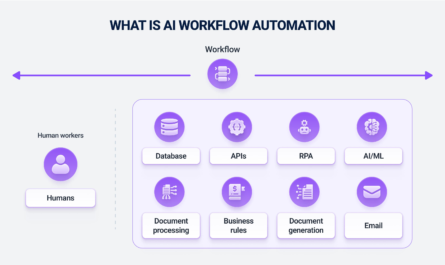
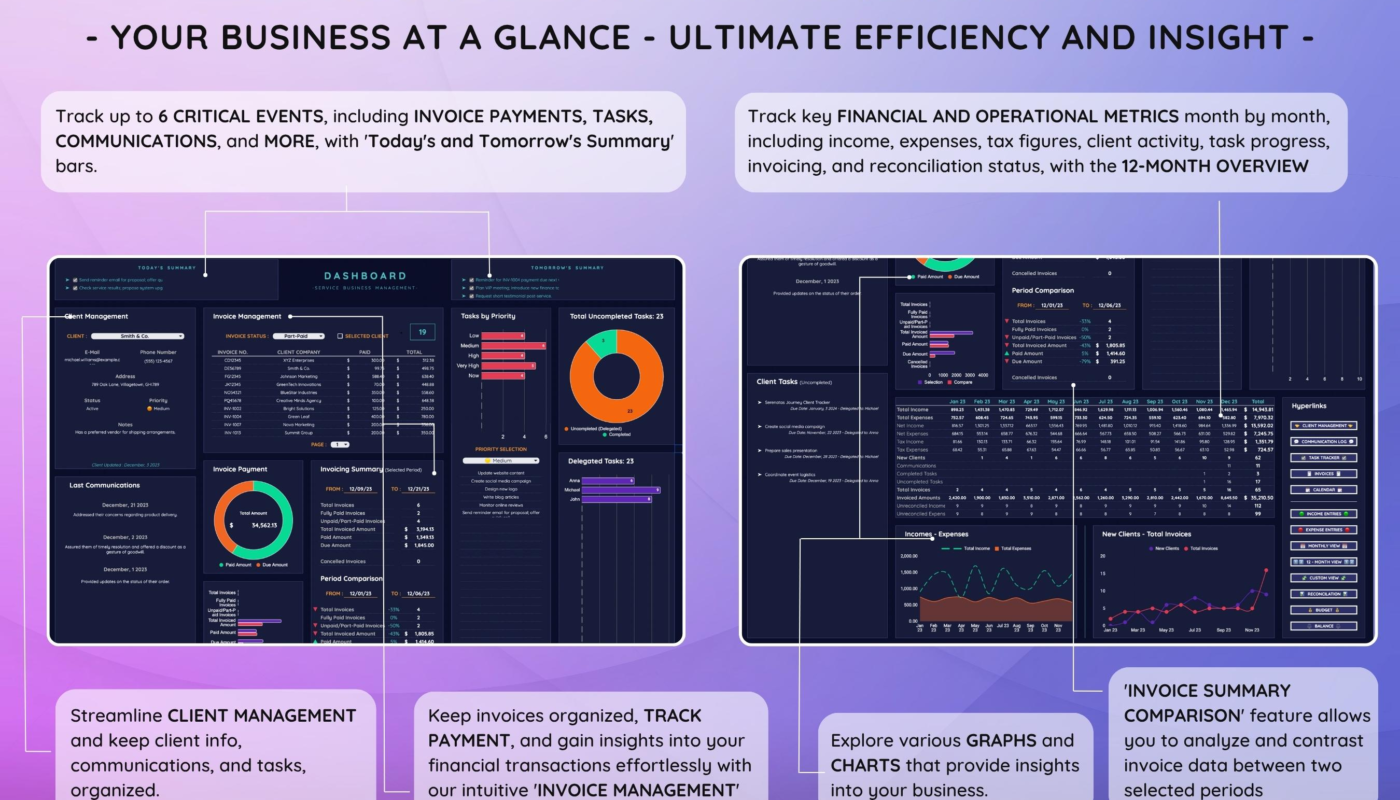
Accounting software is often marketed as a way to “automate your books,” but the real job is more important than saving clicks. A small business needs a system that keeps transactions understandable, preserves supporting records, makes reconciliation practical and allows owners or accountants to trace how a number reached a report. Automation can help, but it should reduce repetitive work without hiding mistakes.
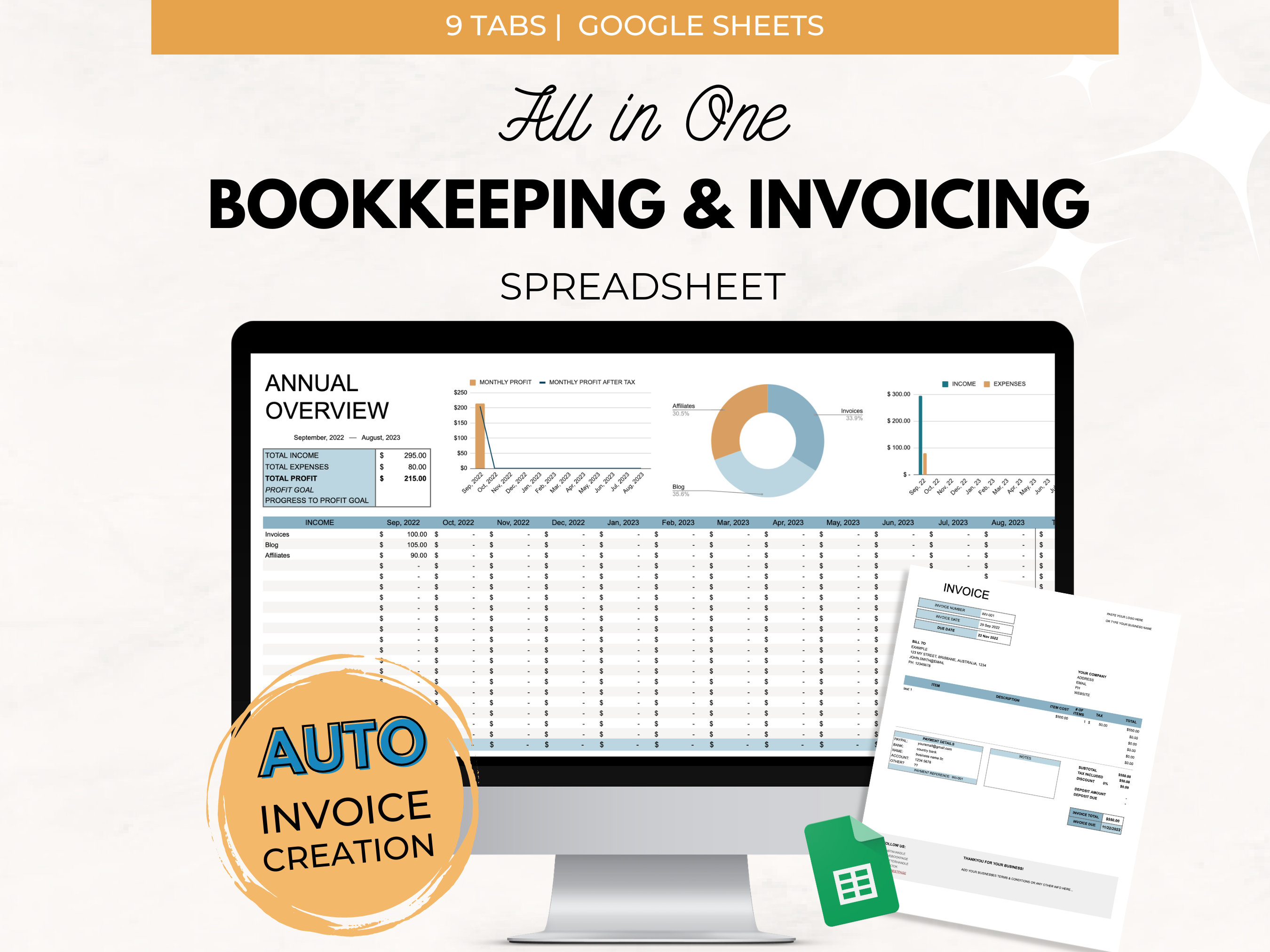
The best accounting platform is therefore not necessarily the one with the largest feature list. A freelancer who sends ten invoices a month has different needs from a retailer with inventory, payroll and hundreds of daily transactions. A growing company may also need to migrate historical records, give an external accountant controlled access and preserve exports if it later changes software.
This guide explains how to compare accounting software for small businesses using operational criteria rather than brand popularity. It is general software-selection information, not tax or accounting advice. Businesses should verify their own legal, tax and financial requirements with qualified professionals.
Start With the Records the Business Must Actually Maintain
Before comparing dashboards and automation, list the records your business creates. The IRS states that businesses may choose a recordkeeping system suited to the business as long as it clearly shows income and expenses. It also notes that electronic systems should provide complete and accurate records and that supporting documents matter.
Current IRS guidance is available in the Recordkeeping guide and business transaction recordkeeping guidance.
Common small-business records
- Sales and invoices.
- Customer payments.
- Vendor bills and expenses.
- Bank and card transactions.
- Receipts and supporting documents.
- Payroll-related records where applicable.
- Asset purchases.
- Inventory records for businesses that hold stock.
- Sales-tax or VAT/GST-related data where applicable.
- Year-end adjustments and accountant entries.
A useful accounting system should organize these records clearly without forcing the business into a workflow it does not understand.
Bank Feeds Save Time, but Reconciliation Is the Control
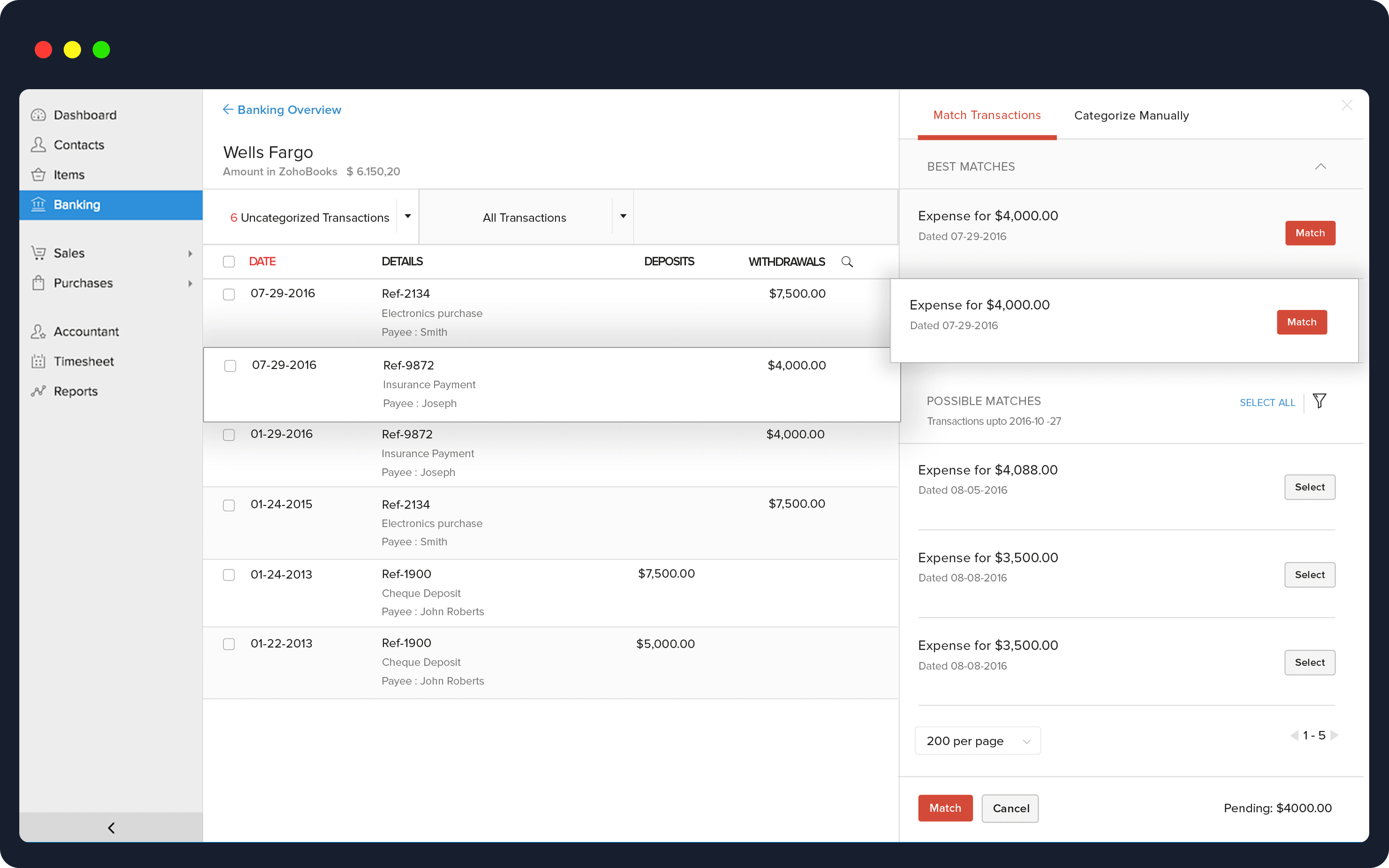
Automatic bank feeds can import transactions from financial institutions and suggest categories. That reduces manual typing, but importing a transaction is not the same as verifying the books.
Bank reconciliation compares the accounting records with the bank statement so that missing, duplicated or incorrectly recorded entries can be identified. A strong platform should make this process easy to understand rather than simply showing a green “matched” indicator.
Test these reconciliation situations
- A customer payment that covers two invoices.
- A bank fee that was not entered manually.
- A duplicated imported transaction.
- A payment that cleared in a different month.
- A refund.
- A transfer between two company accounts.
- A card payment where the processor deposits a net amount after fees.
If the software handles only simple one-to-one matches well, it may create extra work as the business grows.
Automation Should Be Reviewable
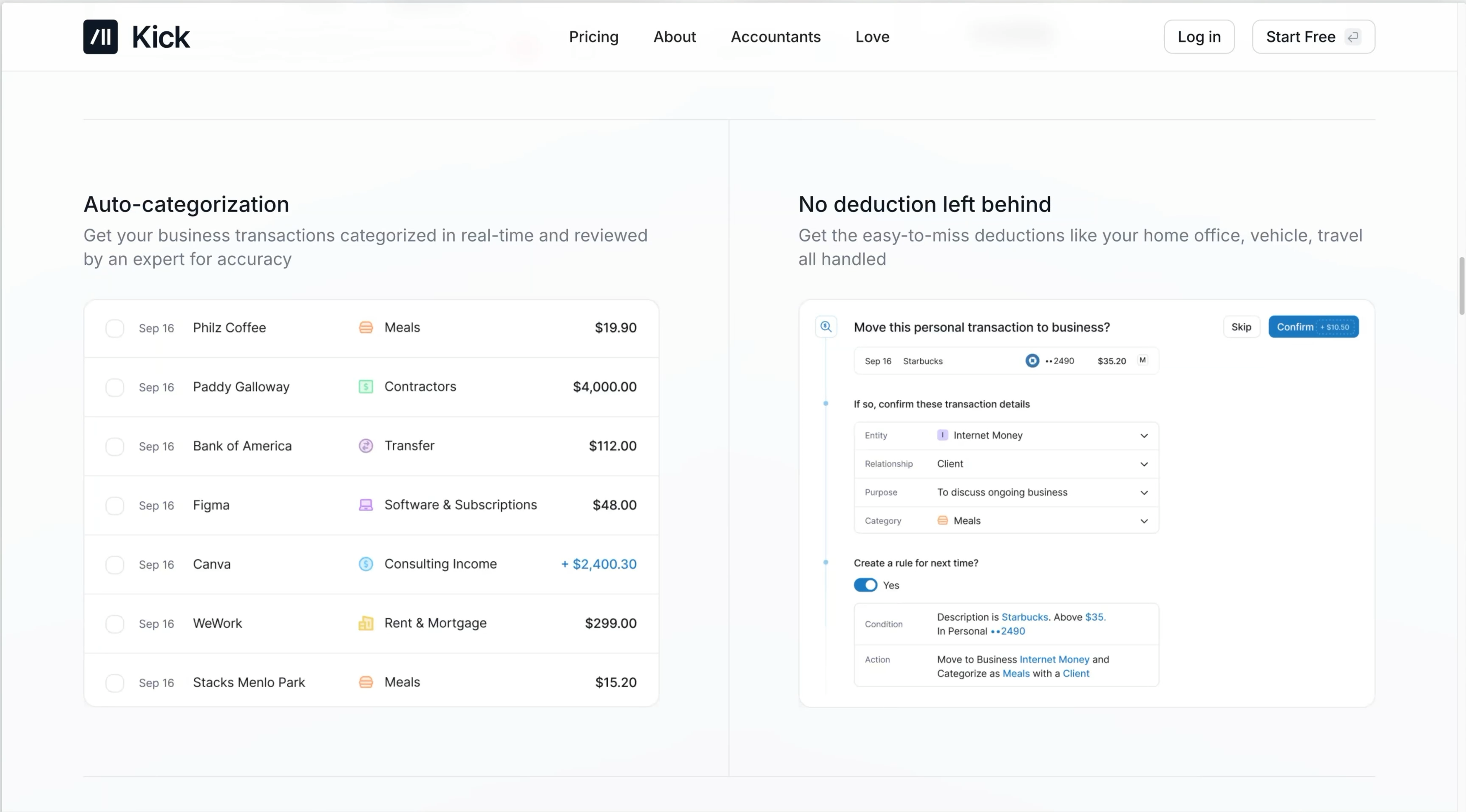
Modern accounting systems can automatically categorize transactions, send recurring invoices, remind customers, match receipts, create rules and sometimes use AI to suggest bookkeeping actions. These features are useful when the automation is transparent.
Good automation design
- Shows what rule caused an action.
- Allows the user to review suggested categories.
- Supports exceptions instead of forcing every transaction into one rule.
- Keeps a history of changes.
- Allows rules to be disabled or edited easily.
- Does not silently post high-impact entries without appropriate review.
For example, a recurring software subscription may be safe to categorize automatically after several verified months. A large unfamiliar payment should probably be reviewed manually. The goal is to automate predictable work while keeping unusual transactions visible.
Invoicing Should Match the Way You Get Paid
Accounting software often includes invoicing, but the details matter. A service business may need deposits and milestone billing. A consultant may bill time. A wholesaler may need purchase orders, terms and partial payments.
Compare invoicing features
| Feature | Why it matters | Question to test |
|---|---|---|
| Recurring invoices | Reduces repetitive monthly billing | Can dates and amounts vary? |
| Payment links | Speeds collection | What processing fees apply? |
| Deposits | Useful for projects | Can deposits be applied correctly later? |
| Credit notes/refunds | Corrects billing | How are they shown in reports? |
| Multi-currency | Needed for international clients | How are exchange rates handled? |
| Tax fields | Supports local requirements | Are rules appropriate for your jurisdiction? |
Do not choose a platform based only on how attractive the invoice template looks. Test the full process from invoice creation to payment, reconciliation and reporting.
Receipt and Document Storage Should Preserve Evidence
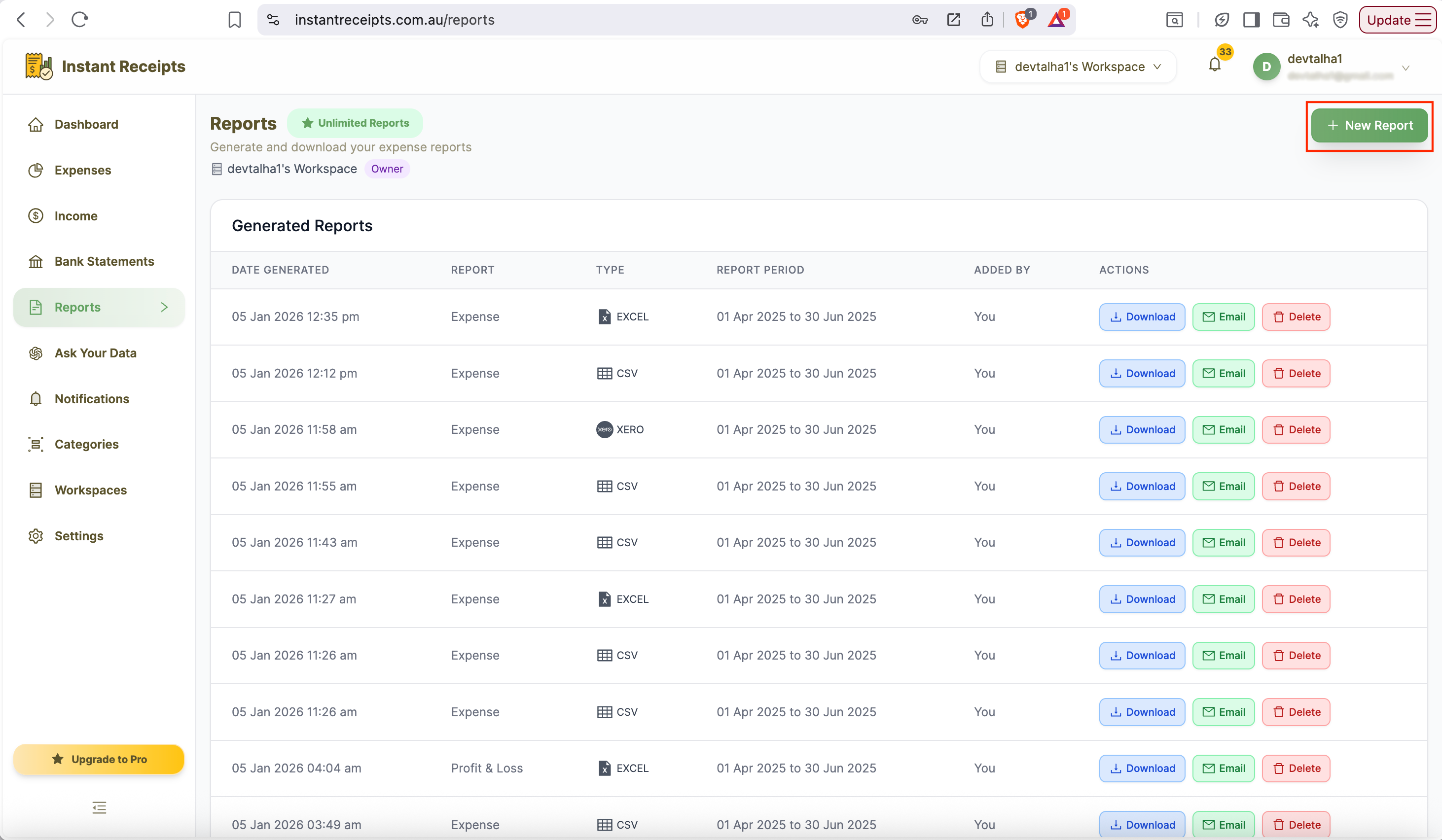
Digital receipt capture can reduce paper handling and make an expense easier to verify later. Some systems allow a receipt image or PDF to be attached directly to the transaction.
The IRS notes that supporting documents such as invoices, receipts, deposit slips and canceled checks can support entries in business records. The current IRS page on what records to keep explains that electronic systems should follow the same basic recordkeeping principles as paper records.
Evaluate document handling
- Can receipts be attached to transactions?
- Does mobile capture create a readable image?
- Can attachments be exported with the accounting data?
- Are original files retained or compressed heavily?
- Who can view sensitive documents?
- How long does the vendor retain files after account closure?
A receipt feature is less valuable if supporting files are difficult to export during an audit or migration.
Audit Trails Help Explain What Changed
Small businesses often have several people touching the books: the owner, bookkeeper, accountant and perhaps operations staff. A useful audit trail records who created, changed or deleted important entries and when.
Useful audit information
- User identity.
- Date and time.
- Original value.
- New value.
- Type of change.
- Related transaction or document.
This is not only for formal audits. It is practical troubleshooting. When a bank balance suddenly changes, an activity log can reveal whether a transaction was edited, duplicated or deleted.
Reports Should Be Traceable Back to Transactions
Profit-and-loss statements, balance sheets, cash-flow reports and aging reports are useful only if users can understand what is behind the totals.
During a trial, click from a report total into the underlying transactions. If a revenue number looks wrong, can you identify the invoices that created it? If accounts receivable is unexpectedly high, can you see which customers and invoices are overdue?
Core reports to test
- Profit and loss.
- Balance sheet.
- Cash-flow reporting.
- Accounts receivable aging.
- Accounts payable aging.
- Sales by customer or category.
- Expense reports.
- Tax-related summaries appropriate to the business.
Different businesses need different reports. A project-based firm may need profitability by project, while a retailer may care more about inventory and product margins.
Accountant and Bookkeeper Access Should Be Controlled
Giving a professional access to the system can reduce file exchanges and version confusion. However, not every external user needs administrator rights.
Look for role-based permissions
- Read-only reporting.
- Bookkeeping transaction access.
- Payroll restrictions.
- Banking or payment restrictions.
- Ability to invite and remove users centrally.
- MFA support.
If a platform offers only “full access” or “no access,” it may not fit a growing team. Our guide to multi-factor authentication explains why financial and administrative accounts deserve stronger login protection.
Migration Is More Than Importing a Customer List
Businesses often underestimate accounting migrations. Historical transactions, opening balances, unpaid invoices, supplier balances, tax settings and attached documents may all need attention.
Create a migration checklist
- Choose a cutover date.
- Reconcile existing accounts before export.
- Back up the old system.
- Export customers, vendors and chart of accounts.
- Decide how much transaction history to migrate.
- Import open invoices and bills carefully.
- Enter or verify opening balances.
- Compare trial balance and key reports between systems.
- Keep the old system accessible for a defined period where practical.
- Document items that were intentionally not migrated.
A cheap migration can become expensive if the new books begin with incorrect balances.
Data Export and Business Continuity Matter
Cloud accounting is convenient, but the business should understand how to retrieve its records. Do not wait until cancellation to learn what can be exported.
Test export before buying
- Can transactions be exported in a common format?
- Can reports be exported?
- Can attachments be downloaded?
- Can contacts and products be exported?
- Is an API available for larger integrations?
- What happens after subscription cancellation?
For broader infrastructure resilience, our ecommerce infrastructure guide explains why backups and recovery should be considered before a failure rather than after one.
Compare Total Cost, Including Add-Ons
The advertised monthly price may not include payroll, extra companies, inventory, advanced reporting, additional users, payment processing or receipt capture.
| Cost area | Question |
|---|---|
| Base subscription | What features are included at the expected transaction volume? |
| Users | Are accountant or employee seats extra? |
| Payments | What processing fees apply? |
| Payroll | Is it a separate product or add-on? |
| Inventory | Does it require a higher tier? |
| Integrations | Will third-party apps add recurring costs? |
| Migration | Is professional help required? |
Estimate the cost at your expected size twelve months from now rather than choosing the cheapest starting plan.
A 30-Day Accounting Software Evaluation
Week 1: Map requirements
List banks, payment processors, invoice types, reports, users, integrations and recordkeeping needs.
Week 2: Test real transactions
Enter or import a small sample of sales, expenses, refunds, transfers and bills. Reconcile them.
Week 3: Test month-end work
Run reports, attach documents and invite the accountant or bookkeeper to review the workflow.
Week 4: Test export and migration
Export the sample data, confirm supporting files and estimate the effort required to move the real books.
Accounting Software Buyer Checklist
- Clear income and expense recordkeeping.
- Reliable bank reconciliation.
- Reviewable automation.
- Invoices that fit the business model.
- Receipt and document attachments.
- Useful audit trail.
- Traceable reports.
- Role-based user access.
- Strong account authentication.
- Practical data export and migration.
Frequently Asked Questions
Does accounting software replace an accountant?
No. Software records and organizes transactions, but professional judgment may still be needed for accounting methods, tax treatment, compliance and financial decisions.
Is automatic transaction categorization reliable?
It can save time for predictable transactions, but unusual or high-value entries should be reviewed. Rules are only as good as the assumptions behind them.
How much history should I migrate?
It depends on reporting, recordkeeping and operational needs. Some businesses migrate full transaction history; others bring opening balances and keep the old system accessible. Confirm requirements with your accountant.
What should I test first?
Test the complete monthly workflow: import transactions, categorize them, attach documents, reconcile the bank account and run the reports you actually use.
Conclusion
Good accounting software should make business records easier to maintain and easier to explain. Automation is valuable when it reduces repetitive work, but reconciliation, audit trails, supporting documents and traceable reports are what make the system dependable.
Start with the records your business needs, test real transactions and involve the person who will review the books. Compare migration and export before committing, not after the system becomes difficult to leave. The best platform is the one that supports accurate, understandable records as the business grows rather than simply producing the most attractive dashboard.