 by
by AI Meeting Assistants in 2026: How to Evaluate Notes, Privacy and Follow-Up
AI meeting assistants can remove a surprising amount of administrative work from a normal week. They can capture a transcript, summarize a discussion, list decisions, suggest follow-up tasks and make past meetings searchable. That convenience is useful, but it also creates a new responsibility: teams need to decide what should be captured, who should be able to access it, how long it should be kept and how AI-generated notes should be checked before they become part of a real workflow.
The best way to choose an AI meeting assistant in 2026 is not to ask which product creates the longest summary or the most polished interface. A better question is whether the tool improves the complete meeting workflow without creating hidden privacy, accuracy or accountability problems. This guide explains how to evaluate AI meeting assistants with a practical, people-first framework that works for small businesses, distributed teams, consultants and growing organizations.
What an AI Meeting Assistant Actually Does
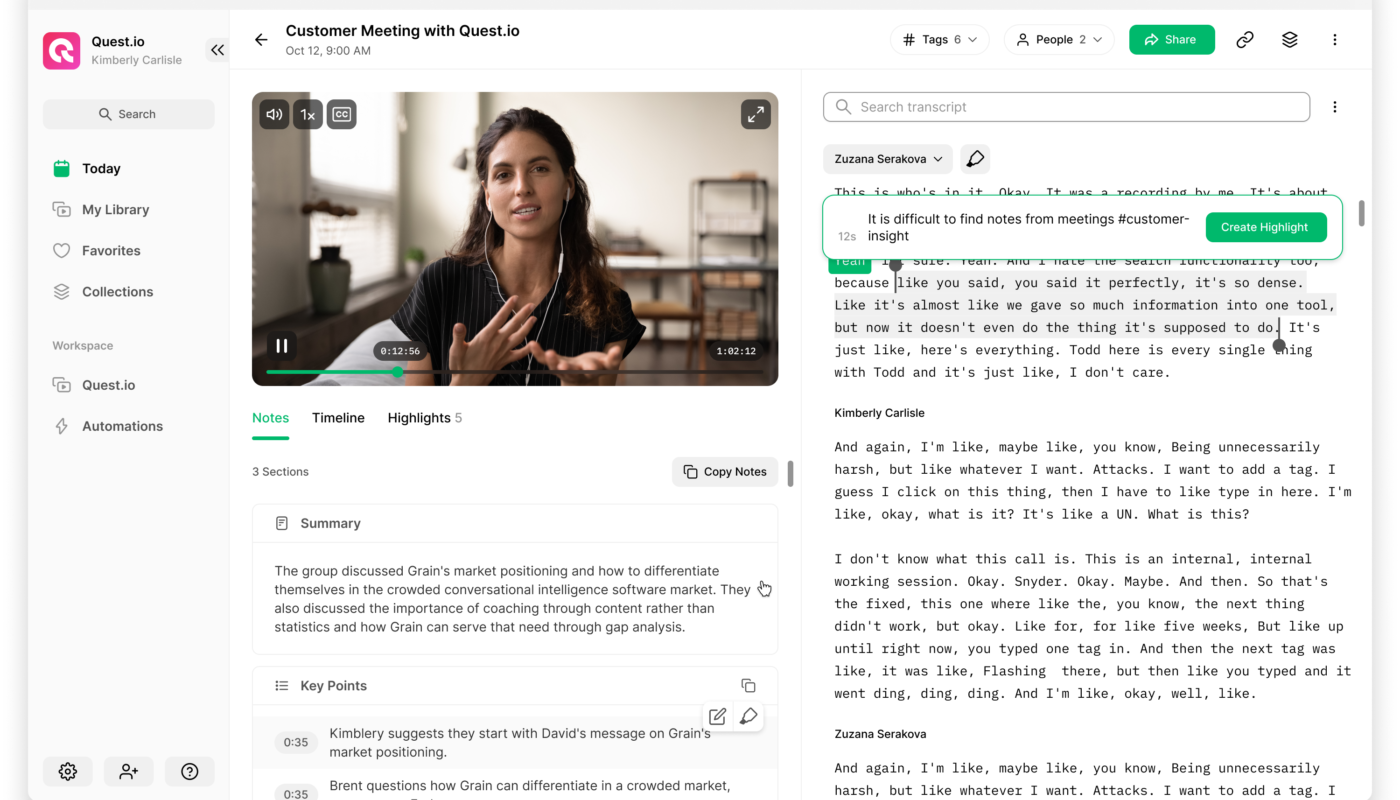
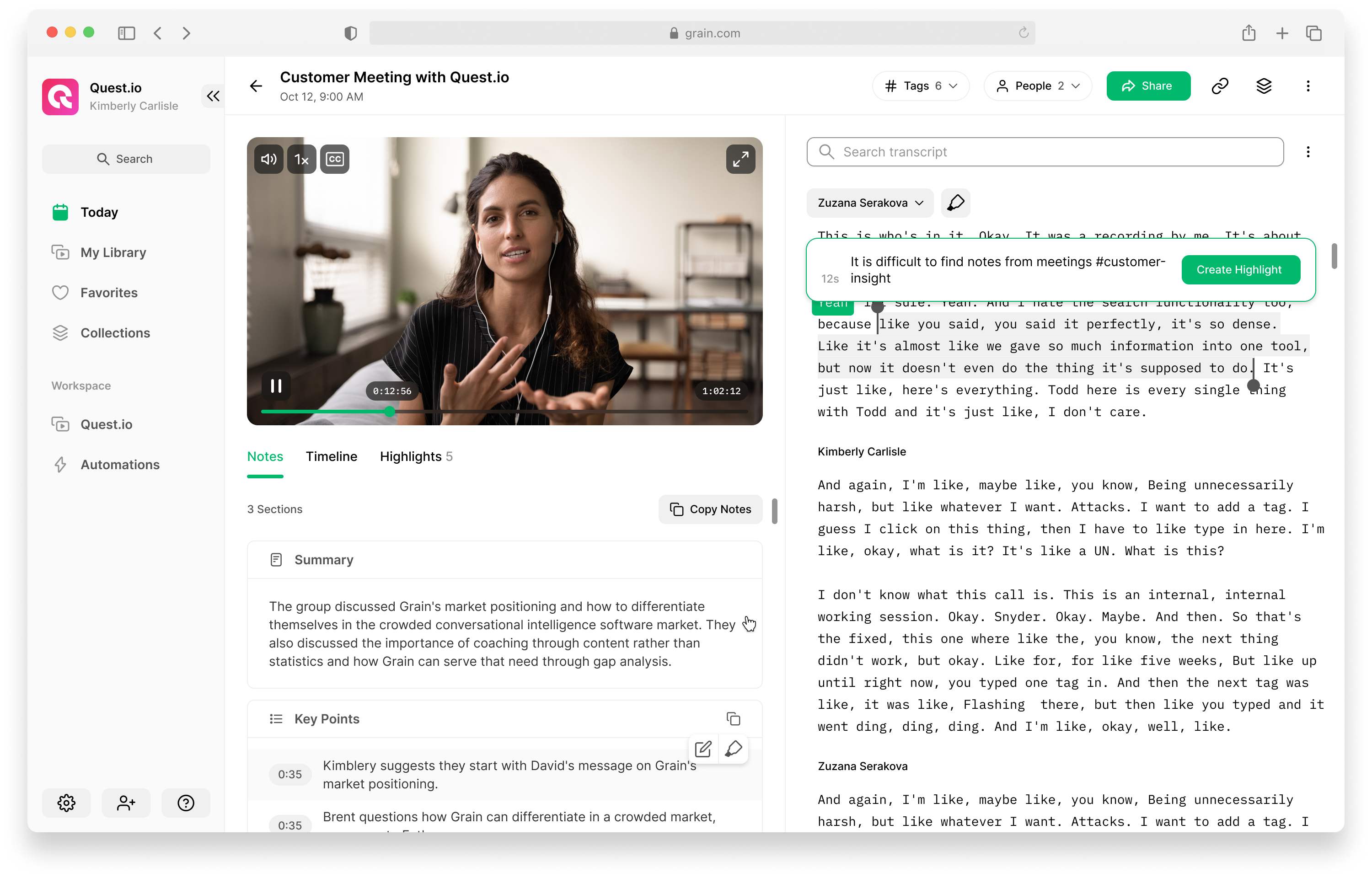
An AI meeting assistant usually sits somewhere between the live conversation and the work that happens afterward. Depending on the platform, it may listen to meeting audio, generate speech-to-text, use the transcript to create a summary and then extract follow-up tasks, decisions or topics. Some tools work as a separate meeting bot, while others are built directly into a meeting platform or productivity suite.
Google, for example, documents a “Take notes for me” feature in Google Meet that can create organized meeting notes, provide a summary and save the resulting document for later access. Microsoft Teams also provides recap experiences that can combine recordings, transcripts, notes, files and AI-assisted follow-up information. These capabilities show why the category has moved beyond simple transcription. An AI meeting assistant now often affects documentation, task management and organizational memory.
For official product details, see Google Meet’s documentation for AI note taking and Microsoft’s Teams recap documentation.
Core capabilities to look for
- Live or post-meeting transcription.
- Speaker identification or diarization.
- Structured summaries rather than raw transcript dumps.
- Decision and action-item extraction.
- Search across past meetings.
- Sharing controls and permissions.
- Integrations with calendars, task tools or CRM systems.
- Retention, deletion and export controls.
- Admin settings for business use.
A tool does not need every capability. The right feature set depends on whether your main problem is missed notes, slow follow-up, poor documentation, sales handoff, project coordination or knowledge retrieval.
Start With the Meeting Workflow, Not the AI Feature List
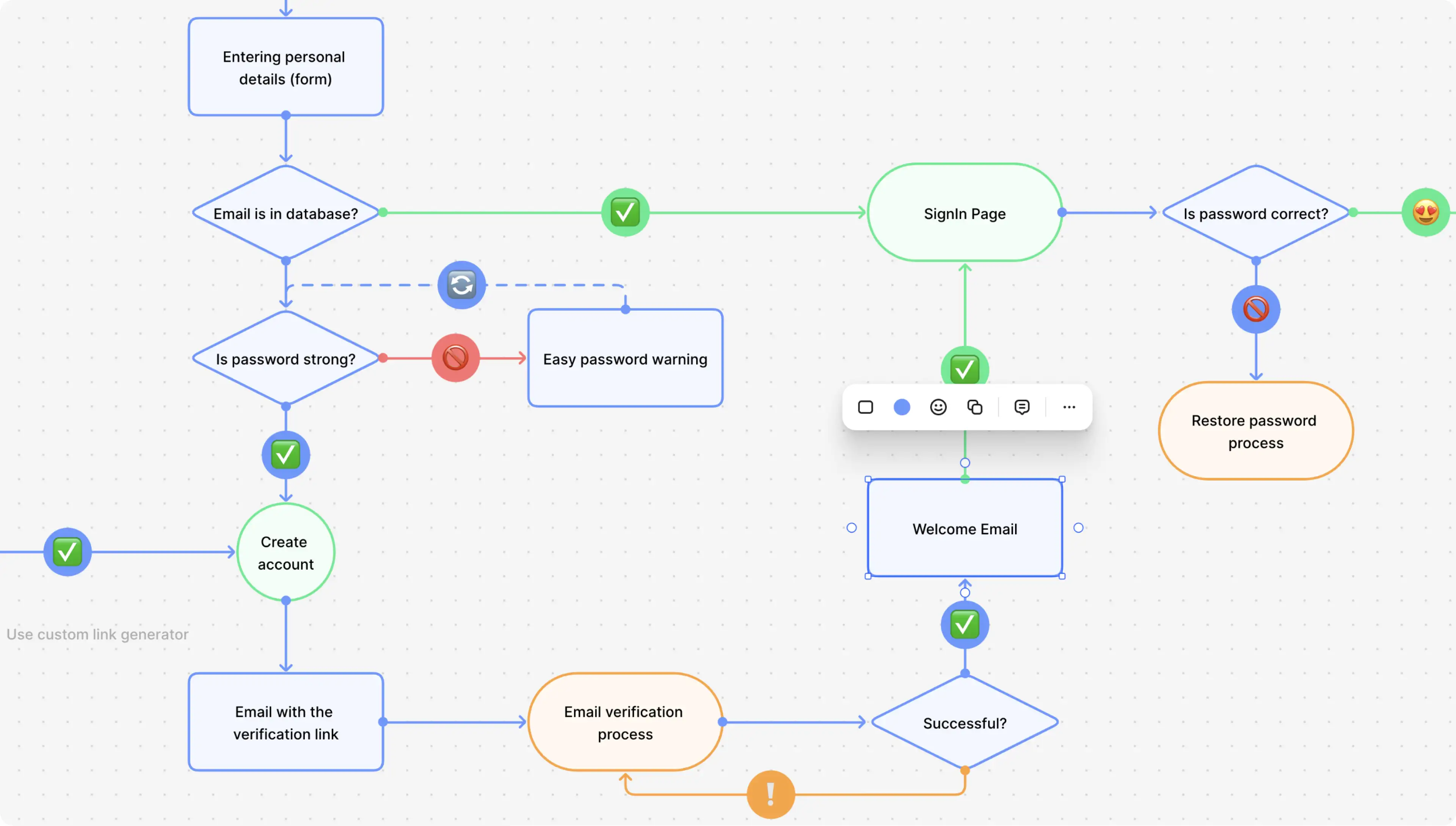
Before comparing products, map what happens before, during and after a normal meeting. This prevents a common mistake: adopting an impressive AI feature without solving the real operational problem.
Before the meeting
Decide who creates the agenda, what documents participants need and whether the meeting should be recorded, transcribed or summarized. Sensitive meetings may require a different policy from routine internal check-ins.
During the meeting
Participants should know when an AI system is taking notes or processing the conversation. Google’s documentation, for example, describes visible notifications when note taking is active. Teams should also decide who can pause or stop capture if a confidential topic appears.
After the meeting
The AI output should enter a defined review process. Someone should confirm key decisions, owners and deadlines before those items are copied into a project system or sent to a customer. An automatic summary is a draft of the meeting record, not an unquestionable source of truth.
If your organization is already evaluating broader automation, our guide to workflow automation for business explains how to connect tools without losing accountability.
Accuracy: Test the Parts That Matter to Your Team
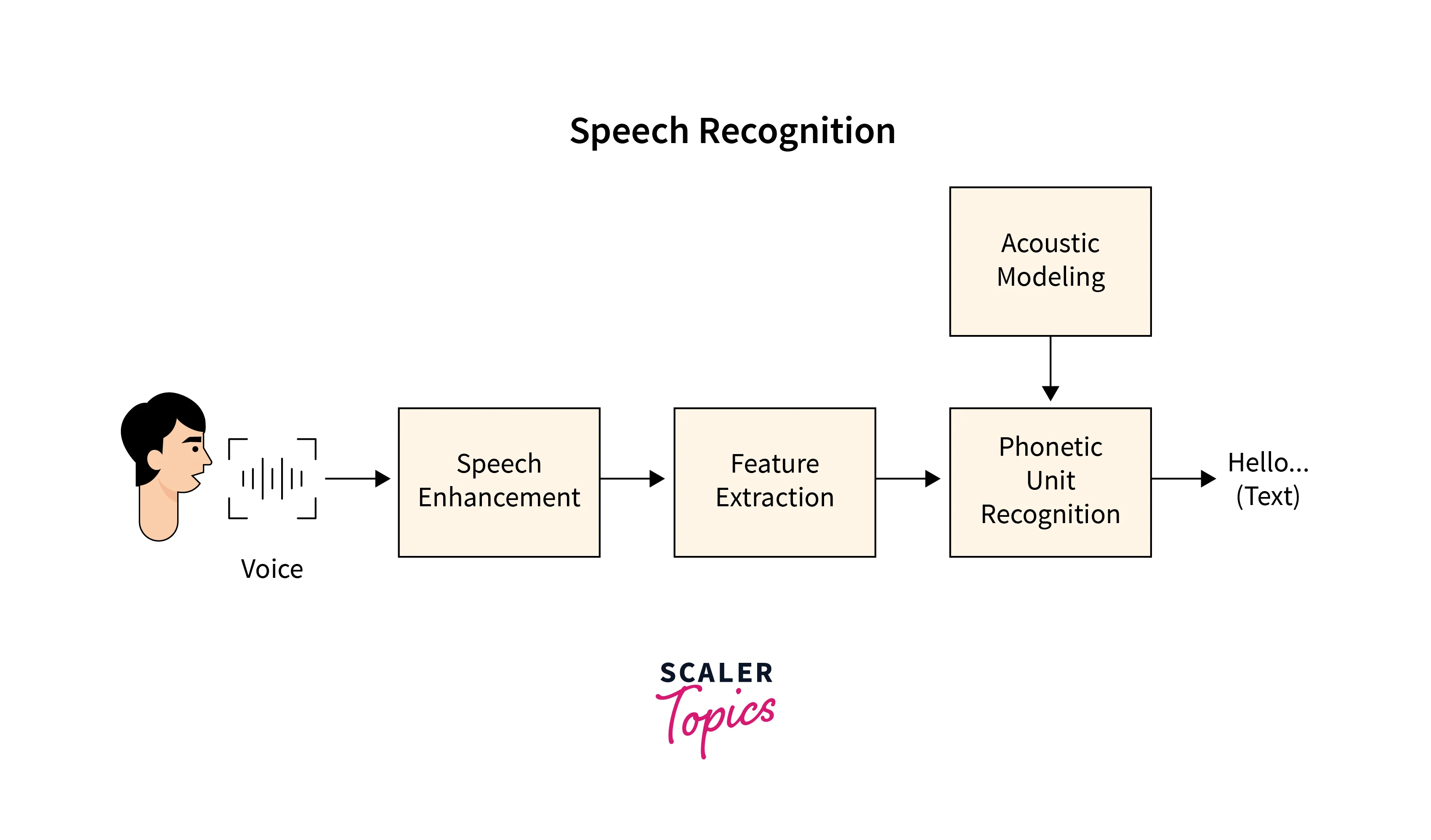
Transcription accuracy is important, but a meeting assistant can produce a readable transcript and still create a poor summary. Evaluation should therefore include several layers.
| Area | What to test | Why it matters |
|---|---|---|
| Transcription | Names, technical terms, accents, noisy rooms | Bad source text reduces summary quality |
| Speaker attribution | Who said what | Incorrect attribution can create accountability problems |
| Decisions | Whether the final decision is captured correctly | Teams may act on a false conclusion |
| Action items | Owner, task and deadline | Incomplete tasks create follow-up gaps |
| Nuance | Disagreement, uncertainty and conditions | Summaries can flatten important context |
Create a small test set of real meeting types. Use a sales call, a project review, an internal planning meeting and a discussion with technical vocabulary. Compare the AI output with notes made by a human reviewer. You do not need perfect transcription for every word; you need reliable capture of the information that drives decisions.
Privacy, Consent and Data Handling Need Their Own Review
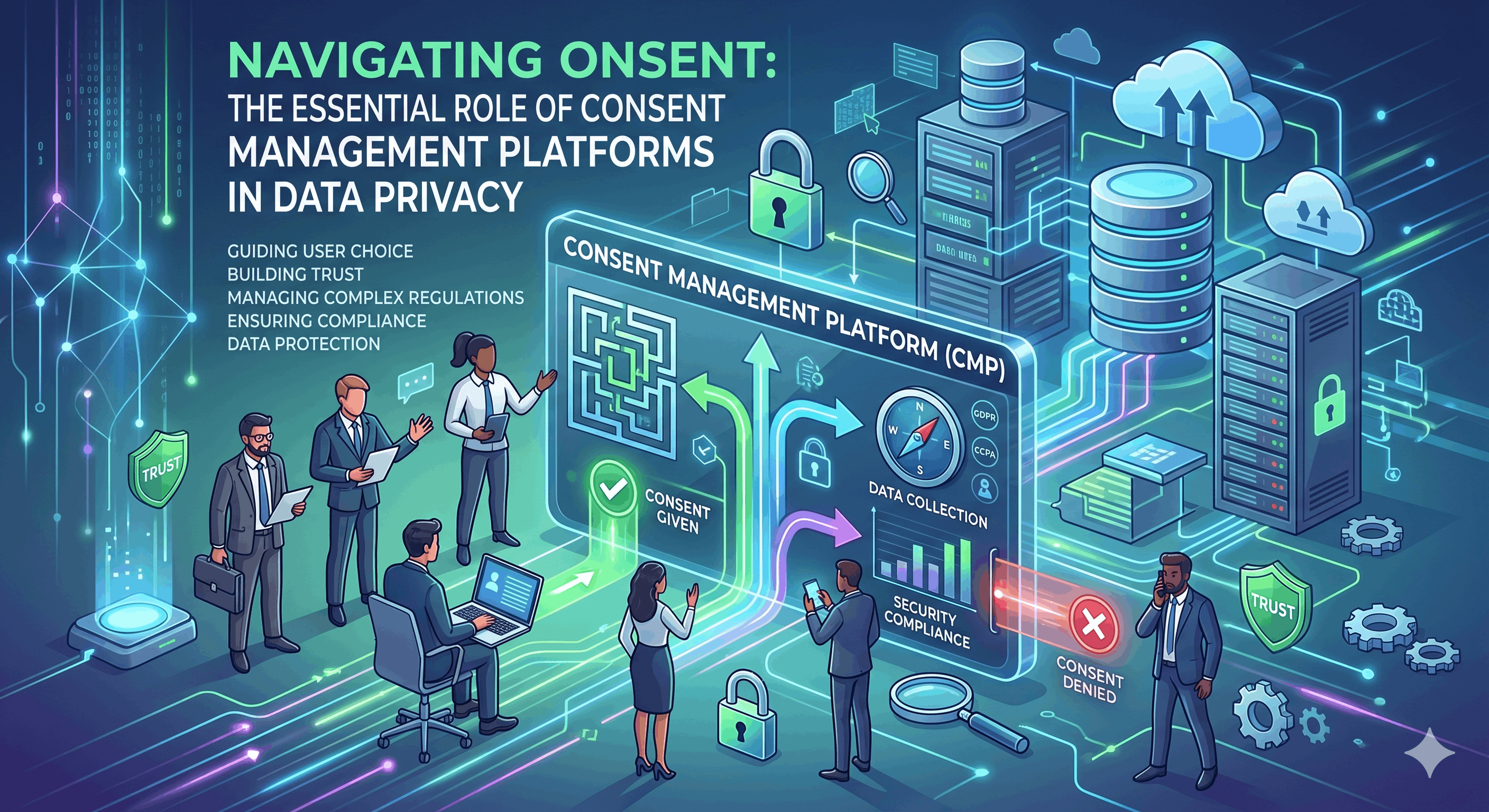
A meeting assistant processes information that may include customer names, commercial plans, employee discussions, financial details, passwords accidentally spoken aloud or confidential project information. That means privacy should be evaluated before a team rolls the tool out broadly.
The NIST AI Risk Management Framework encourages organizations to manage AI risks across design, deployment, use, testing and evaluation. NIST also identifies privacy-enhanced behavior, transparency, reliability and accountability as important trustworthiness considerations.
Questions to ask before enabling an AI meeting assistant
- Is everyone clearly informed when AI note taking is active?
- Does the tool create a recording, a transcript, a summary or all three?
- Who owns the generated notes?
- Who receives access automatically?
- Can external guests receive the notes?
- Where are recordings and transcripts stored?
- Can admins define retention periods?
- Can users delete the source transcript and derived summary?
- Does the vendor explain how business data is handled?
- Can especially sensitive meetings disable AI capture?
Recording and consent requirements can vary by location and context, so businesses with regulated or sensitive communications should obtain appropriate legal or compliance guidance rather than relying on a generic software setting.
Sharing Controls Are as Important as Summary Quality
An accurate meeting summary can still create risk if it is automatically shared too broadly. Consider a client meeting where internal pricing assumptions are discussed after the customer leaves, or a staff meeting that contains employment information. If the note-sharing rule is based only on the calendar invite, the resulting document may reach people who should not receive every detail.
Google Meet’s current help documentation describes configurable sharing choices for AI-generated notes, including options that can limit notes to hosts or internal invitees. This is the type of control a business should test before rollout.
A practical sharing model
- Default sensitive meetings to the smallest reasonable audience.
- Let the organizer review notes before wider distribution where possible.
- Keep customer-facing notes separate from internal operational notes.
- Use existing document permissions instead of copying summaries into uncontrolled chat channels.
- Review access when contractors, partners or former employees leave a project.
Action Items Need Verification Before Automation
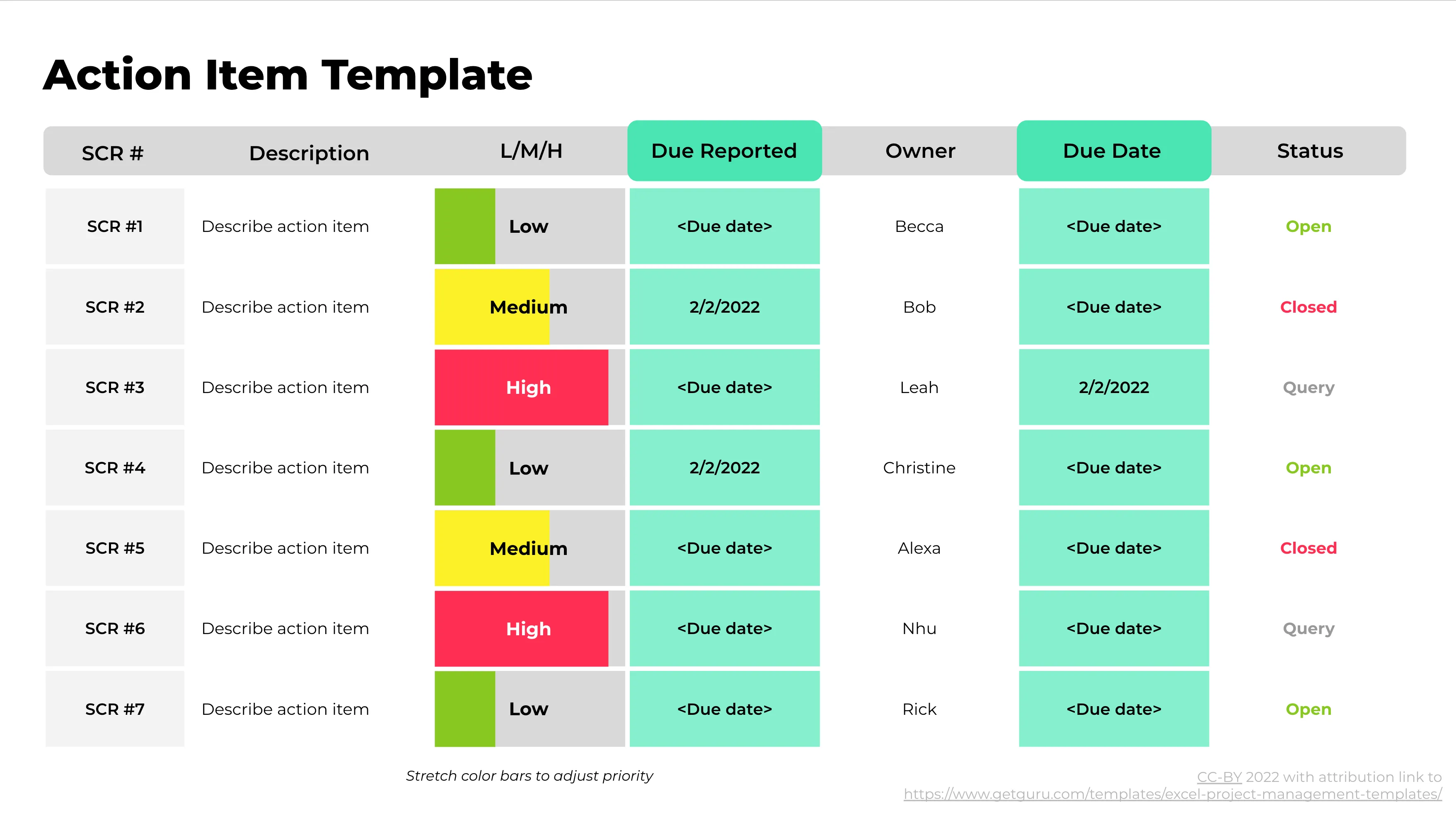
Many AI meeting tools can identify tasks such as “send the revised proposal on Friday” or “Sam will check the API issue.” That is helpful, but automatically creating tasks without review can produce duplicates, incorrect owners or deadlines that were discussed but never agreed.
A safer workflow is semi-automated:
- The meeting assistant proposes action items.
- A human owner reviews the list.
- Confirmed tasks are pushed to the project or CRM system.
- The system records the original meeting link for context.
- Unclear items are returned to the team instead of silently assigned.
This approach combines AI speed with human accountability. For broader examples of safe AI-assisted work, see our article on AI productivity platforms and team performance.
How to Compare AI Meeting Assistants Without Chasing Features
Create a weighted scorecard based on your actual use case. A ten-person agency and a 500-person enterprise may care about completely different things.
| Criterion | Example weight | What to measure |
|---|---|---|
| Summary accuracy | 25% | Correct decisions, context and action items |
| Privacy/admin controls | 20% | Permissions, retention, deletion, policy controls |
| Transcription quality | 15% | Names, accents, technical vocabulary |
| Workflow integration | 15% | Calendar, tasks, CRM, document system |
| Search and retrieval | 10% | Ability to find past decisions quickly |
| User experience | 10% | Setup, notifications, review process |
| Cost | 5% | Total seat, storage and add-on cost |
Change the weights to match your organization. The value of this method is that it stops one attractive feature from dominating the buying decision.
A 30-Day Rollout Plan
Week 1: Define acceptable use
Choose which meeting types can use AI assistance, which should not and who can enable it. Write a short policy that employees can understand.
Week 2: Run controlled tests
Use the tool in routine internal meetings. Measure transcription accuracy, summary quality and the time saved during follow-up.
Week 3: Test integrations
Connect only the systems needed for the pilot. Check permissions carefully before enabling task creation, CRM updates or broad document sharing.
Week 4: Review evidence
Ask users where the assistant saved time and where it created extra checking. Review privacy settings, false action items, missed decisions and unexpected sharing behavior. Expand only if the workflow is clearly better.
AI Meeting Assistant Checklist
- Clear participant notification.
- Accurate transcription for your real meeting conditions.
- Reliable decision and action-item capture.
- Human review before important follow-up.
- Configurable sharing permissions.
- Documented retention and deletion controls.
- Admin visibility for business use.
- Minimal access to connected systems.
- Export options that avoid lock-in.
- A written process for sensitive meetings.
Frequently Asked Questions
Are AI meeting notes always accurate?
No. AI summaries can miss context, merge separate points or assign an action item incorrectly. Important decisions should be checked against the transcript or confirmed by participants.
Should every meeting use an AI assistant?
No. Routine project meetings may benefit greatly, while highly confidential discussions may require stricter controls or no automated capture at all.
Is a built-in meeting assistant better than a third-party bot?
Not automatically. Built-in tools may simplify identity and permissions, while third-party tools may offer stronger cross-platform workflows. Evaluate data handling, accuracy, administration and integration rather than assuming one architecture is always superior.
What is the most important buying criterion?
For most teams, the best criterion is dependable follow-up with acceptable privacy controls. A beautiful summary has little value if people cannot trust who receives it or whether the decisions are correct.
Conclusion
AI meeting assistants can reduce note-taking and follow-up work, but the real value appears only when the complete workflow is designed well. Start with the meeting types your team runs, test transcription and summary accuracy, define sharing and retention rules, and require human confirmation before important tasks or decisions are automated.
The strongest AI meeting workflow is not the one that captures the most data. It is the one that helps people remember the right information, act on verified decisions and protect conversations that should remain limited. Treat the assistant as a productivity system with governance—not just a note-taking feature—and it can become a useful part of everyday work without creating unnecessary risk.