 by
by Distributed teams need project management software to do more than store tasks. When people work across cities, countries, and time zones, the platform becomes part of the team’s shared memory. It should show what is being worked on, who owns the next step, what is blocked, why a decision was made, and what changed while someone was offline.
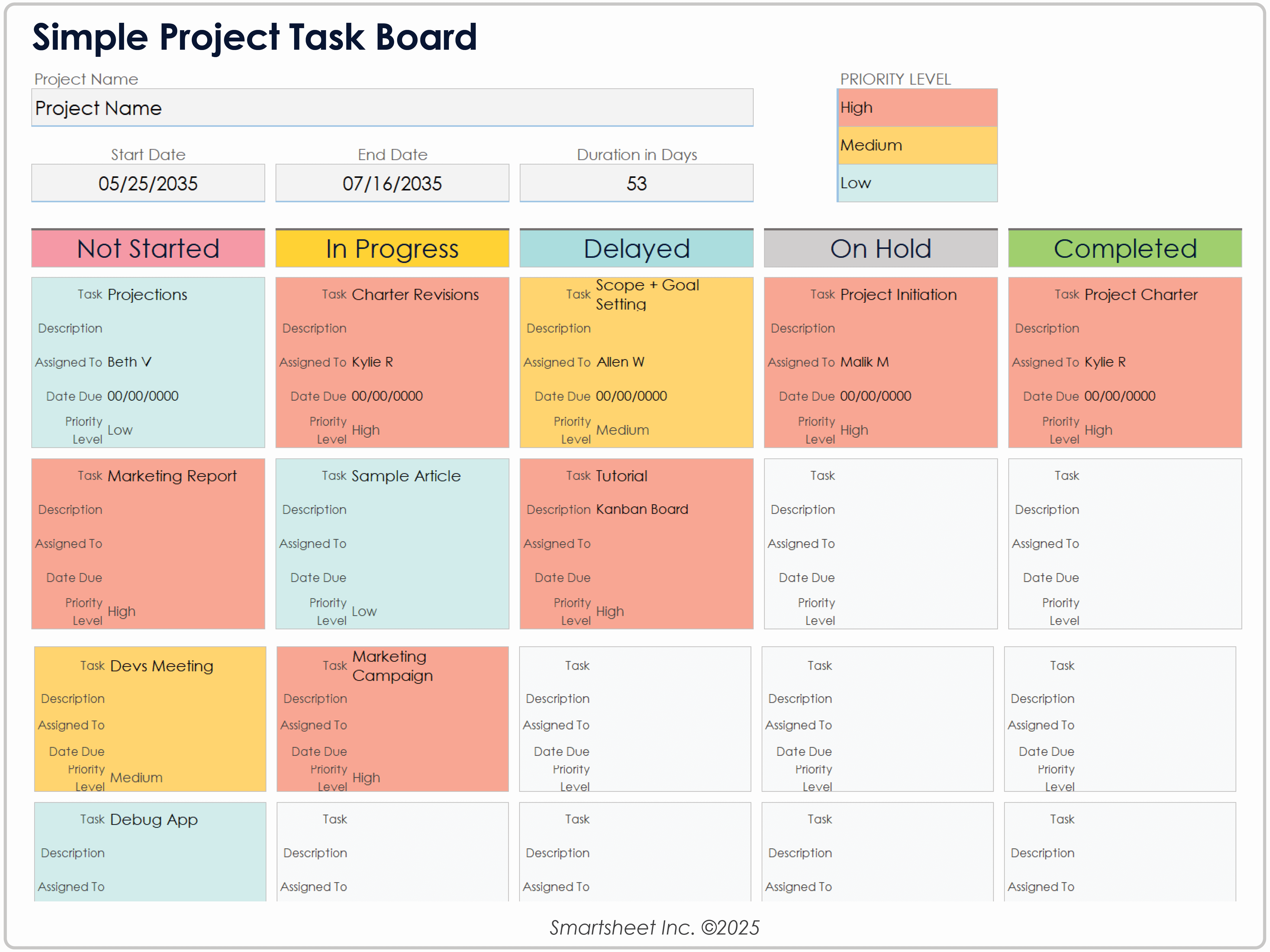
In 2026, Asana and Jira are both capable work-management platforms, but they approach coordination differently. Asana emphasizes cross-functional work, goals, portfolios, workflows, and resource visibility. Jira offers flexible project tracking with deep roots in software delivery while expanding AI-assisted planning, automation, and cross-team work through Rovo. The better option depends on how the team actually operates.
Start With the Problems of Distributed Work
- People cannot rely on being online at the same time.
- Decisions disappear inside chat threads or meetings.
- Ownership becomes unclear across handoffs.
- Managers may overuse meetings because status is not visible.
- Different teams may use different terminology and workflows.
- New employees need context without asking someone for every detail.
A good platform should reduce those coordination costs rather than become another place to check.
Asana: Strong for Cross-Functional Work Management
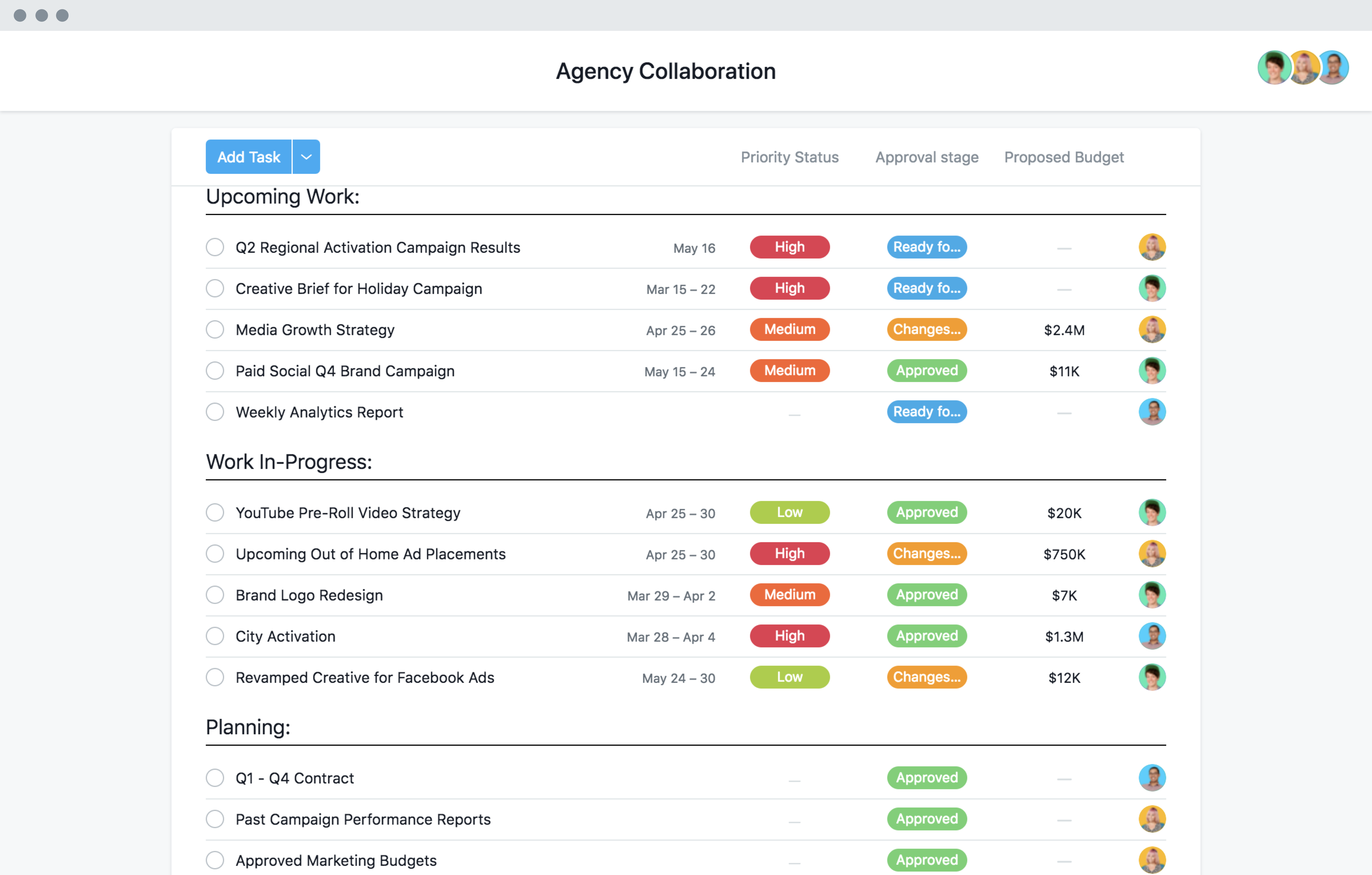
Asana’s current work-management platform combines projects, goals, reporting, workload/resource views, workflow automation, and newer agentic work features. It can be a good fit for marketing, operations, product, HR, and other teams that need one consistent way to coordinate work.
Strengths for distributed teams
- Multiple views for lists, boards, timelines, and calendars.
- Goals and portfolios for connecting projects to higher-level outcomes.
- Forms and rules for standardized intake.
- Workload and resource visibility.
- Cross-team task relationships and reporting.
- AI-assisted summaries, workflows, and agent features where enabled.
Asana is especially useful when work spans business functions and the company wants a common project language.
Jira: Flexible Tracking With Strong Technical Workflows
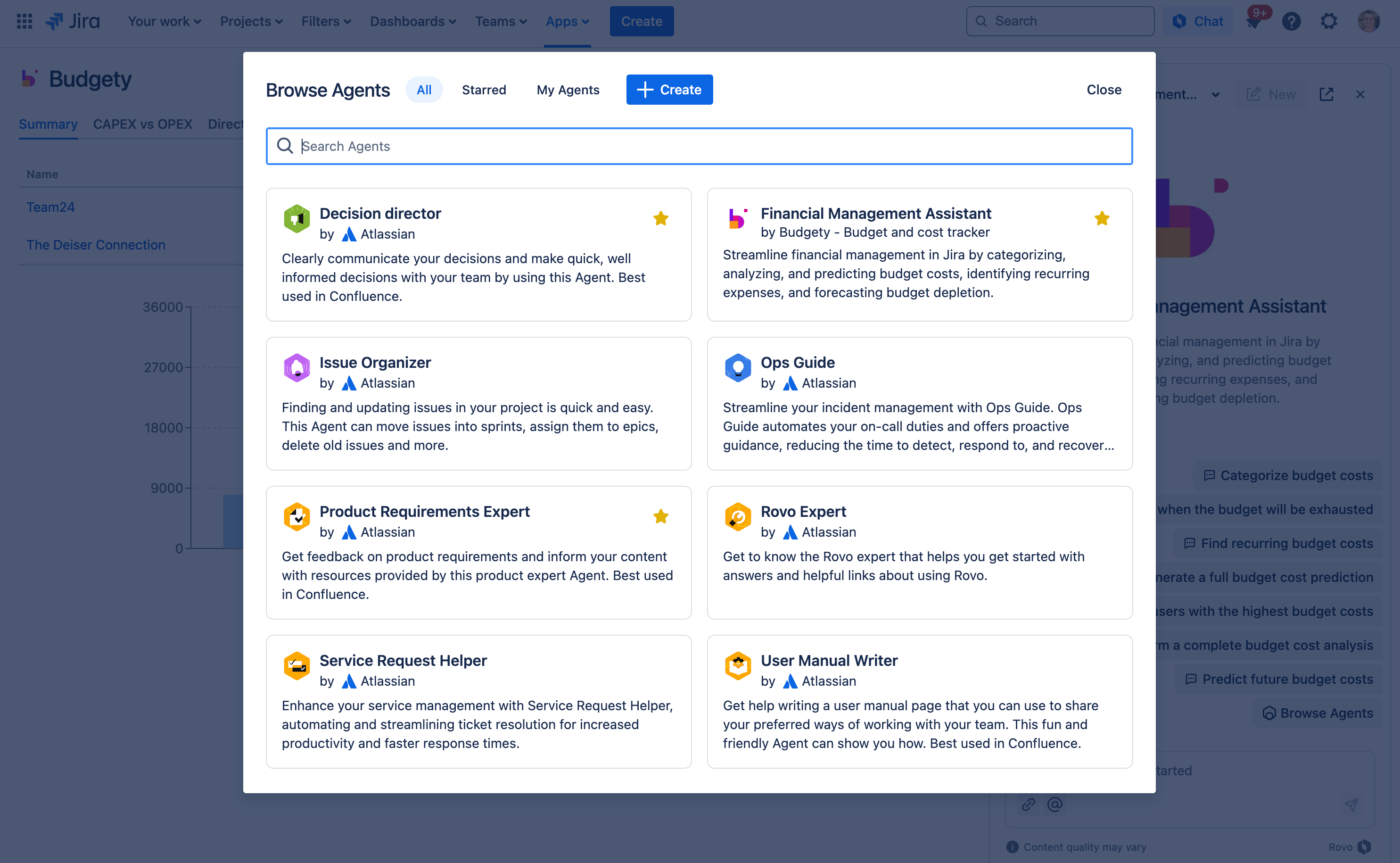
Atlassian’s current Jira feature set includes boards, lists, timelines, calendars, goals, automation, reporting, customizable workflows, and integrations. Rovo adds natural-language search, summaries, AI-assisted automation, and agent capabilities in supported cloud plans.
Strengths for distributed teams
- Detailed workflow and field customization.
- Strong issue, backlog, dependency, and engineering-oriented tracking.
- Flexible boards and project views.
- Granular permissions and enterprise controls.
- Large integration ecosystem.
- Rovo support for summaries, search, work creation, and automation.
Jira is often a natural choice when software development is central, but it can also support broader business teams when configuration is kept understandable.
Asana vs Jira for Distributed Teams
| Need | Asana | Jira |
|---|---|---|
| Cross-functional business projects | Strong fit | Capable with configuration |
| Software development workflows | Capable | Especially strong |
| Goals/portfolio visibility | Strong emphasis | Available through Jira/Atlassian ecosystem |
| Workflow customization | Flexible and approachable | Very deep |
| Async project summaries | AI/status features | Rovo summaries and status context |
| Learning curve | Often easier for mixed business teams | Can increase with complex configuration |
Features That Matter More Than the Brand
Clear ownership
Every meaningful work item should have one accountable owner even when several people contribute.
Dependencies
Distributed work fails when one team does not know another team is waiting. The platform should make blockers and dependencies visible.
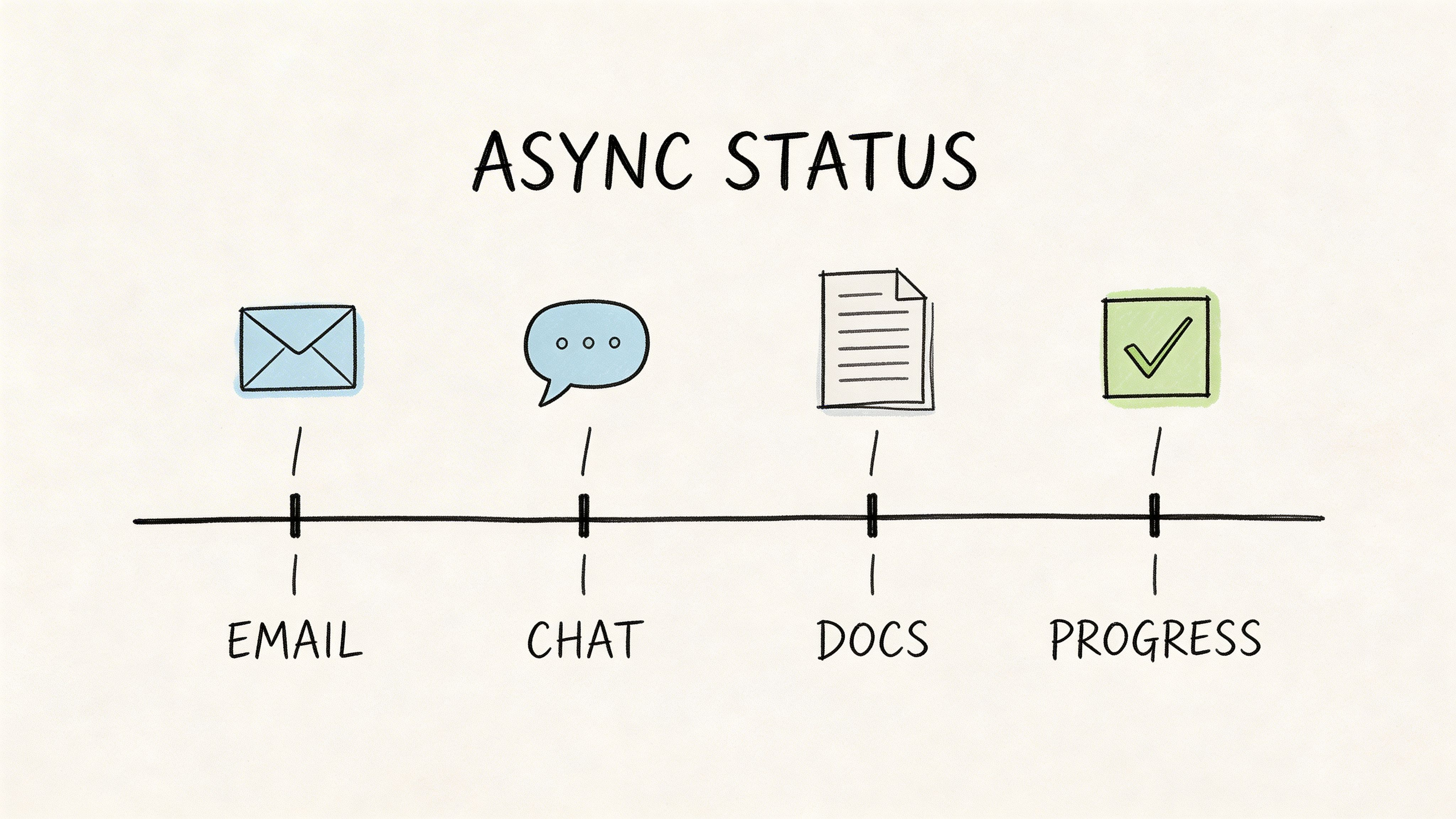
Asynchronous status
A colleague waking up in another time zone should be able to understand recent progress without attending a status meeting.
Searchable decisions
Important decisions should be attached to the relevant project or task, not buried only in chat.
Permissions
Client work, HR projects, security tasks, and confidential strategy may require restricted access. The system should match organizational permission needs.
Do Not Turn the Tool Into a Reporting Tax
A project platform fails when employees spend more time updating it than doing the work. Automate status changes and data capture where reliable, integrate with development or communication tools when useful, and keep required fields limited.
AI can help summarize work, identify risks, or create routine updates, but teams should review generated status before it is used for important decisions. Atlassian’s own documentation notes that AI output quality can vary, which is a sensible rule for every work-management assistant.
How to Run a Distributed-Team Pilot
- Choose one real project lasting at least a few weeks.
- Create a simple workflow and naming convention.
- Define what belongs in the project tool versus chat or email.
- Require owners and due dates only where they are meaningful.
- Test an async weekly status process.
- Invite stakeholders to follow progress without attending every meeting.
- Review friction after the pilot and simplify the setup.
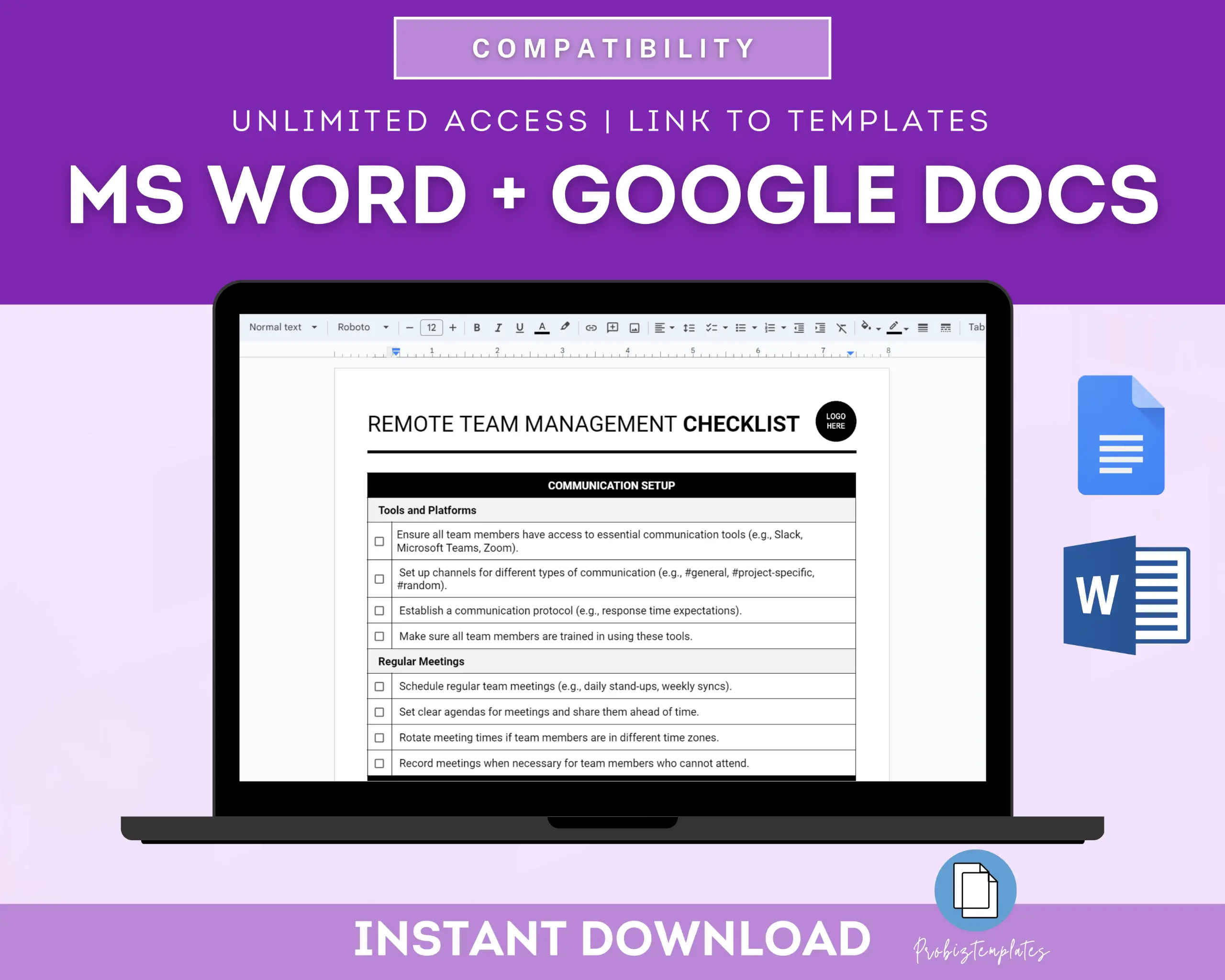
Distributed Project Management Checklist
- Tasks have clear owners.
- Dependencies are visible.
- Decisions are documented.
- Status can be understood asynchronously.
- Important work is searchable.
- Permissions match confidentiality needs.
- Notifications are controlled.
- Templates standardize repeated projects.
- Integrations reduce duplicate entry.
- Reporting answers real management questions.
- The tool supports the team’s time zones and work style.
- Administration remains simple enough to maintain.
For communication-tool selection, see our guide to business communication platforms for remote and hybrid teams.
Frequently Asked Questions
Is Asana or Jira better for remote teams?
Asana is often easier for mixed cross-functional teams, while Jira is especially strong for detailed technical and software workflows. The best choice depends on process complexity and existing ecosystem.
Should project management replace chat?
No. Chat is useful for quick conversation. The project system should hold durable work state, ownership, decisions, and progress that people need later.
How much customization should a distributed team use?
Start with the minimum required to represent the workflow. Excessive custom fields and statuses make adoption harder, especially across teams.
Conclusion
Distributed teams need project management software that makes work understandable without constant synchronous coordination. Asana provides a strong cross-functional work model, while Jira offers deep workflow control and technical project capabilities.
Whichever platform you choose, focus on ownership, asynchronous context, dependencies, searchable decisions, and simple reporting. The best tool is the one that helps a teammate understand what to do next even when nobody else is online.