 by
by No-Code Database Platforms for Business Operations: How to Compare Airtable, Notion and Coda
No-code database platforms sit between a spreadsheet and a custom business application. They let teams store structured records, connect related information, build filtered views, create forms and automate routine actions without starting with a traditional software-development project. That makes them useful for inventory, content operations, lightweight CRM, recruiting pipelines, vendor tracking, service requests and many other internal workflows.
The category can be confusing because products such as Airtable, Notion and Coda overlap while emphasizing different strengths. Airtable is strongly database- and interface-oriented, Notion combines databases with documents and workspace content, while Coda blends tables, pages, formulas, buttons and automations inside collaborative docs. The best choice depends less on the number of features and more on how your data, users and processes behave.
This guide explains how to compare no-code database platforms for business operations without assuming that every spreadsheet should become an app or that one product fits every team.
First Decide Whether You Need a Database or a Better Spreadsheet
A spreadsheet is excellent for calculations, ad hoc analysis and flexible tables. A no-code database becomes more useful when the same information needs to support repeated operational workflows across multiple people.
Signs a database-style platform may help
- Several people edit the same operational data.
- Records have clear types such as customers, projects, products or requests.
- Different teams need different views of the same records.
- Forms should create structured records.
- Records need relationships, such as one customer having many projects.
- Automations should trigger when a record changes.
- Users should interact through a simplified interface rather than the raw table.
If the primary job is financial modeling, statistical analysis or complex formulas, a spreadsheet may still be the better tool. Do not replace a working spreadsheet simply because “database” sounds more advanced.
Data Structure Is the Foundation
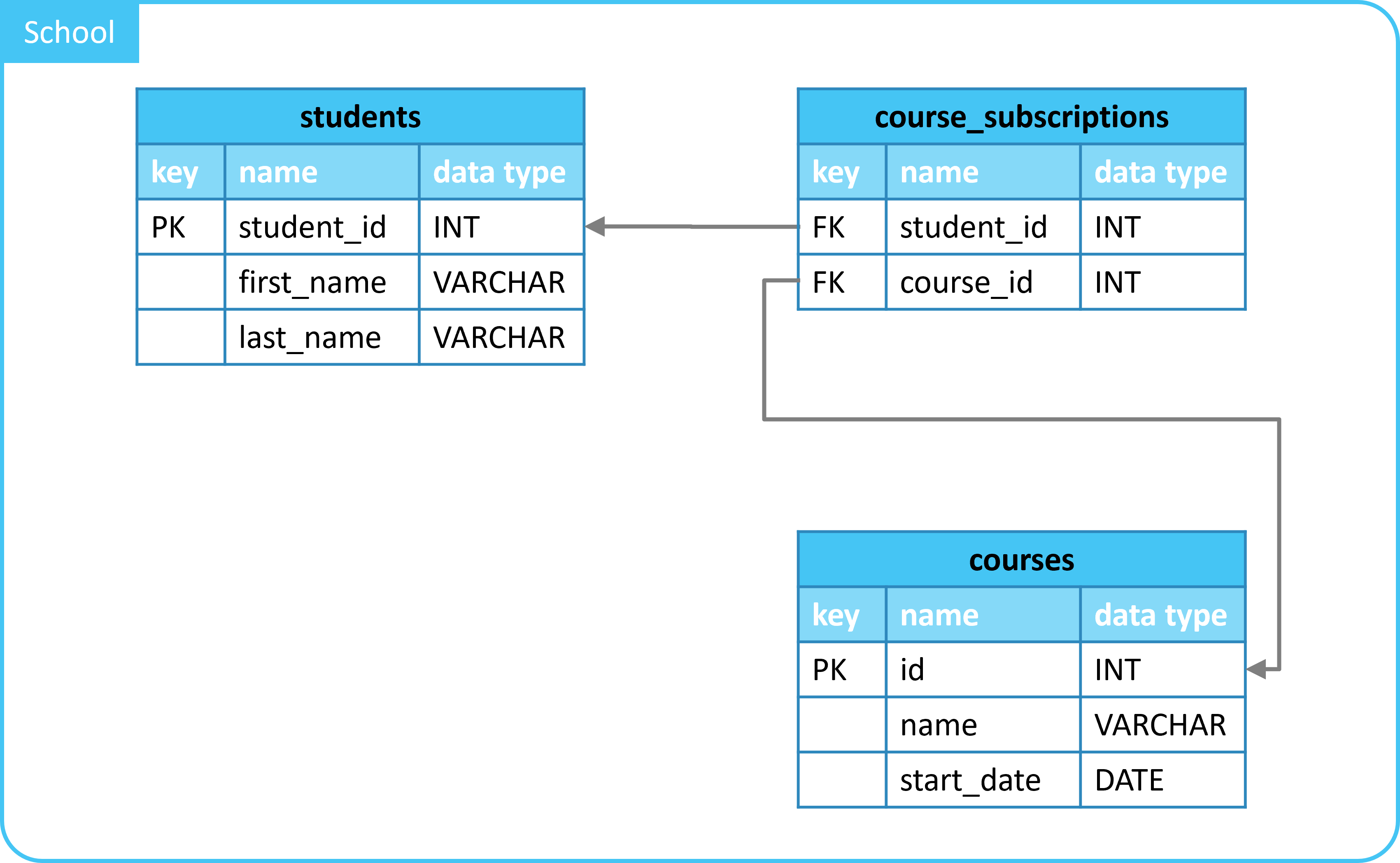
Airtable uses bases, tables, fields and records as core building blocks. Its current Airtable basics documentation describes a platform built around structured data plus interfaces and automations. Notion databases treat each record as a page that can contain both properties and free-form content. Coda tables similarly combine rows, formulas and interactive controls inside documents.
Map your entities before building
Imagine a small agency. It may have:
- Clients with company details and owners.
- Projects connected to clients.
- Deliverables connected to projects.
- Invoices connected to clients or projects.
- Team members assigned to work.
Putting all of this into one giant table creates duplicate information. A better design separates record types and connects them through relationships.
Airtable: Strong Fit for Structured Operational Apps
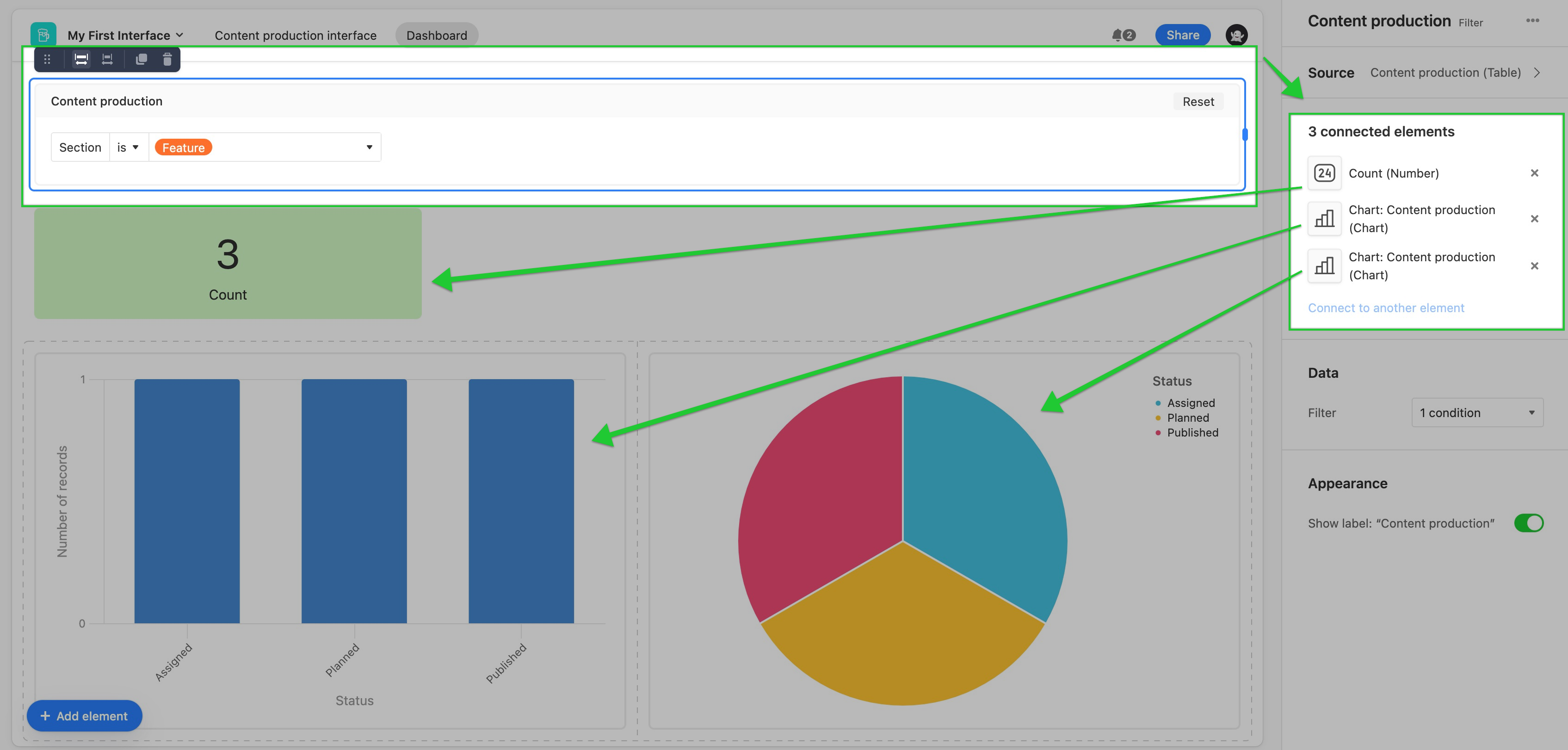
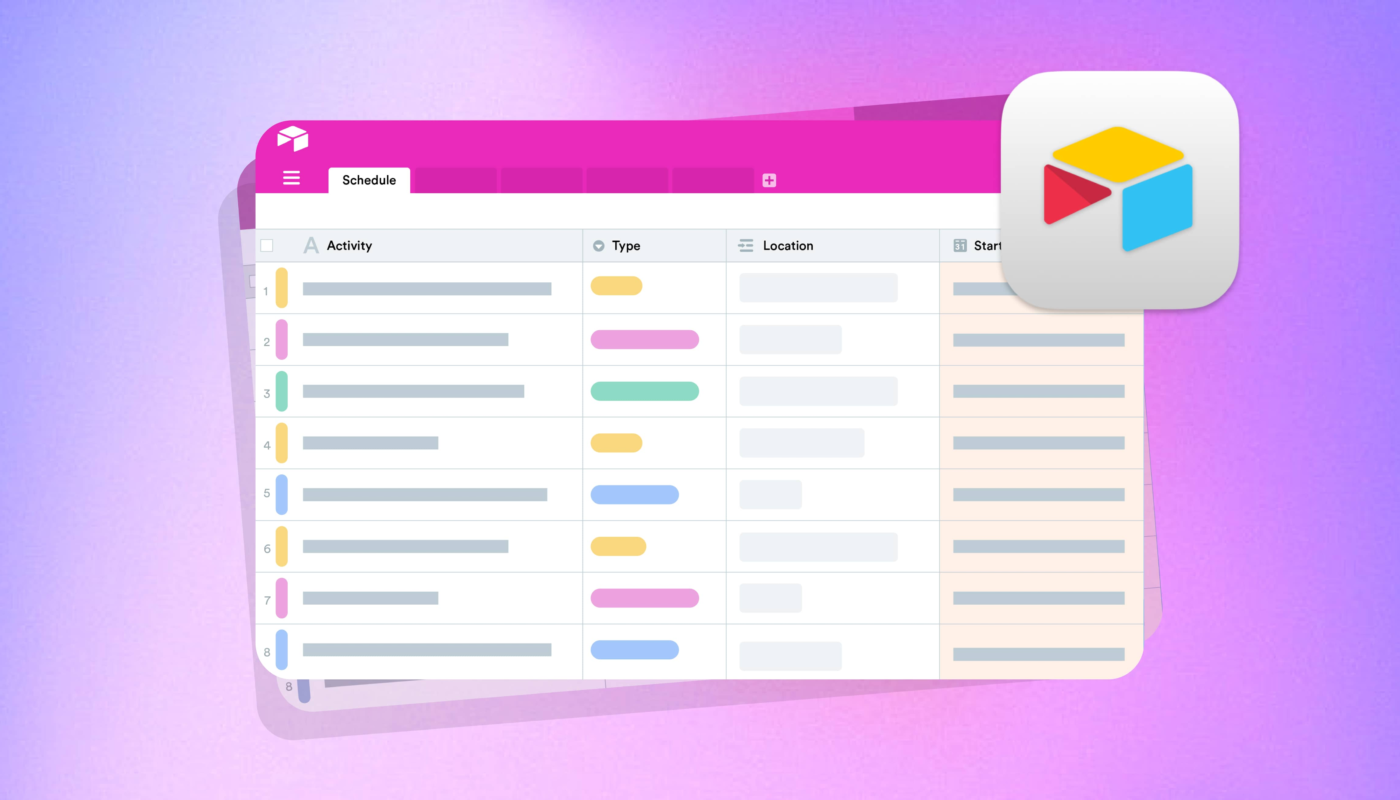
Airtable is useful when teams think in terms of records, tables, views, forms and interfaces. Its support documentation describes features for designing bases, automating work, creating interfaces and integrating with external services.
Strengths to evaluate
- Structured field types.
- Linked records between tables.
- Multiple views of one dataset.
- Forms for record creation.
- Interfaces that simplify interaction for end users.
- Automations using triggers and actions.
- Web API and integrations.
Airtable’s current automation documentation explains trigger-action workflows for repetitive tasks, while its API documentation covers programmatic access. These features make it attractive when the no-code system may later need to connect with other business applications.
Notion: Strong Fit When Records and Documentation Belong Together
Notion can be useful when a record needs structured properties and substantial narrative content. A project record can have status, owner and dates while also containing meeting notes, decisions and documentation in the same page.
Useful scenarios
- Content calendars where each item needs a full brief.
- Project databases connected to documentation.
- Knowledge bases with structured ownership metadata.
- Recruiting pipelines where candidate pages contain notes.
- Product roadmaps connected to specifications.
Notion also offers granular sharing and workspace permissions. Its sharing and permissions documentation is useful when evaluating how pages, databases and teamspaces can be exposed to different audiences.
If knowledge management is the main objective, see our guide to knowledge management software for teams once that draft is published.
Coda: Strong Fit for Interactive Documents and Workflow Logic
Coda combines document pages with tables, formulas, buttons and Packs that connect external services. It can feel less like a standalone database product and more like a programmable workspace where data and process documentation live together.
Useful scenarios
- Operating reviews with live tables and written context.
- Team workflows controlled by buttons.
- Planning systems with formulas across connected tables.
- Forms and approval workflows.
- Internal tools where instructions and data belong together.
Coda’s current automation documentation describes triggers such as scheduled rules, form submissions and webhooks, followed by actions that can change tables or interact with connected services.
Views and Interfaces Determine Whether People Will Use the System
Database builders often focus on the administrator’s table, but most employees do not need to see every field. A sales representative may need a list of assigned accounts. A manager may need a dashboard. A warehouse worker may need a form and a single button.
Test end-user experiences
- Can a user see only records relevant to their work?
- Can complex fields be hidden?
- Can a form prevent invalid data entry?
- Can mobile users complete the workflow easily?
- Can a manager review records without editing the base structure?
- Can actions such as “approve” or “close” be simplified?
Airtable’s interface features are particularly relevant here; its current support documentation describes interfaces that give teammates targeted information and ways to take action without exposing the whole base design.
Permissions Need to Match the Data Model
No-code platforms often start as small-team tools and later hold customer data, financial information, hiring records or internal operational details. Permissions should be reviewed before the system becomes mission-critical.
Questions to test
- Can users view records without changing schema?
- Can external guests access only a specific area?
- Are public links easy to discover and revoke?
- Can editing be limited at table, page or interface level?
- Can administrators audit who has access?
- What happens when an employee leaves?
A permission model that works for ten trusted employees may not scale to contractors, clients and multiple departments.
Automation Should Have Clear Owners and Failure Handling
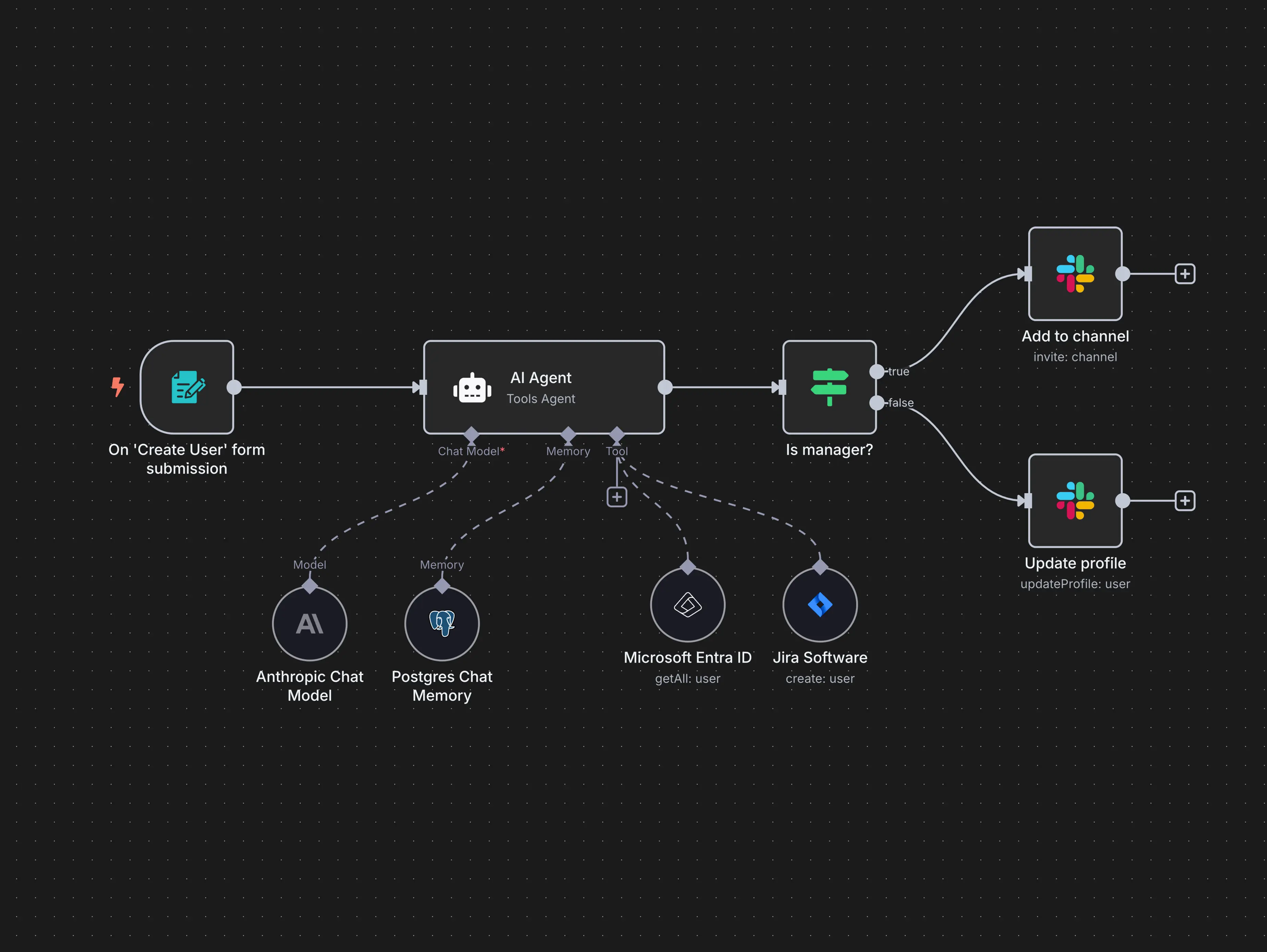
Automations can turn a no-code database into an operational application. A new form response can create a record, notify a team and assign an owner. A status change can trigger an email or update another system.
The risk is hidden logic. Six months later, nobody remembers why a customer receives a particular email or which rule updates a field.
Manage automations like software
- Name each automation clearly.
- Document its trigger and business purpose.
- Assign an owner.
- Log or surface failed runs.
- Test with sample records before activation.
- Avoid multiple automations editing the same field without coordination.
- Review old automations after process changes.
For broader workflow design, see our business workflow automation guide.
Integrations and APIs Matter When the Tool Becomes Important
A no-code database may eventually need data from a form, ecommerce platform, accounting system or internal application. Native integrations are convenient, while APIs provide flexibility for custom development.
Airtable’s integration documentation describes both no-code and developer-oriented integration options. See Airtable integration options.
Evaluate integration architecture
- Which system is the source of truth?
- Is synchronization one-way or two-way?
- How are duplicates prevented?
- What happens when an integration fails?
- Are API credentials scoped narrowly?
- Are rate limits compatible with expected volume?
Do not build a chain of five automations that nobody can troubleshoot. As operational importance increases, simplicity becomes a feature.
Record Limits and Performance Should Be Tested Before Migration
No-code platforms are convenient, but they are not unlimited databases. Plans may differ in record counts, automation runs, attachment storage, API limits or advanced permissions.
Create a realistic scale test
- Estimate records after twelve to twenty-four months.
- Import a large representative sample.
- Test filtered views and searches.
- Run the busiest automation.
- Measure mobile and interface responsiveness.
- Check plan limits and expected cost.
A platform that feels instant with 200 records may behave differently with 100,000 records and dozens of linked tables.
Export and Exit Planning Are Essential
No-code systems often grow organically until they become important infrastructure. At that point, migration is difficult if data is trapped in proprietary views, formulas and automations.
Test export early
- Can table data be exported to CSV?
- Can attachments be downloaded?
- Are relationships preserved in an understandable way?
- Can pages or documents be exported?
- Can automations be documented?
- Is API access available for a future migration?
The goal is not perfect portability; complex workflow logic rarely transfers automatically. The goal is to ensure that the underlying business data remains retrievable.
A Practical Platform Comparison
| Need | Airtable tendency | Notion tendency | Coda tendency |
|---|---|---|---|
| Structured operational records | Strong | Good | Good |
| Document-heavy records | Moderate | Strong | Strong |
| Custom end-user interfaces | Strong | Moderate | Good |
| Formula-driven interactive docs | Good | Good | Strong |
| Knowledge/wiki use | Moderate | Strong | Good |
| Automation | Strong | Growing/varies by workflow | Strong |
This is a workflow comparison, not an absolute ranking. Product features and plan limits change, so verify current documentation during a trial.
A 30-Day No-Code Database Pilot
Week 1: Model the data
Define record types, relationships, required fields and who owns each dataset.
Week 2: Build one workflow
Create forms, views and a simple interface for one real process.
Week 3: Add controlled automation
Automate one or two repetitive actions and test failures.
Week 4: Test governance and exit
Add a guest, remove a user, review permissions, export all data and estimate expected two-year cost.
No-Code Database Buyer Checklist
- Data model fits the process.
- Relationships are easy to maintain.
- Views and interfaces fit end users.
- Permissions support real roles.
- Automations have logs and owners.
- Integrations are reliable.
- API limits fit expected use.
- Record and storage limits are understood.
- Mobile workflow is practical.
- Data can be exported.
Frequently Asked Questions
Is Airtable just a spreadsheet?
No. It uses a grid interface that feels familiar, but it supports typed fields, linked records, views, interfaces, automations and APIs that make it more database-oriented than a normal spreadsheet.
Can Notion replace Airtable?
Sometimes. Notion works especially well when records and documents belong together. Airtable may be a stronger fit for structured operational apps and interfaces. Test the actual workflow rather than comparing generic feature lists.
When is Coda a better fit?
Coda can be attractive when tables, formulas, buttons, narrative pages and automation need to work together in one interactive document.
Should a mission-critical system be built with no-code tools?
It depends on scale, risk, vendor limits and available alternatives. Important workflows need permission reviews, backups or exports, documentation and tested failure handling regardless of platform.
Conclusion
No-code database platforms can turn scattered spreadsheets into clearer operational systems, but the value comes from good data modeling and process design rather than the tool alone. Start by identifying records, relationships and users. Then compare interfaces, permissions, automation, integrations and export.
Airtable, Notion and Coda each support powerful workflows with different design strengths. Run a real pilot instead of choosing from screenshots. Test how the system behaves when records grow, an automation fails, a user leaves and the data needs to be exported. The best no-code platform is the one your team can understand, govern and maintain after the initial excitement has passed.