 by
by Ecommerce hosting has a harder job than serving a simple brochure site. Product pages can often be cached, but carts, customer accounts, inventory, promotions, search, and checkout are dynamic. A traffic spike can increase database writes, API calls, payment requests, and background jobs at the same time. The hosting stack therefore needs to balance speed, reliability, security, and recoverability.

High performance does not require the most complicated architecture. It requires each layer to solve a clear bottleneck. For a small store, quality managed hosting with good caching may be enough. A larger store may separate web/application servers, databases, object storage, queues, search, and CDN delivery. The right stack is the simplest one that meets measured business requirements.
The Core Layers of an Ecommerce Hosting Stack
Application compute
This is where the ecommerce application, CMS, or storefront logic runs. CPU and memory should handle uncached product requests, account pages, checkout actions, admin activity, and integrations without frequent saturation.
Database
The database stores products, customers, orders, inventory, settings, and transactional state. Ecommerce performance often depends heavily on query efficiency, indexes, storage latency, and the number of concurrent operations.
Cache
Full-page caching can dramatically reduce work for public catalog pages. Object caching can reduce repeated database queries. Cart, account, and checkout pages need more careful rules because they contain user-specific information.
CDN
A content delivery network can serve images, JavaScript, CSS, and cacheable pages closer to shoppers. This reduces origin load and improves delivery for geographically distributed customers.
Object storage
Large media libraries, product images, exports, and backups may be better kept in durable object storage rather than depending only on one application server’s local disk.
Performance Starts With the Customer Journey
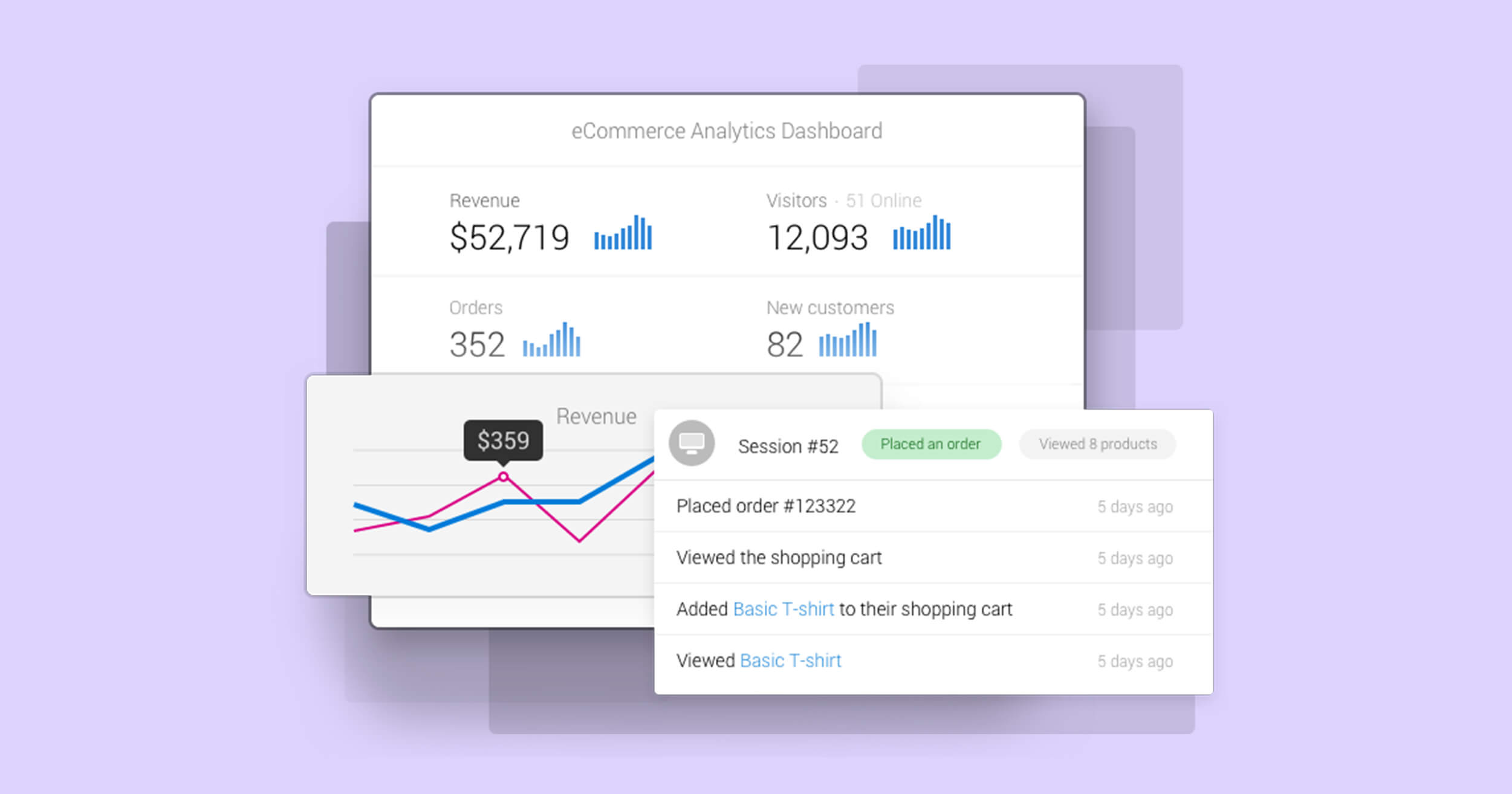
Not every page has the same performance requirements. Measure the steps that affect revenue: landing page, category page, product page, search, add-to-cart, cart, and checkout.
Google’s Core Web Vitals guidance is useful for front-end user experience, but ecommerce teams should also track business-specific metrics such as checkout errors, payment latency, failed API calls, search response time, and cart abandonment.
| Journey step | Common bottleneck | Useful response |
|---|---|---|
| Product page | Large media or slow uncached rendering | CDN, image optimization, page caching |
| Search | Database/query load | Search indexing or query optimization |
| Cart | Session and plugin/API work | Reduce unnecessary dynamic calls |
| Checkout | Payment/shipping/tax integrations | Monitor external API latency and errors |
| Campaign spike | CPU/database concurrency | Capacity planning and controlled scaling |
Cache Aggressively—but Never Cache the Wrong Data
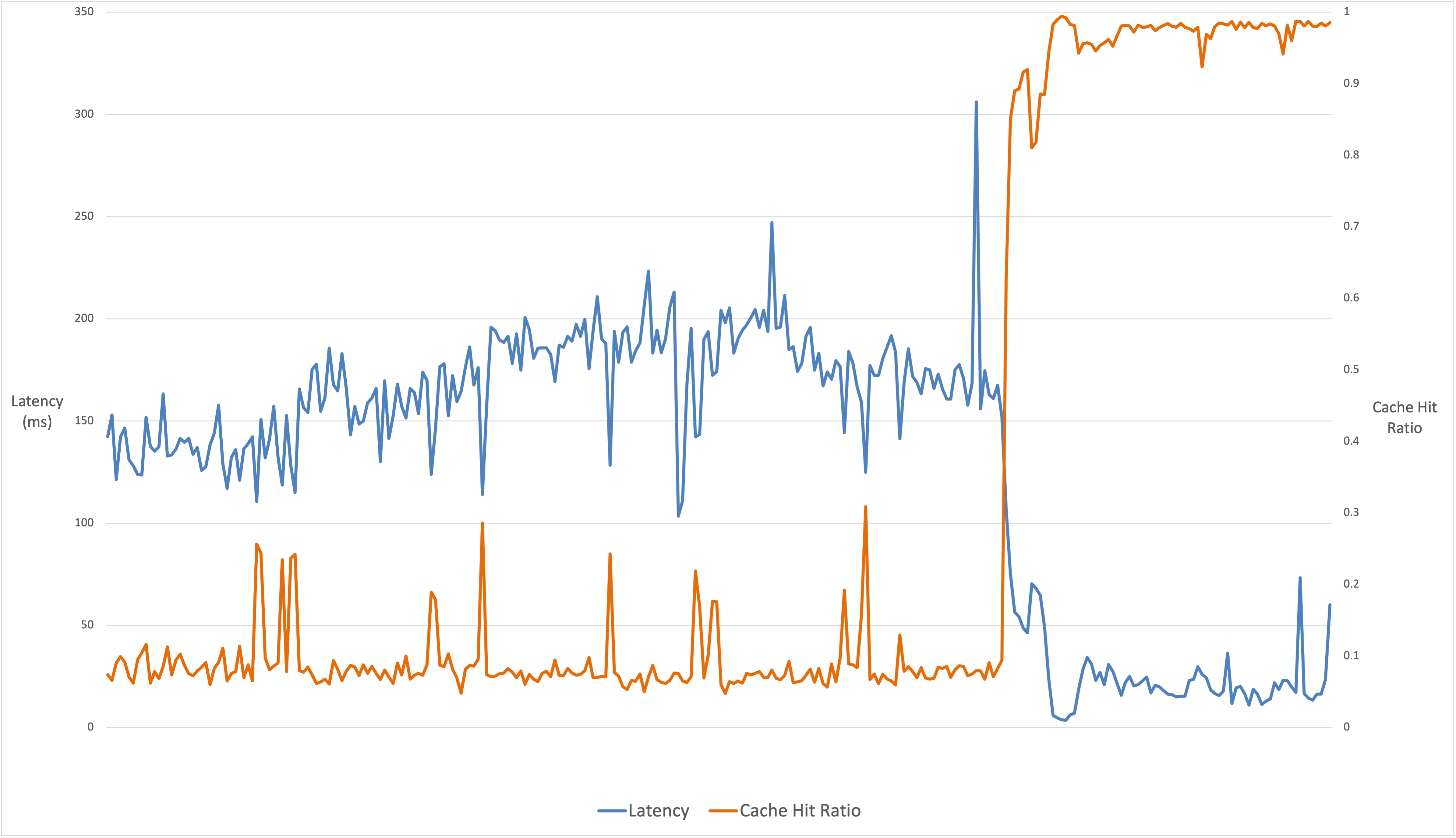
Caching is one of the most effective ways to make ecommerce sites faster, but personalization creates risk. Public product and category pages can often be cached safely. Customer account pages, carts, checkout steps, and personalized pricing may need exclusions.
Good cache design
- Cache public HTML where application behavior permits it.
- Serve static assets through a CDN with long-lived cache headers.
- Use cache invalidation when prices, stock, or content changes.
- Exclude private/session-specific routes from shared caches.
- Test logged-in and logged-out behavior separately.
A fast cached page is not useful if it displays another customer’s private data, so correctness comes before speed.
Database Performance Becomes Critical as Orders Grow
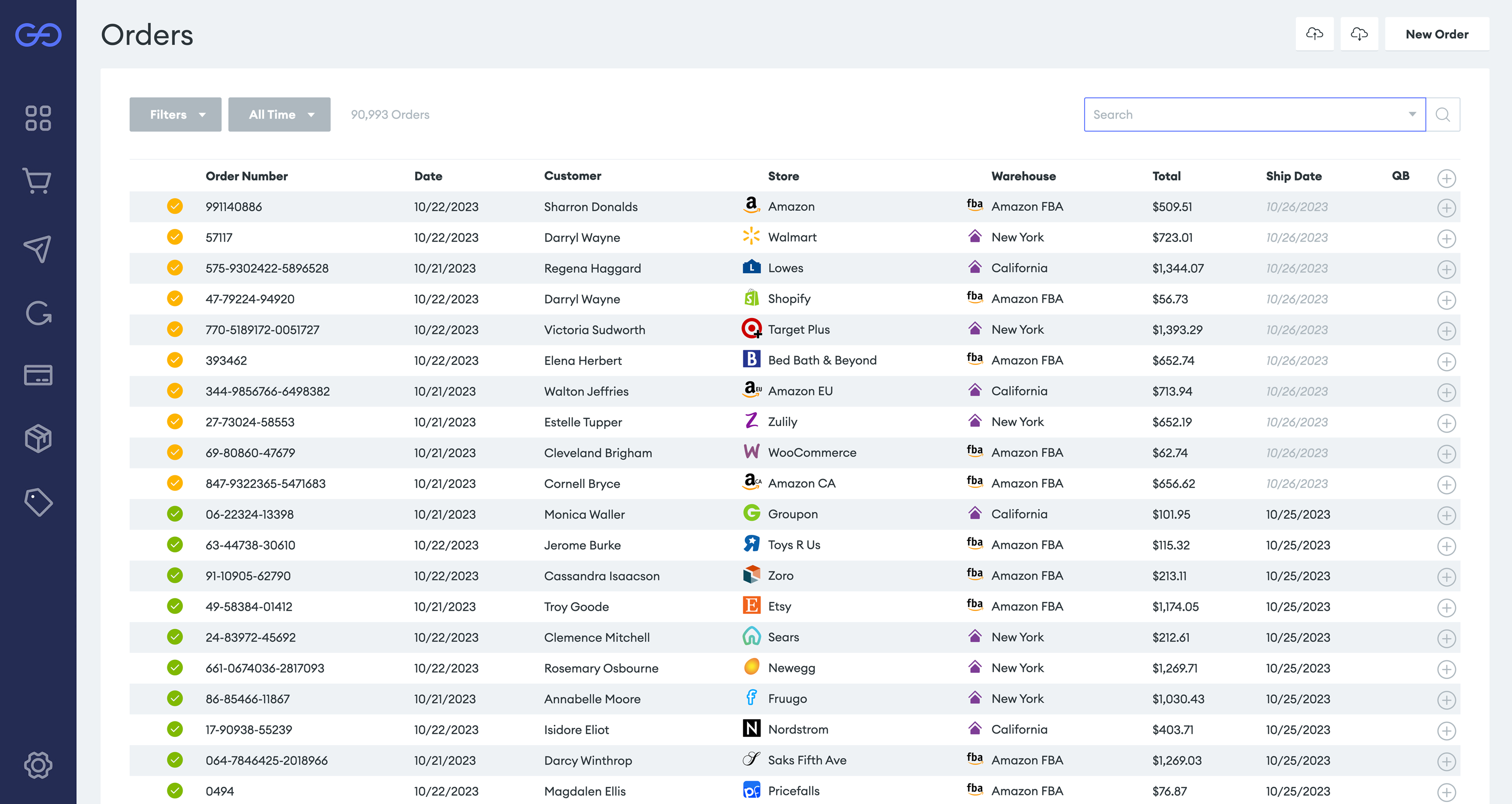
When a store slows under load, simply adding more application servers may not help if every instance sends queries to the same overloaded database. Monitor query latency, connection counts, slow queries, lock contention, storage performance, and database CPU.
Practical database improvements
- Remove unnecessary queries from themes/plugins/extensions.
- Add appropriate indexes after measuring slow queries.
- Archive or clean temporary data carefully.
- Use object caching for repeated lookups.
- Keep database software supported and maintained.
- Scale only after understanding the actual bottleneck.
Checkout Security Is Part of Hosting Architecture

Payment security should be designed around minimizing exposure to cardholder data and using reputable payment providers. Businesses that store, process, or transmit payment-card data may have obligations under the PCI Data Security Standard. The PCI Security Standards Council publishes official information and current standards.
Foundational controls
- Use HTTPS across the storefront and administration areas.
- Require MFA for hosting, ecommerce, and administrator accounts.
- Keep the ecommerce platform and extensions updated.
- Limit administrator permissions.
- Protect API keys and payment credentials.
- Monitor unexpected file and configuration changes.
- Use supported payment integrations rather than custom handling when possible.
Design for Traffic Spikes Before Marketing Sends Them
Campaign traffic should be tested before launch. Load testing can reveal whether CPU, database connections, cache miss rates, external APIs, or background queues fail first.
- Define a realistic peak request pattern.
- Test a staging environment that resembles production.
- Measure application and database resource use.
- Confirm cache hit rates and CDN behavior.
- Test payment, tax, shipping, and inventory APIs.
- Set budget and scaling limits.
- Prepare a rollback or feature-disable plan.
Our guide to cloud hosting explains vertical and horizontal scaling in more detail.
Observability: Know What Is Failing
Monitoring should connect infrastructure metrics with customer experience. CPU usage alone cannot tell you why checkout is failing.
Useful signals
- Uptime and HTTP error rates.
- Application response time.
- Database latency and slow queries.
- Payment and third-party API failures.
- Background job backlog.
- Cache hit rate.
- Disk and storage usage.
- Order conversion and checkout-error rate.
Keep enough logs to investigate incidents, while limiting unnecessary storage of sensitive customer data.
Backups and Recovery for Ecommerce
Ecommerce backups are more complicated than static websites because orders can be created continuously. A nightly backup may mean losing many hours of transactions after a failure.
- Choose backup frequency based on acceptable data loss.
- Store copies separately from the production environment.
- Protect backup credentials.
- Test database and file restoration.
- Document how new orders will be handled during migration or recovery.
- Know the target recovery time before an emergency.
Ecommerce Hosting Checklist
- Measure dynamic application and database load.
- Use safe full-page and object caching.
- Serve static assets through an appropriate CDN.
- Optimize product images.
- Monitor checkout and external payment APIs.
- Require MFA and maintain least privilege.
- Keep software and extensions supported.
- Test peak traffic before major campaigns.
- Set scaling and cost limits.
- Maintain frequent, tested backups.
If a single virtual server can no longer provide enough isolation or predictable capacity, see our guide on when dedicated hosting makes sense.
Frequently Asked Questions
Does every ecommerce site need cloud hosting?
No. Smaller stores can perform well on quality managed hosting. Cloud architecture becomes more useful when traffic, availability, deployment, or scaling needs justify the complexity.
Should checkout pages be cached?
Shared full-page caching is generally inappropriate for private, session-specific checkout content. Exact rules depend on the ecommerce platform and caching system.
What should be monitored during a sale?
Watch application response time, errors, database load, cache behavior, payment/shipping APIs, background jobs, and conversion—not only visitor counts.
Conclusion
A high-performance ecommerce hosting stack is built around the customer journey. Cache what is safe, keep dynamic operations responsive, protect checkout, monitor the database and external APIs, and design backups around the value of live transaction data.
Scale based on measurements rather than architecture trends. A simple stack that stays fast during real checkout traffic and can recover safely is better than a complex platform that adds cost without solving a business problem.