
 by
by AI productivity platforms can save teams time, but only when they are connected to a well-defined workflow. Adding an assistant to every app does not automatically improve performance. In some cases it creates more drafts to review, more notifications, duplicated knowledge, or unclear accountability. The useful question is: which repetitive parts of work can AI make faster without lowering quality?

In 2026, the strongest productivity use cases are usually assistive rather than fully autonomous: searching organizational knowledge, summarizing long material, preparing first drafts, extracting action items, organizing research, and coordinating routine steps. Teams get the best results when they measure the entire process instead of counting how many AI features employees use.
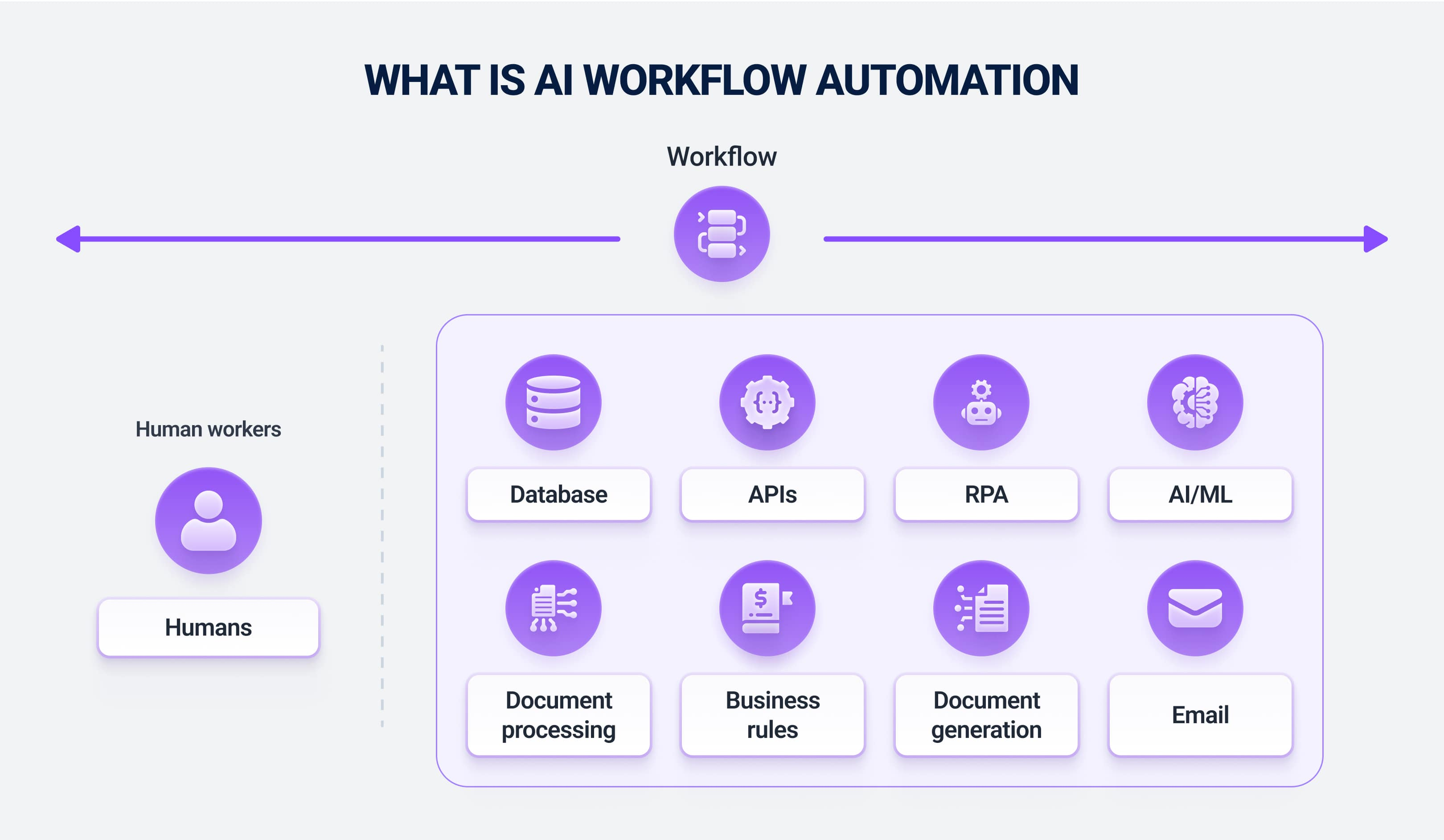
Where AI Productivity Platforms Create Real Value
Information retrieval
Employees often spend time finding the latest policy, project decision, customer history, or technical document. AI search can reduce this friction when it is grounded in approved company sources and respects access permissions.
Drafting and rewriting
AI is useful for first drafts of emails, proposals, meeting agendas, documentation, and internal updates. The time saving is meaningful only if the human review is faster than writing from scratch.
Meeting follow-up
Transcription, summaries, decisions, owners, and action-item extraction can turn meetings into usable records. Sensitive meetings may require stricter recording and retention rules.
Routine analysis
AI can classify feedback, summarize survey responses, compare documents, or turn structured data into a narrative explanation. Important business decisions still need source verification.
Productivity Is a Workflow Metric, Not an AI Usage Metric
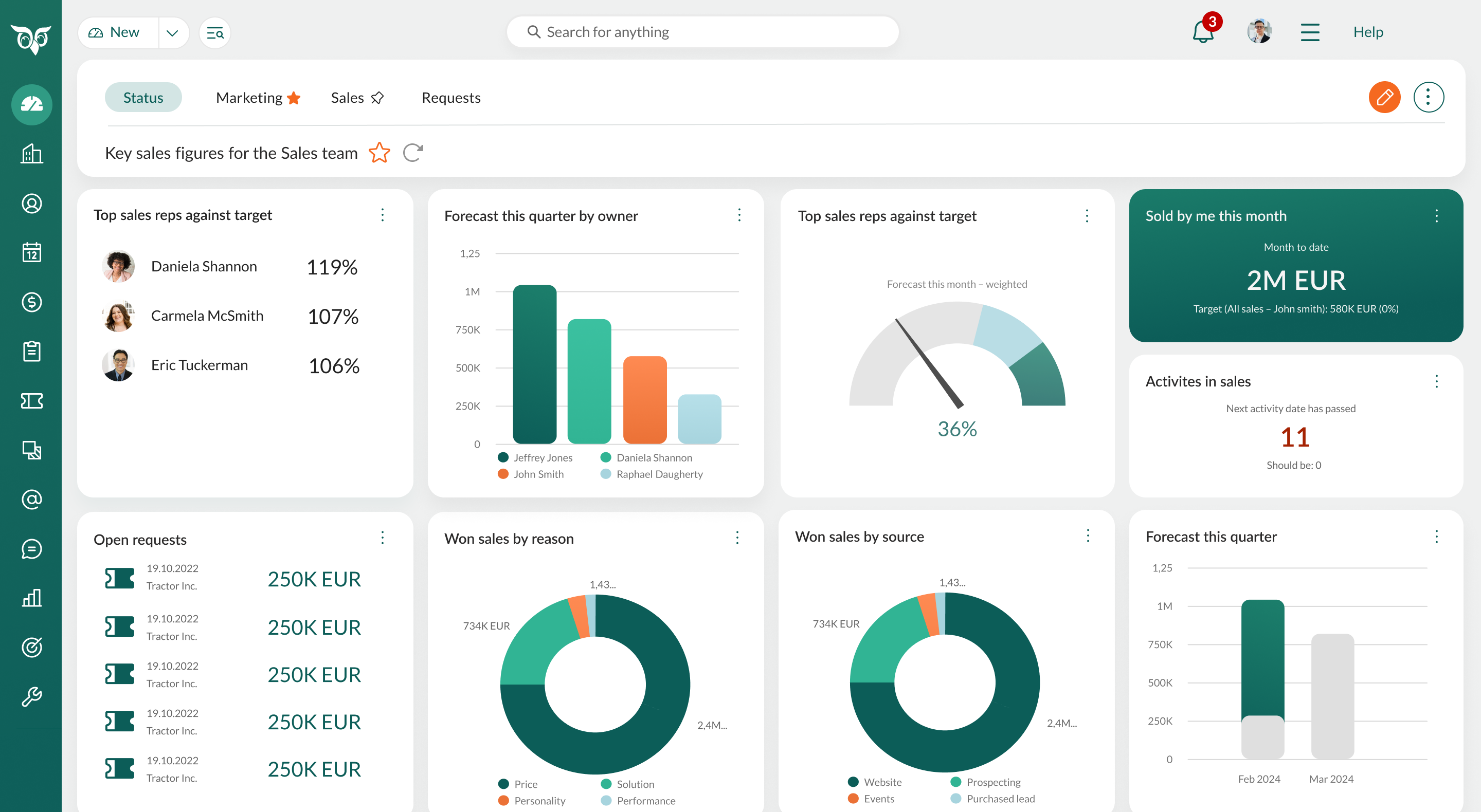
A team can generate twice as much content and still be less productive if managers must review twice as much low-quality work. Measure outcomes such as cycle time, error rate, customer resolution time, time spent searching, and the number of handoffs.
| Workflow | Useful metric | Potential AI role |
|---|---|---|
| Customer support | Resolution time and quality | Case summary and suggested response |
| Research | Time to verified answer | Source discovery and synthesis |
| Sales preparation | Prep time and data accuracy | Account brief and meeting notes |
| Project work | Cycle time and missed actions | Action extraction and status summaries |
| Documentation | Freshness and usefulness | Drafting from approved source material |
Build a Good AI Productivity Workflow
- Choose one repeated task. Start with a process employees already understand.
- Define the source of truth. Decide which files, systems, or records the AI may use.
- Specify the output format. A structured brief or checklist is easier to verify than an open-ended response.
- Add human review. Identify who is responsible for final accuracy.
- Measure before and after. Track time, errors, and rework.
- Scale only if the result improves. Do not automate a broken process just because the tool can.
For workflows that need multiple tools and decisions, see our guide to AI agent platforms.
Knowledge Access Needs Permission Controls
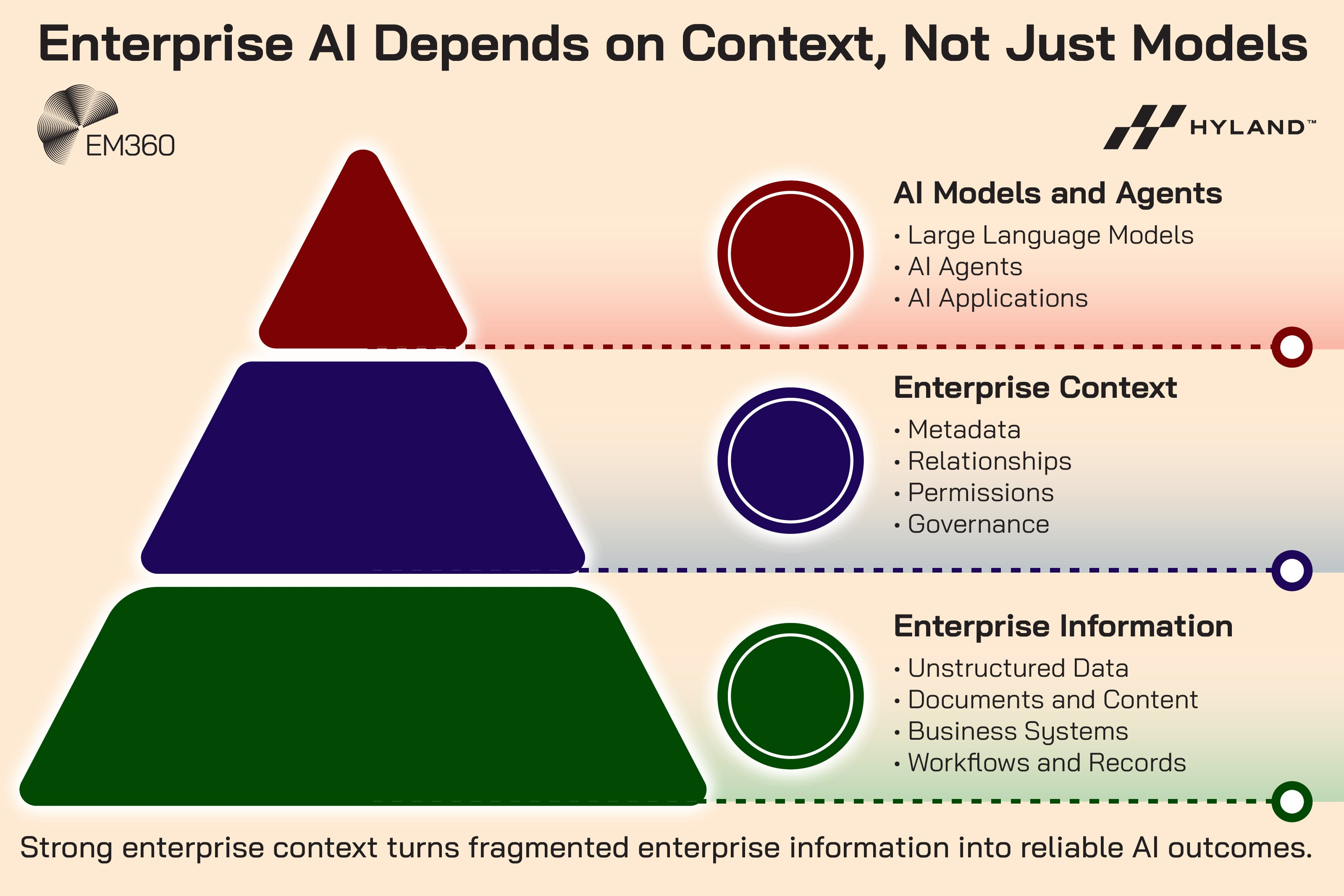
Enterprise AI assistants become more useful when they can search internal files, messages, customer records, and project systems. They also become more sensitive. A user should not gain access to confidential information merely because an AI tool can search it.
Minimum governance controls
- Respect existing document and application permissions.
- Separate personal, confidential, and public knowledge sources.
- Log important tool actions.
- Define retention for prompts and generated outputs.
- Review third-party connectors before enabling them.
- Require approval for actions that change business records.
The NIST AI Risk Management Framework provides a useful structure for thinking about AI risk, governance, measurement, and ongoing management.
AI for Meetings: Useful With Clear Rules
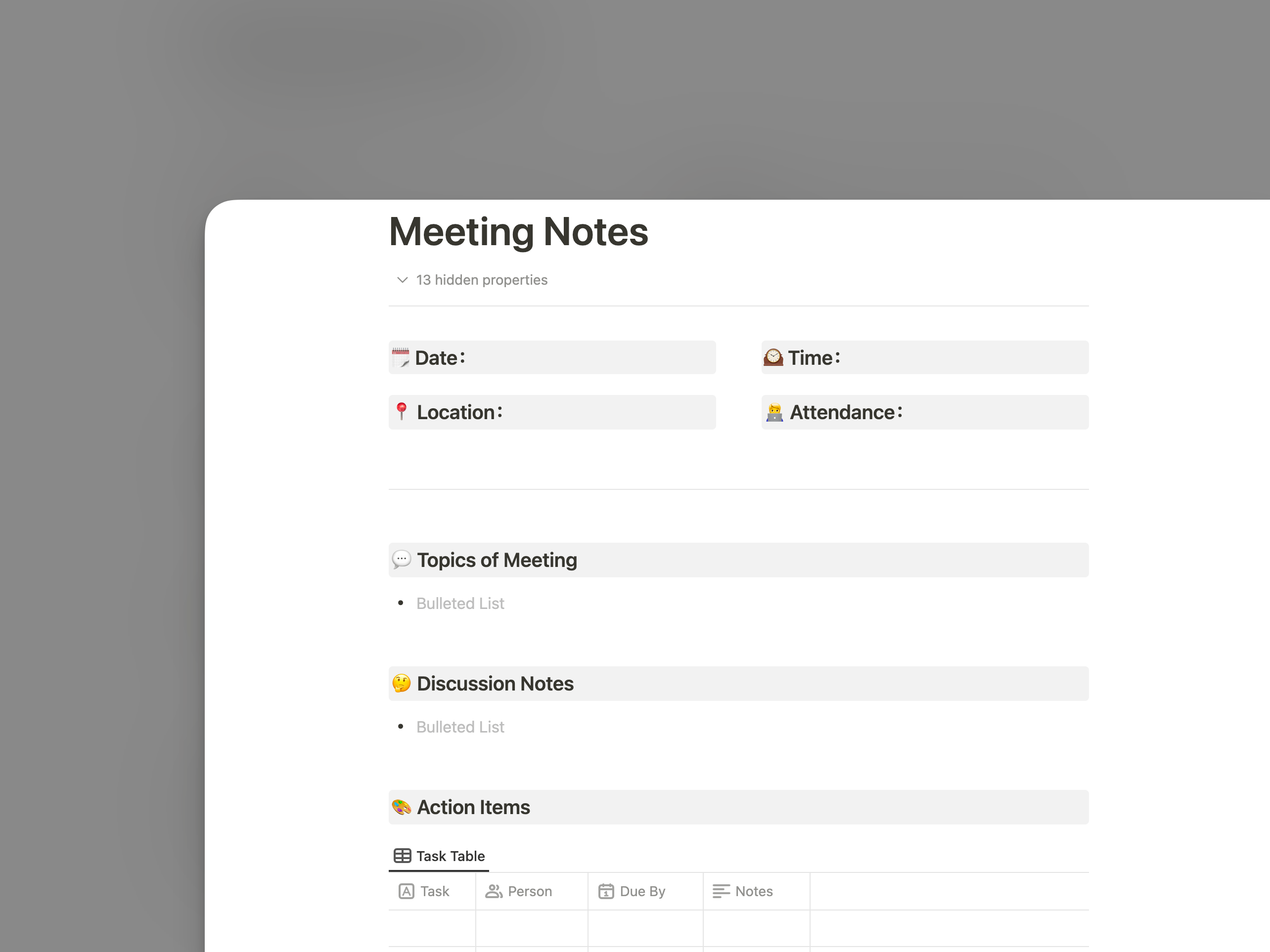
Meeting assistants can create transcripts, summaries, action items, and follow-up drafts. This can reduce note-taking burden, but teams need policies for consent, recording, sensitive discussions, and retention.
A practical meeting workflow
- Notify participants when recording or transcription is active.
- Use AI to draft the summary.
- Have the meeting owner verify decisions and deadlines.
- Store the final notes in the normal project system.
- Delete unnecessary raw recordings according to policy.
When Automation Becomes More Useful Than Chat
Chat is good for ad hoc questions. Repeated processes are better served by structured automation. For example, instead of asking an assistant every Friday to summarize a project, create a workflow that gathers approved data, produces the same structured report, and routes it to the right people.
Our guide on moving from repetitive tasks to AI automation covers this progression in more detail.
Common Productivity Mistakes
Using AI without source grounding
A polished answer can still be incorrect. For factual work, employees should be able to inspect the underlying source.
Automating high-risk actions too early
Start with drafts and recommendations. Enable automatic changes only after testing, permission design, and error-handling are mature.
Ignoring review time
If a manager spends 20 minutes correcting a five-minute AI draft, the workflow has not improved.
Buying overlapping tools
Many platforms now include similar summarization and drafting features. Audit existing subscriptions before adding another product.
Team AI Productivity Checklist
- Identify three repetitive high-time tasks.
- Choose workflows with low downside if a draft is imperfect.
- Define approved data sources.
- Keep sensitive systems behind proper permissions.
- Use structured output templates.
- Require source checks for factual work.
- Measure time saved after review.
- Track recurring errors.
- Remove tools that duplicate existing capabilities.
- Document which outputs require human approval.
Frequently Asked Questions
Do AI productivity tools always save time?
No. They save time when the task is suitable, the context is available, and review is efficient. Poorly designed workflows can create extra correction and coordination work.
Which teams benefit first?
Teams with high volumes of reading, drafting, summarizing, support, documentation, research, or routine coordination often have clear starting opportunities.
Should employees use public AI tools with company data?
Only if the organization has approved the service and understands its data-handling terms. Sensitive data should follow company privacy and security policies.
Conclusion
AI productivity platforms are most valuable when they remove friction from a real workflow. Search, drafting, meeting follow-up, research, and routine analysis can all improve when the AI has appropriate context and a clear output format.
Start small, measure the full process, protect permissions, and keep humans accountable for important decisions. Productivity comes from a better system of work—not from using the largest number of AI features.

2 thoughts on “How AI Productivity Platforms Are Redefining Team Performance in 2026”
Comments are closed.