
 by
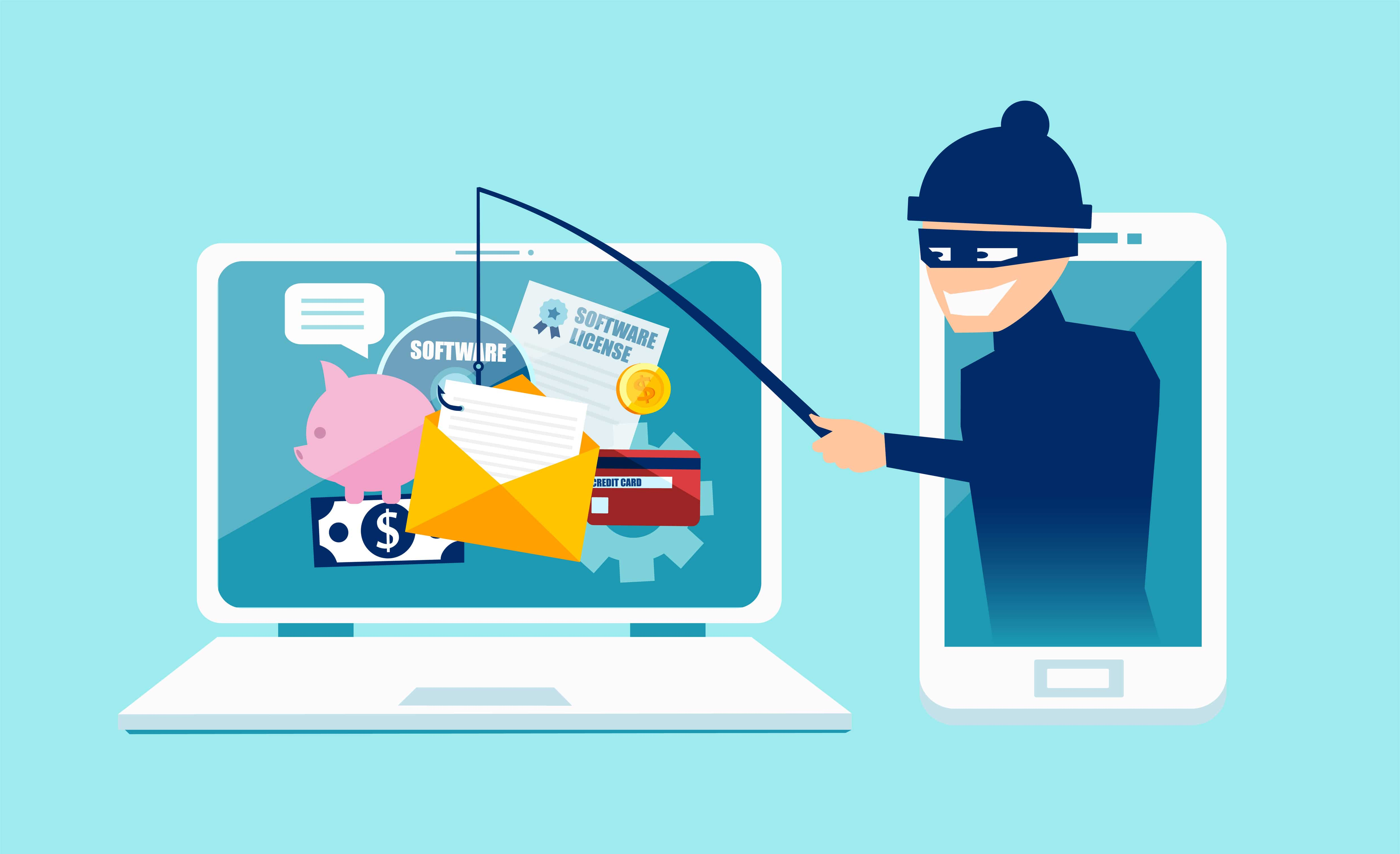
by Phishing remains effective because it targets people at the exact moment they are busy, curious, worried, or expecting a message. A fake invoice, password-reset notice, delivery alert, shared document, or executive request can look convincing enough to trigger a rushed click. Modern phishing defense therefore cannot rely on a single spam filter or a yearly awareness course. It needs several layers that make suspicious messages easier to spot, stolen credentials less useful, and incidents faster to contain.
This guide explains a practical phishing defense strategy for individuals and organizations. The goal is not to create fear around every email. It is to build repeatable habits, technical controls, and reporting processes that reduce risk without making normal work unnecessarily difficult. The recommendations align with widely used guidance from the Cybersecurity and Infrastructure Security Agency (CISA) and the NIST Cybersecurity Framework.
Why Modern Phishing Is Harder to Recognize
Traditional phishing messages often contained obvious spelling mistakes, unusual formatting, or implausible stories. Those warning signs still exist, but attackers can now copy real brand layouts, use legitimate cloud services, compromise trusted accounts, and write cleaner messages. The important question is no longer only “Does this email look professional?” It is “Does this request make sense, and can I verify it independently?”
Common phishing approaches
- Credential phishing: a message leads to a fake sign-in page designed to capture a username, password, or session token.
- Business email compromise: an attacker impersonates or compromises a colleague, supplier, or executive and requests a payment or sensitive information.
- Attachment-based phishing: a document, archive, or installer attempts to deliver malicious code or sends the victim to another malicious page.
- Consent phishing: the victim is asked to authorize a malicious application rather than directly reveal a password.
- Smishing and voice phishing: the same social-engineering techniques are delivered through text messages or calls.
A useful defense starts by assuming that a message can look authentic and still be malicious. Employees should be encouraged to slow down when a request involves money, credentials, confidential files, changes to payment details, or an unusual sense of urgency.
A Practical Phishing Defense Framework
The strongest approach combines prevention, verification, detection, and response. Each layer covers weaknesses in the others. A user may occasionally click a bad link, for example, but phishing-resistant authentication can still prevent an attacker from using stolen credentials.
1. Make independent verification normal
When a message requests a sensitive action, verify it through a channel that did not come from the message itself. If an email asks for a bank-account change, call the supplier using a known number. If a colleague requests an unusual file, contact them in the normal workplace chat. Do not rely on a phone number or link included in the suspicious message.
2. Use multi-factor authentication
Multi-factor authentication adds another barrier when a password is stolen. CISA recommends moving toward stronger, phishing-resistant methods where practical. Its MFA guidance for businesses explains implementation options and why stronger authentication matters. For a deeper explanation, see our guide on why multi-factor authentication matters for online security.
3. Protect email and identity systems
Email security should include spam and malware filtering, domain authentication, suspicious-login detection, and sensible access controls. Administrative accounts deserve additional protection because a compromised administrator can affect many users. Organizations should also review old accounts, remove unnecessary privileges, and apply the principle of least privilege.
4. Keep browsers, operating systems, and applications updated
Phishing sometimes becomes the first step in a larger attack. Keeping software patched reduces the chance that a malicious attachment or website can exploit a known vulnerability. Automatic updates are useful for common desktop and mobile applications, while business environments should use an organized patch-management process.
How to Inspect a Suspicious Message
There is no single sign that proves an email is malicious. Instead, look for a combination of context, identity, destination, and behavior.
| Check | What to look for | Safer action |
|---|---|---|
| Sender | Unexpected domain, lookalike spelling, or unfamiliar reply-to address | Open the known official site or contact the sender separately |
| Request | Urgent payment, password, gift card, confidential data, or security-code request | Verify using a trusted second channel |
| Link | Destination does not match the service being discussed | Navigate manually to the service instead of using the link |
| Attachment | Unexpected executable, archive, macro-enabled document, or unfamiliar file | Confirm the file before opening it |
| Login page | Unexpected sign-in prompt or unfamiliar domain | Close it and sign in through the official app or bookmarked URL |
On a desktop, hovering over a link can reveal its destination, but this is only one clue. Shortened URLs, tracking links, and legitimate redirect services can make destinations harder to judge. The safer habit is to avoid using unsolicited sign-in links when you can reach the service directly.
Employee Training That Produces Better Decisions
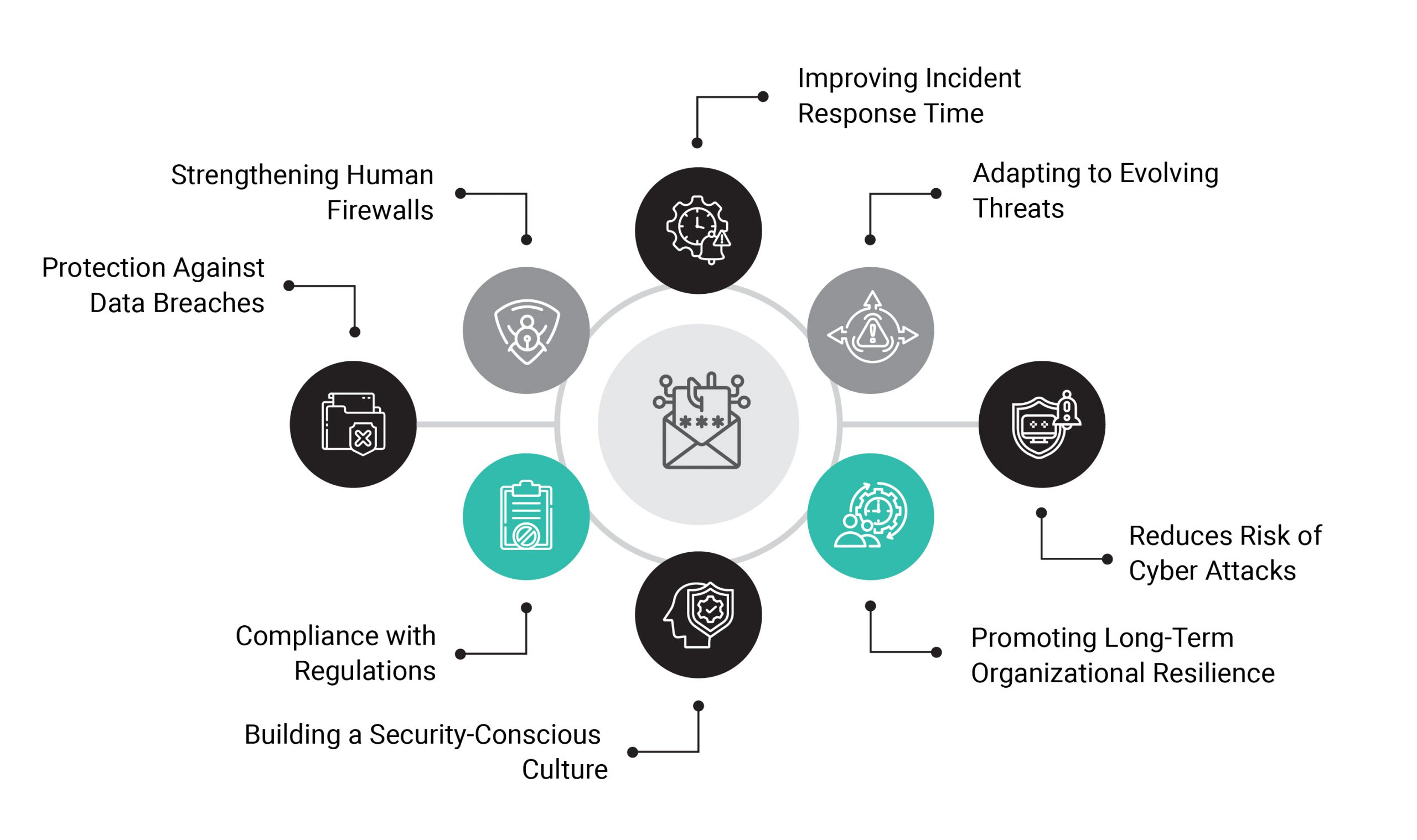
Security training is most useful when it teaches decisions rather than simply testing memory. People need clear guidance on what deserves verification, how to report suspicious messages, and what happens after a report. A culture that punishes every mistake can make employees hide incidents, which delays containment.
Build training around realistic scenarios
- A supplier sends new bank details shortly before an invoice is due.
- A cloud-storage notification asks the user to sign in to view a shared document.
- An executive appears to request an urgent confidential purchase.
- A help-desk message asks the user to confirm an MFA code.
- A recruiter sends an unexpected archive or installer.
For each scenario, employees should know the safe verification route. Training should also explain that legitimate IT staff generally do not need a user’s password or one-time authentication code.
Make reporting simple
A one-click report button in the email client is ideal, but a dedicated security address can also work. The important point is that users know where to send suspicious messages and receive feedback. Security teams can use reports to identify campaigns affecting multiple employees and block malicious domains faster.
What to Do After a Phishing Click
A click does not automatically mean an account is compromised, but fast action matters. The correct response depends on what happened.
- Stop interacting with the suspicious page or file. Close the page and do not enter additional information.
- Report the incident. Business users should contact their IT or security team immediately.
- If credentials were entered, change the password through the official service. Do this from a trusted device and review active sessions.
- Review MFA and recovery options. Remove unfamiliar devices, applications, forwarding rules, or recovery methods.
- If a file was opened, follow the organization’s endpoint-security process. Security staff may need to isolate or scan the device.
- If financial or personal information was exposed, use the appropriate fraud-reporting channels. Consumers can review guidance from the U.S. Federal Trade Commission.
Organizations should document the response so they can improve filters, controls, and training. Our small-business cybersecurity checklist covers broader controls that complement phishing defense.
Phishing Defense Checklist
- Use unique passwords and a reputable password manager.
- Enable MFA, prioritizing phishing-resistant methods for sensitive accounts.
- Verify payment and account-change requests through a trusted channel.
- Keep operating systems, browsers, plugins, and business applications updated.
- Use email filtering and domain-protection controls appropriate to your environment.
- Remove unused accounts and reduce unnecessary administrative privileges.
- Train staff with realistic examples and a clear reporting process.
- Back up important data and test recovery procedures.
- Monitor for unusual sign-ins, mailbox rules, and account-recovery changes.
- Maintain an incident-response contact list before an incident occurs.
Frequently Asked Questions
Can a professional-looking email still be phishing?
Yes. Visual quality is not proof of legitimacy. Attackers can copy logos, formatting, signatures, and writing styles. Verify the sender, request, and destination independently when the action is sensitive.
Is MFA enough to stop phishing?
No single control is enough. MFA can greatly reduce account-takeover risk, but organizations still need email security, user verification habits, software updates, access controls, monitoring, and incident response. Some MFA methods also offer stronger phishing resistance than others.
Should employees forward suspicious emails to coworkers for a second opinion?
It is safer to use the organization’s designated reporting method. Forwarding a malicious message can spread risky links or attachments. A report button or security mailbox keeps the investigation controlled.
What is the most important habit for individuals?
Pause before acting on an unexpected request involving money, credentials, personal data, or urgent account changes. Open the official website or app yourself and verify the request through a trusted contact method.
Conclusion
Modern phishing defense is a system, not a single product. The most resilient approach combines cautious verification, strong authentication, secure email and identity settings, updated software, simple reporting, and a prepared response process. These controls are useful because they assume that people will occasionally make mistakes and provide additional barriers when that happens.
Start with the highest-impact improvements: enable strong MFA, create a clear verification rule for payments and sensitive changes, make reporting easy, and keep important systems patched. Then review the process regularly using trusted resources such as the NIST Cybersecurity Framework and CISA’s business guidance. A practical, repeatable security routine is more valuable than expecting every user to identify every sophisticated message perfectly.

One thought on “Modern Phishing Defense Strategies for Individuals and Organizations”
Comments are closed.