 by
by Bloggers often choose hosting based on an introductory price or a list of unlimited features. Those details matter, but a growing content site usually depends more on consistent performance, reliable backups, simple recovery, responsive support, and enough resources to handle traffic without constant troubleshooting.
The best hosting platform is not necessarily the most expensive one. A small blog may run very well on quality shared or managed WordPress hosting, while a high-traffic publication may need a VPS, cloud platform, or more specialized managed environment. The right choice depends on workload, technical skill, revenue importance, and how quickly the site is growing.
Start With the Requirements of Your Publishing Platform
If you use WordPress, check the current official WordPress requirements rather than relying on an old hosting review. A host should provide supported versions of the web server, PHP, database software, and HTTPS.
Compatibility is only the baseline. A useful blogging host should also make routine publishing operations reliable: media uploads, scheduled posts, backups, plugin updates, search, comments, and admin work.
Performance Features That Matter for Blogs

Fast server response
When a page is not fully cached, the server must execute application code and query the database before returning HTML. Adequate CPU, memory, efficient storage, and a properly configured stack help keep this work predictable.
Full-page caching
For public blog posts, caching can reduce server work dramatically by serving pre-generated responses instead of rebuilding every page for every visitor.
CDN support
A content delivery network can serve cached images, CSS, JavaScript, and sometimes full pages from locations closer to visitors. This is especially useful for a global audience.
Image optimization
Large images are a common source of page weight. Hosting features can help, but publishers should still upload correctly sized media, use modern formats where appropriate, and avoid inserting oversized originals into narrow content areas.
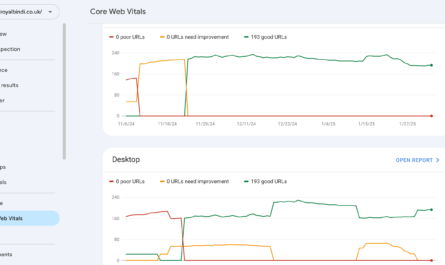
Google’s Core Web Vitals guidance is useful for understanding loading, responsiveness, and visual stability. Hosting can support good metrics, but themes, plugins, ads, fonts, and scripts also affect real user experience.
How Much Hosting Do You Need?

Pageviews alone do not tell the whole story. A cached blog with mostly static articles can serve traffic efficiently, while a membership site, store, or highly dynamic publication may use more server resources at a lower visitor count.
| Blog stage | Typical priorities | Hosting approach |
|---|---|---|
| New/small blog | Simplicity, backups, SSL, support | Quality shared or managed WordPress hosting |
| Growing publication | More resources, caching, CDN, staging | Higher-tier managed hosting or VPS |
| High-traffic content site | Predictability, scaling, monitoring | Managed VPS/cloud or specialized publishing host |
| Revenue-critical platform | Resilience, recovery, support, observability | Architecture based on measured workload |
Use resource graphs and error logs when available. Repeated CPU throttling, memory exhaustion, slow database response, or process limits are stronger upgrade signals than a generic traffic milestone.
Backups Should Be Easy to Restore
Automatic backups are valuable only if you understand what they contain, how long they are kept, and how restoration works.
Ask your host
- How often are files and databases backed up?
- How long are backups retained?
- Are backups stored separately from the live account?
- Can you restore one site without contacting support?
- Can you download an independent backup?
- Does restoring overwrite email or unrelated sites?
Publishers should also keep an independent copy of important content, especially when the site is a source of income.
Security Features Bloggers Should Expect
- HTTPS support.
- MFA for the hosting account if available.
- Current server software and managed security updates where included.
- Malware or integrity monitoring appropriate to the plan.
- Firewalling and abuse controls.
- Backup and restore tools.
- Clear account-recovery procedures.
The host cannot secure weak WordPress administrator passwords, abandoned plugins, or unsafe third-party code for you. Keep the application maintained and remove components you no longer use.
Support Quality Matters More as the Blog Grows
A beginner may need help with DNS, SSL, migrations, email routing, caching, or backups. A larger publisher may care more about server errors, resource bottlenecks, staging environments, and emergency response.
Before buying, check what support actually covers. Some providers support the hosting platform but will not troubleshoot WordPress plugins or custom code. That is reasonable as long as the boundary is clear.
Features That Are Useful but Not Always Necessary
Staging environment
A staging site lets you test theme, plugin, or code changes before they reach readers. This becomes increasingly valuable as traffic and revenue grow.
Automatic scaling
Useful for unpredictable spikes, but unnecessary for many small blogs. Good caching can often handle substantial traffic without complex infrastructure.
Server-level access
Developers may need SSH, custom services, or configuration control. Non-technical bloggers may prefer a managed environment where these responsibilities stay with the provider.
Hosting Migration Checklist for Bloggers
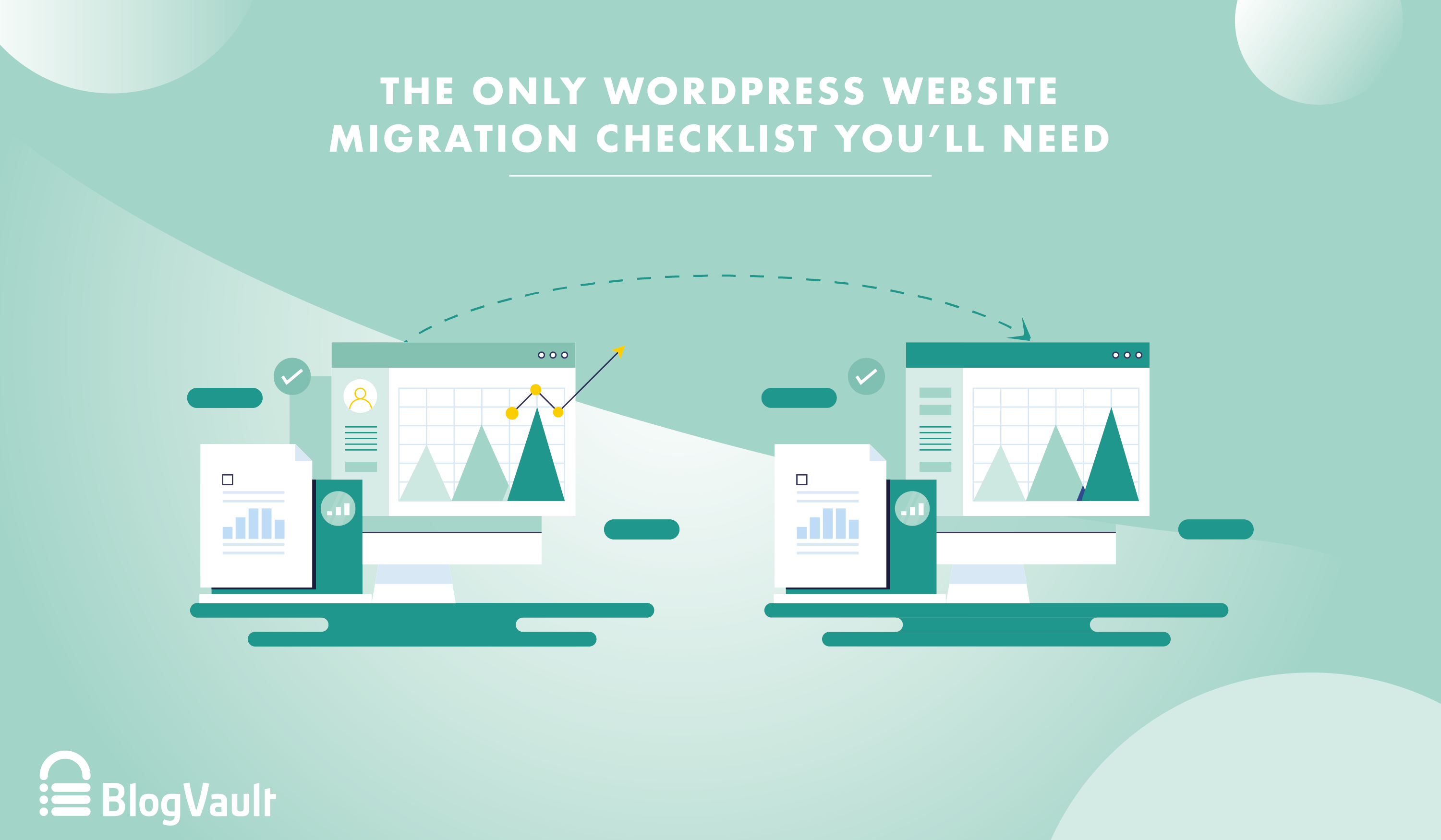
- Create a full independent backup.
- Copy the site to the new environment and test it privately.
- Check images, forms, search, logins, scheduled posts, redirects, and analytics.
- Confirm HTTPS works without mixed-content errors.
- Review caching and CDN behavior.
- Plan the DNS change and keep the old hosting active during the transition.
- Monitor errors and performance after launch.
If shared hosting is no longer enough, our guide on when to upgrade to VPS hosting explains the next step. For more performance detail, see how hosting affects Core Web Vitals.
Hosting Buyer Checklist
- Current supported software stack.
- Clear CPU, memory, storage, and process limits.
- Automatic backups with practical restore options.
- HTTPS and account-security features.
- Server-side caching or compatibility with your caching setup.
- CDN integration or easy external CDN support.
- Staging for sites where changes carry risk.
- Transparent renewal pricing.
- Migration assistance or documented migration process.
- Support scope that matches your technical ability.
Frequently Asked Questions
Does a new blog need VPS hosting?
Usually not. A well-run shared or managed WordPress plan is sufficient for many new blogs. Move when measurements show resource or control limitations.
Is “unlimited bandwidth” the most important feature?
No. Providers often apply fair-use and resource policies even when one metric is advertised as unlimited. CPU, memory, processes, storage, caching, and support can be more important.
Will changing hosts improve SEO?
Hosting can improve reliability and performance, which contribute to user experience, but changing hosts does not guarantee higher rankings. Content quality, relevance, crawlability, links, and many other factors matter.
Conclusion
Bloggers should choose hosting based on dependable publishing rather than the longest feature list. Start with a supported platform, fast and consistent delivery, useful caching, tested backups, solid account security, and support you can actually use.
As the blog grows, upgrade when real measurements justify it. A simple environment that is fast, secure, recoverable, and easy to maintain is usually a better foundation than complicated infrastructure purchased before the site needs it.