 by
by A dedicated server gives one customer exclusive use of a physical server. That sounds like the obvious “premium” upgrade from shared hosting or a VPS, but dedicated hardware is not automatically the best choice for every growing website. Modern VPS and cloud platforms can provide strong performance, easier scaling, and less hardware management for many workloads.
Dedicated hosting becomes valuable when a business has a specific need for predictable hardware resources, workload isolation, specialized configuration, sustained high compute or storage demand, or an operational requirement that fits a single-tenant physical server. The decision should be based on measurements and business risk rather than prestige.
What Dedicated Hosting Changes
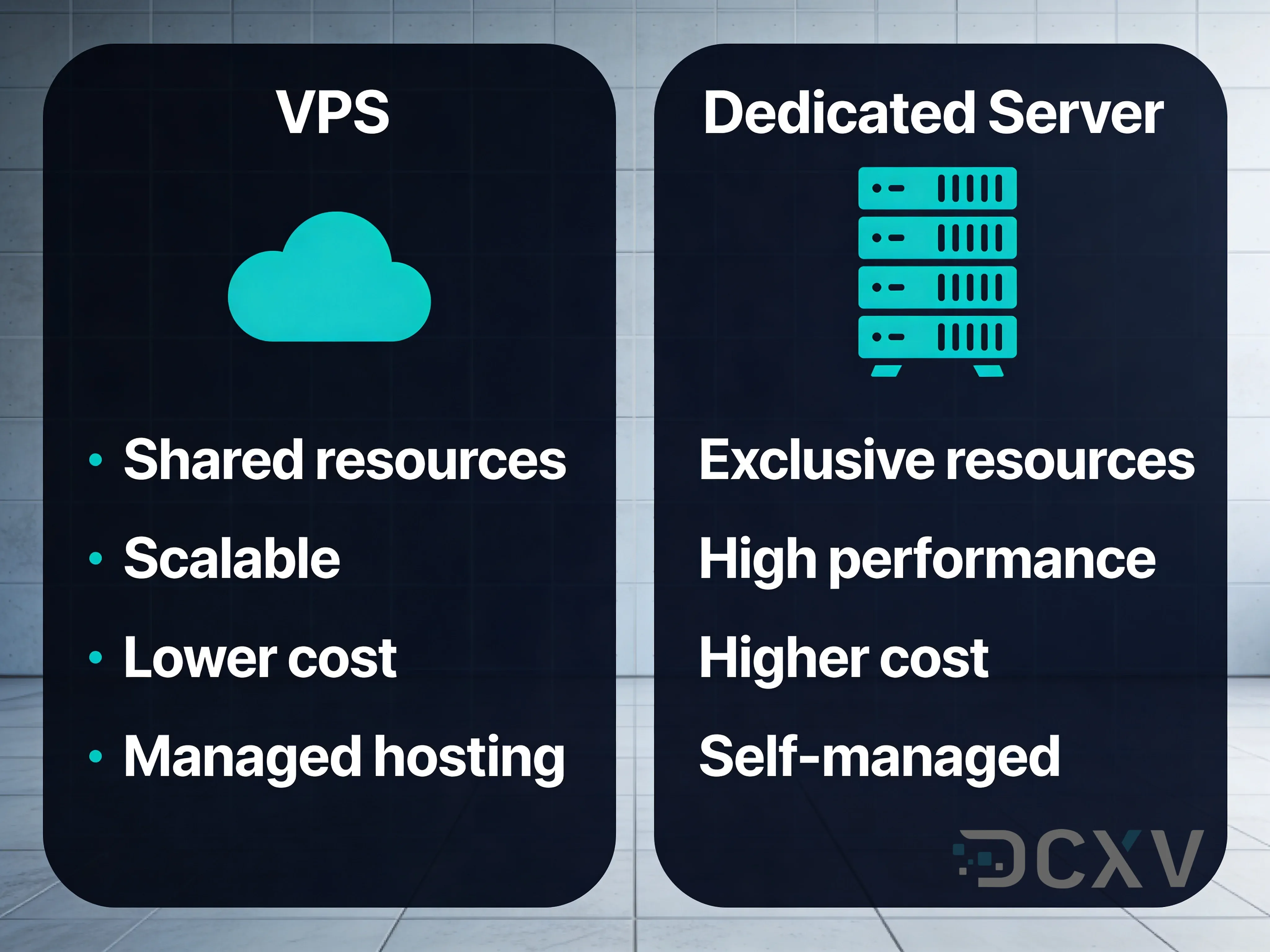
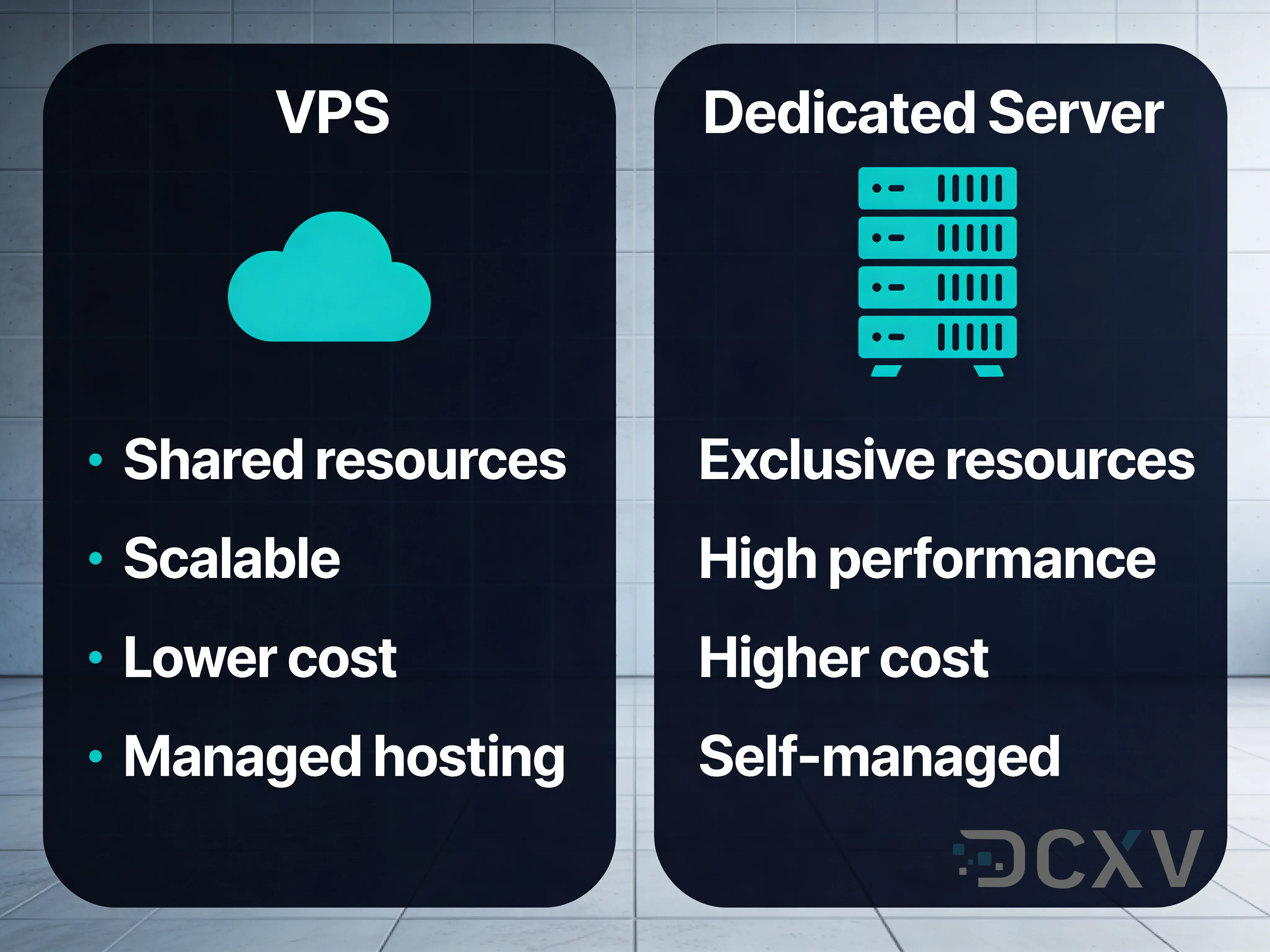
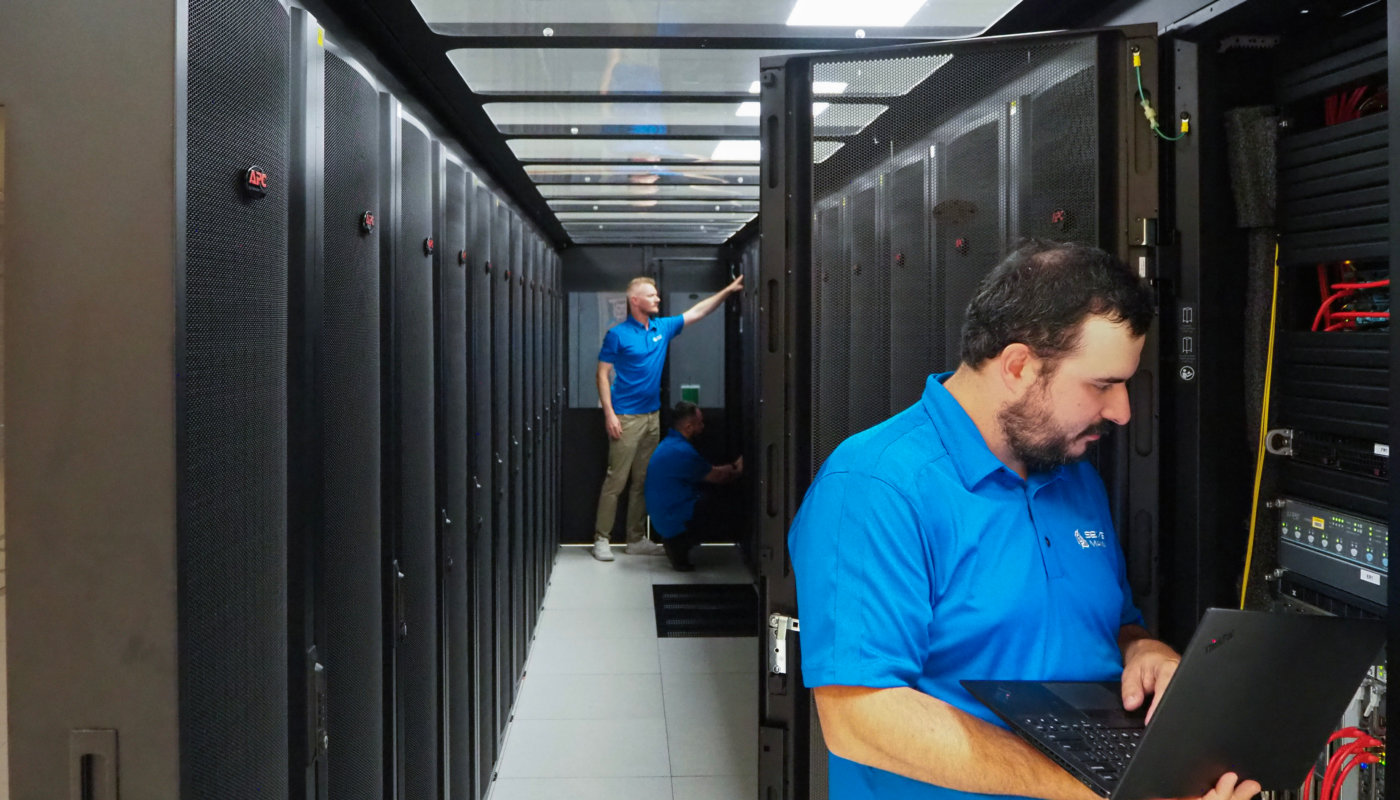
With dedicated hosting, the CPU, memory, local storage, and network interfaces of the physical machine are assigned to one customer. The provider still owns and operates the data center, power, connectivity, and hardware replacement unless the arrangement is colocation rather than managed hosting.
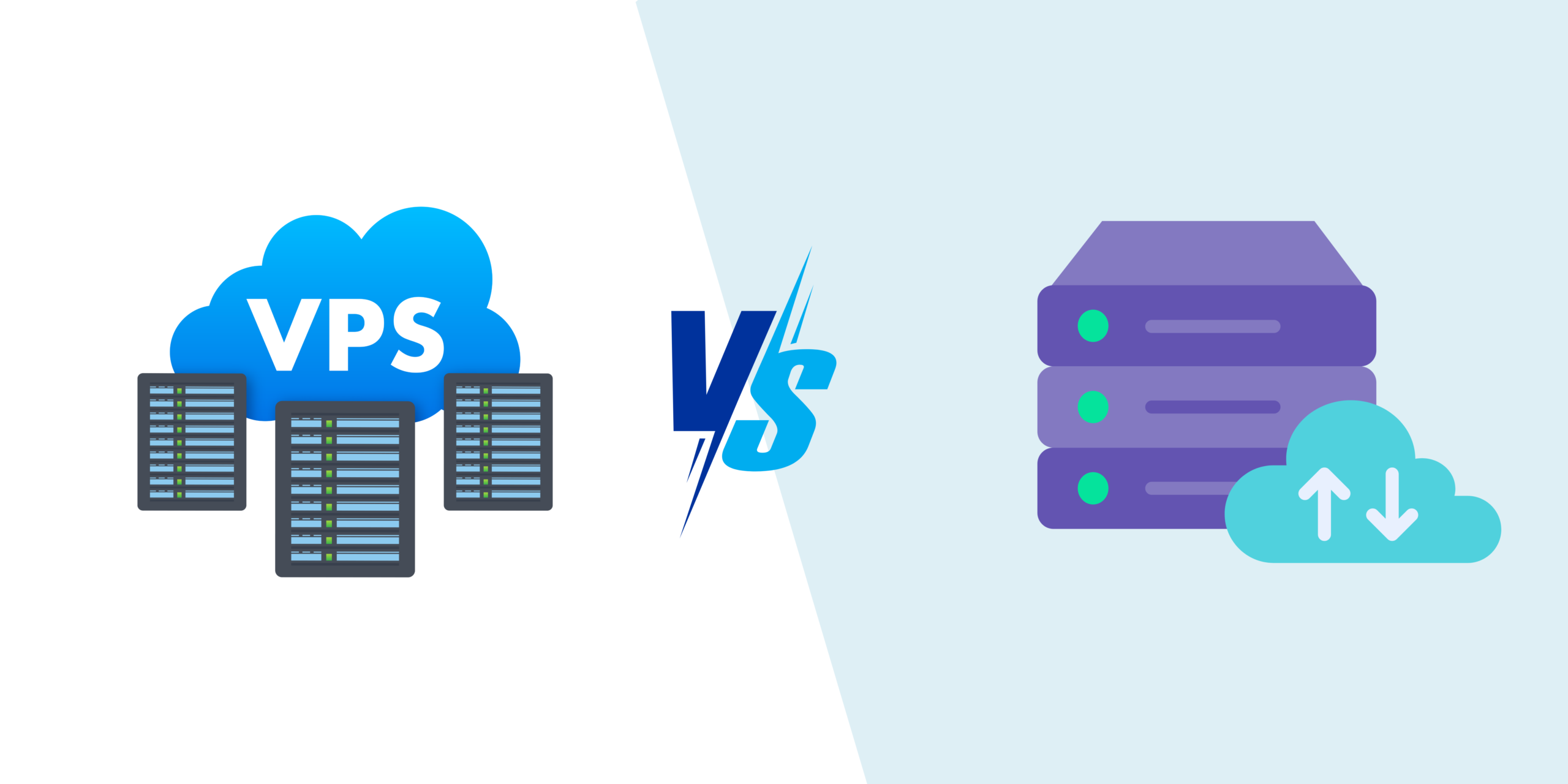
Dedicated vs VPS vs cloud
| Area | VPS | Dedicated server | Cloud platform |
|---|---|---|---|
| Hardware isolation | Virtual | Physical single-tenant | Usually virtualized, service dependent |
| Scaling | Resize plan | Hardware upgrade/migration | Often most flexible |
| Control | High | Very high | Varies by service |
| Operational complexity | Moderate | Moderate to high | Ranges from simple to complex |
| Billing | Usually fixed | Usually fixed | Often usage-based |
A business should compare the whole operational model, not only CPU specifications.
Signs a Dedicated Server May Make Sense
Sustained resource demand
If a workload consistently uses substantial CPU, memory, or storage I/O, dedicated hardware can provide predictable access to those resources without a virtualization layer competing for the same host.
Specialized hardware or storage
Some applications need specific CPU characteristics, large local NVMe arrays, GPUs, high-memory configurations, or custom storage layouts that are easier to provision on dedicated hardware.
Strict isolation requirements
Organizations may prefer physical single tenancy for internal policy, contractual, or workload-isolation reasons. This does not automatically make the system secure; operating-system, application, network, identity, and backup controls are still necessary.
Predictable high bandwidth
Large media, download, game, data-processing, or API workloads may benefit from a dedicated network allocation when the provider’s plan and data-center connectivity match the use case.
Stable workload over time
If demand is consistently high rather than highly variable, fixed dedicated capacity can sometimes be simpler to budget than elastic cloud resources.
When a Dedicated Server Is Probably Overkill
A dedicated machine can be unnecessary if the problem is caused by inefficient code, unoptimized images, poor caching, or a slow database query. Moving the same application to larger hardware may hide the issue temporarily rather than solve it.
- A small content site with effective caching rarely needs dedicated hardware.
- A growing site that needs only more RAM/CPU may be better served by a larger VPS.
- A workload with short unpredictable spikes may fit elastic cloud hosting better.
- A non-technical business may prefer managed hosting that removes server administration.
See our guide on when to upgrade to VPS hosting before assuming dedicated hardware is the next step.
Managed vs Unmanaged Dedicated Servers
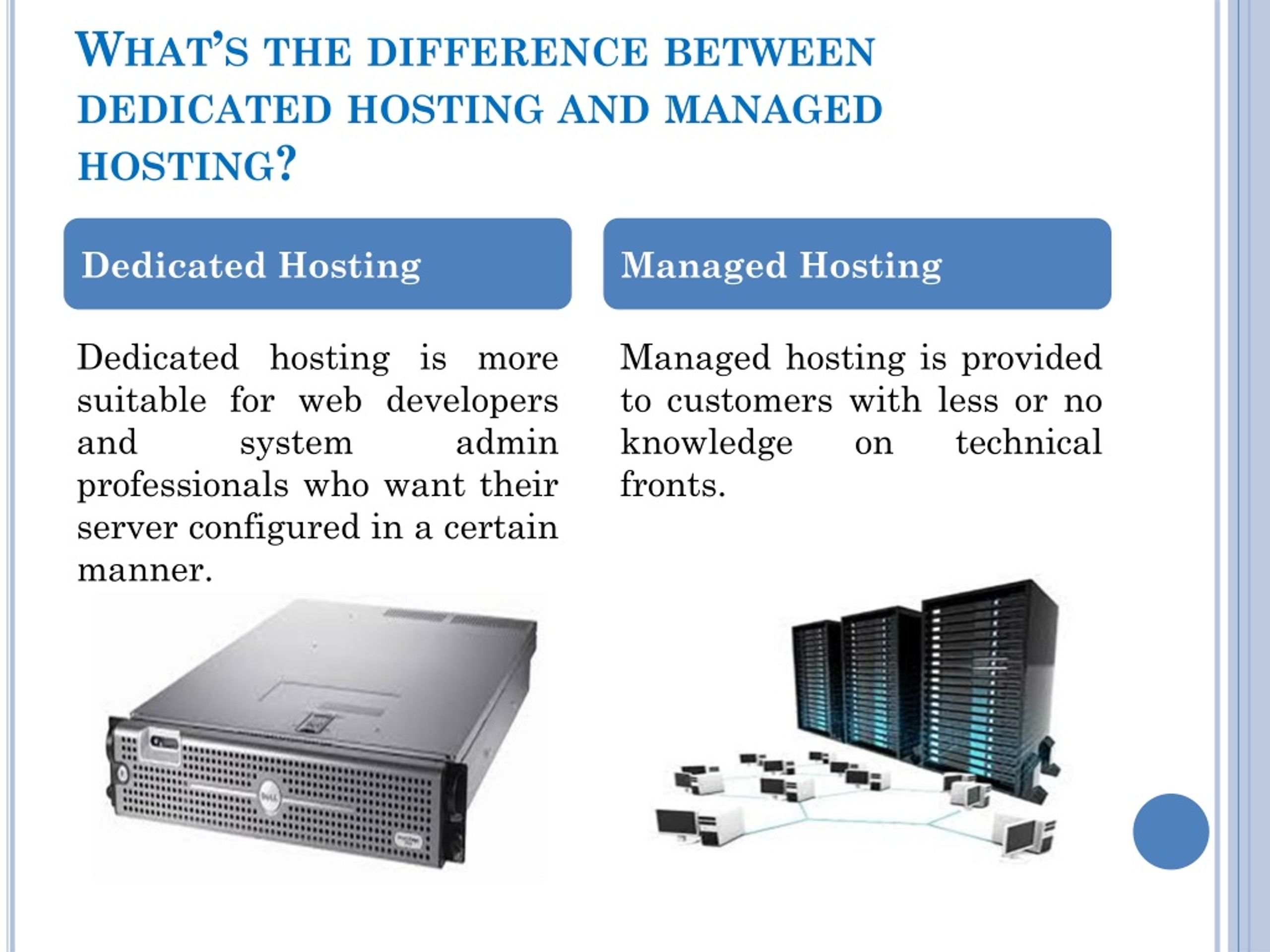
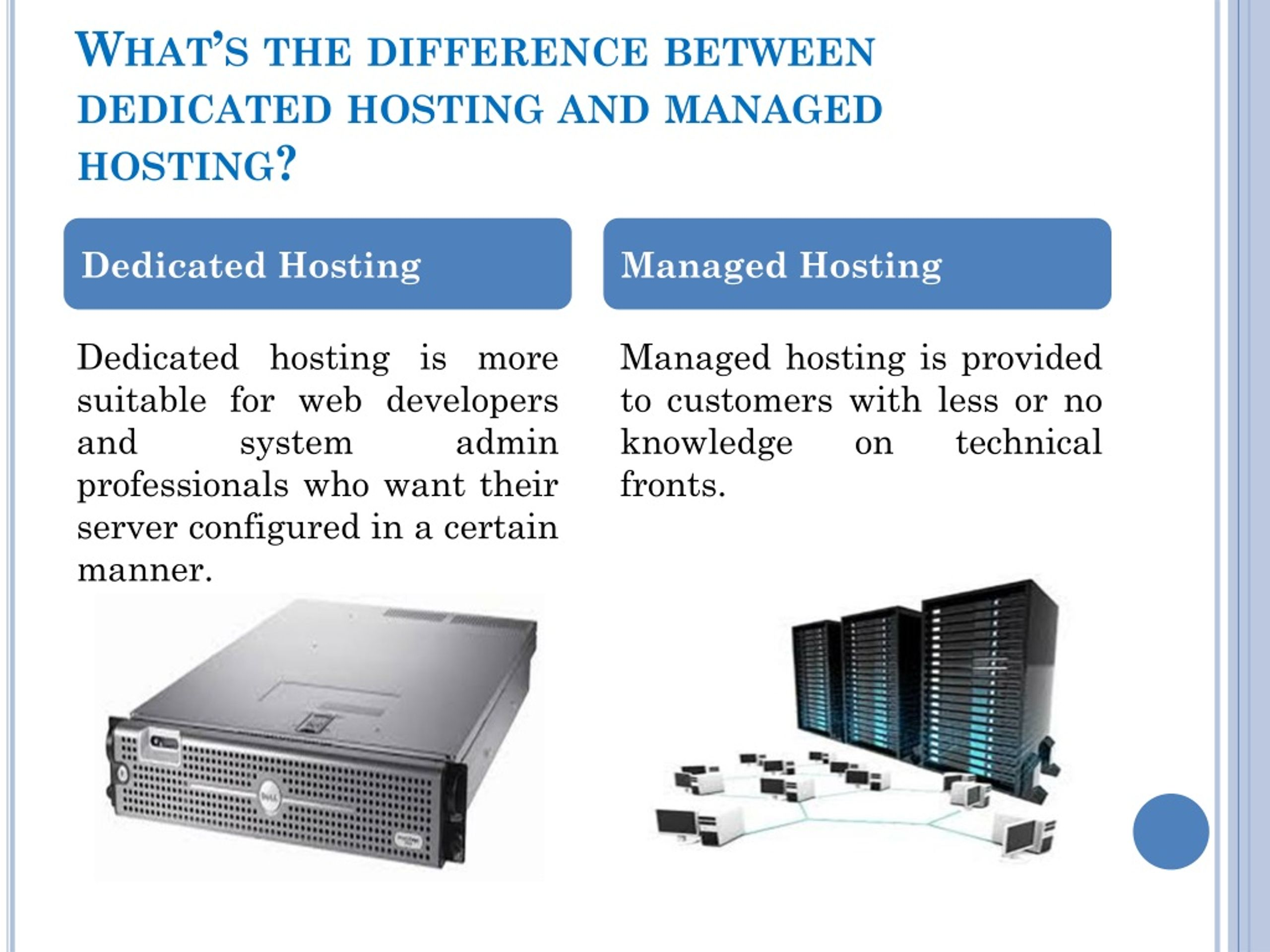
Dedicated hardware does not tell you who maintains the operating system. With unmanaged hosting, the customer typically handles much more of the software stack. Managed plans may include updates, monitoring, backups, control-panel administration, security hardening, or incident support, but definitions vary.
Ask exactly what “managed” includes
- Operating-system updates.
- Web server and database management.
- 24/7 monitoring and response.
- Backup configuration and restoration.
- Malware/security incident assistance.
- Control-panel licensing and maintenance.
- Application-level troubleshooting.
A low server price can become expensive if the business must hire separate expertise for every operational task.
Security Benefits and Responsibilities
Physical isolation removes the risk of sharing the same physical host with unrelated virtual tenants, but most real-world security responsibilities remain.
- Patch the operating system and applications.
- Limit exposed network services.
- Use strong administrator authentication.
- Separate admin accounts from everyday user activity.
- Monitor system and authentication logs.
- Encrypt sensitive data where appropriate.
- Maintain independent backups.
- Test incident-response and recovery procedures.
Hardware isolation is only one layer. A vulnerable web application can still be compromised on the most expensive dedicated server.
Performance Planning for Dedicated Hosting


CPU
Consider sustained utilization, core count, clock speed, and the application’s ability to use multiple cores. A database-heavy site may respond differently from a video-encoding or compilation workload.
Memory
Allow enough RAM for the operating system, application processes, database caches, and traffic peaks without frequent swapping.
Storage
Evaluate NVMe/SSD performance, capacity, redundancy, endurance, and backup needs. RAID can improve resilience against some disk failures but is not a backup.
Network
Check port speed, included transfer, overage pricing, DDoS protection, and actual data-center connectivity to your audience.
High Availability Requires More Than One Dedicated Server
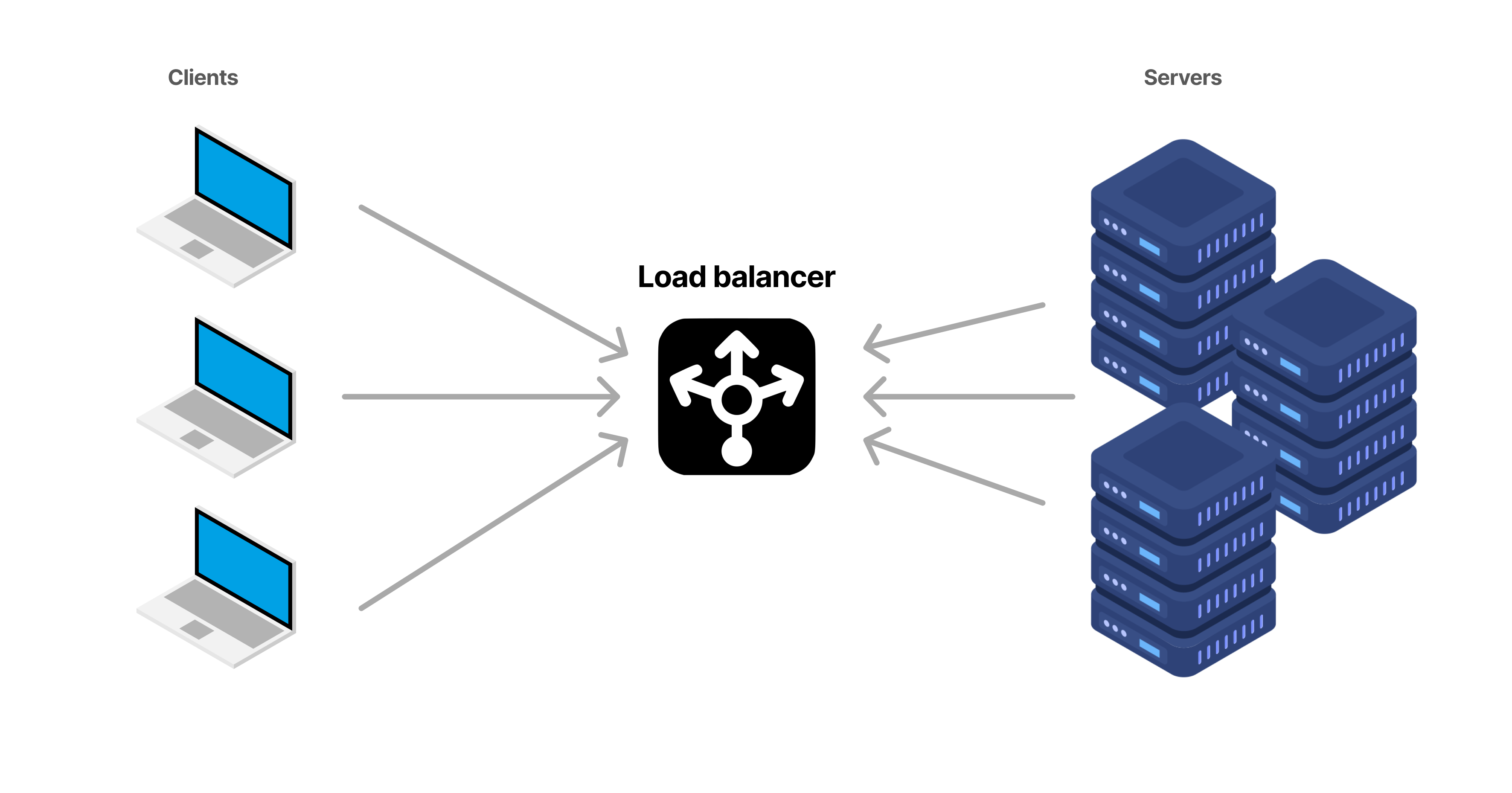
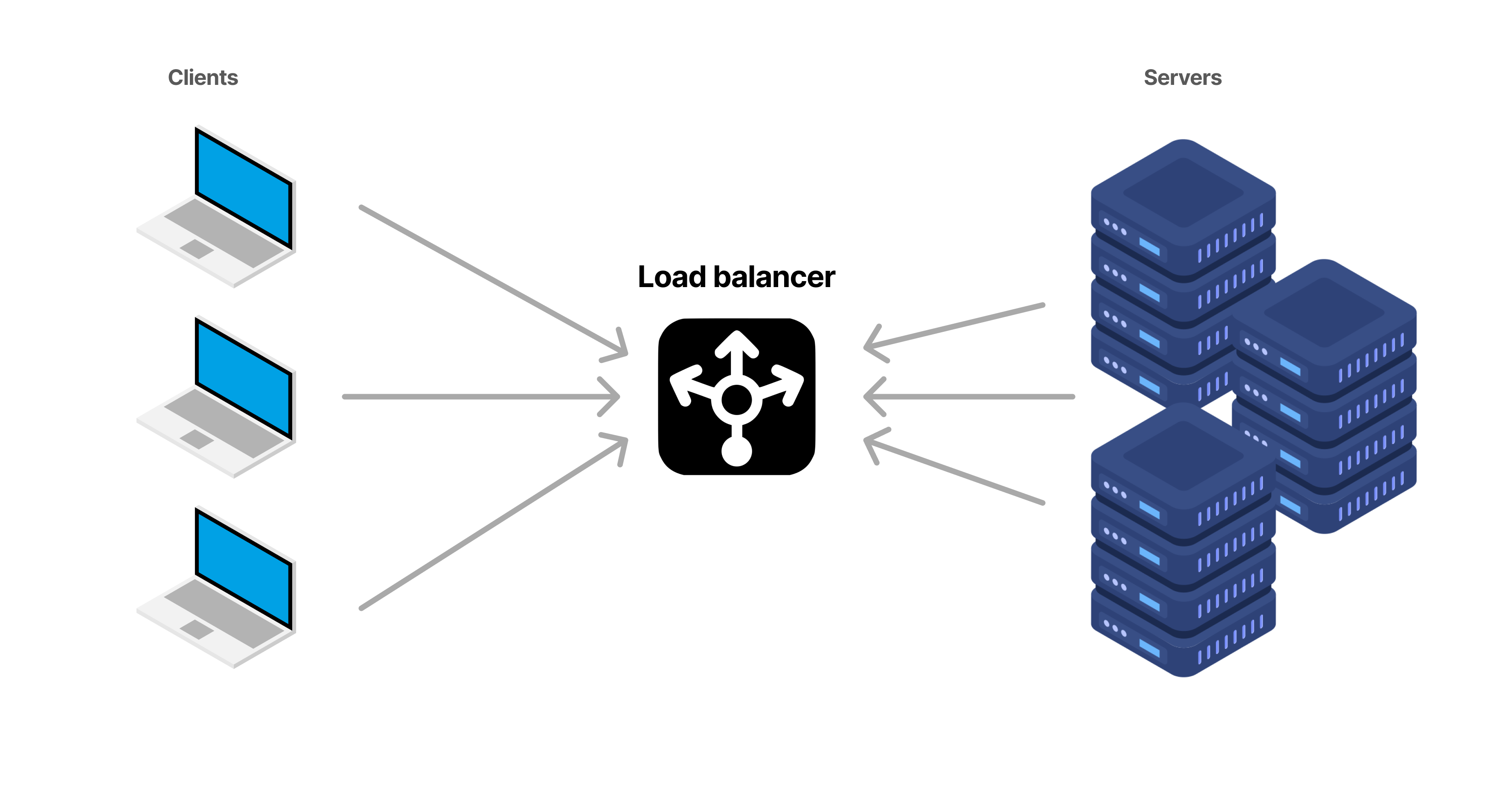
A single dedicated server is still a single server. If its motherboard, storage controller, power path, operating system, or application fails, the site may become unavailable. Hardware replacement from the provider helps, but replacement time is not the same as uninterrupted service.
Business-critical systems may need load-balanced multiple servers, replicated databases, external storage, or a tested standby environment. Cloud services can sometimes make this architecture easier. Read our guide on cloud hosting and resilience for comparison.
Migration Checklist
- Measure current CPU, memory, database, storage, and traffic demand.
- Choose hardware with realistic headroom.
- Confirm management responsibilities in writing.
- Create independent backups before migration.
- Configure security and monitoring before public launch.
- Test application features, scheduled jobs, email, APIs, and SSL.
- Plan DNS and data synchronization.
- Monitor resource use and errors after cutover.
- Document recovery if the physical server fails.
Dedicated Hosting Buyer Checklist
- CPU model/core configuration appropriate to the workload.
- Enough RAM with growth headroom.
- Storage type, redundancy, and replacement process.
- Network port speed and transfer limits.
- Data-center location.
- DDoS/network protection scope.
- Managed-service responsibilities.
- Backup and restore options.
- Hardware replacement SLA/process.
- Migration path if the server is eventually outgrown.
Frequently Asked Questions
Is dedicated hosting faster than VPS hosting?
It can provide more predictable hardware access, but real application speed depends on the server configuration, software stack, database, caching, and code. A well-configured VPS can outperform an underpowered or poorly tuned dedicated server.
Does dedicated hosting improve security?
Physical single tenancy can improve isolation, but it does not replace application security, patching, strong authentication, firewalling, monitoring, and backups.
Can one dedicated server provide high availability?
No. A single server remains a single point of failure. High availability normally requires redundancy across multiple components or systems.
Conclusion
A dedicated hosting server makes sense when a business can clearly explain why it needs physical single tenancy, sustained predictable resources, specialized hardware, or a specific operational model. It is not a mandatory milestone for every successful website.
Measure the workload, compare VPS and cloud alternatives, understand who manages the server, and plan for failure. The best hosting choice is the one that meets performance and business requirements with the least unnecessary complexity.