 by
by Shared hosting is a sensible starting point for many websites because it is inexpensive and easy to manage. Several customers share the same physical server and the hosting company handles much of the underlying administration. The trade-off is that CPU, memory, storage performance, and server-level controls are more limited than on a virtual private server (VPS).
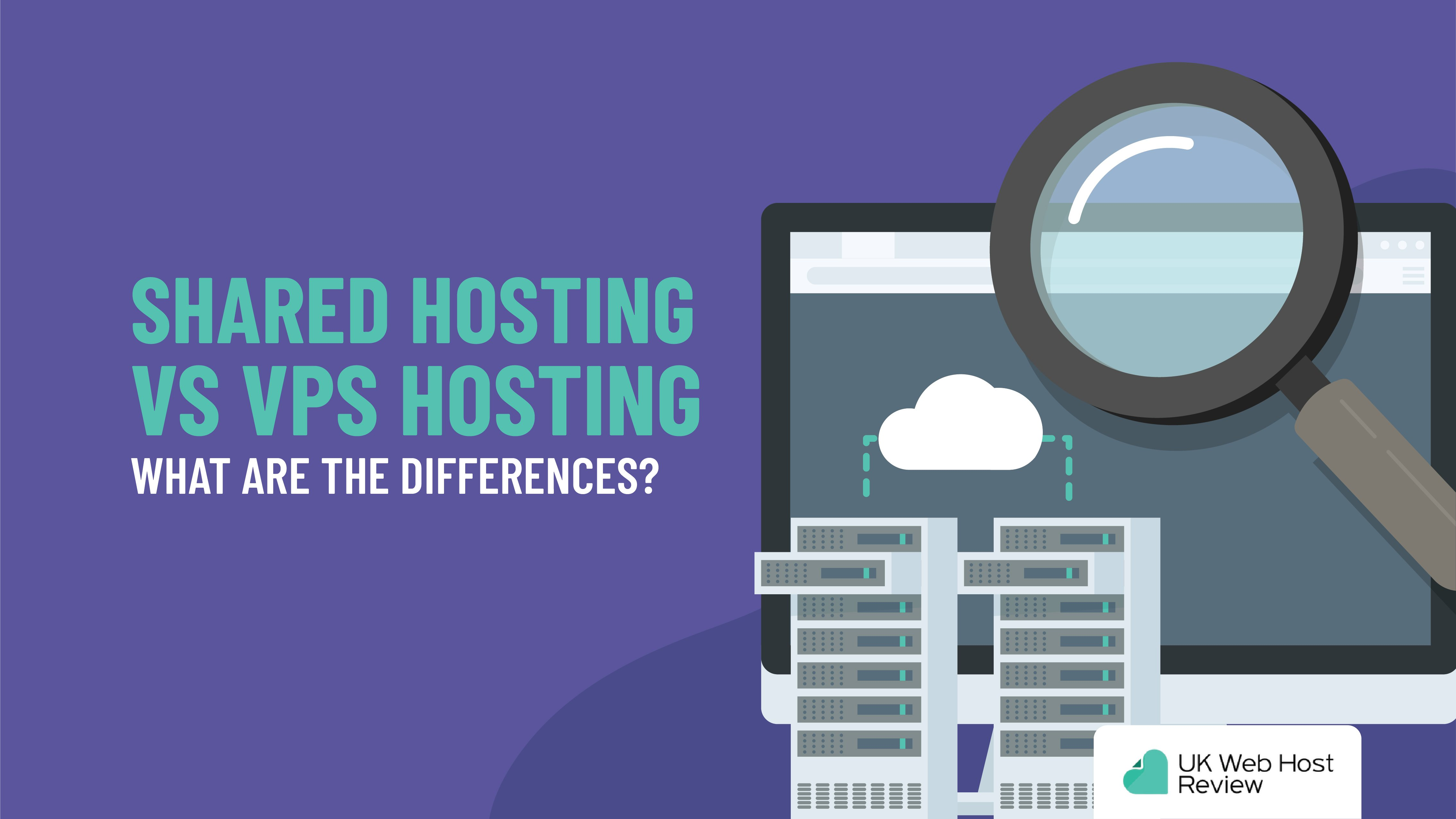
A VPS becomes useful when a site has outgrown those limits or needs more predictable resources and configuration control. Upgrading too early can add cost and administration without improving the site, while upgrading too late can create slow pages, resource-limit errors, failed background jobs, or difficult traffic spikes. This guide explains how to recognize the right time.
What VPS Hosting Actually Is
A VPS uses virtualization to divide a physical server into isolated virtual environments. Each VPS normally receives an allocated amount of CPU, memory, storage, and operating-system access. Other customers may still share the underlying hardware, but resource boundaries are clearer than on typical shared hosting.
Shared hosting vs VPS hosting
| Area | Shared hosting | VPS hosting |
|---|---|---|
| Cost | Usually lower | Usually higher |
| Server control | Limited | Greater, especially with root/admin access |
| Resource predictability | More dependent on host limits | Defined virtual resources |
| Administration | Mostly handled by provider | Depends on managed vs unmanaged plan |
| Scaling | Often plan-based | Usually easier to resize within platform limits |
VPS hosting does not automatically make a website fast. Application code, database design, caching, image sizes, plugins, themes, CDN configuration, and visitor geography still matter.
Signs You May Have Outgrown Shared Hosting
1. You regularly hit resource limits
Many shared plans enforce CPU, memory, process, inode, or database limits. If the hosting dashboard repeatedly shows throttling or resource-limit errors during normal traffic, moving to a plan with more predictable resources may help.
2. Performance becomes inconsistent
A site that is fast at quiet times but slows significantly during traffic peaks may be constrained by shared resources. First rule out oversized images, slow plugins, uncached pages, and third-party scripts. Hosting should be changed based on evidence rather than assumption.
3. You need server-level software or configuration
Developers may require a particular PHP extension, runtime, queue worker, database setting, firewall rule, or deployment tool that shared hosting does not permit. A VPS provides more flexibility.
4. Background jobs are becoming important
Ecommerce synchronization, large imports, scheduled tasks, search indexing, backups, or application queues can require more memory and execution time than basic plans allow.
5. Business risk from downtime has increased
As a website becomes commercially important, the hosting decision should consider monitoring, backups, support response, recovery options, and availability—not just traffic volume.
Managed vs Unmanaged VPS Hosting
This is one of the most important buying decisions. With an unmanaged VPS, the customer is responsible for more server administration. That may include security updates, firewall configuration, web-server tuning, backups, monitoring, and troubleshooting. With a managed VPS, the provider handles a defined set of these tasks.
Choose managed VPS when
- You do not have reliable Linux/server administration skills in-house.
- The website is business-critical and support access matters.
- You want the provider to handle routine patching or stack maintenance as defined by the plan.
- You prefer to focus on the application rather than the operating system.
Choose unmanaged VPS when
- You are comfortable securing and maintaining a server.
- You need deep configuration control.
- You already have monitoring, backup, and incident-response processes.
- You understand that a lower monthly fee may come with more operational responsibility.
Always read the host’s definition of “managed.” The exact tasks included vary significantly.
How Much CPU and RAM Do You Need?
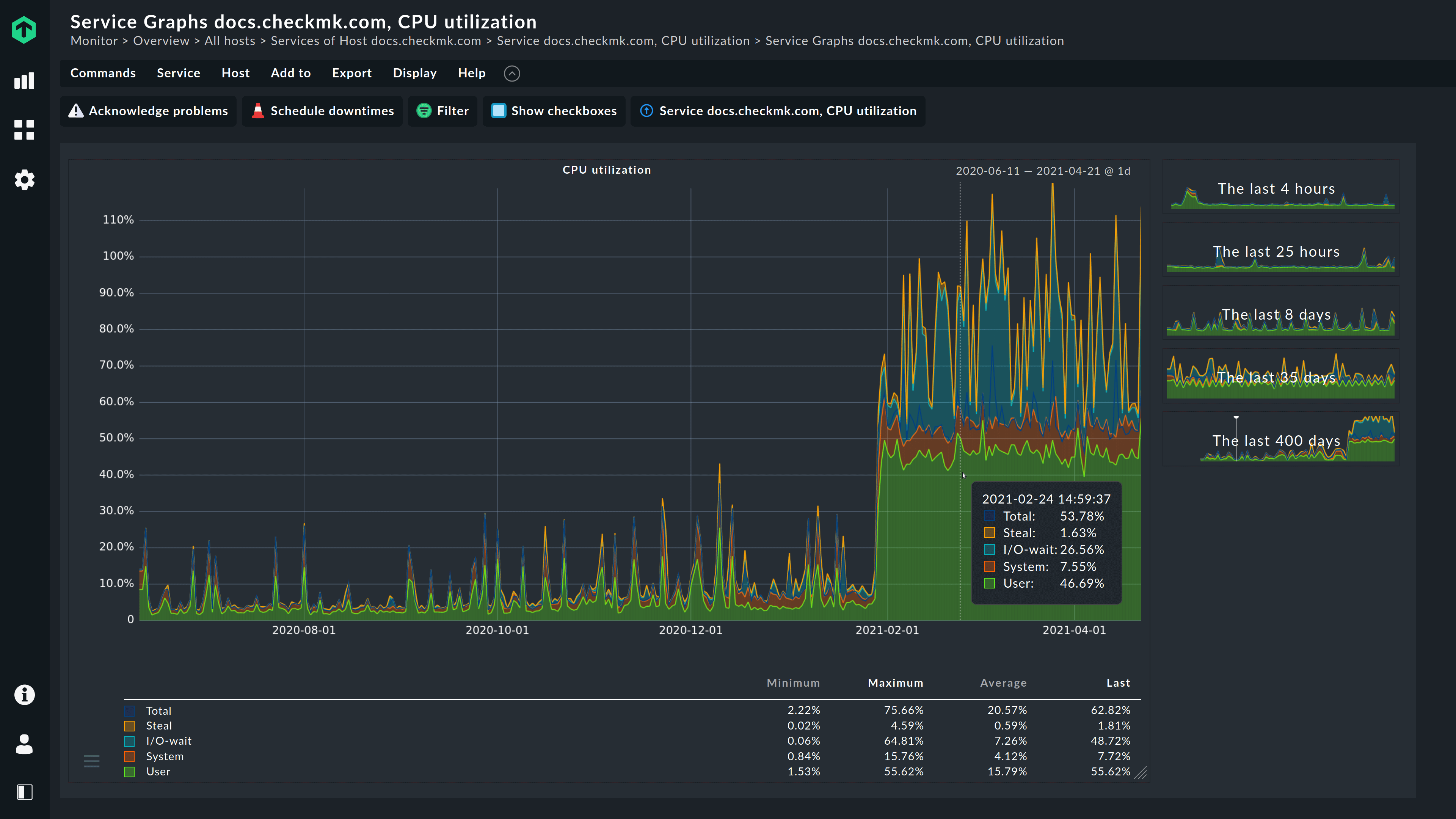
There is no universal number because workloads differ. A cached content site can serve many visitors with modest resources, while an uncached ecommerce or membership site may use much more CPU and database capacity per visitor.
Start with your existing measurements. Review memory usage, CPU peaks, PHP workers/process limits, database load, disk utilization, and traffic patterns. Then choose a VPS with headroom rather than buying based only on pageview estimates.
Storage type matters too
Fast SSD or NVMe storage can improve database-heavy workloads, but storage performance should be considered alongside backups, redundancy, capacity, and provider architecture.
VPS Hosting and WordPress
WordPress can run on many hosting environments as long as the stack meets the platform’s supported requirements. The official WordPress requirements page is the best place to check current recommended software versions rather than relying on an old hosting comparison.
For WordPress sites, performance usually improves most when the hosting stack is paired with full-page caching, optimized images, efficient plugins/themes, database maintenance, and a CDN where appropriate. Our guide on hosting and Core Web Vitals explains the connection between server response and front-end performance.
Security Responsibilities Increase With Control
A VPS gives more control, but that also means there is more to secure. For unmanaged servers, basic responsibilities can include:
- Applying operating-system and software updates.
- Restricting administrative access.
- Using key-based or otherwise strong authentication where appropriate.
- Configuring a firewall and exposing only needed services.
- Monitoring failed logins and unusual resource activity.
- Maintaining independent backups.
- Removing unused packages and accounts.
If these tasks are unfamiliar, a reputable managed service may be safer than an unmanaged VPS purchased only for extra speed.
Before You Migrate: VPS Checklist
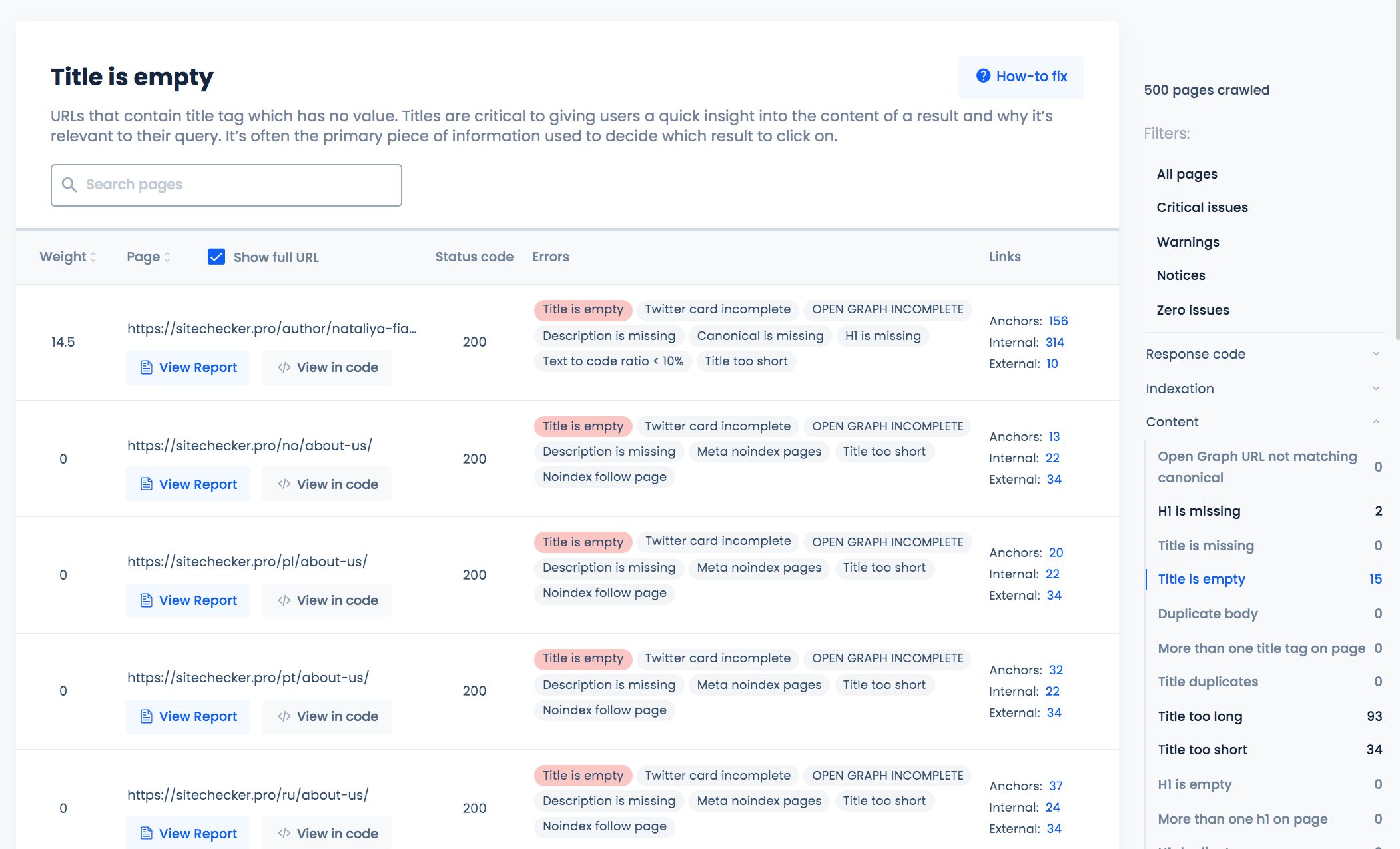
- Measure the current bottleneck. Confirm that hosting resources are actually part of the problem.
- Take a full backup. Include files, databases, DNS details, email configuration, and application settings.
- Lower DNS TTL in advance if appropriate. This can make planned DNS changes propagate more quickly.
- Build and test the new environment before cutover. Check forms, logins, checkout, cron tasks, APIs, redirects, and SSL.
- Plan for data created during migration. Ecommerce and membership sites may require a short maintenance or synchronization window.
- Monitor after launch. Watch errors, uptime, resource use, database load, and user-facing performance.
When a VPS Is Not the Best Next Step
If you mainly want easier scaling and less server administration, managed cloud hosting may be a better fit. If the site is small and the real problem is an unoptimized theme or oversized media, fixing the application may provide a better result than changing servers.
For very demanding workloads requiring dedicated hardware or strict isolation, read our guide on when a dedicated server makes sense.
Frequently Asked Questions
Does VPS hosting guarantee faster page speed?
No. It can provide more predictable server resources, but page speed also depends on application code, caching, databases, images, scripts, CDN use, and user location.
Is VPS hosting secure by default?
The virtualization layer provides isolation, but the operating system and applications still need secure configuration and updates. Managed plans may handle some tasks; verify the provider’s scope.
Can I upgrade a VPS later?
Many providers allow CPU, memory, or storage upgrades, but the process and limits vary. Check scaling options and whether resizing causes downtime before choosing a plan.
Conclusion
Upgrade from shared hosting to a VPS when you have a clear need for more predictable resources, server-level control, or operational flexibility. Do not treat VPS hosting as an automatic performance upgrade. Measure the bottleneck, compare managed and unmanaged responsibilities, and confirm that the new plan solves the actual limitation.
A careful migration—with backups, testing, monitoring, and enough resource headroom—can give a growing website a stronger foundation without moving immediately to dedicated hardware.