
 by
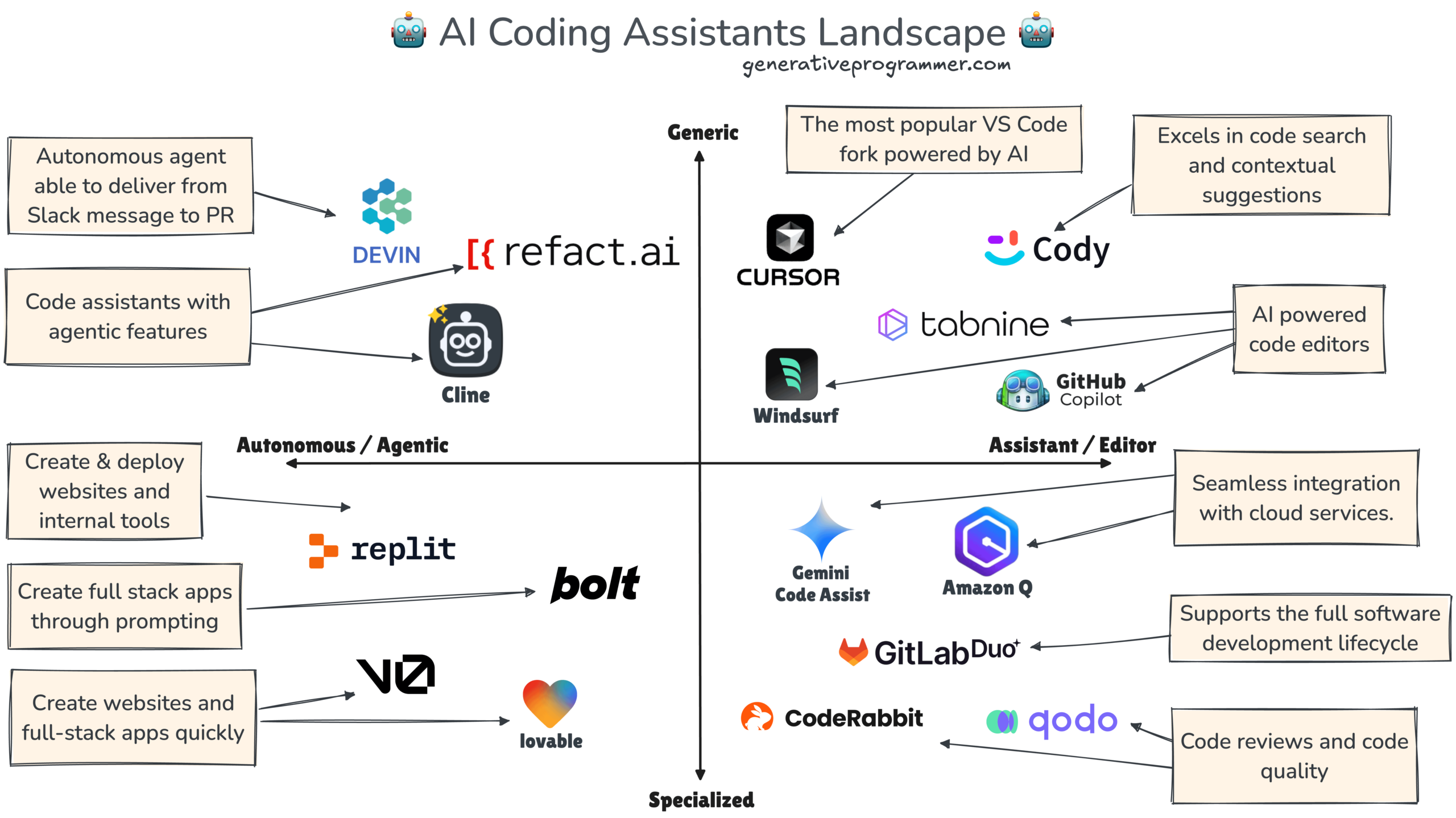
by AI coding assistants can now explain unfamiliar code, generate tests, edit several files, run commands, and complete agent-style development tasks. That makes them more useful than traditional autocomplete, but it also means teams need clearer rules about context, permissions, testing, and review.
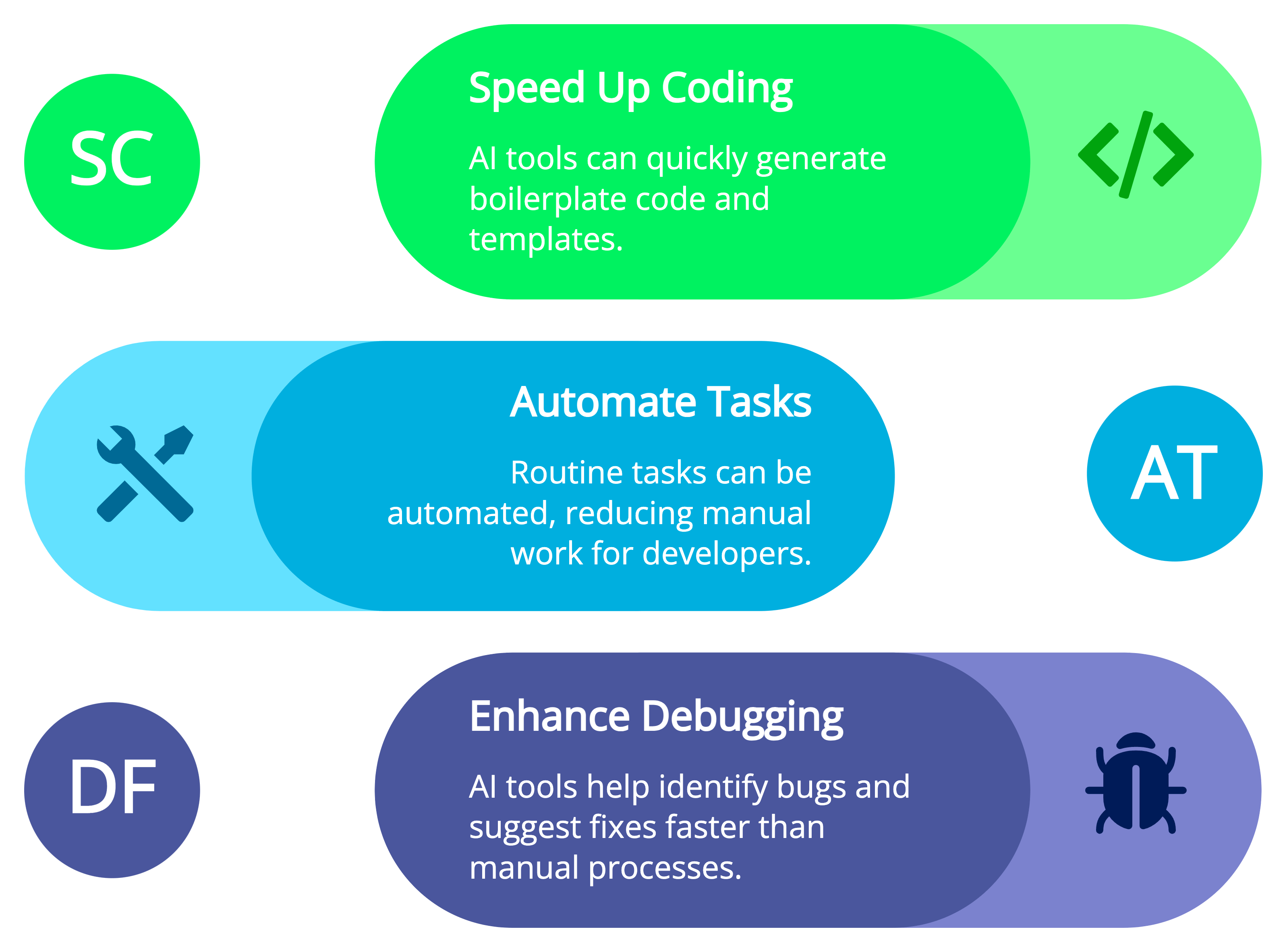
The right tool is only part of the decision. A strong AI coding workflow depends on the quality of the repository, the instructions given to the agent, the tests available to validate changes, and the developer’s ability to understand the final diff. This guide focuses on those foundations so the process remains useful even as individual coding products change.
What AI Coding Assistants Are Good At
- Explaining an unfamiliar function or subsystem.
- Generating boilerplate from an established project pattern.
- Writing first-pass unit tests.
- Refactoring repeated code.
- Finding likely locations related to a bug.
- Updating documentation alongside a code change.
- Converting structured requirements into an initial implementation.
- Reviewing a diff for common mistakes.
They are strongest when the task has a clear definition and the repository contains good examples of the desired pattern.
Where Coding Assistants Need More Supervision
AI-generated code can look convincing while using an outdated API, missing an edge case, weakening an authorization check, or solving the visible symptom instead of the real bug.
Use stronger review for
- Authentication and authorization.
- Payment or financial logic.
- Cryptography.
- Database migrations.
- Infrastructure and deployment changes.
- Concurrency and distributed systems.
- Security-sensitive parsing or file handling.
- Code involving privacy or regulated data.
The developer remains responsible for understanding the change before it reaches production.
Repository Context Is the Difference Between Generic and Useful Code
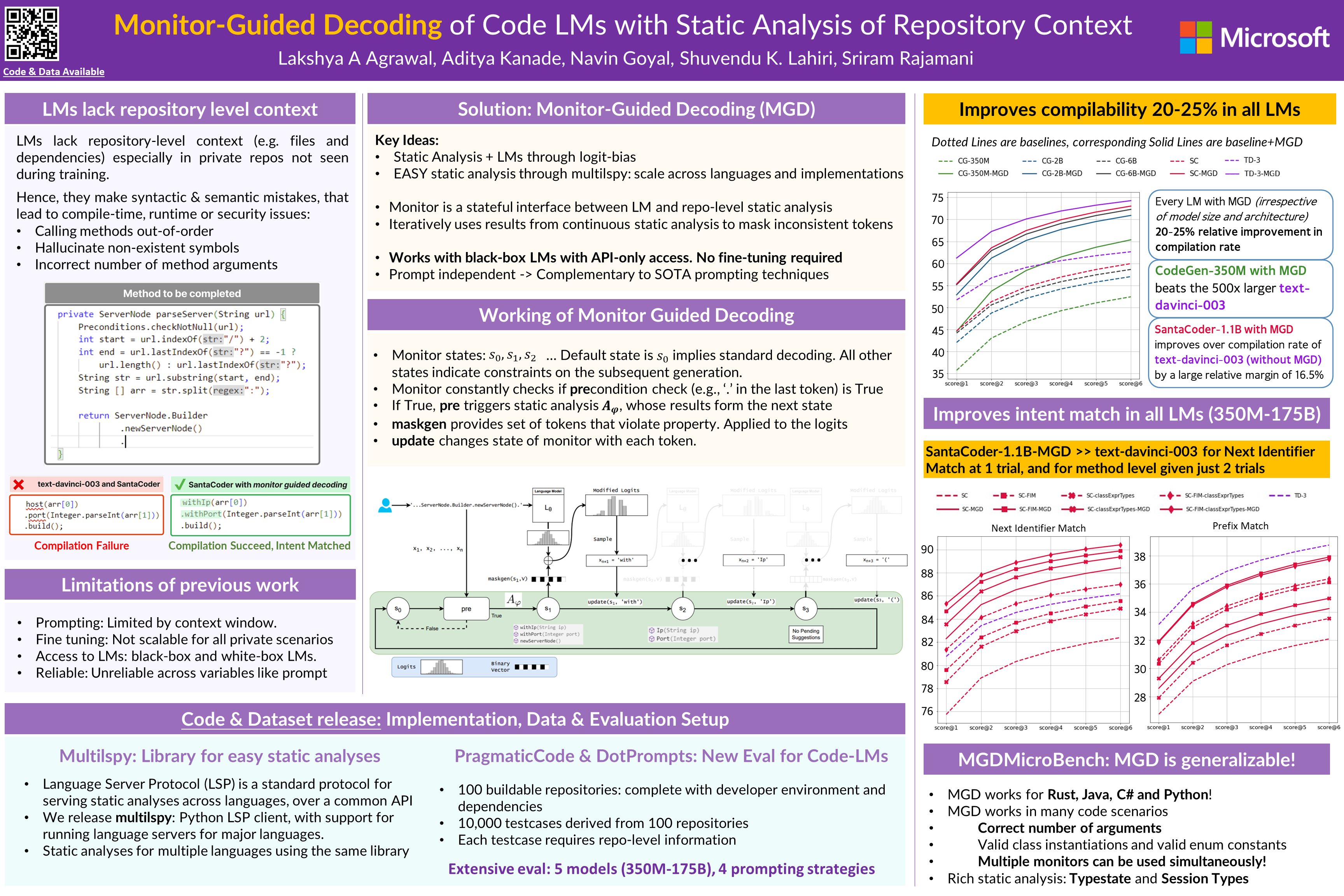
A coding assistant needs more than the current file. It may need architecture notes, test conventions, API contracts, database schemas, style rules, and examples from nearby modules.
Create durable project instructions
Modern tools support repository-level instruction mechanisms. GitHub Copilot supports custom instructions and agent skills, Cursor supports project rules, and Windsurf supports Rules or AGENTS.md. These files can document stable expectations such as:
- Preferred package manager.
- Testing command.
- Code formatting and linting rules.
- Folder architecture.
- Error-handling conventions.
- Libraries that should or should not be used.
- Security requirements.
- How database changes are performed.
Windsurf’s current Rules documentation, for example, recommends explicit version-controlled rules for durable team knowledge rather than depending only on automatic memory.
Give the Assistant a Development Contract
Instead of “fix this bug,” provide a compact contract that defines success.
Example task structure
- Problem: what is currently wrong?
- Expected behavior: what should happen?
- Constraints: what must not change?
- Relevant files: where should the assistant start?
- Tests: what command proves the fix?
- Output: code only, plan first, or diff plus explanation?
For large tasks, ask for a plan before edits. This gives the developer a chance to correct a wrong architectural assumption early.
Tests Are the Agent’s Feedback Loop
Agentic coding becomes more reliable when the assistant can run meaningful tests after making changes. Without tests, it may stop when the code looks plausible rather than when behavior is correct.
| Validation layer | What it catches |
|---|---|
| Formatter/linter | Style and many static mistakes |
| Type checker | Invalid types and interface mismatches |
| Unit tests | Local behavioral expectations |
| Integration tests | Behavior across components |
| End-to-end tests | Important user workflows |
| Security scanning | Known vulnerable dependencies and selected code risks |
A test generated by the same agent that wrote the implementation can still reproduce the same misunderstanding, so developers should inspect the assertions.
Never Trade Secret Management for Convenience
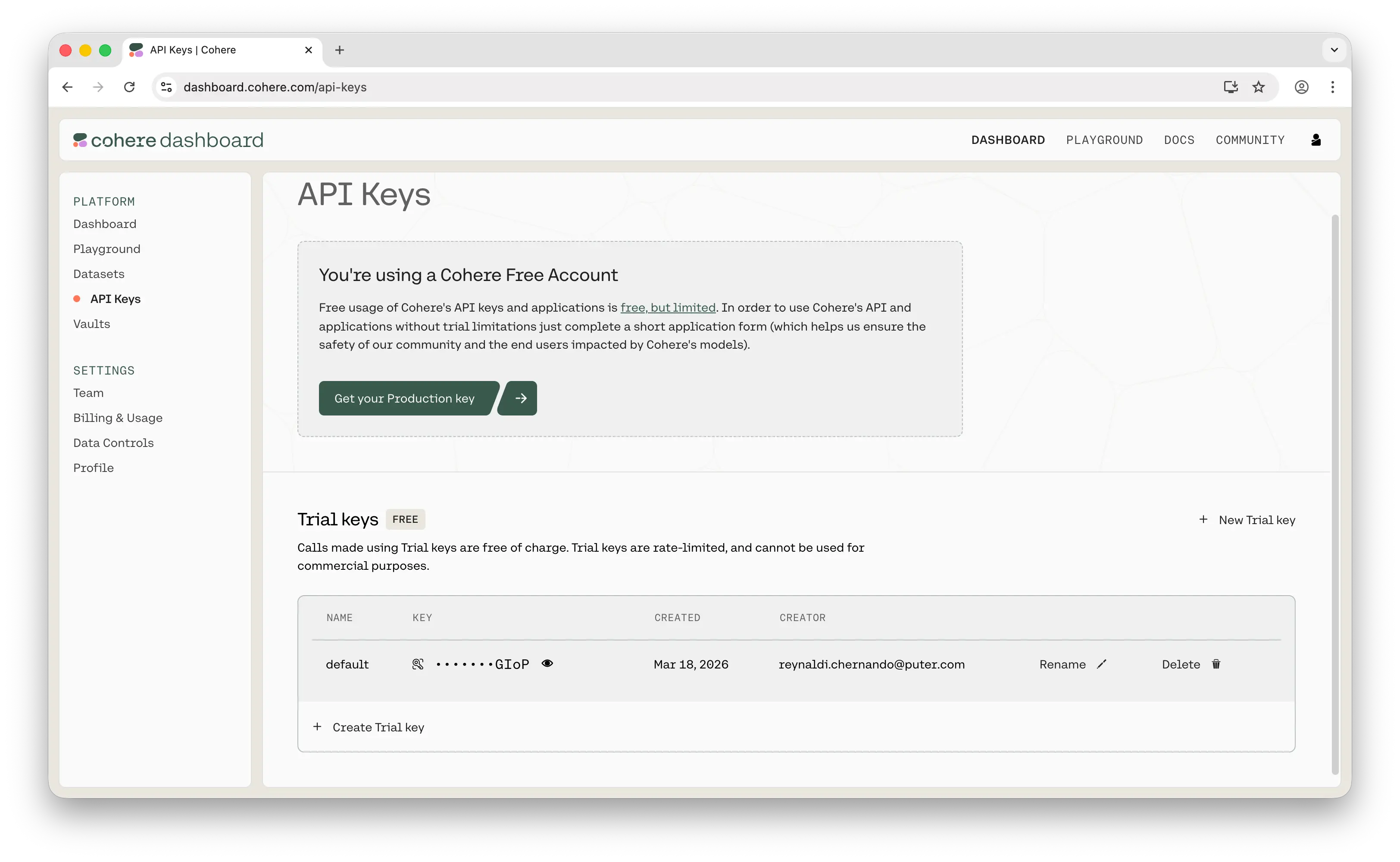
An agent may ask for an API key so it can run a command. That does not mean the secret should be pasted into chat, committed to the repository, or written into a source file.
Safer practices
- Use environment variables or a secret manager.
- Provide development credentials with limited permissions.
- Avoid giving the assistant production keys.
- Review terminal commands before executing sensitive operations.
- Keep `.env` and secret files excluded from source control.
- Rotate any credential accidentally exposed in a prompt or log.
Agent Permissions Should Match the Task
GitHub’s current coding agent documentation uses a pull-request-based model where delegated work is completed in a controlled environment and submitted for human review. The exact model varies by product, but the principle is broadly useful: separate generation from approval.
High-risk capabilities to control
- Running arbitrary shell commands.
- Accessing network services.
- Changing deployment infrastructure.
- Writing to production databases.
- Opening or merging pull requests automatically.
- Reading secrets outside the project scope.
Review AI Code Differently From Human Code?
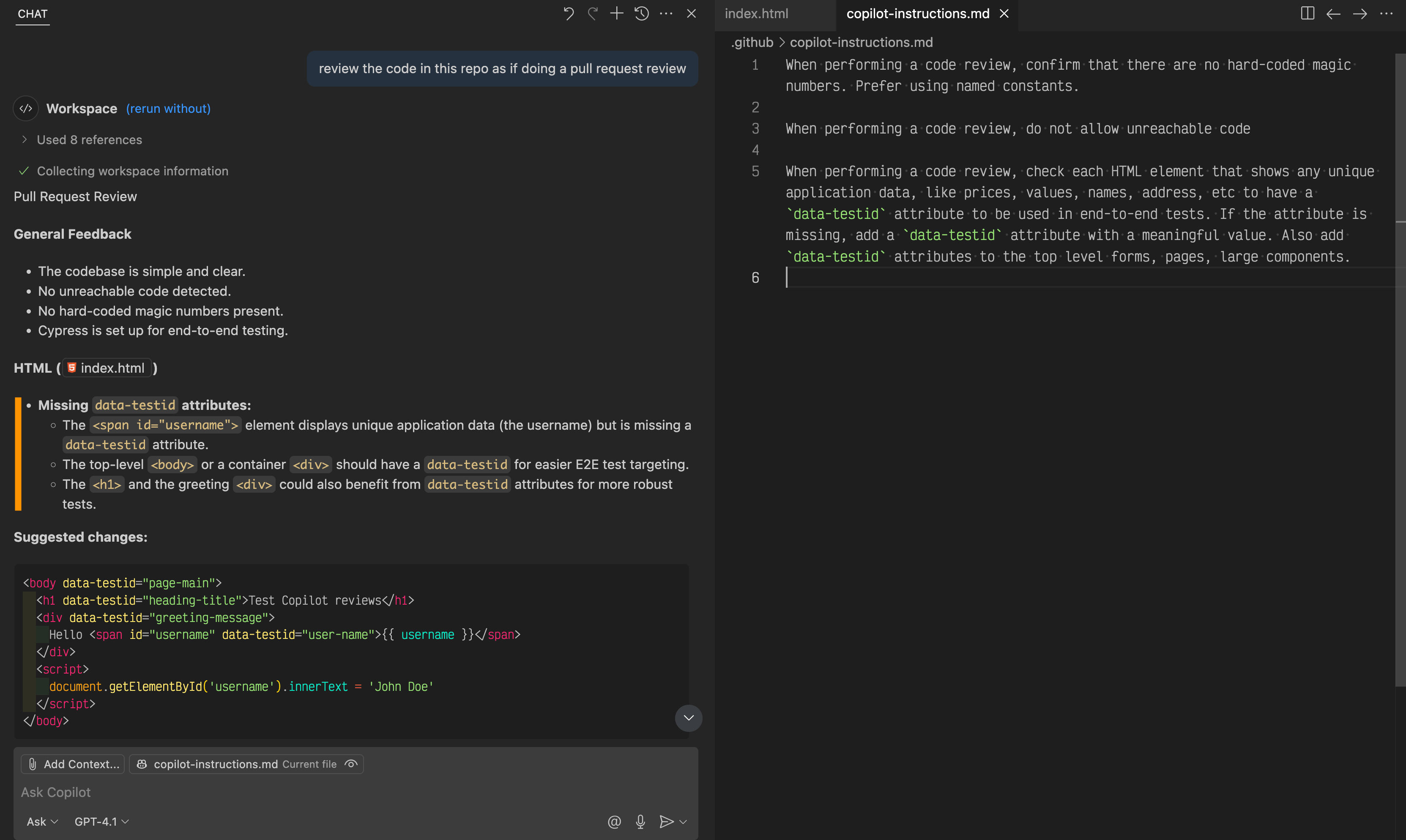
The quality bar should be the same, but AI changes deserve extra attention to a few patterns.
- Large unnecessary diffs.
- Duplicated code instead of using existing abstractions.
- Invented functions or APIs.
- Tests that do not test the real failure.
- Removed validation or error handling.
- Dependencies added without need.
- Comments that describe behavior the code does not actually implement.
Review the diff, run the test suite, and inspect the behavior. Do not accept a patch because the assistant provides a persuasive explanation.
How to Roll Out AI Coding Assistants to a Team
- Start with voluntary pilots. Choose developers and repositories with good tests.
- Define approved tools and data rules. Make clear what code can be shared with each service.
- Add repository instructions. Encode stable conventions.
- Create a small evaluation set. Use real bugs and feature tasks.
- Measure time to reviewed merge. Do not measure code generated.
- Review incidents. Capture repeated failure patterns and update rules.
- Expand based on evidence. Different teams may need different tools.
What to Measure
- Time from task start to reviewed merge.
- Pull-request review time.
- Defects found before and after merge.
- Test coverage for changed areas.
- Developer satisfaction.
- Percentage of AI changes substantially rewritten.
- Tool cost per active developer.
- Security or policy exceptions.
A tool that generates more code but creates more review and rework is not necessarily improving productivity.
Choosing a Tool
Current options differ by workflow. Cursor offers an AI-first editor, GitHub Copilot integrates deeply across GitHub and supported IDEs, and Windsurf’s Cascade emphasizes an AI-centered editor with rules, memories, workflows, and skills. See our Cursor vs GitHub Copilot vs Windsurf comparison for the direct product view.
AI Coding Assistant Checklist
- Use clear task requirements.
- Maintain repository-level instructions.
- Provide tests and validation commands.
- Keep secrets out of prompts and source files.
- Limit agent permissions.
- Review every important diff.
- Inspect generated tests.
- Use staging or development environments for agent actions.
- Measure reviewed outcomes, not generated code volume.
- Update team rules when recurring mistakes appear.
Frequently Asked Questions
Should beginners use AI coding assistants?
Yes, but they should use them as learning and development tools rather than accepting code they cannot explain. Beginners need to understand the language, debugging process, and security implications.
Can coding agents replace code review?
No. Agents can assist review, but important changes still need accountable human review and testing.
Should an AI assistant be allowed to deploy directly to production?
For most teams, production deployment should remain protected by normal CI/CD approvals, tests, environment controls, and authorization. An AI agent should not bypass the release process.
Conclusion
AI coding assistants are most effective when they work inside a disciplined engineering process. Good repository context makes their output more relevant, tests give them feedback, scoped permissions reduce operational risk, and human code review protects the final quality bar.
Choose a tool that fits the team, then invest in the workflow around it. The long-term advantage comes from faster, safer software delivery—not from maximizing how many lines of code an AI can generate.


One thought on “The Ultimate Guide to AI Coding Assistants for Modern Developers”
Comments are closed.